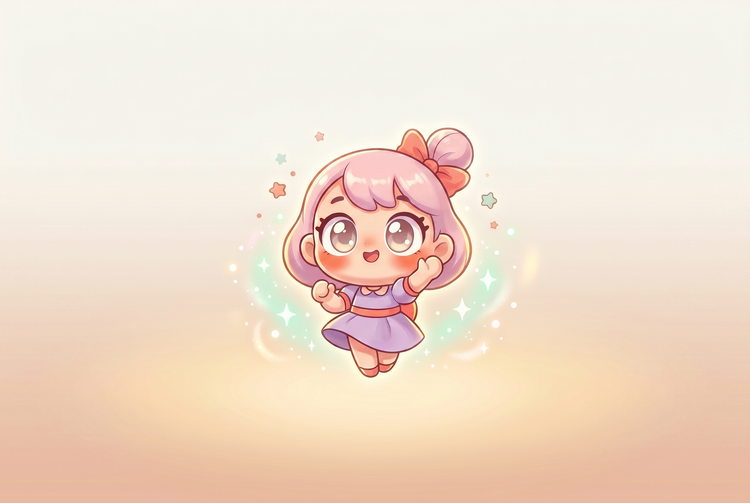
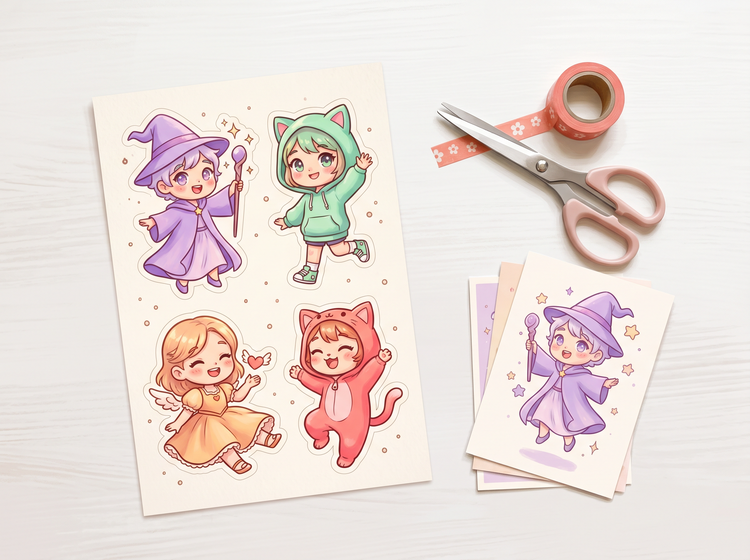
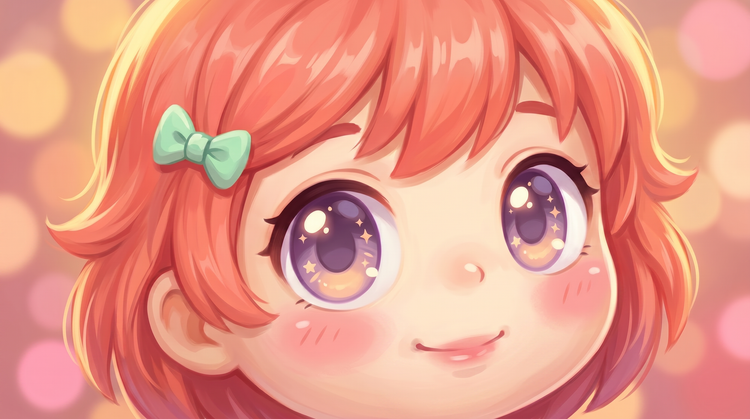
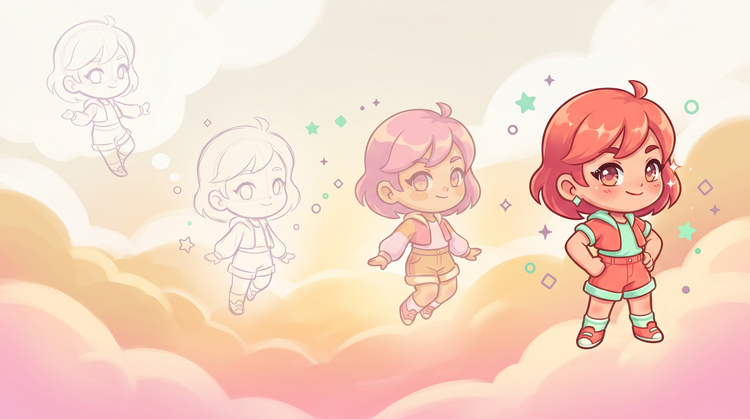
Include "chibi" directly in your prompt along with the character's defining traits: outfit, expression, and setting. The more specific you are, the more consistent the proportions and personality. A prompt like "chibi fox wizard in a purple robe, big curious eyes, holding a glowing wand" gives Adobe Firefly Generate Image clear visual targets to work from. Adjust one element at a time when iterating.
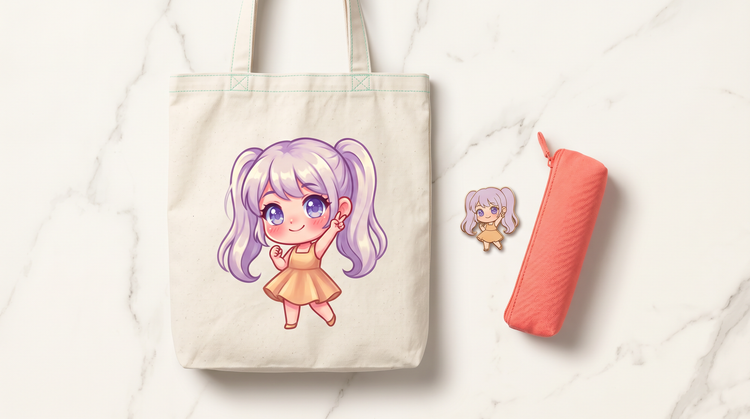
Yes. Adobe Firefly models are trained on licensed and public-domain content, which means the images you generate are commercially safe. You can use them on merchandise, in client deliverables, or on storefronts without additional licensing. If you use partner models available inside Firefly, it's your responsibility to review that model's terms for commercial use.
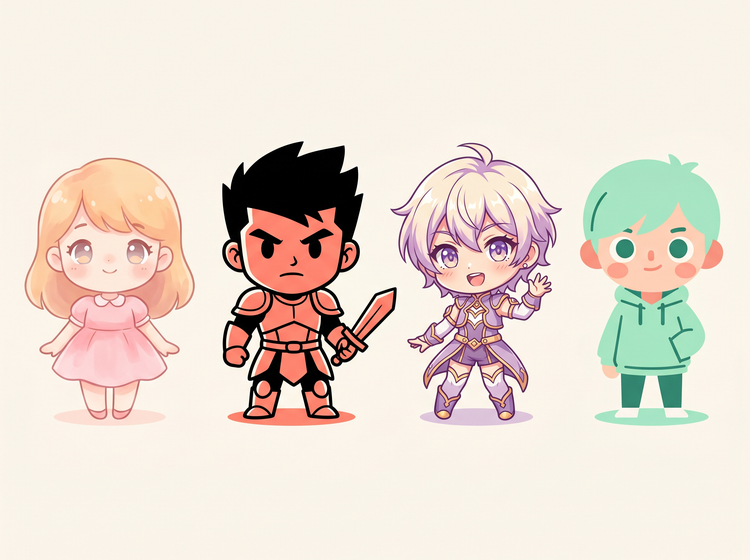
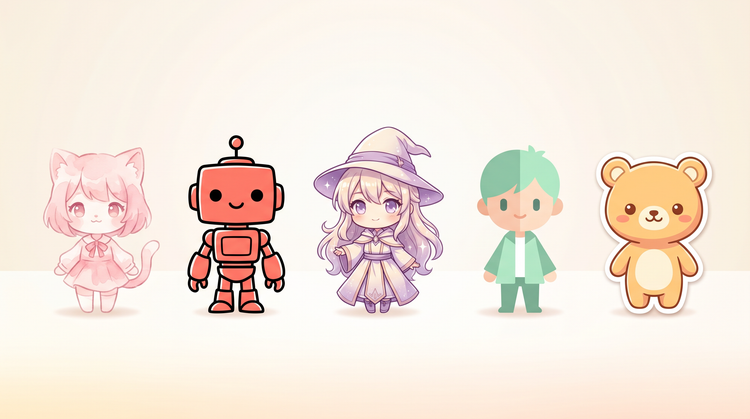
Generate Image handles a wide range of chibi variations. You can generate soft, pastel-palette characters suited to sticker design, bold-outlined chibis for game UI, anime-influenced styles with detailed shading, or flat graphic styles built for digital illustration. Describe the look you want in the prompt and use the Style panel to narrow the register. Mixing references like "chibi in ukiyo-e woodblock style" or "chibi with cel shading" gives you more targeted results.
The best chibi art generator gives you fast, consistent results across a range of styles, commercially safe output you can actually use, and enough prompt flexibility to nail specific character personalities. Adobe Firefly delivers all of that, with direct integration into the Adobe ecosystem so your characters move into your broader design workflow without extra steps.
Anime style covers a broad range of Japanese animation aesthetics, including realistic proportions, detailed environments, and varied tonal registers. Chibi is a specific subset: simplified, small-bodied characters with oversized heads and exaggerated expressions. In Adobe Firefly, you can specify both in the same prompt to combine elements, for example "anime chibi" for a result that blends detailed line work with chibi proportions. Use the Style panel to dial in which influence reads stronger.
Yes. Chibi characters generated in Adobe Firefly models are commercially safe, so you can use them on YouTube thumbnails, Instagram posts, TikTok graphics, or any other social platform. Export as PNG, drop the character into your design tool of choice, and publish. You do not need a separate license for social content created with Adobe Firefly models.
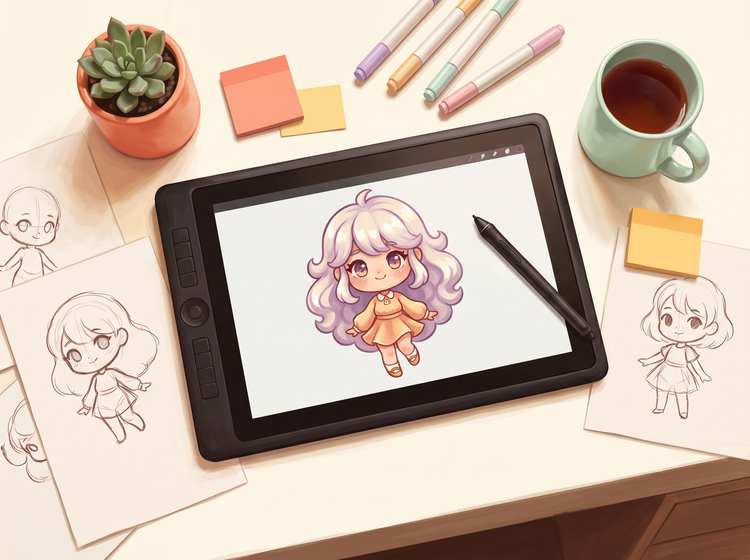
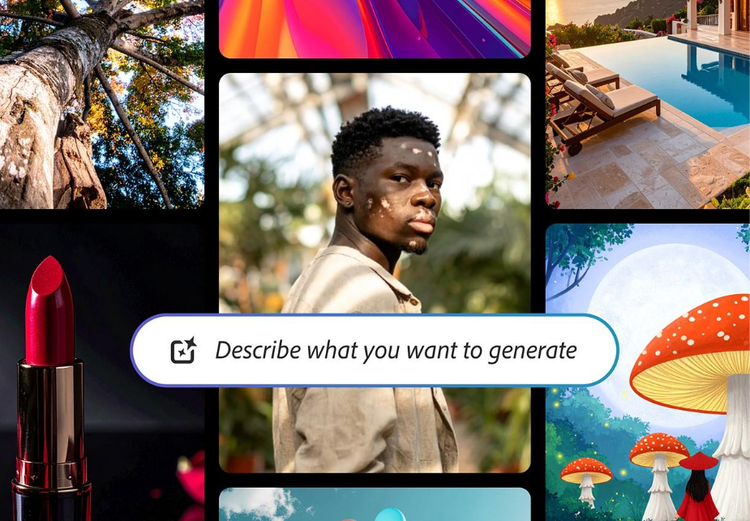
No. Generate Image works from text prompts, so you describe the character you want rather than draw it. Include details like outfit, expression, color palette, and chibi style in your prompt. The more specific your description, the closer the result matches your vision. Illustration experience helps you write better prompts, but it is not a prerequisite.
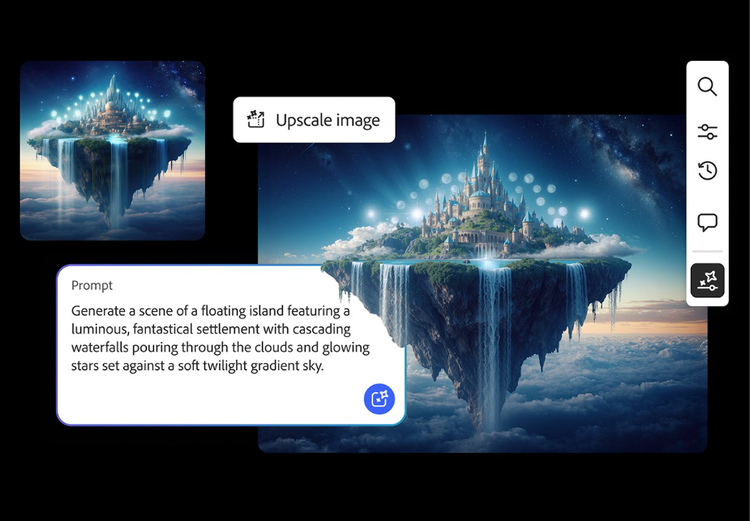
Generate Image outputs PNG files. You can choose from several aspect ratios and resolutions inside the Adobe Firefly interface before generating. For print work like stickers or merchandise, select the highest available resolution. For digital use like social posts or web graphics, standard resolution works well. You can also upscale results using the
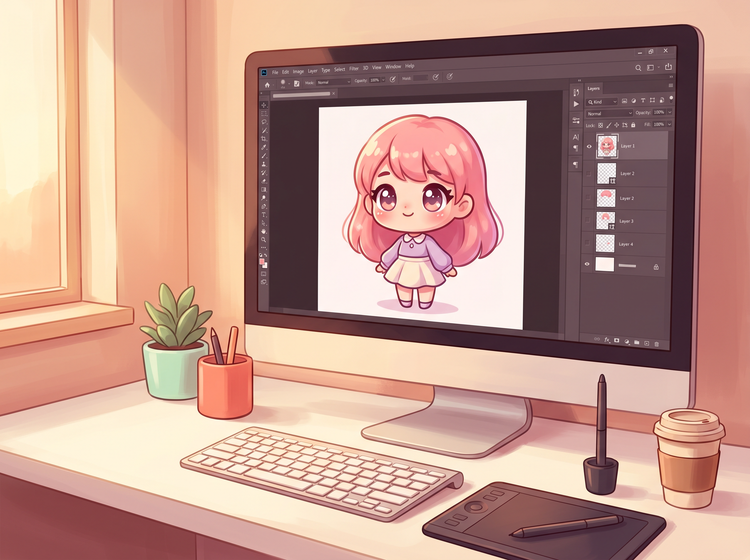
image upscaler in Adobe Firefly or refine them further in Adobe Photoshop.
Yes. Keep your prompt structure consistent across generations and vary only the character-specific details like outfit, hair color, or accessories. Use the same style reference and settings for each generation to maintain a cohesive look. If one result nails the register, use it as a style reference for subsequent generations to anchor the visual consistency across your full set.
Yes. If you have a free account, you can start creating AI generated images and artwork in Adobe Firefly using free daily generations. This lets you explore what Adobe Firefly can do without committing to a plan. Learn more about
using Adobe Firefly for free. When you're ready for more, you can upgrade to a paid subscription for additional access. Visit the
Adobe Firefly pricing page for current plan details.