https://main--cc--adobecom.aem.live/cc-shared/assets/img/firefly.svg Adobe Firefly

Free AI random outfit generator: Try new looks with Adobe Firefly.
Upload a photo and see yourself in a completely different outfit. Adobe Firefly will generate a random look you might not choose yourself, so you can explore new styles before you commit.

Or tap here
File must be JPEG (JPG), PNG, or WEBP and up to 100MB.
By uploading your image or video, you agree to the Adobe Terms of Use and Privacy Policy and confirm you are 18 years of age or older.
https://main--cc--adobecom.aem.live/cc-shared/assets/svg/s2-icon-upload-20-n.svg Upload your photo
Or tap here
File must be JPEG (JPG), PNG, or WEBP and up to 100MB.
By uploading your image or video, you agree to the Adobe Terms of Use and Privacy Policy and confirm you are 18 years of age or older.
https://main--cc--adobecom.aem.live/cc-shared/assets/svg/s2-icon-upload-20-n.svg Upload your photo
Or drag and drop here
File must be JPEG (JPG), PNG, or WEBP and up to 100MB.
By uploading your image or video, you agree to the Adobe Terms of Use and Privacy Policy and confirm you are 18 years of age or older.
- File size larger than 100MB
- Unable to process the request
- We are unable to process this file type. Please try again.
- Only one file can be uploaded at a time.
- Image is smaller than the minimum dimensions (512 x 512 pixels). Please resize and try again.

Discover a new look you wouldn’t have picked yourself.
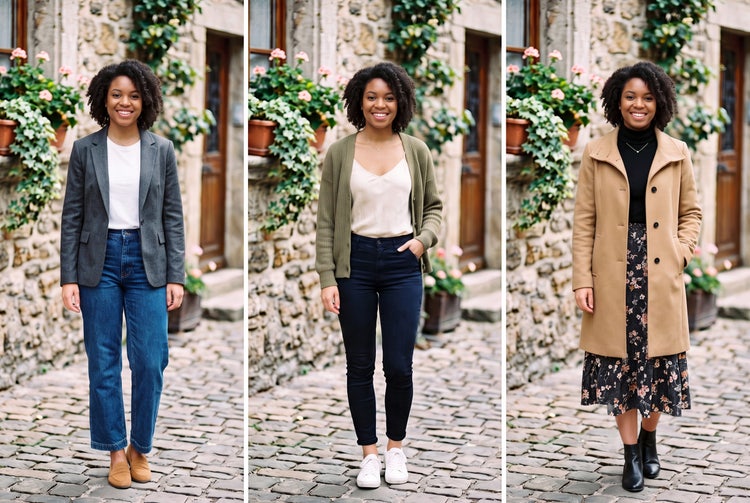
Upload a photo and Adobe Firefly will generate a full outfit change based on your prompt. Try a style you’ve never worn, mix pieces you wouldn’t normally pair, or lean into an aesthetic you’ve only seen on someone else. Describe the look you want, and Adobe Firefly will build the outfit around it for free.
See a new outfit on your own photo.
Upload a clear photo of yourself and Adobe Firefly will generate a realistic preview of a new outfit on you, not a generic model. See how different color palettes look with your skin tone, how different silhouettes work with your body shape, or how completely different aesthetic styles look on your own picture.
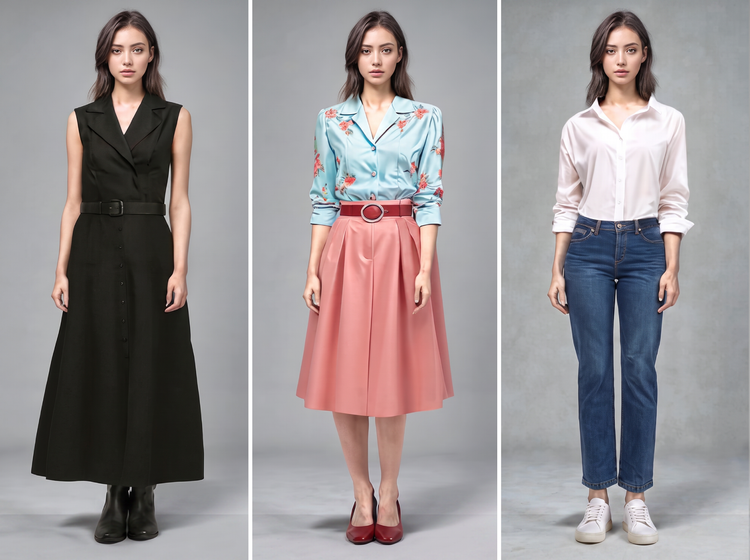
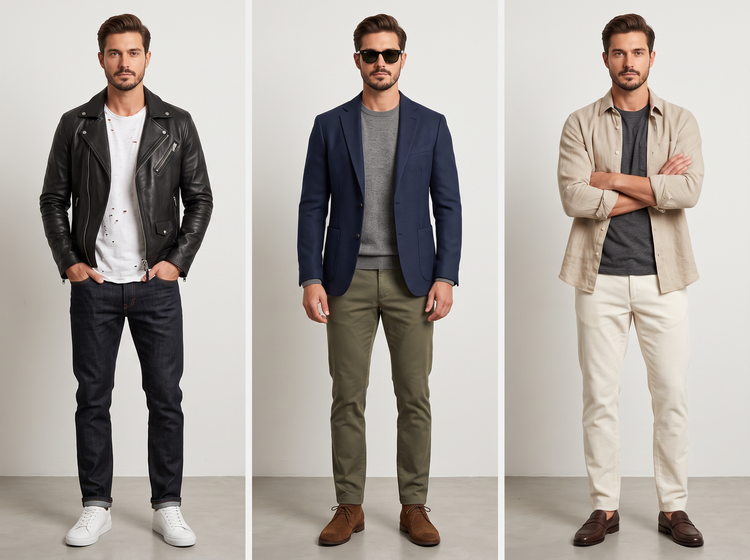
Compare outfit directions side by side.
Generate more than one look from the same photo so you can weigh your options against each other. Put a streetwear outfit next to a formal one, or set a minimalist look against something bolder. Adobe Firefly will keep your face and features consistent across every version, so the outfit is the only thing that changes.
Refine the look with a more specific prompt.
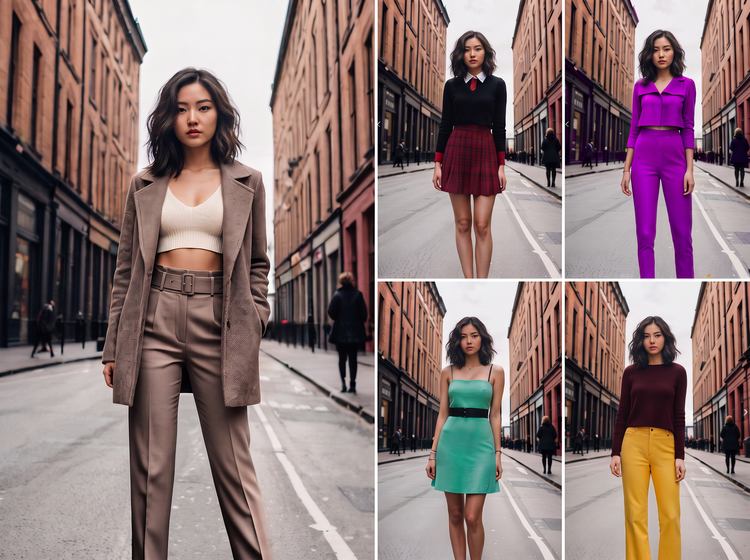
Adjust your prompt to describe exactly what you want, from a specific color story to a named aesthetic like cottagecore, Y2K, or clean girl. Adobe Firefly will regenerate your preview to match, so you can keep exploring until a look feels right.
How to generate a random outfit with Adobe Firefly.
Step 1
Open Adobe Firefly.
Step 2
Upload your photo.
Step 3
Describe the outfit you want.
Step 4
Generate and compare results.
Step 5
Download and share.
- How to generate a random outfit with Adobe Firefly.
- Steps to generate a random outfit preview using Adobe Firefly.
- PT4M
- firefly
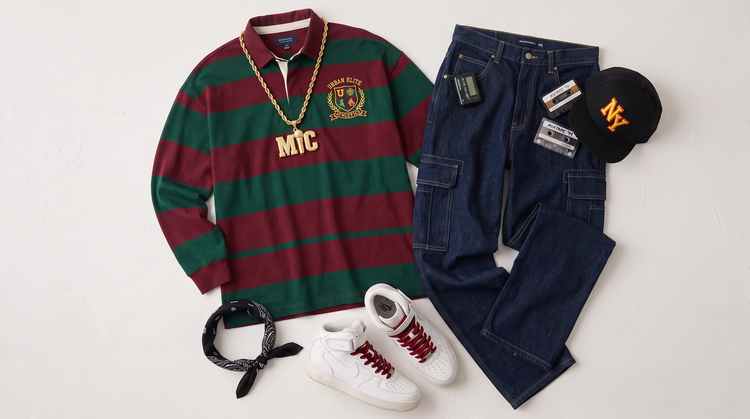
Precise creative control
Describe the exact outfit you want, from a specific era to a named aesthetic, then adjust and regenerate until the look matches what you pictured. You decide the style and Adobe Firefly will build the outfit around it.
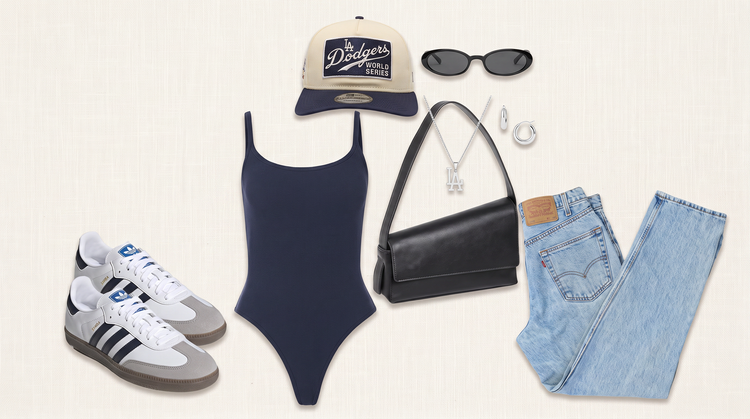
Top AI models, all in one place
Adobe Firefly brings together its own models and top partner models from Google, OpenAI, FLUX, and more. Generate with the model best suited to your style, without switching between tools.
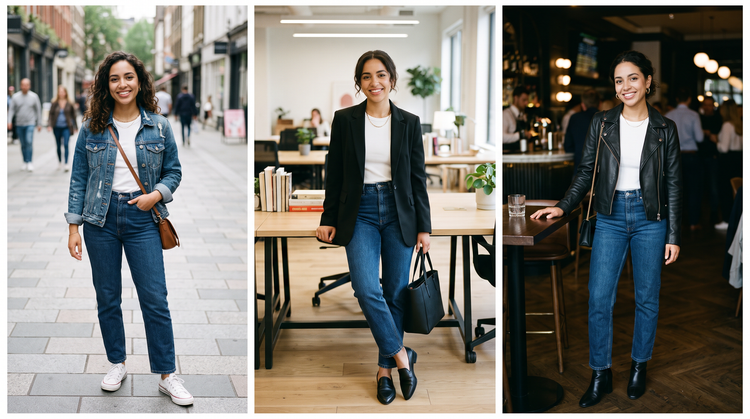
Fashion at your fingertips
Push the envelope of your own wardrobe, use the AI random outfit generator with your friends, or brainstorm costume design ideas for performance art. Firefly makes inspiration easy.
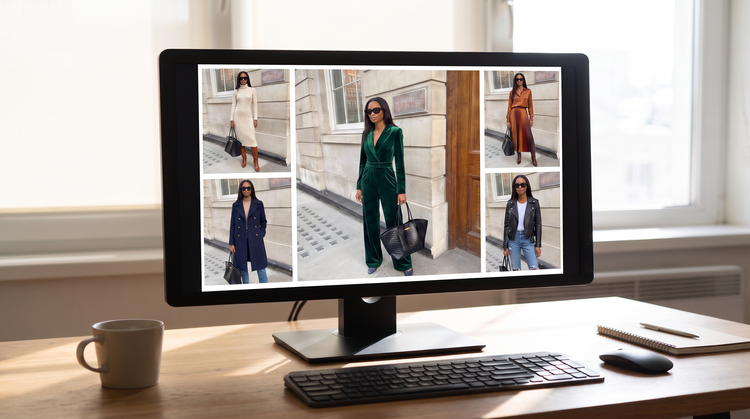
Seamless integration
Take your outfit preview further. Open it in Photoshop on the web for detailed retouching, or bring it into Adobe Express to put together a lookbook or share it with friends.