https://main--cc--adobecom.aem.live/cc-shared/assets/img/firefly.svg https://main--cc--adobecom.aem.live/cc-shared/assets/img/ff-lockup-f4.svg | Adobe Firefly
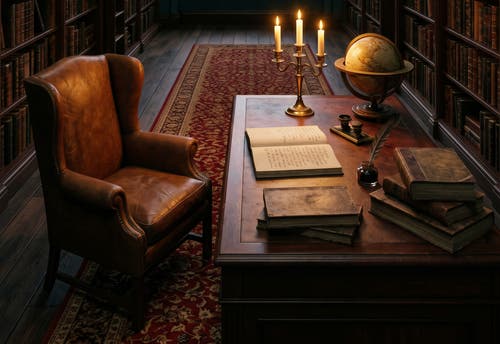
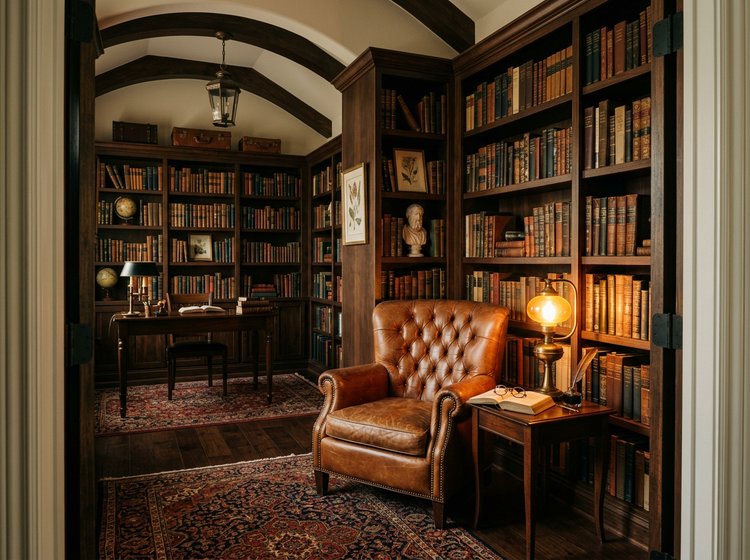
Transform any room into a dark academia interior with Adobe Firefly.
Upload a photo of your space and describe the dark academia look you want. Adobe Firefly transforms it into a moody, book-filled interior with candlelit warmth, aged textures, and vintage charm.
Or tap here
File must be JPEG (JPG), PNG, or WEBP and up to 100MB.
By uploading your image, you agree to the Adobe Terms of Use and Privacy Policy and confirm you are 18 years of age or older.
https://main--cc--adobecom.aem.live/cc-shared/assets/svg/s2-icon-upload-20-n.svg Upload your photo
Or tap here
File must be JPEG (JPG), PNG, or WEBP and up to 100MB.
By uploading your image, you agree to the Adobe Terms of Use and Privacy Policy and confirm you are 18 years of age or older.
https://main--cc--adobecom.aem.live/cc-shared/assets/svg/s2-icon-upload-20-n.svg Upload your photo
Or drag and drop here
File must be JPEG (JPG), PNG, or WEBP and up to 100MB.
By uploading your image, you agree to the Adobe Terms of Use and Privacy Policy and confirm you are 18 years of age or older.
- File size larger than 100MB
- Unable to process the request
- We are unable to process this file type. Please try again.
- Only one file can be uploaded at a time.
- Image is smaller than the minimum dimensions (512 x 512 pixels). Please resize and try again.
https://main--cc--adobecom.aem.live/cc-shared/assets/img/product-icons/svg/firefly-80.svg
{{nbsp}}
Transform your room | Transform your room dark academia interior design
https://main--cc--adobecom.aem.live/cc-shared/assets/img/product-icons/svg/firefly-80.svg
Adobe Firefly
Transform your room | Transform your room dark academia interior design
https://main--cc--adobecom.aem.live/cc-shared/assets/img/product-icons/svg/firefly-80.svg
Adobe Firefly
The next evolution of creative AI is here for all your ideas, with image, video, audio, and vector tools.
Transform your room | Transform your room dark academia interior design
Upload a photo and reimagine it as a dark academia interior.
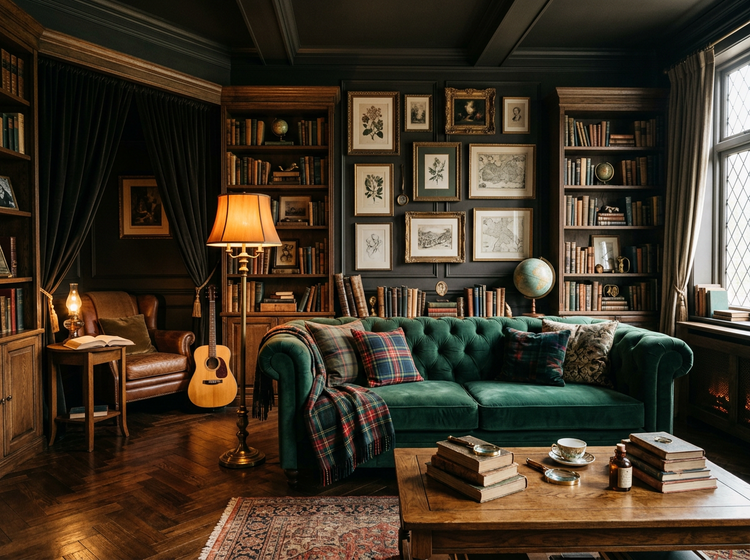
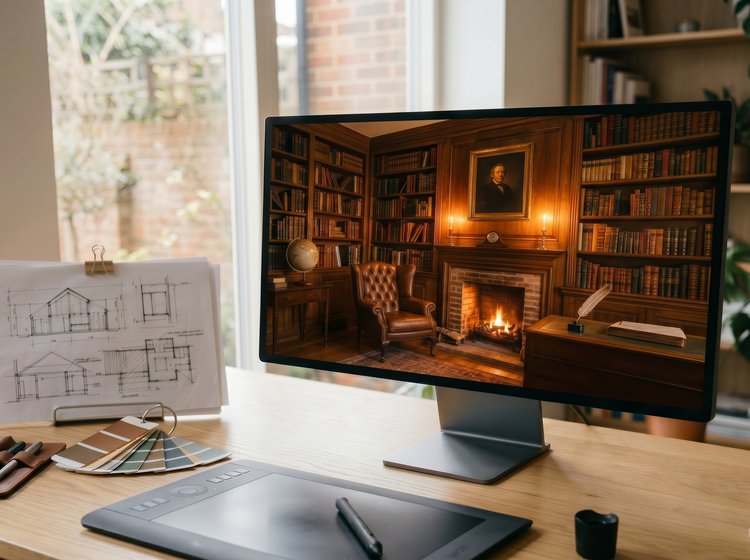
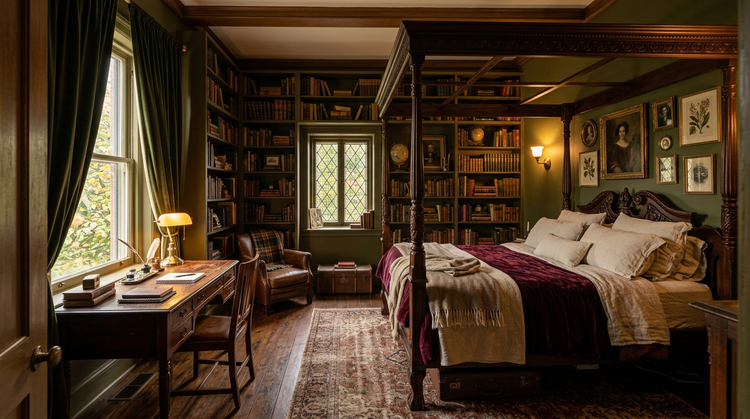
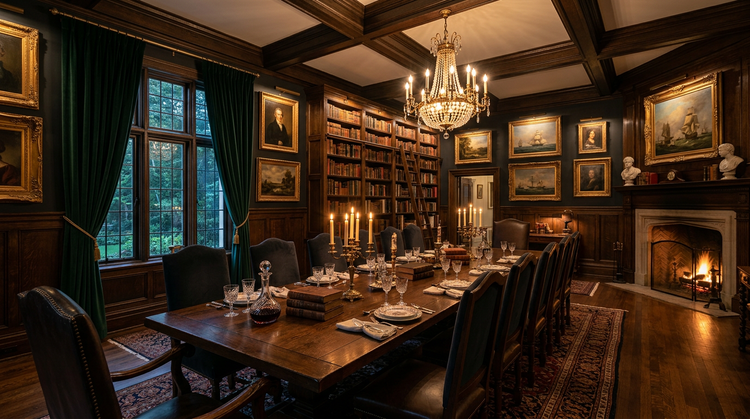
Start with a photo of any room and describe the dark academia transformation you want. Adobe Firefly uses your image as a reference and applies the elements you describe: aged leather, stacked bookshelves, warm tungsten light, botanical prints, and layered vintage textures. Use image-to-image tools to keep the structure of your original space while layering on the dark academia aesthetic.
Upload your space, describe the transformation.
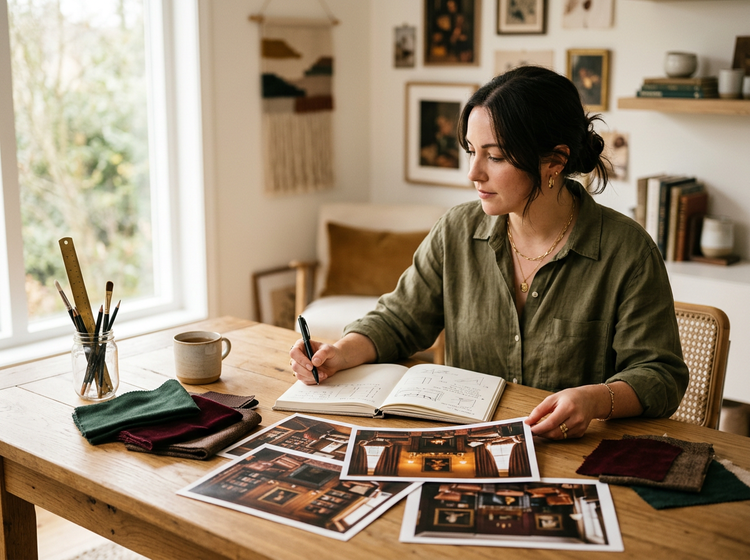
Start with a photo of any room: a bedroom, a study, a living room. Upload it to Adobe Firefly as a reference image and describe the dark academia look you want. Adobe Firefly uses your photo as the structural foundation and applies the textures, colors, and atmosphere you specify.
Dial in every detail.
Use style and composition settings to control the look of your design. Refine your prompt and regenerate until the output matches the exact version of dark academia you have in mind. Layer in herringbone floors, floor-to-ceiling bookshelves, warm amber lamplight, or a reading nook draped in wool.
Commercially safe for every project.
Images generated with Adobe Firefly models are commercially safe, so you can publish them to a blog, use them in a client presentation, list them on a print-on-demand shop, or feature them in social media content with confidence.
Refine your results.
Adjust composition, color and tone, and fine details after generation. Use prompt-based edits and Quick Action tools in the Edit tab to crop, upscale, or apply targeted edits until every element sits exactly where you want it.
How to create dark academia interior design images with Adobe Firefly.
Step 1
Open Adobe Firefly and select Generate Image.
Step 2
Upload a reference photo and describe your dark academia interior.
Step 3
Generate and review your results.
Step 4
Refine your image.
Step 5
Download and share your dark academia interior.
Steps on how to create dark academia interior design images by uploading a reference photo and using Adobe Firefly.
PT5M
firefly
Start from your own photo
Upload a photo of your actual room or an inspiration image. Adobe Firefly uses it as the structural foundation, so the generated result preserves the layout and proportions you already have.
Precision prompt control
Describe specific materials, lighting conditions, and architectural details alongside your uploaded reference. Adobe Firefly interprets both the photo and your text to produce interiors that feel intentional and layered.
Safe for commercial and personal use
Images generated with Adobe Firefly models are commercially safe. Interior designers, bloggers, content creators, and shop owners can use them in professional projects with confidence.
Seamless integration
Open your generated image in Photoshop on the web for advanced compositing, or bring it into Adobe Express to add it to templates, social posts, and presentations.
See what else you can create with Adobe Firefly.