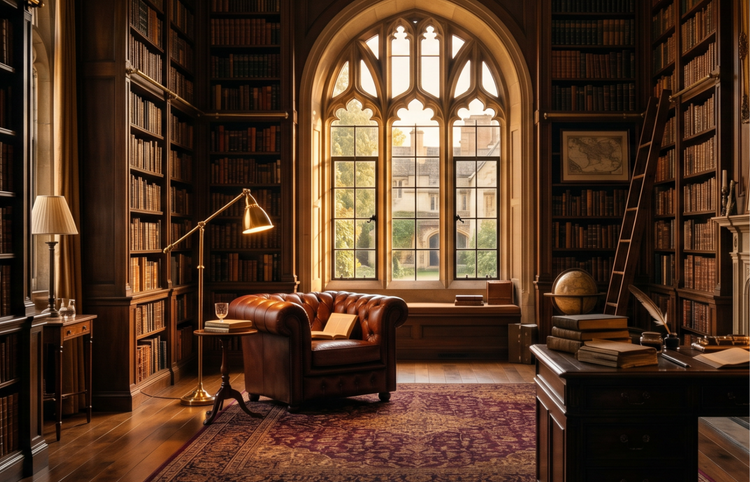
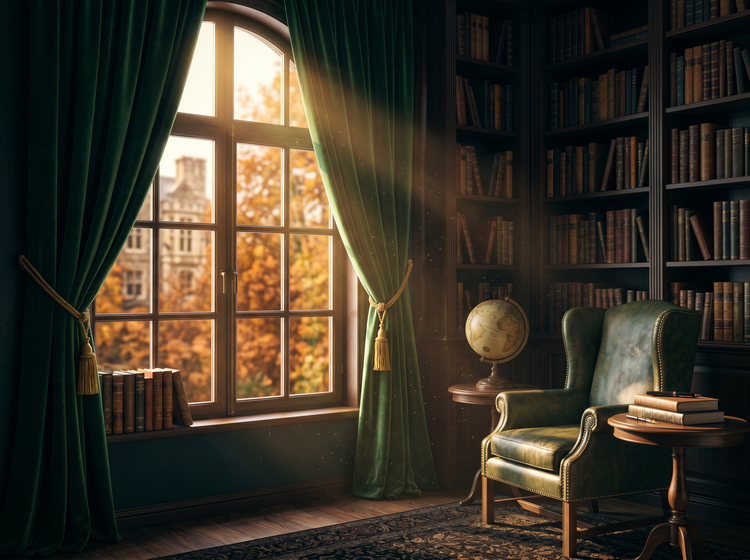
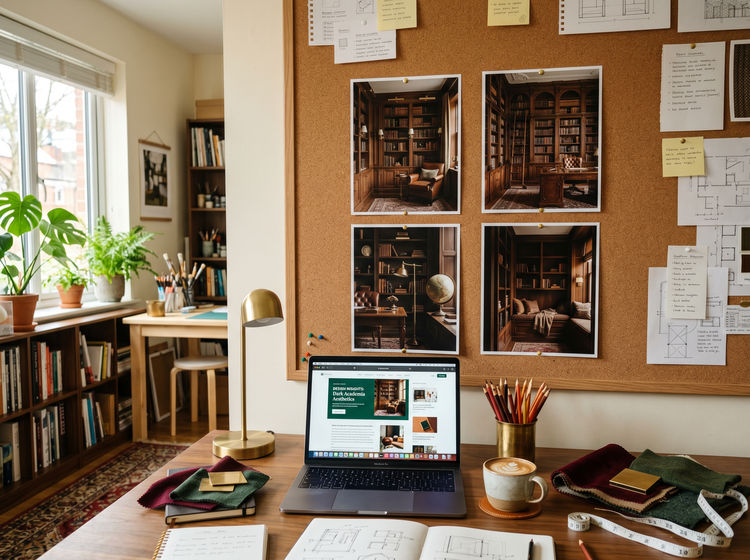
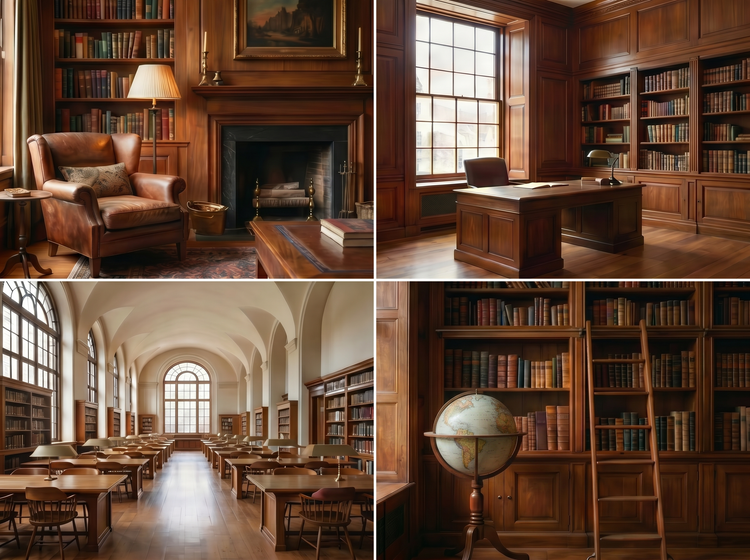
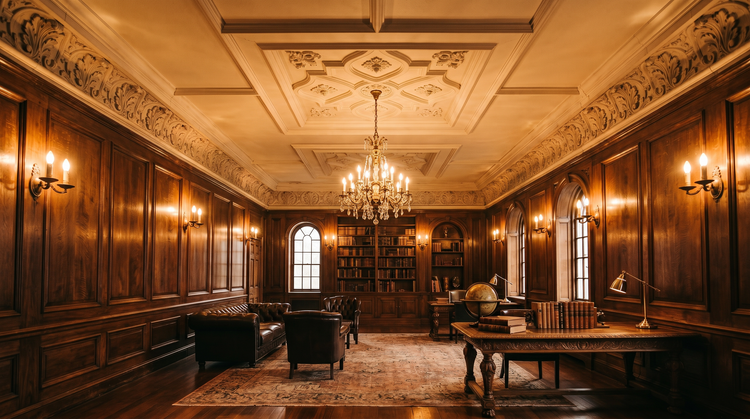
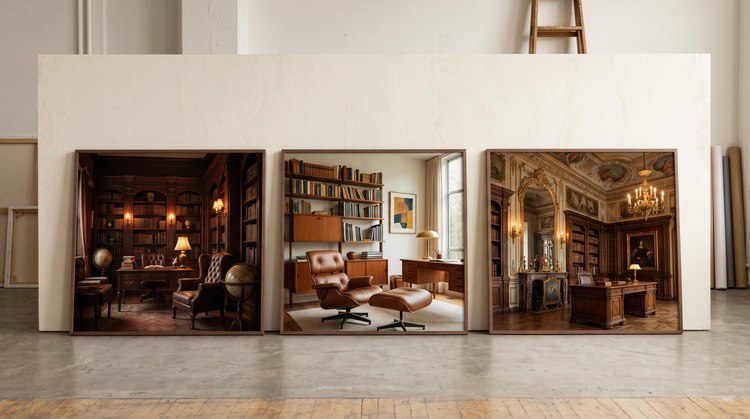
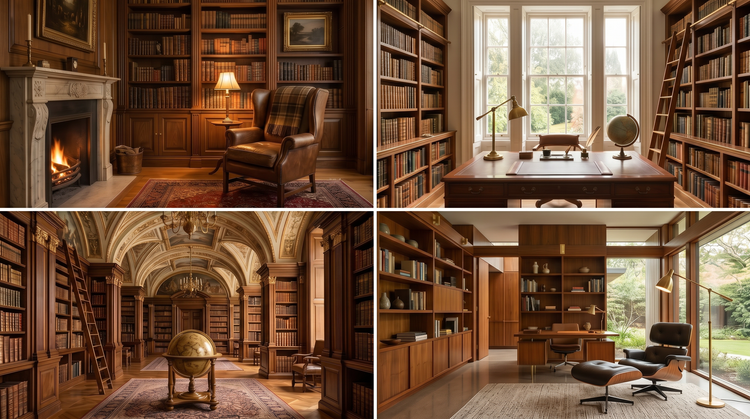
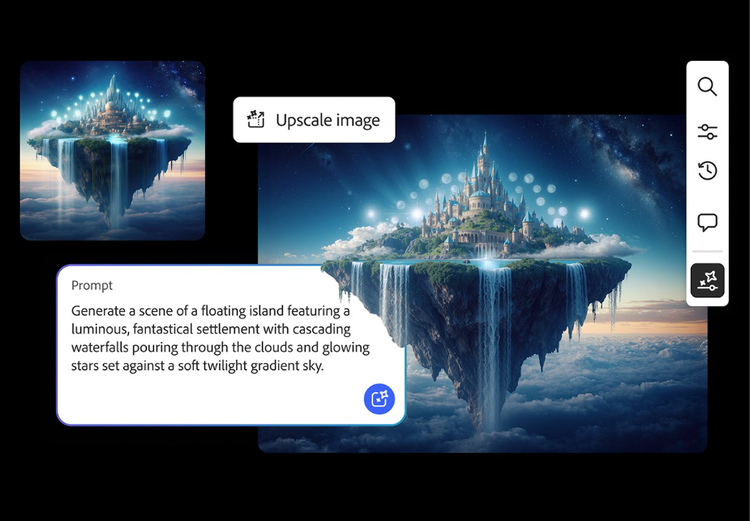
A dark academia room typically features rich wood tones, floor-to-ceiling bookshelves, leather or velvet upholstery, warm ambient lighting, and classical architectural details like arched windows, crown moulding, and antique furniture. The overall mood is scholarly, cozy, and timeless. With Adobe Firefly, you can describe these elements in a prompt and generate a room image that matches the exact atmosphere you have in mind.
Yes. Images generated with Adobe Firefly models are commercially safe, so you can use them in blog posts, social media content, client mood boards, marketing materials, and other commercial projects. It is the responsibility of the user to determine whether content generated by partner models is appropriate for your project.
Start with the room type, then layer in the style elements that define the look. For dark academia, mention materials like walnut, leather, and brass. Add architectural features like arched doorways or coffered ceilings. Describe the lighting, such as warm lamplight or soft natural light through tall windows. The more specific your prompt, the closer the result will match your vision.
The best AI interior design image tool combines high-quality output, precise prompt controls, style guidance options, and commercial safety. Adobe Firefly provides all of these alongside integration with the Adobe creative ecosystem, so you can refine your images further in Photoshop on the web or use them directly in Adobe Express layouts.
Yes. If you have a free account, you can start creating AI generated images and artwork in Adobe Firefly using free daily generations. This lets you explore what Adobe Firefly can do without committing to a plan. Learn more about
using Adobe Firefly for free. When you’re ready for more, you can upgrade to a paid subscription for additional access. Visit the Adobe Firefly pricing page for current
plan details.