https://main--da-cc--adobecom.aem.live/cc-shared/assets/img/firefly.svg Adobe Firefly

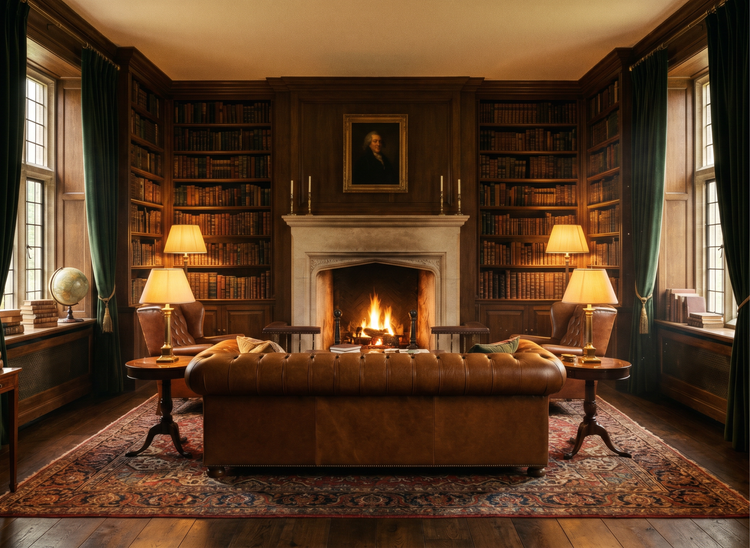
Generate free dark academia living room ideas with Adobe Firefly.
Whether you’re transforming a home library or a small room, just upload a photo of your space to Adobe Firefly and describe the dark academia palette you want to see. Generate realistic color concepts fast with warm browns, dusty greens, and aged ivory before you commit to a single paint swatch.

Or drag and drop here
File must be JPEG (JPG), PNG, or WEBP and up to 100MB.
By uploading your image, you agree to the Adobe Terms of Use and Privacy Policy and confirm you are 18 years of age or older.
Or drag and drop here
File must be JPEG (JPG), PNG, or WEBP and up to 100MB.
By uploading your image, you agree to the Adobe Terms of Use and Privacy Policy and confirm you are 18 years of age or older.
Or drag and drop here
File must be JPEG (JPG), PNG, or WEBP and up to 100MB.
By uploading your image, you agree to the Adobe Terms of Use and Privacy Policy and confirm you are 18 years of age or older.
- File size larger than 100MB
- Unable to process the request
- We are unable to process this file type. Please try again.
- Only one file can be uploaded at a time.
- Image is smaller than the minimum dimensions (512 x 512 pixels). Please resize and try again.
https://main--cc--adobecom.aem.live/cc-shared/assets/img/product-icons/svg/firefly-80.svg

{{nbsp}}
Generate living room | Generate living room ideas dark academia
https://main--cc--adobecom.aem.live/cc-shared/assets/img/product-icons/svg/firefly-80.svg
Adobe Firefly
Generate living room | Generate living room ideas dark academia
https://main--cc--adobecom.aem.live/cc-shared/assets/img/product-icons/svg/firefly-80.svg
Adobe Firefly
The next evolution of creative AI is here for all your ideas, with image, video, audio, and vector tools.
Generate living room | Generate living room ideas dark academia
Visualize your ideal dark academia living room.
Use the Adobe Firefly AI image generator to turn text descriptions into photorealistic room concepts for free. Describe rich wood tones, overflowing bookshelves, vintage textiles, and warm candlelight to explore your design direction. Iterate on layouts, color palettes, and decor details until you find the combination that feels right for your space.
Describe a room and watch it appear.
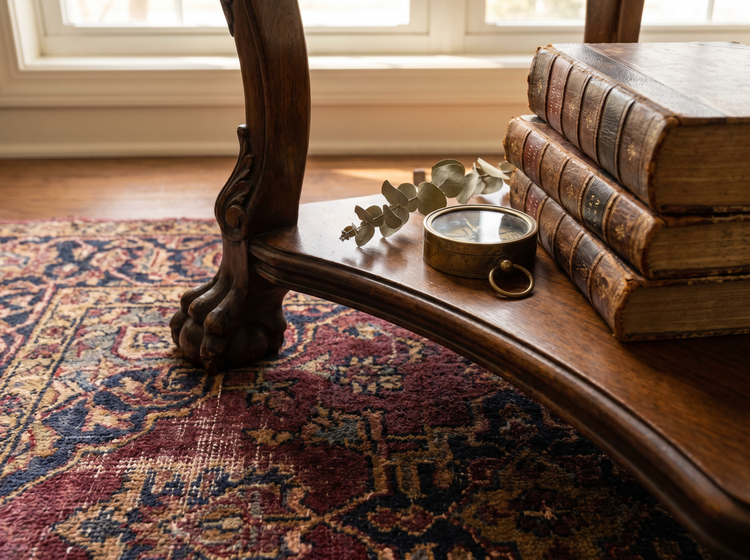
Type a detailed prompt that captures the mood you want. Mention specific elements like leather armchairs, dark walnut shelving, worn Persian rugs, or brass reading lamps. Adobe Firefly generates a photorealistic room concept you can use as a starting point for your design plan.

Steer the aesthetic with a reference image.
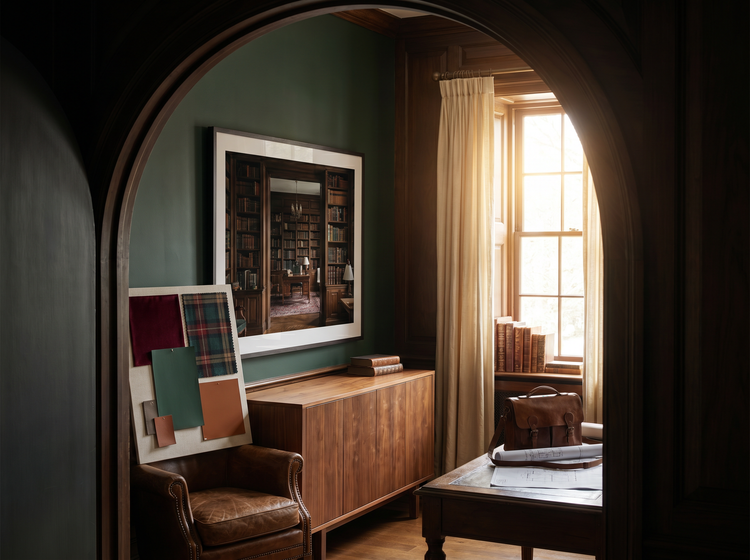
Upload a photo of a room, an online screenshot, or any inspiration image to guide your results. The image-to-image feature in Adobe Firefly uses your reference to match the lighting, palette, and spatial feel of the source while applying the details from your prompt.
Use your concepts with confidence.
Every room concept generated with an Adobe Firefly model is commercially safe. Share your images in design blog posts, client presentations, social media mood boards, and marketing materials.
Explore variations without limits.
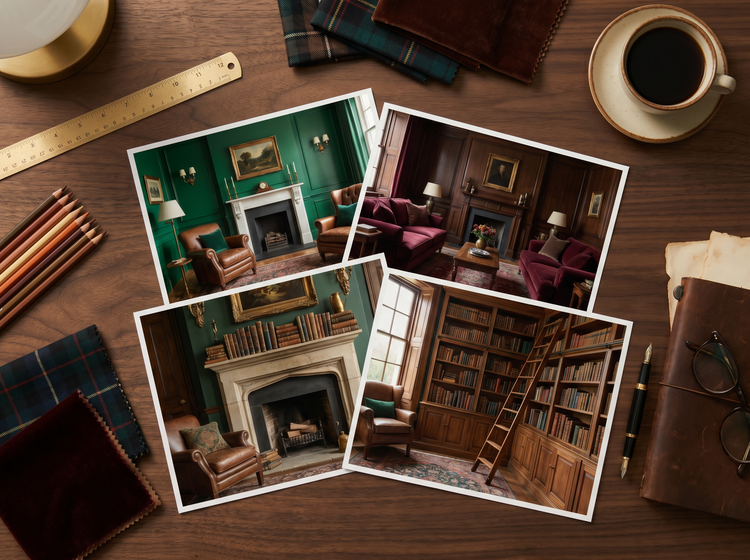
Generate multiple dark academia room variations in minutes. Try different furniture arrangements, swap velvet drapes for linen curtains, shift the palette from deep emerald to warm burgundy, or add a fireplace mantel lined with antique books. Each generation brings you closer to a design direction you can act on.
How to generate dark academia living room ideas with Adobe Firefly.
Step 1
Open Adobe Firefly and select Generate Image.
Step 2
Describe the dark academia room you want.
Step 3
Adjust your settings.
Step 4
Generate your results.
Step 5
Download and share.
Steps on how to generate dark academia living room concepts using Adobe Firefly Generate Image.
PT3M
firefly
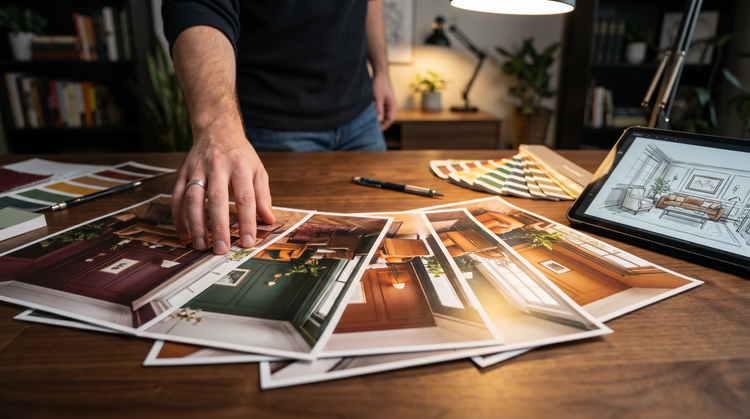
Commercial safety
Room concepts generated with Adobe Firefly models are commercially safe, so you can confidently use your images in client presentations, design blog posts, and social media content.
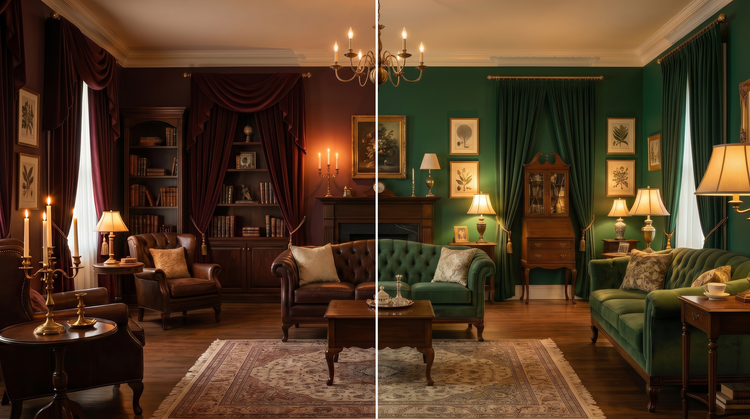
Precise creative control
Fine-tune every detail of your generated room. Use detailed prompts to describe furniture, materials, lighting, and spatial layout. Adjust settings to get the perfect composition, color and tone, and more.
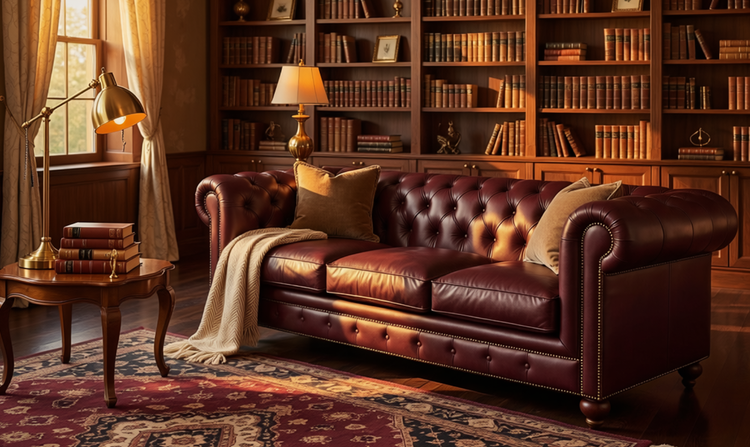
Lightning-fast results
Go from idea to concept image in moments. Generate multiple variations of a dark academia living room and compare them side by side, so you can make design decisions faster.
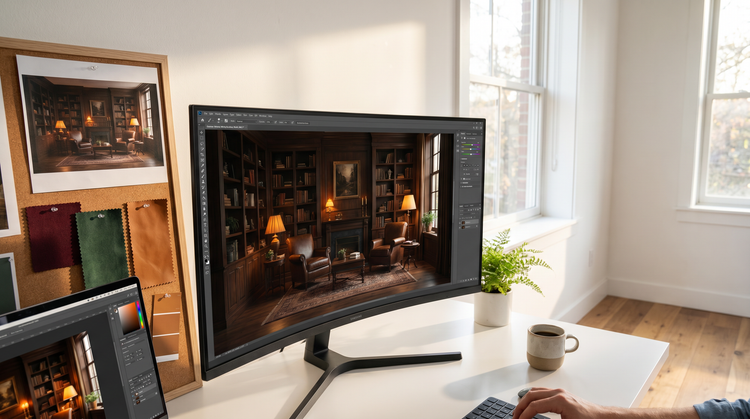
Seamless integration
Easily open Adobe Firefly creations in Photoshop on the web and Adobe Express for a seamless creative workflow, all in one place.