https://main--cc--adobecom.aem.live/cc-shared/assets/img/firefly.svg https://main--cc--adobecom.aem.live/cc-shared/assets/img/ff-lockup-f4.svg | Adobe Firefly


Generate dark academia room visuals with Adobe Firefly AI.
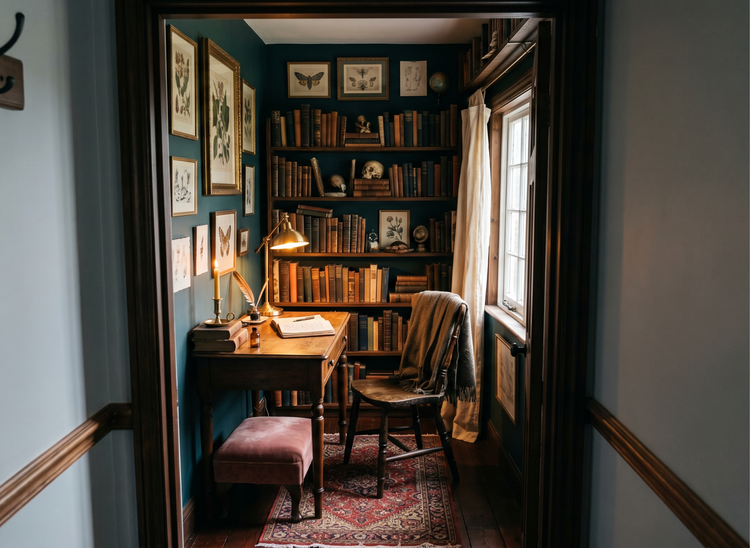
Whether you're transforming a home library or a small room, just upload a photo of your room to Adobe Firefly and describe the dark academia palette you want to see. Generate realistic color concepts with warm browns, dusty greens, and aged ivory before you commit to a single paint swatch.

Or tap here
File must be JPEG (JPG), PNG, or WEBP and up to 100MB.
By uploading your image, you agree to the Adobe Terms of Use and Privacy Policy and confirm you are 18 years of age or older.
https://main--cc--adobecom.aem.live/cc-shared/assets/svg/s2-icon-upload-20-n.svg Upload your image
Or tap here
File must be JPEG (JPG), PNG, or WEBP and up to 100MB.
By uploading your image, you agree to the Adobe Terms of Use and Privacy Policy and confirm you are 18 years of age or older.
https://main--cc--adobecom.aem.live/cc-shared/assets/svg/s2-icon-upload-20-n.svg Upload your image
Or drag and drop here
File must be JPEG (JPG), PNG, or WEBP and up to 100MB.
By uploading your image, you agree to the Adobe Terms of Use and Privacy Policy and confirm you are 18 years of age or older.
- File size larger than 100MB
- Unable to process the request
- We are unable to process this file type. Please try again.
- Only one file can be uploaded at a time.
- Image is smaller than the minimum dimensions (512 x 512 pixels). Please resize and try again.

https://main--cc--adobecom.aem.live/cc-shared/assets/img/product-icons/svg/firefly-80.svg
Adobe Firefly
https://main--cc--adobecom.aem.live/cc-shared/assets/img/product-icons/svg/firefly-80.svg
Adobe Firefly
The next evolution of creative AI is here for all your ideas, with image, video, audio, and vector tools.
See your dark academia color palette in your actual space.
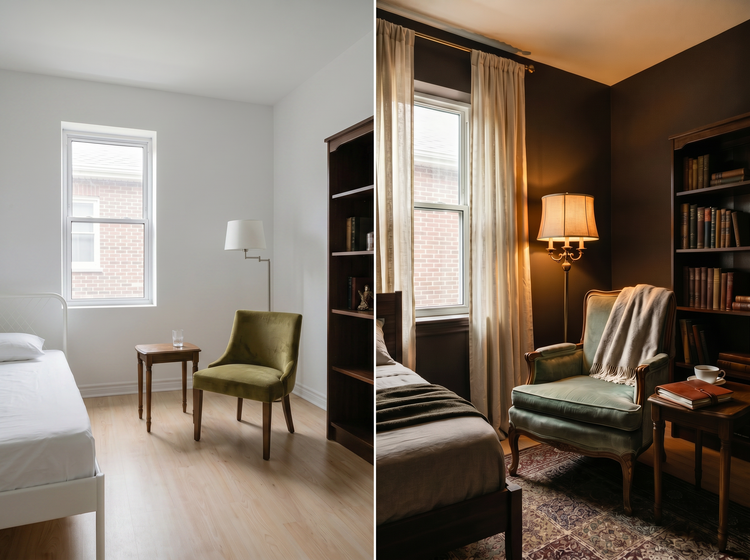
Upload a photo of your room and describe the dark academia tones you want to try. Adobe Firefly generates a realistic visual concept that shows how those colors work with your room's proportions, lighting, and layout, so you can evaluate the palette before committing to paint, furniture, or textiles.
Test moody palettes without commitment.
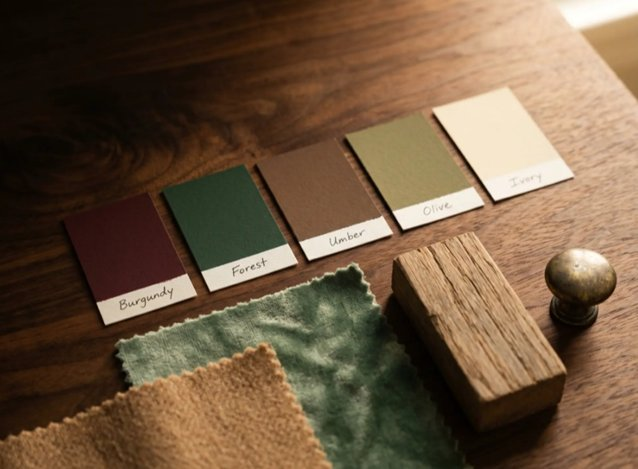
Upload a photo of your room and describe the warm browns, forest greens, burgundies, and creamy ivories you have in mind. Adobe Firefly generates a room concept that shows how those tones interact with your actual space's natural light and proportions. Adjust your prompt and regenerate until the palette feels right.
Make small rooms feel intentional, not cramped.
Dark colors in a compact space can feel risky. Upload a photo of your room, write a prompt describing the look you're going for, and let Firefly show you how warm earth tones anchor the space rather than shrink it. Try different layouts, lighting angles, and accent colors to find the combination that makes your room feel curated and cozy.
Use your visuals anywhere with confidence.
Images generated with Adobe Firefly models are commercially safe. Interior designers, home decor bloggers, and content creators can use their generated room concepts in client presentations, social posts, and portfolio pieces without licensing concerns.

Refine every detail of your vision.
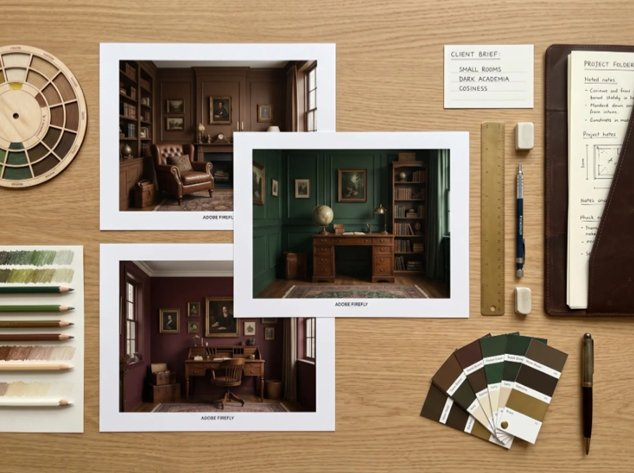
Start with a broad description and narrow it down. Add specific elements like brass reading lamps, floor-to-ceiling bookshelves, or velvet accent chairs. Each prompt adjustment brings you closer to a visual that matches the room in your head.
How to visualize dark academia colors for your small room with Adobe Firefly.
Step 1
Open Adobe Firefly and select Generate Image.
Step 2
Upload a reference photo of your room.
Step 3
Describe your dark academia palette.
Step 4
Generate and compare options.
Step 5
Download and share your favorite concept.
Steps on how to upload a room photo and visualize dark academia colors using Adobe Firefly Generate Image.
PT5M
firefly

Lightning-fast results
Upload a photo of your space and describe the dark academia tones you want in plain language. Adobe Firefly generates a visual concept quickly. No design software experience required.

Commercially safe for professional use
Room concepts generated with Adobe Firefly models are commercially safe. Use them in design proposals, blog content, real estate staging mockups, or social media without licensing worries.

Explore variations quickly
Generate dozens of color combinations in moments. Compare a warm walnut accent wall against a muted sage, or see how burgundy textiles shift the mood of the entire room.
Seamless integration with Adobe tools
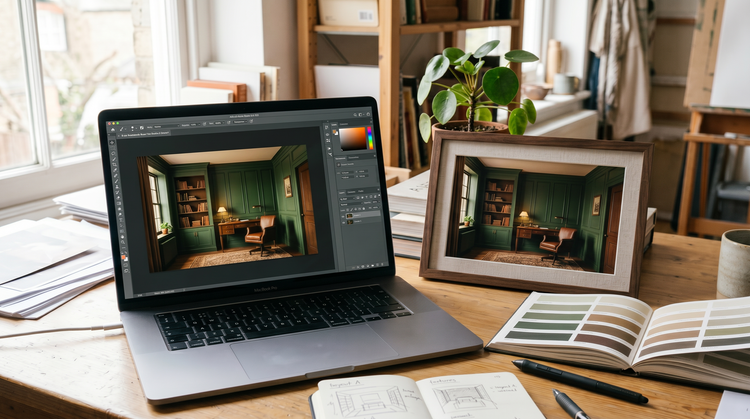
Open your favorite room concept in Photoshop on the web for detailed adjustments, or bring it into Adobe Express to build a mood board, client presentation, or social post around it.
See what else you can create with Adobe Firefly.



Discover even more generative AI features.
Questions? We have answers.
What bedroom colors are used for a dark academia theme?
Can dark academia colors work in a small room without making it feel smaller?
How do I use AI to visualize a room color palette before painting?
Is it free to generate dark academia room visuals with Adobe Firefly?
Can I use AI-generated room concepts in professional interior design work?
What file formats can I upload to Adobe Firefly as a room reference?
Can I use Adobe Firefly to visualize other interior design styles beyond dark academia?
Share this page.
Explore more Adobe Firefly tools.

Image prompt examples to inspire your next project
Browse AI image prompt examples alongside their generated results to see how specific language shapes detailed visuals with Adobe Firefly.

How to use AI generated backgrounds for product photography
Learn how to capture audience attention using product photography with AI-generated backgrounds.
AI for graphic designers
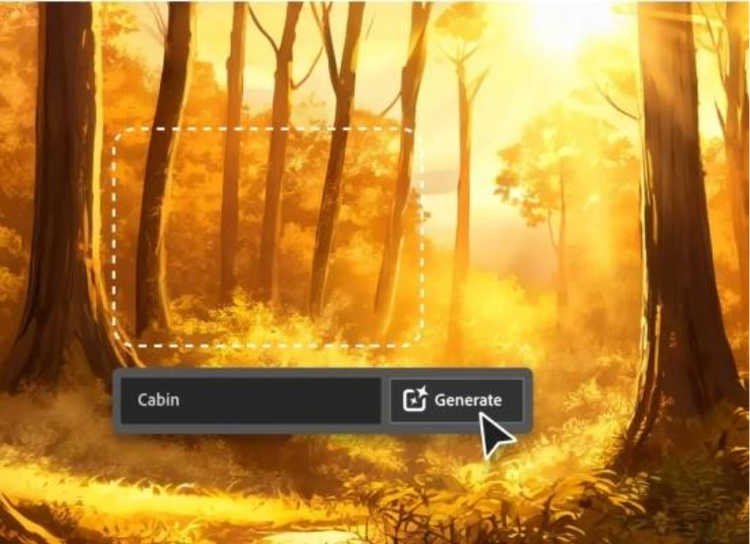
Learn about the AI tools available to graphic designers and how they can help you be more productive and take your work in surprising directions.

How generative AI works: From training to output
Learn how generative AI works and start streamlining your workflow with Adobe Firefly.