https://main--cc--adobecom.aem.live/cc-shared/assets/img/firefly.svg Adobe Firefly

Create videos with the fast, simple, free AI video generator.
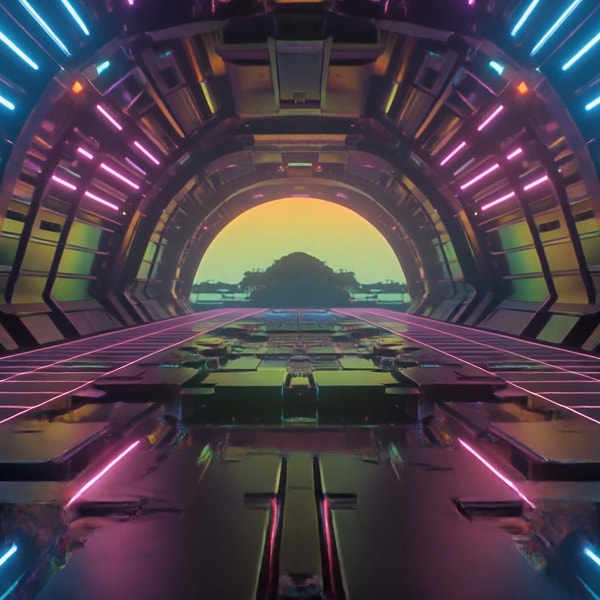
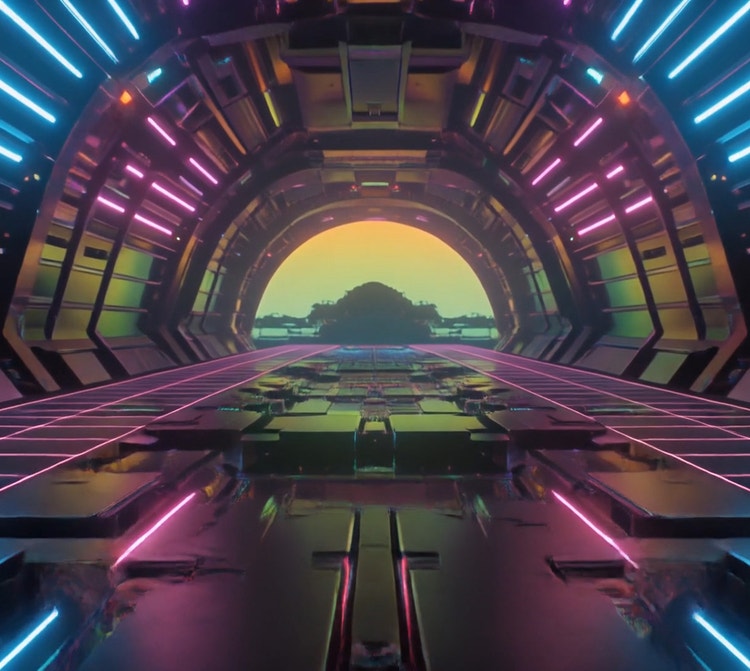
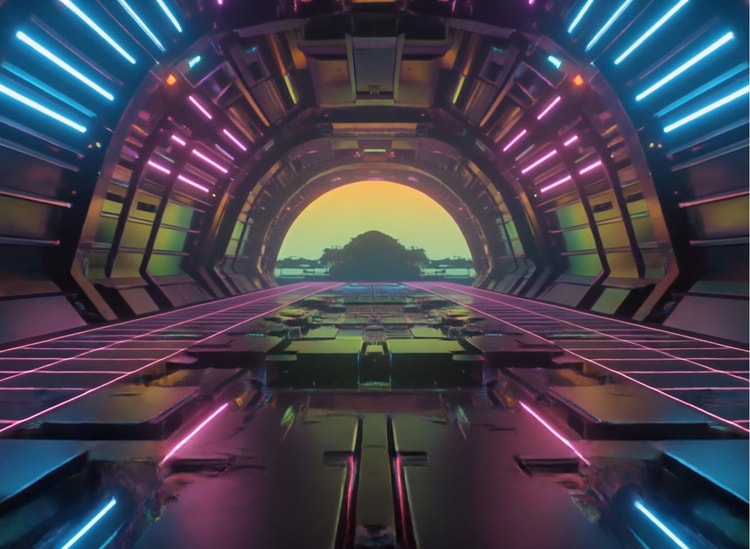
With the Adobe Firefly AI video generator you can create high-quality video clips from a prompt or image.


https://main--cc--adobecom.aem.live/cc-shared/assets/img/product-icons/svg/firefly-80.svg
Adobe Firefly
The next evolution of creative AI is here for all your ideas, with image, video, audio, and vector tools.
https://main--cc--adobecom.aem.live/cc-shared/assets/img/product-icons/svg/firefly-80.svg
Adobe Firefly
The next evolution of creative AI is here for all your ideas, with image, video, audio, and vector tools.
Explore the AI video generator in Adobe Firefly.
The free Adobe Firefly AI video generator turns a text prompt or an image into a high-quality video clip with the Adobe Firefly Video Model and other leading partner models. It’s all done in one workspace, so creators can quickly and easily create product shots, cinematic scenes, B-roll social clips, or concept work.
The all-in-one AI video generator built for quality work.
Fully generate high-quality motion videos in a single workspace with Adobe Firefly and industry-leading partner models. Design and edit from prompt to polished clip in a unified, multi-model workspace built for creators. Videos generated with the Adobe Firefly model are safe for commercial use.
Generate AI video from a text prompt or any image you upload.
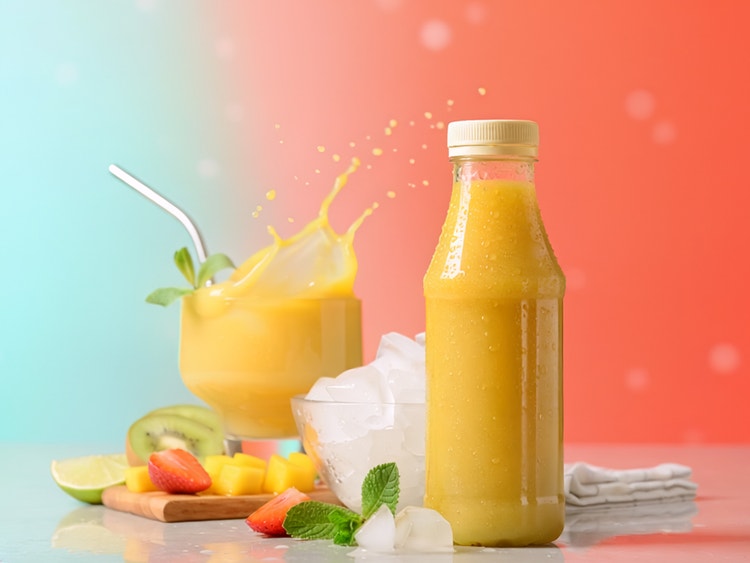
Create dynamic product videos with the Adobe Firefly AI video generator. Get started with a detailed prompt in Text to Video to generate the clip you’re imagining. Or with Image to Video, you can upload a photo, illustration, 2D or 3D render, or concept art and bring it to life. Then generate variations and refine your clip with the help of industry-leading partner models all in one place.
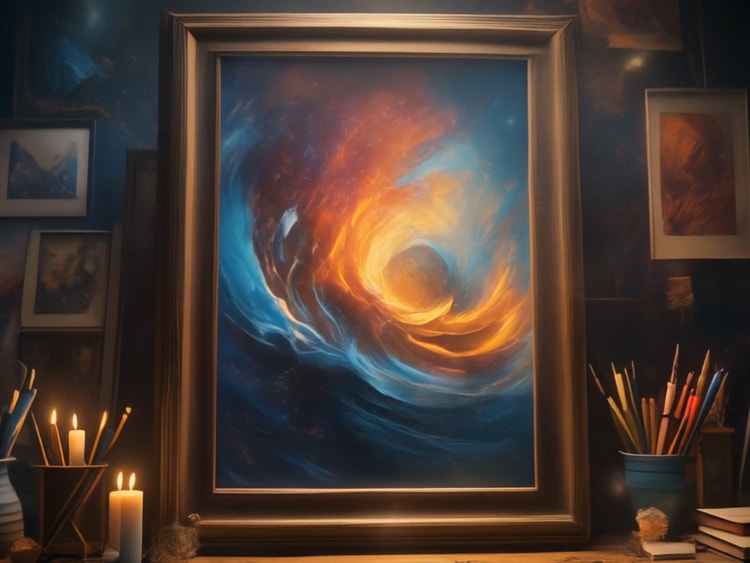
Edit, refine, and extend every clip in one workspace.
The Adobe Firefly AI video editor makes it easy to produce polished, ready-to-share visuals. Refine timing, trim and reorder clips, swap models mid-edit, and regenerate or extend any segment. You can even add voiceovers, music, and sound effects, all without leaving the workspace.
Build any kind of video, from social posts to cinematic scenes.
With Adobe Firefly AI video generator, you’re ready to tackle any project with ease. Generate high-quality social clips, product and marketing videos, B-roll and stock-style footage, storyboards, or concept visualization. Spin up motion graphics with the AI animation generator and create lifelike spokespeople with the AI avatar generator. Start with prompts in Text to Video, or add motion, camera movement, or environmental animation to a still image with Image to Video.
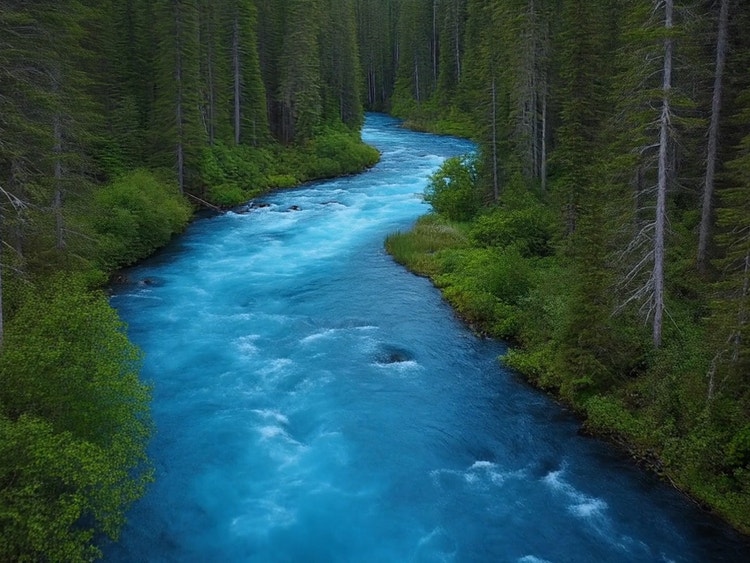
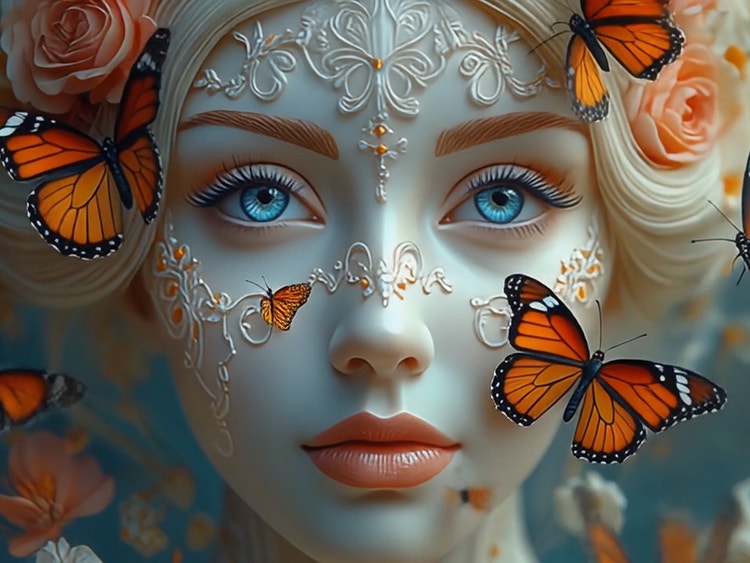
Safely generate, export, and share your video from one place.
Easily generate and export files in multiple formats and aspect ratios for any platform and access the full lineup of partner models, all in a single workspace. Rest assured, creations from the Adobe Firefly Video Model are safe for commercial use.
Multiple AI video models, one creative workspace.
Adobe Firefly is a unified creative workspace where creators can generate, compare, and refine video across the industry's top AI models. With access to leading partner models alongside the Adobe Firefly Video Model, you can swap between models inside a single workflow or even try the same prompt across models to compare results side by side.
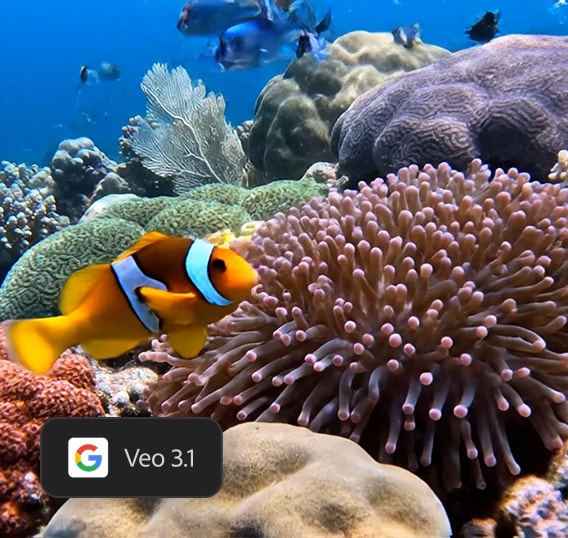
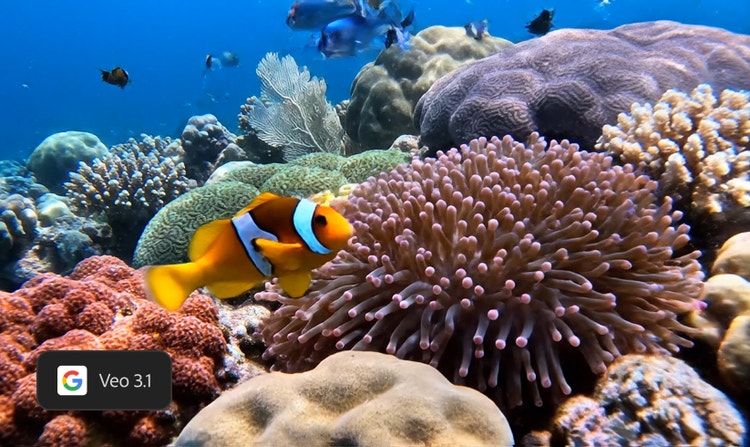
Veo 3.1
Use Google's video model for cinematic motion and synchronized audio. Generate detailed scenes, natural lighting, and native audio, including dialogue and sound effects. Veo 3.1 Fast is also available for faster iteration. Try Veo AI in Firefly.
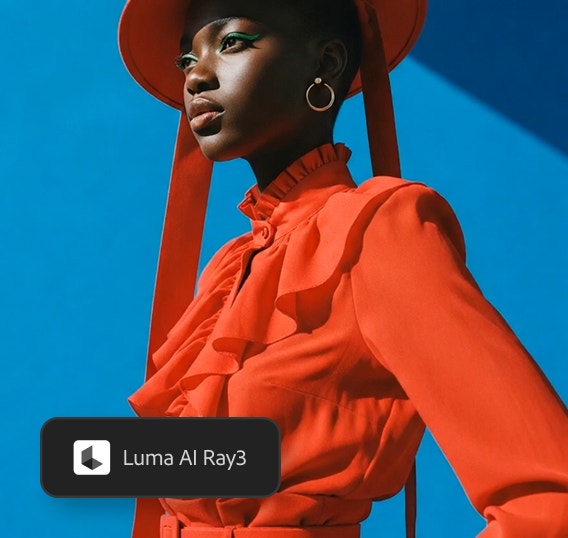
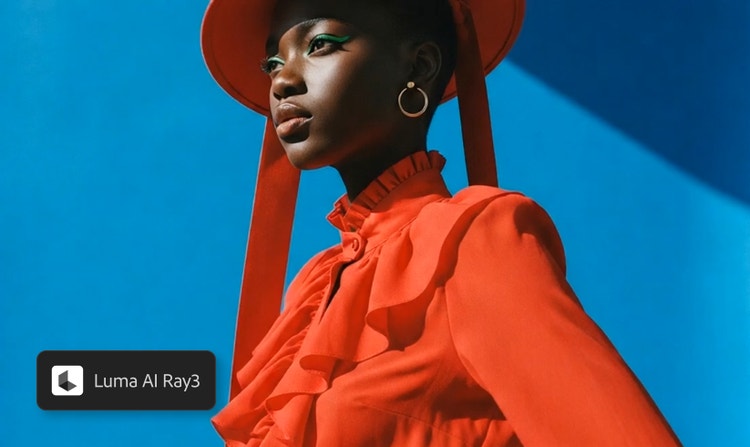
Luma AI Ray3
This model is known for fluid photorealistic motion and smooth camera movement. Bring stills to life, apply cinematic motion and natural transitions, and get consistent subject continuity across frames. Try Luma AI in Firefly.
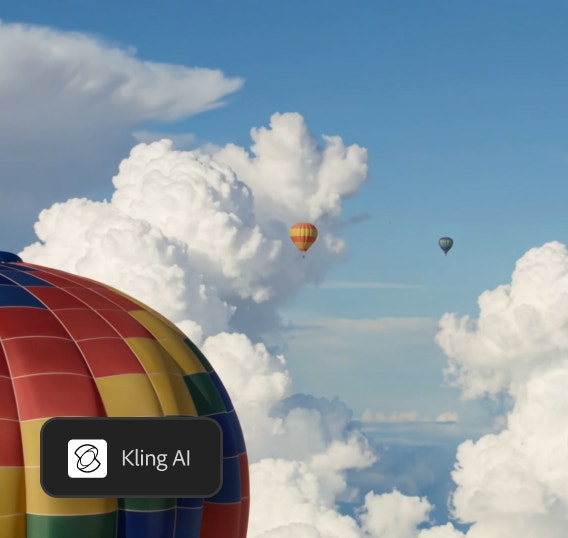
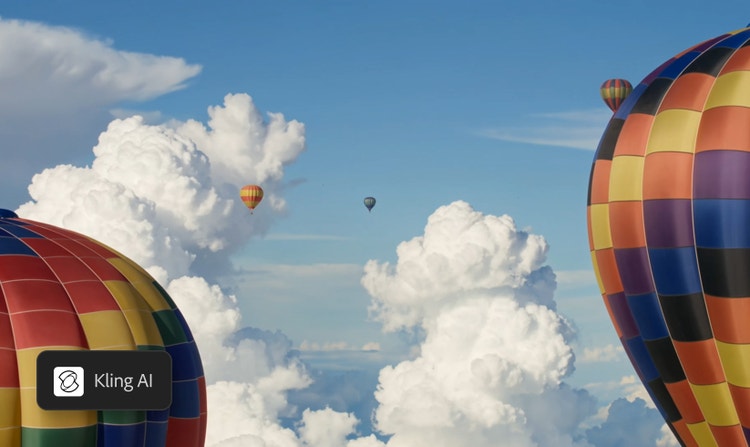
Kling 3.0
Generate production-ready, multi-shot video with native audio. Build variations across shots and make voice-driven scenes shine with Kling 3.0 Omni's native dialogue generation that syncs to character lip movements. Try Kling AI in Firefly.
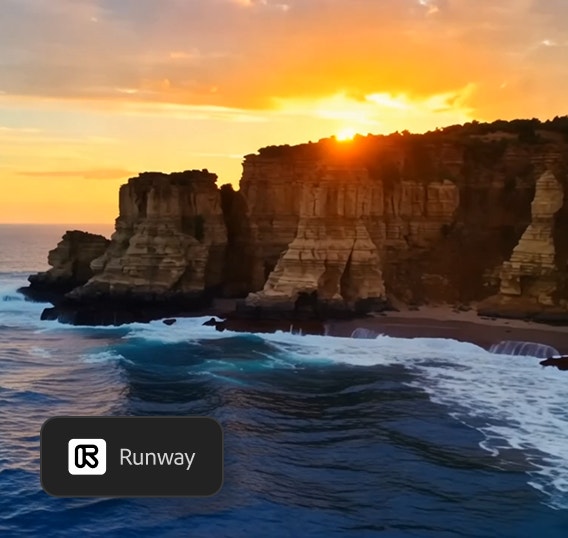
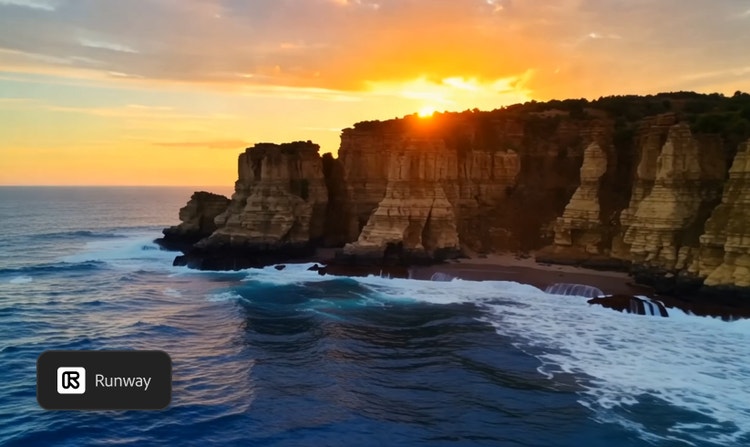
Runway
Discover advanced control and production-quality output with Runway. Explore motion direction, character consistency, and refined cinematic control across shots with realistic physics and pinpoint precision. Try Runway AI in Firefly.
How to generate video in Adobe Firefly.
Step 1
Open Adobe Firefly.
Step 2
Choose an AI model.
Step 3
Write a text prompt or upload an image.
Step 4
Generate your video.
Step 5
Refine, revise, and regenerate.
Step 6
Download and share.
- How to generate video in Firefly.
- Steps on how to generate video in Firefly
- PT5M
- firefly
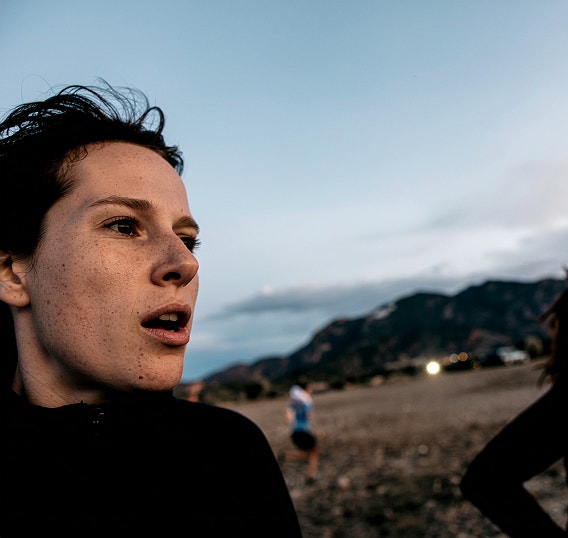
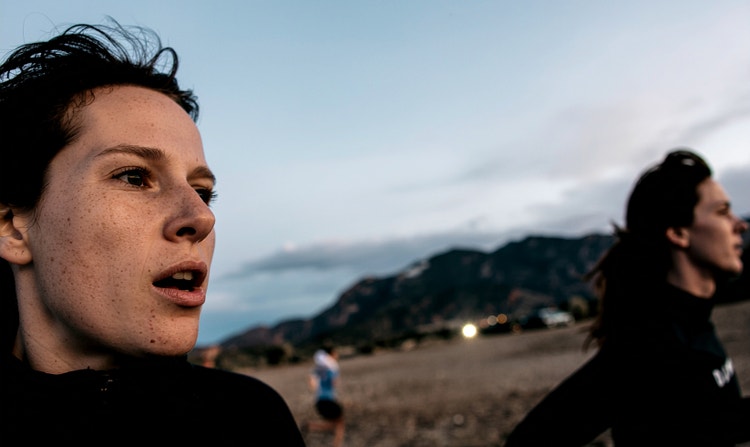
Realism and cinematic output
Adobe Firefly delivers high-fidelity, 4K video generation with advanced motion fidelity and scene consistency.
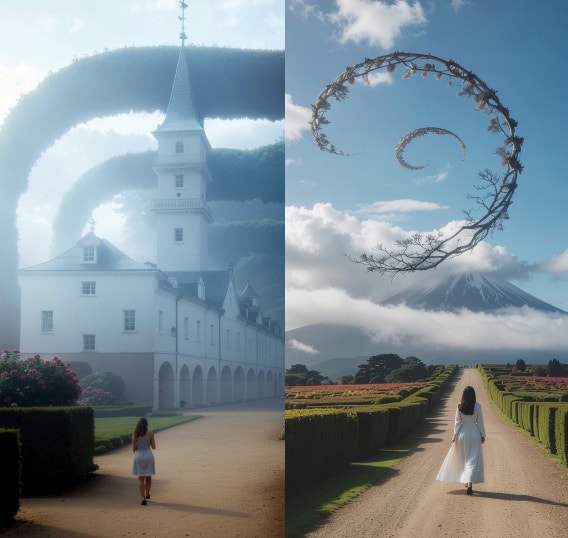
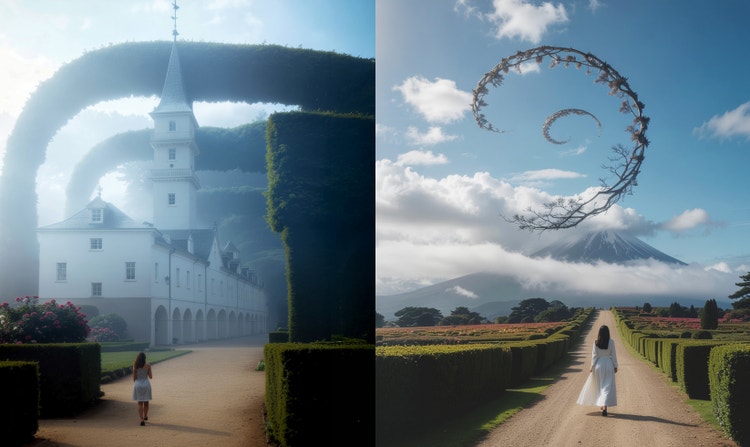
One workflow for multiple variations
The Adobe Firefly AI video generator lets you create a variety of video options from the same idea. Easily compare styles, pacing, and tone, and remix and iterate without needing to start over.
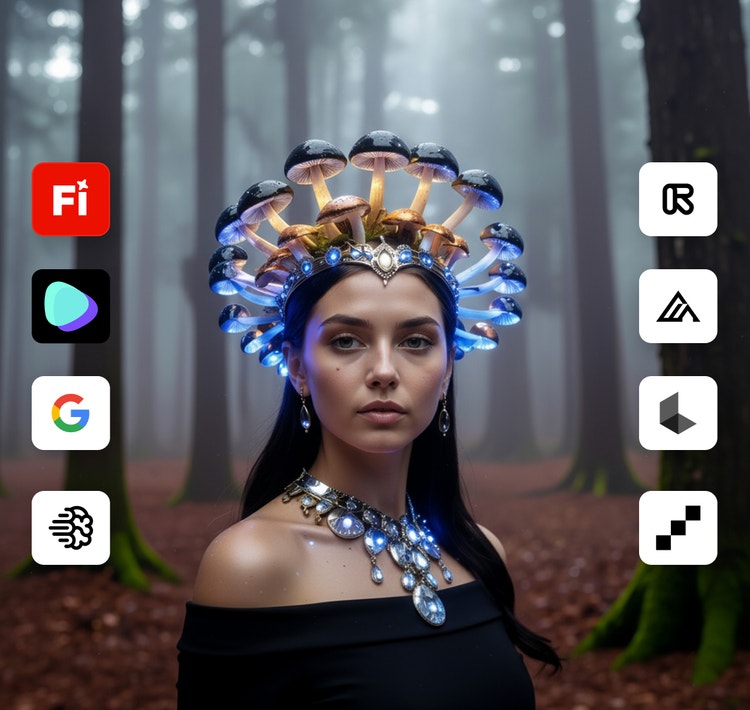
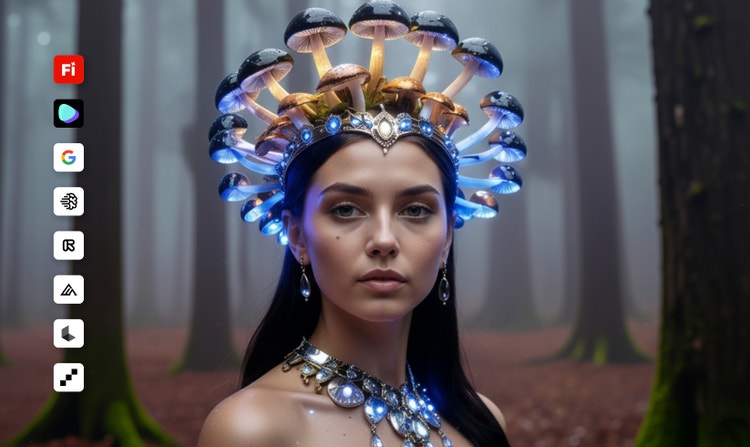
Powerful multi-model AI hub
Switch between Adobe AI video models and partner models to experiment with different levels of realism, types of cinematic motion, and generation speeds.
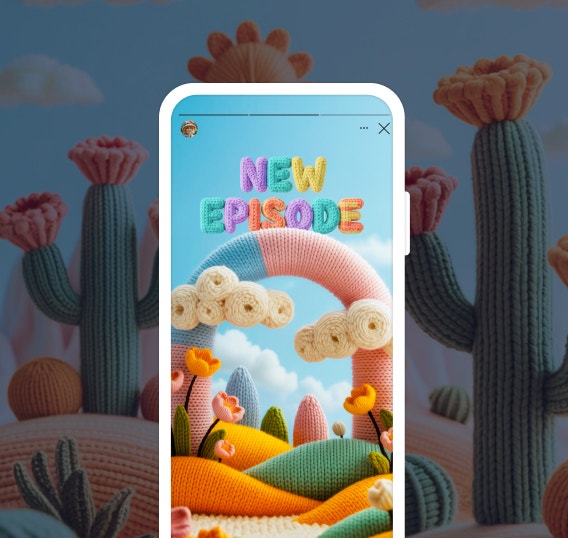
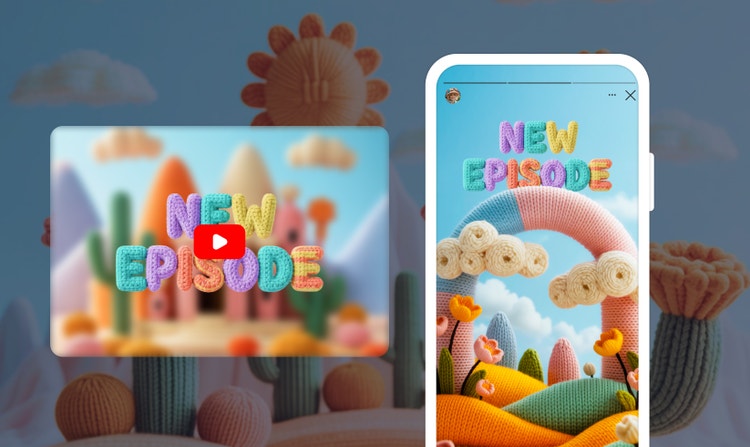
Social-ready output
Skip the complex workflows and use Adobe Firefly video capabilities along with generated sound effects to easily generate short clips for social plus B-roll, shorts, and storyboards.
See what else you can do in Adobe Firefly.
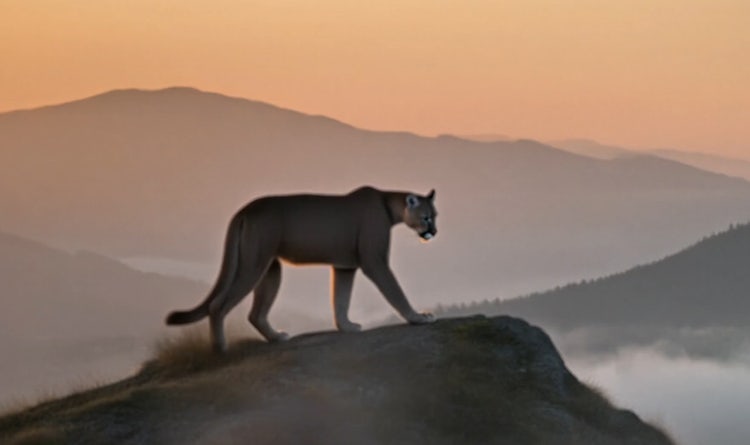


Discover even more generative AI features.
Questions? We have answers.
What is an AI video generator?
What are some tips for writing effective prompts for AI video generation?
For additional tips and inspiration, visit the Adobe Help Center to explore text prompt writing tips and example prompts that can elevate your videos.
How is the Adobe Firefly Video Model trained for text to video?
What makes Adobe Firefly different from other AI video generators?
Adobe Firefly makes it fast and easy to turn text prompts and reference images into high-quality, AI generated videos — no complex skills or tools required. With Text to Video, Image to Video, the AI video editor, and other AI tools, creators can move from an idea to polished, shareable content in moments.
What sets Adobe Firefly apart is its blend of speed, creative flexibility, and professional quality. It offers cinematic motion, customizable style presets, and built-in sound design to bring ideas to life. Combined with advanced visual effects, robust brand-safety measures, and seamless integration across Adobe apps, the Adobe Firefly Video Model enables creators to produce visually compelling, commercially safe videos for any platform. Note: Commercial usage eligibility depends on the model used. Partner models may have different usage terms.
What are the best AI video generators?
Is the AI video generator in Adobe Firefly free to use?
How long are videos generated in Adobe Firefly?
What can you make with an AI video generator?
Can I use AI-generated videos commercially?
How does Adobe Firefly compare to other AI video generators?
Can AI video generators create video with synchronized audio?
Who is Adobe Firefly best for?
Share this page.
Explore more Firefly tools.

What is AI art and how is it made?
Generative AI is quickly becoming a vital tool for artists. Read on to learn about what generative AI art is, how to create it, and how you can use it in your practice.
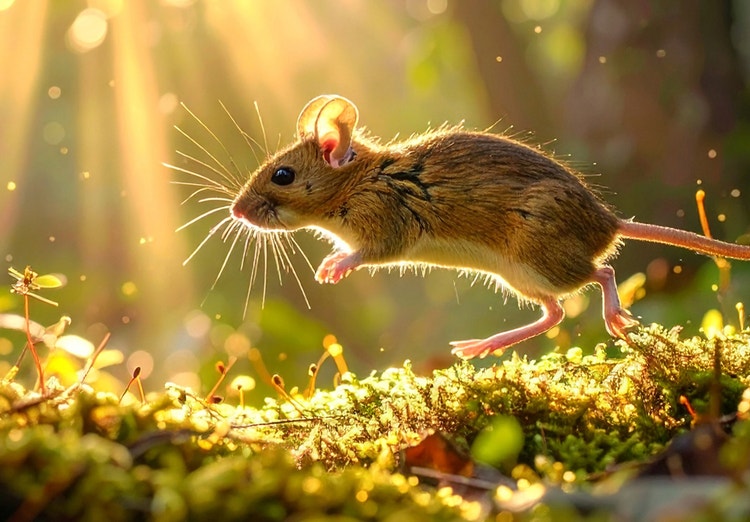
Image-to-video AI: Turn visuals into stunning videos.
Transform photos or AI-generated images into realistic videos with Firefly.
Learn how | Learn how - Image-to-video AI: Turn visuals into stunning videos
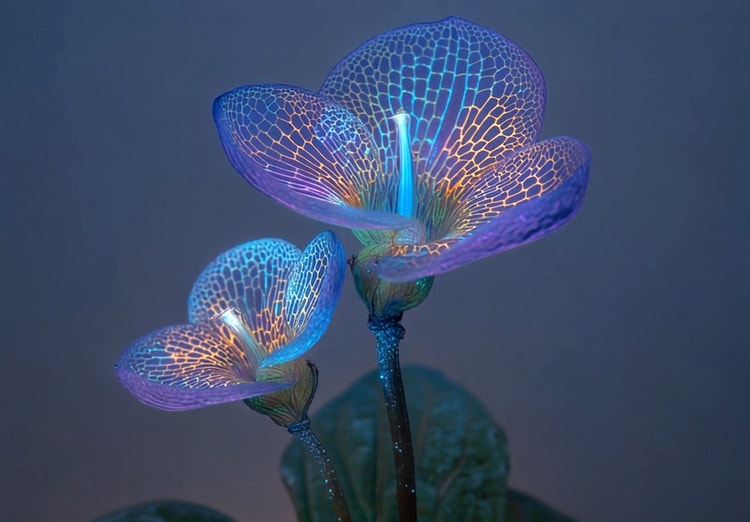
AI animated video examples to inspire your next project.
From GIFS and cartoons to explainers and ads, generative AI is transforming how creators produce animated videos. Explore AI animated video examples across styles and use cases, and see how Firefly can help you bring your vision to life.
Learn more | Learn more - AI animated video examples to inspire your next project
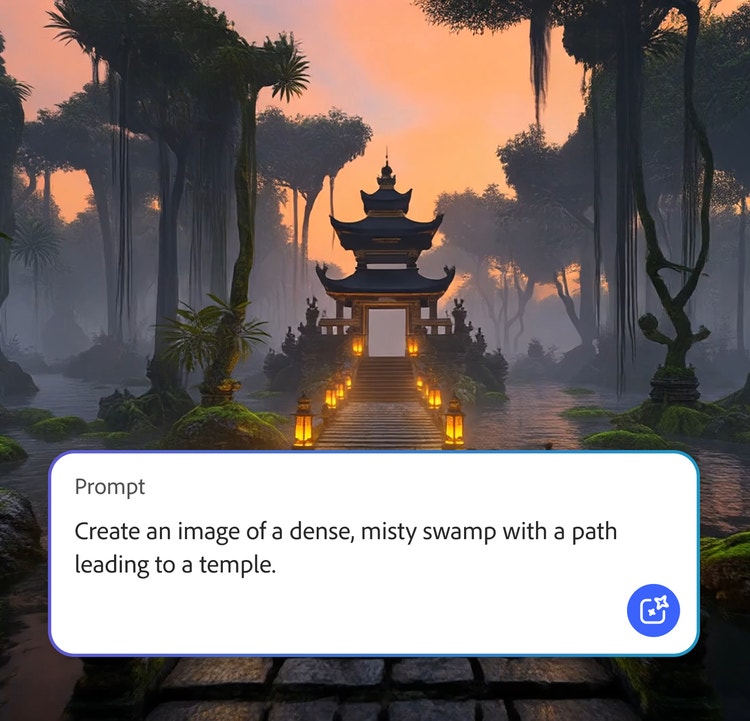
AI generated video examples to inspire your next project.
Adobe Firefly makes it easy to create AI generated videos for ads, film, animation, and so much more. Keep reading to explore examples, prompts, and tools that can help you bring any idea to life.
Learn more | Learn more - AI generated video examples to inspire your next project