https://main--cc--adobecom.aem.live/cc-shared/assets/img/firefly.svg https://main--cc--adobecom.aem.live/cc-shared/assets/img/ff-lockup-f4.svg | Adobe Firefly


Turn your vision into a cinematic still with Adobe Firefly.
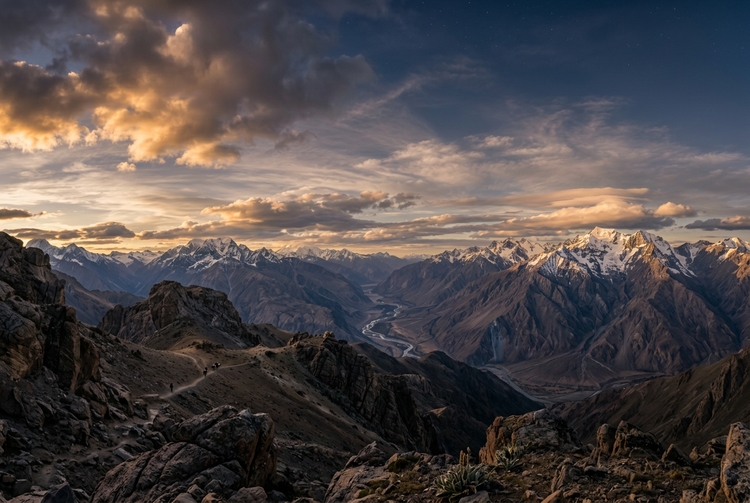
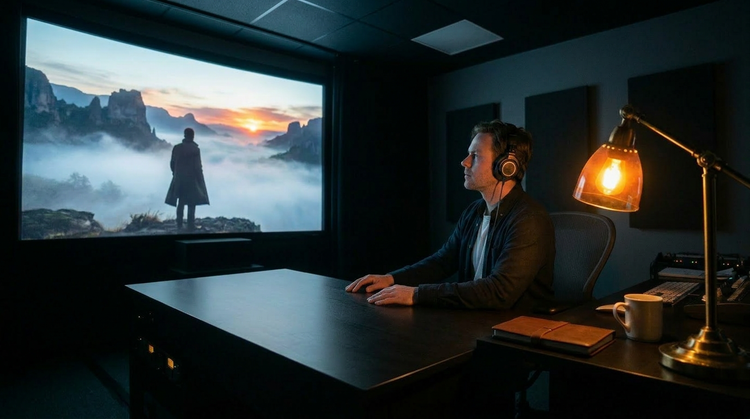
Create images that look like they're lifted straight from a movie. Describe the mood, color palette, and light source and the Adobe Firefly Generate Image feature will transform your prompt into an image you can use on its own, or to guide the look and feel of a future film project.

Or tap here
File must be JPEG (JPG), PNG, or WEBP and up to 100MB.
By uploading your image, you agree to the Adobe Terms of Use and Privacy Policy and confirm you are 18 years of age or older.
Or tap here
File must be JPEG (JPG), PNG, or WEBP and up to 100MB.
By uploading your image, you agree to the Adobe Terms of Use and Privacy Policy and confirm you are 18 years of age or older.
Or drag and drop here
File must be JPEG (JPG), PNG, or WEBP and up to 100MB.
By uploading your image, you agree to the Adobe Terms of Use and Privacy Policy and confirm you are 18 years of age or older.
- File size larger than 100MB
- Unable to process the request
- We are unable to process this file type. Please try again.
- Only one file can be uploaded at a time.
- Image is smaller than the minimum dimensions (512 x 512 pixels). Please resize and try again.
https://main--cc--adobecom.aem.live/cc-shared/assets/img/product-icons/svg/firefly-80.svg

Adobe Firefly
The next evolution of creative AI is here for all your ideas, with image, video, audio, and vector tools.
Turn your vision into a cinematic still.
Create images that look like they're lifted straight from a movie with Adobe Firefly. Describe the mood, color palette, and light source and the Generate Image feature will transform your prompt into an image you can use on its own, or to guide the look and feel of a future film project.
Use your words to direct the image.
Write your prompt the way a director might describe a shot. Try phrases like "overcast golden hour light," "noir shadow play", or "cold Scandinavian thriller palette". Adobe Firefly will interpret your cinematic descriptions and produce an image to match.
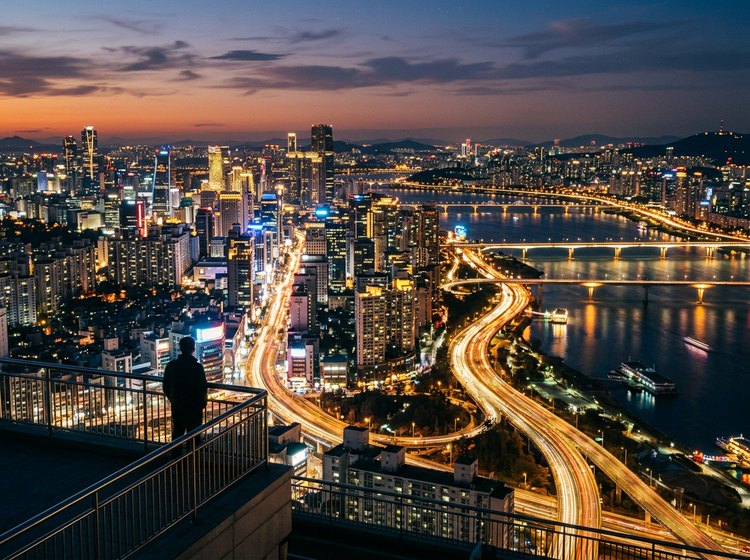
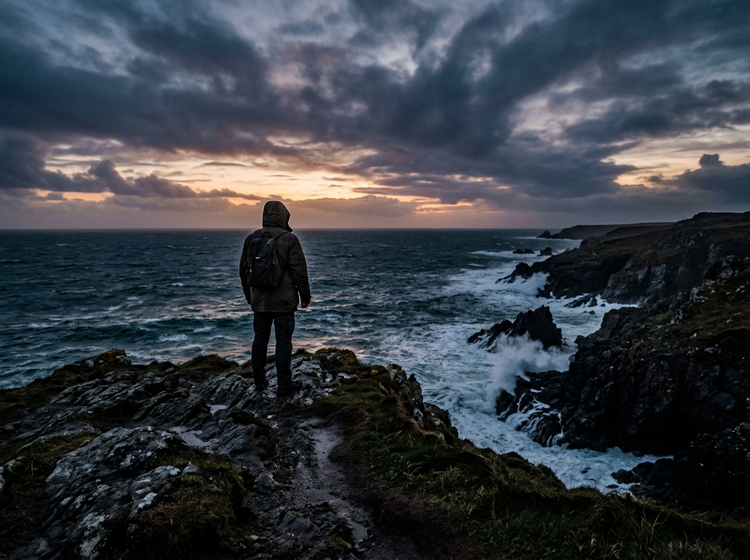
Explore the full range of cinematic styles.
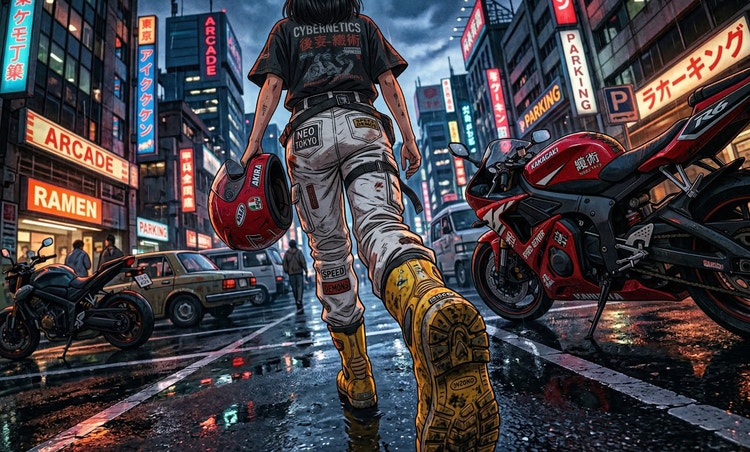
From neon-drenched urban nights to wide-open western landscapes bathed in dusty amber, the range of cinematic styles you can generate is as broad as film history itself. Test multiple looks in moments before committing to one.
Use your images with confidence.
Images generated with Adobe Firefly models are commercially safe. Use them in client decks, ad campaigns, editorial projects, and brand presentations without worrying about licensing.
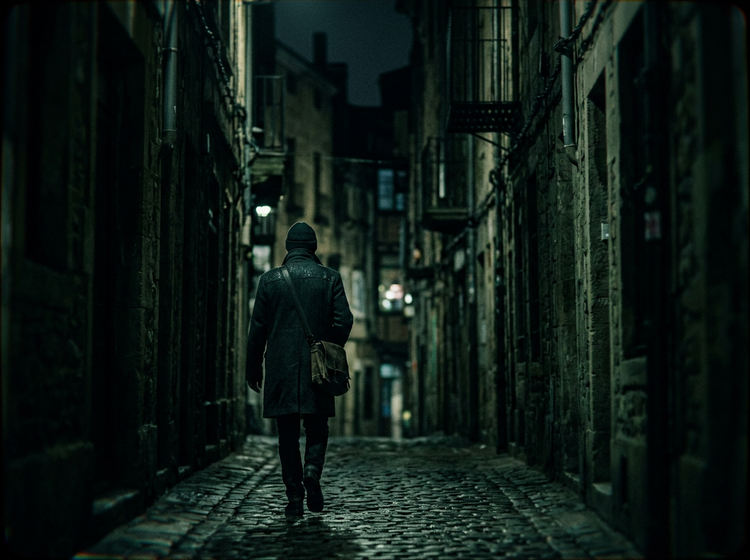
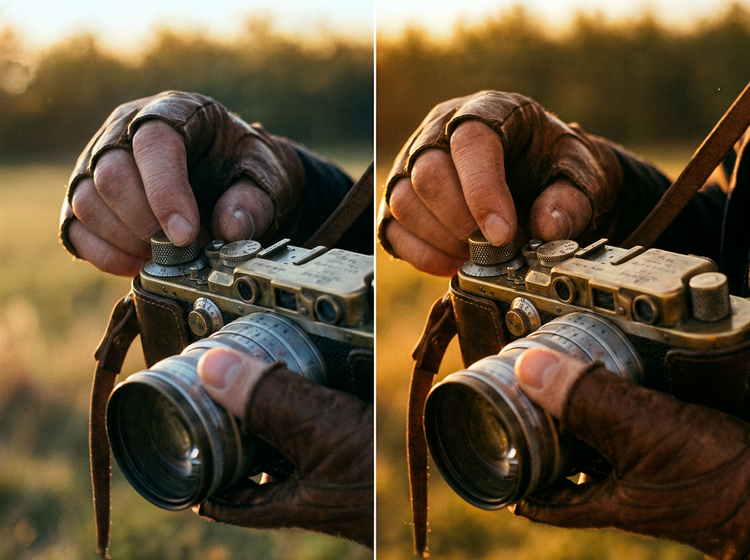
Refine every frame.
Adjust grain texture, shift the color temperature from cool to warm, or swap the time of day with a revised prompt. Each iteration gets you closer to the cinematic image you had in mind. Bring your final image into Adobe Photoshop on the web for precise retouching when you need it.
How to generate cinematic style photos with Adobe Firefly.
Step 1
Open Adobe Firefly.
Step 2
Describe your cinematic shot.
Step 3
Generate and compare results.
Step 4
Download and use your image.
Steps on how to generate cinematic style photos using Adobe Firefly Generate Image feature
PT5M
firefly
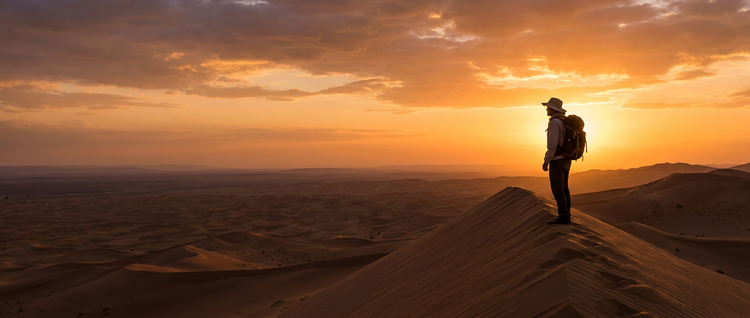
Detailed, accurate results
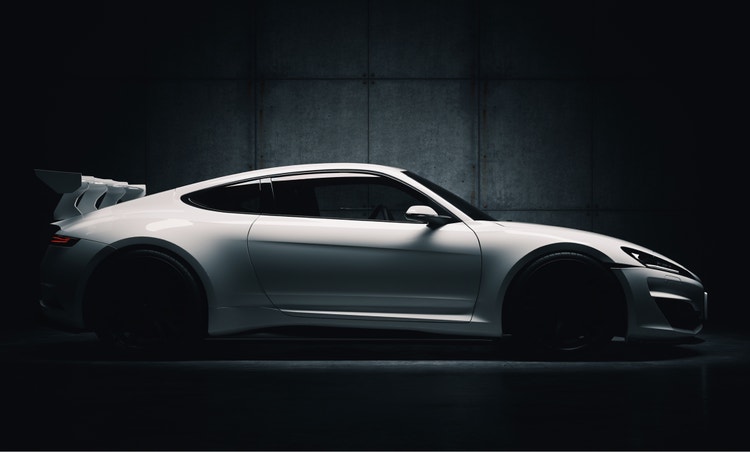
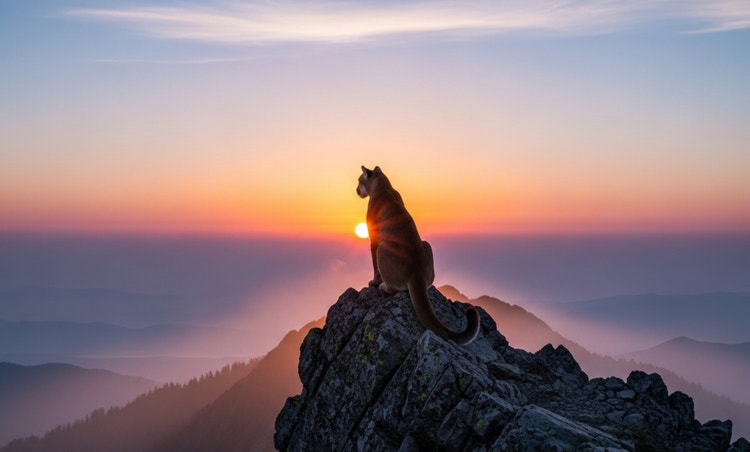
The Adobe Firefly Generate Image feature generates photorealistic images guided by specific prompts like "anamorphic lens flare", "slit-toned shadows", and "shallow depth of field".
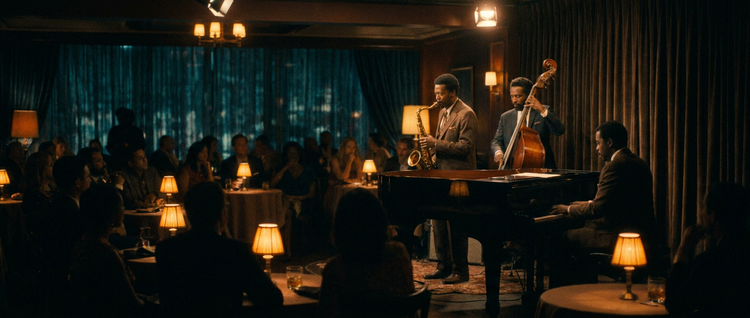
Every era of filmmaking, on demand
Generate images that reference the muted palettes of 1970s New Hollywood, the high-contrast digital gloss of contemporary thrillers, or the grain-heavy warmth of 35mm independent cinema.
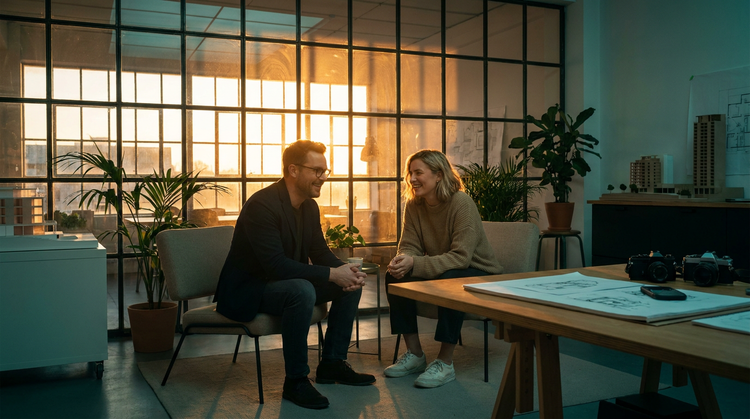
Commercial safety
Every image you generate with Adobe Firefly models is commercially safe. Use your cinematic photos in paid projects, client work, and published content with confidence.
Precise creative control
Iterate quickly simply by adjusting parts of your prompt. Describe a new light source, color palette, or subject framing to quickly produce variations.
See what else you can create with Adobe Firefly.
Discover even more generative AI features.
Questions? We have answers.
What is cinematic photography, and how does Adobe Firefly generate it?
Can I use Adobe Firefly-generated cinematic images for commercial projects?
How do I make an AI-generated photo look like a movie still?
What is the best AI tool for generating cinematic style photos?
Can I generate cinematic style photos with Adobe Firefly for free?
What cinematic styles can I generate with Adobe Firefly?
Can I upload a reference photo to guide my cinematic image generation?
How specific can I be when prompting Adobe Firefly for a cinematic photo?
What file format does Adobe Firefly use for generated cinematic photos?
Share this page.
Explore more Adobe Firefly tools.
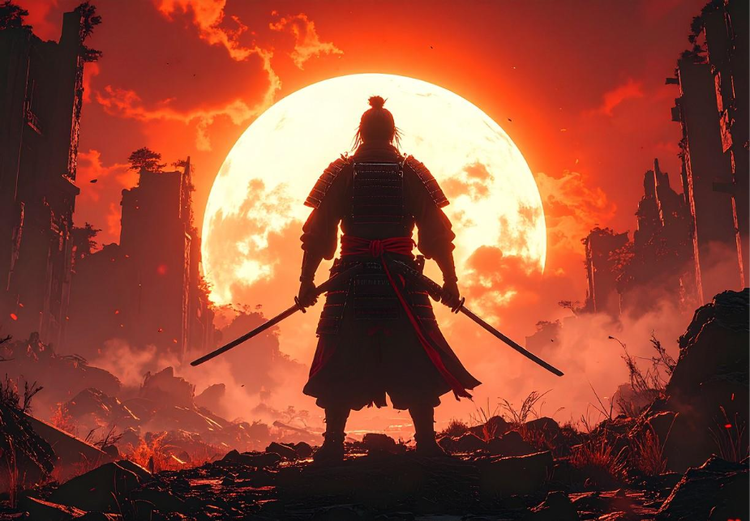
Image prompt examples to inspire your next project
Browse AI image prompt examples alongside their generated results to see how specific language shapes stunning visuals with Adobe Firefly.

How to use AI generated backgrounds for product photography
Learn how to capture audience attention using product photography with AI-generated backgrounds.
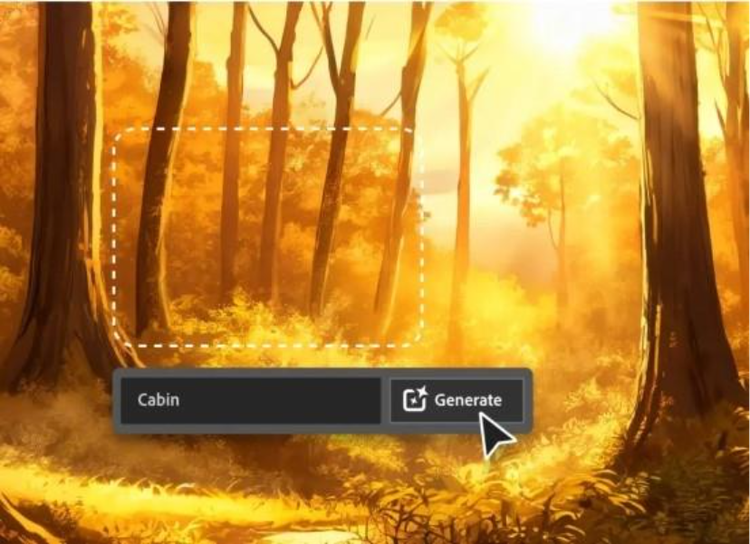
AI for graphic designers
Learn about the AI tools available to graphic designers and how they can help you be more productive and take your work in surprising directions.
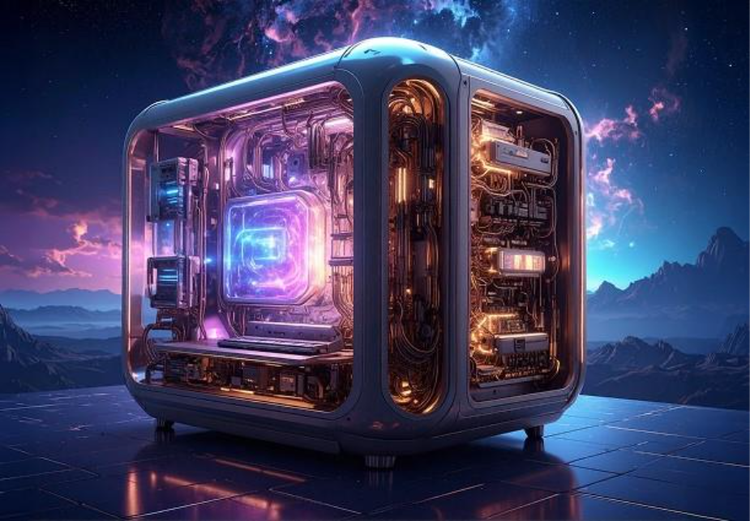
How generative AI works: From training to output
Learn how generative AI works and start streamlining your workflow with Adobe Firefly.