Rotate Object
Rotate any object. Any angle.
See Rotate Object in action — AI-powered control over perspective, right inside your workflow. No reshoots, no limits.


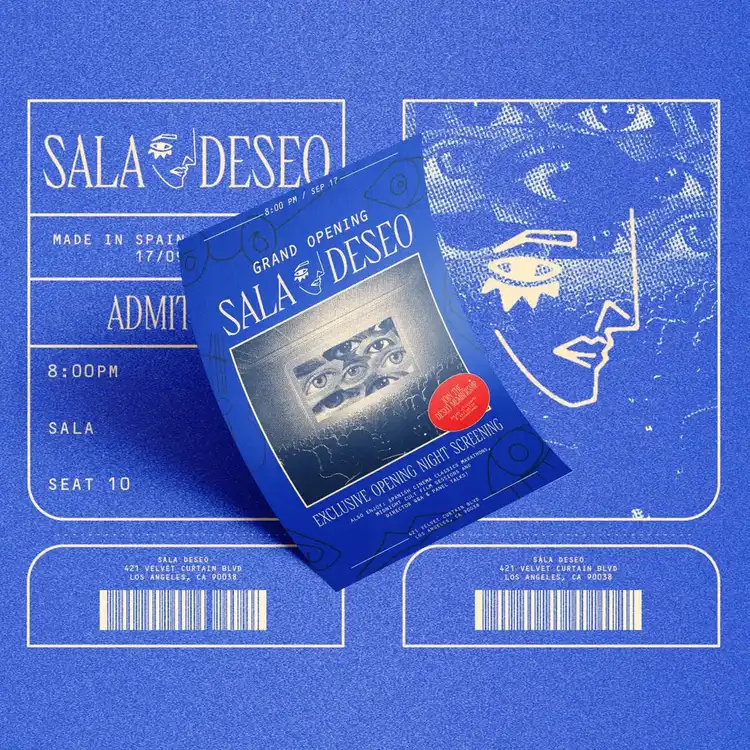
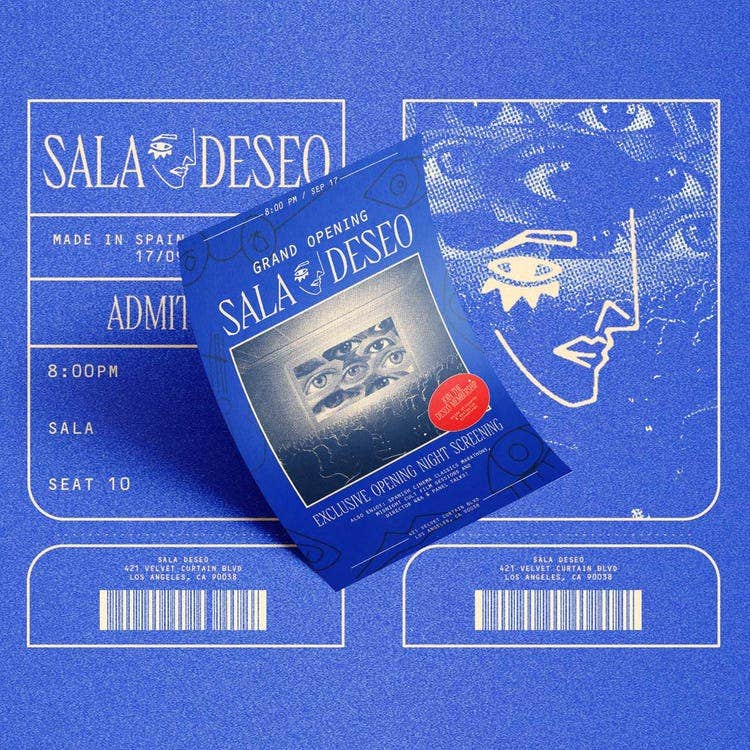
Go big. Designer and content creator Marina May gives her feed a visual refresh with Photoshop. She combines bold type, imagery, and texture to craft a cohesive brand for her dream project. Make your ideas real with Photoshop.
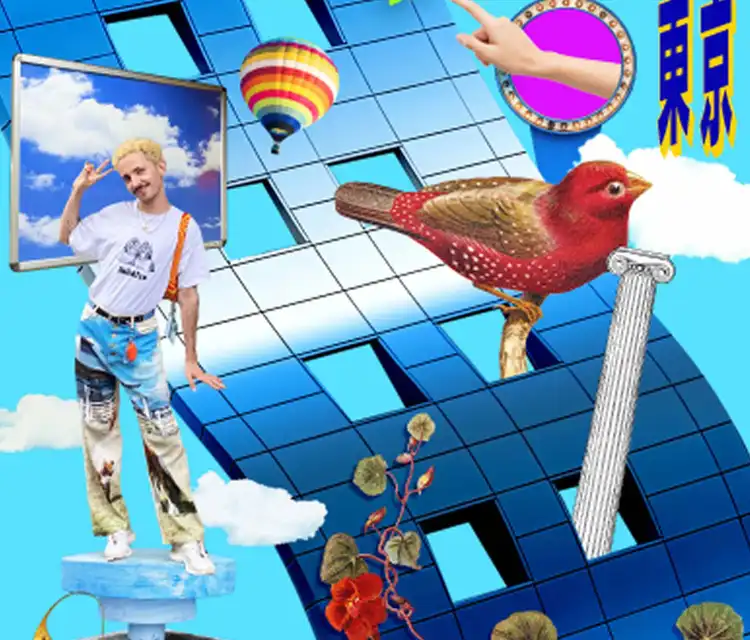
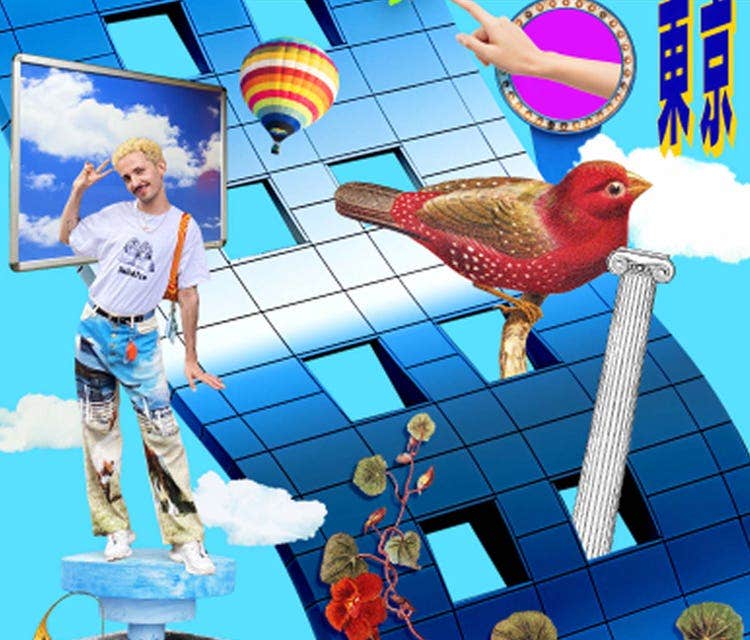
Using Harmonize to seamlessly blend people and objects into the composition, Artist Pedro Nekoi combines everyday images to create surreal, maximalist collages. Now go make your world.
Rotate Object
See Rotate Object in action — AI-powered control over perspective, right inside your workflow. No reshoots, no limits.
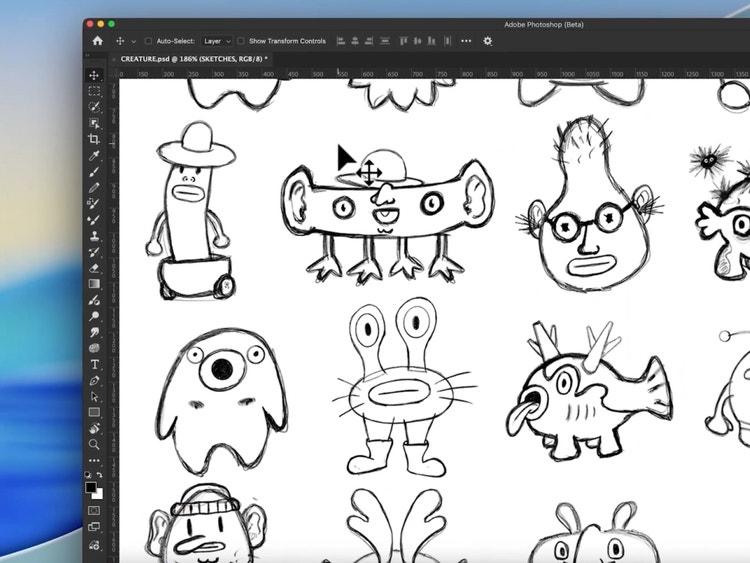
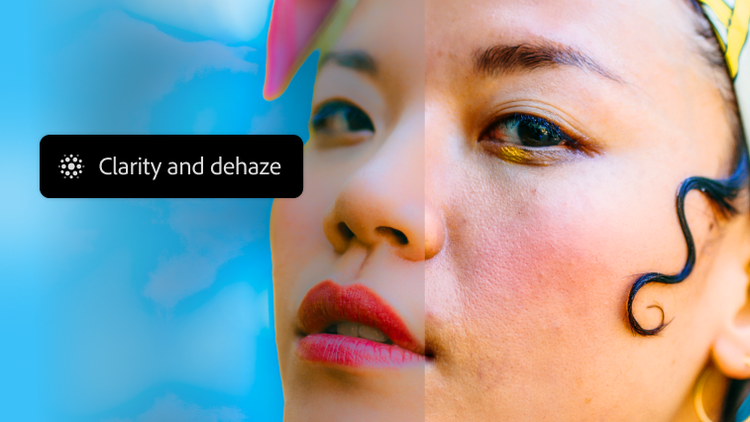
New adjustment layers
Now you can adjust texture, atmosphere, and sharpness nondestructively right in the Layers panel, and apply masks for pinpoint control.
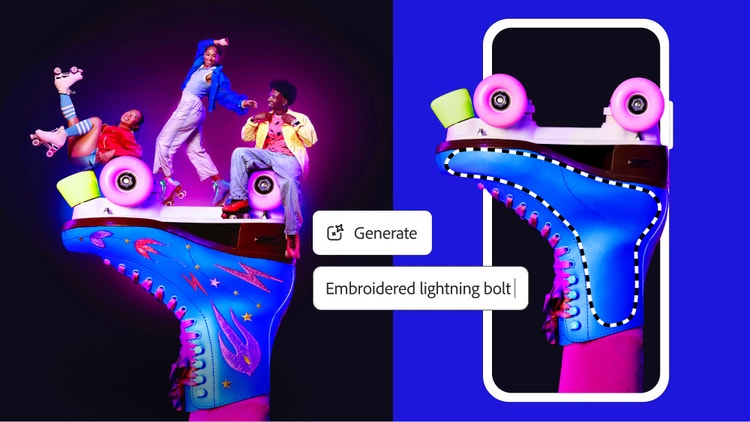
Combine images
Combine, edit and blend multiple images and graphics to craft something truly unique. Play with it 'til it's amazing.
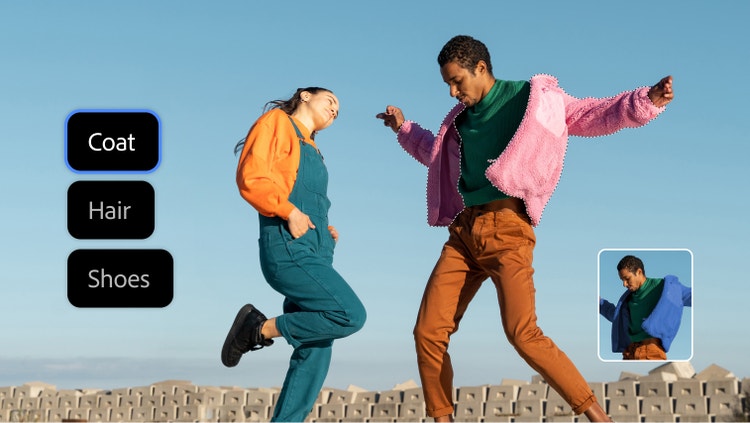
Transform images
Make amazing graphics and more. Use a full set of one-of-a kind tools to customise text, colour and images to create something completely unique.
Based on your location, we think you may prefer the United States website, where you'll get regional content, offerings, and pricing.

