https://main--cc--adobecom.aem.live/cc-shared/assets/img/firefly.svg Adobe Firefly

Free AI photo manipulation: Edit and transform photos.
Upload any photo and describe the change you want. Adobe Firefly manipulates your image with AI, adjusting exactly the part you describe while keeping the rest of your photo intact.

Or tap here
File must be JPEG (JPG), PNG or WEBP and up to 100 MB.
By uploading your image or video, you agree to the Adobe Terms of Use and Privacy Policy and confirm you are 18 years of age or older.
https://main--cc--adobecom.aem.live/cc-shared/assets/svg/s2-icon-upload-20-n.svg Upload your image
Or tap here
File must be JPEG (JPG), PNG or WEBP and up to 100 MB.
By uploading your image or video, you agree to the Adobe Terms of Use and Privacy Policy and confirm you are 18 years of age or older.
https://main--cc--adobecom.aem.live/cc-shared/assets/svg/s2-icon-upload-20-n.svg Upload your image
Or drag and drop here
File must be JPEG (JPG), PNG or WEBP and up to 100 MB.
By uploading your image or video, you agree to the Adobe Terms of Use and Privacy Policy and confirm you are 18 years of age or older.
- File size larger than 100 MB
- Unable to process the request
- We are unable to process this file type. Please try again.
- Only one file can be uploaded at a time.
- Image is smaller than the minimum dimensions (512 x 512 pixels). Please resize and try again.
https://main--cc--adobecom.aem.live/cc-shared/assets/img/product-icons/svg/firefly-80.svg

Adobe Firefly
The next evolution of creative AI is here for all your ideas, with image, video, audio and vector tools.
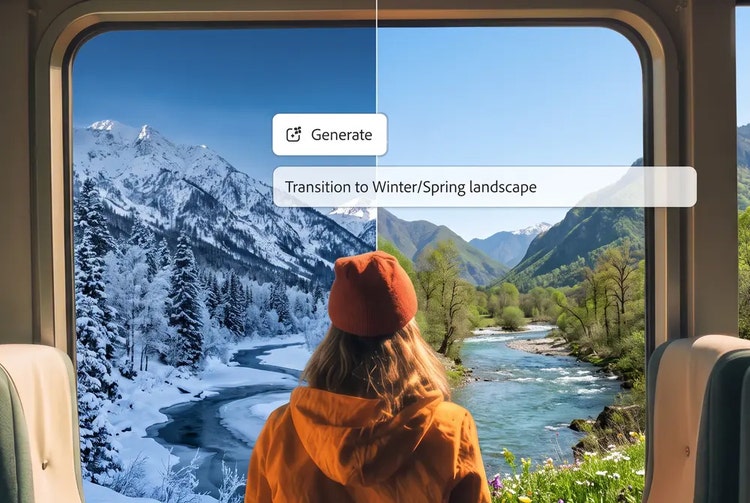
Quickly and easily change any part of a photo.
Add, remove or replace objects, swap a background or shift the mood, all by describing the change in plain language. Adobe Firefly reads your photo and applies AI photo manipulation that blends naturally with the lighting, texture and colour already in the frame, all for free.
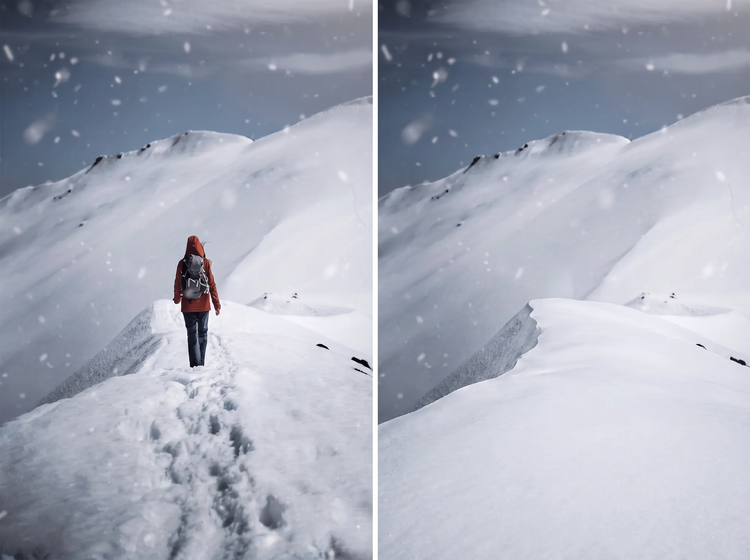
Add or remove anything in the frame.
Brush over an object you want gone and let Generative Remove clear it automatically or describe something new to add and Adobe Firefly places it in the scene. Both methods read the surrounding light and texture, so the result blends into the rest of the photo.
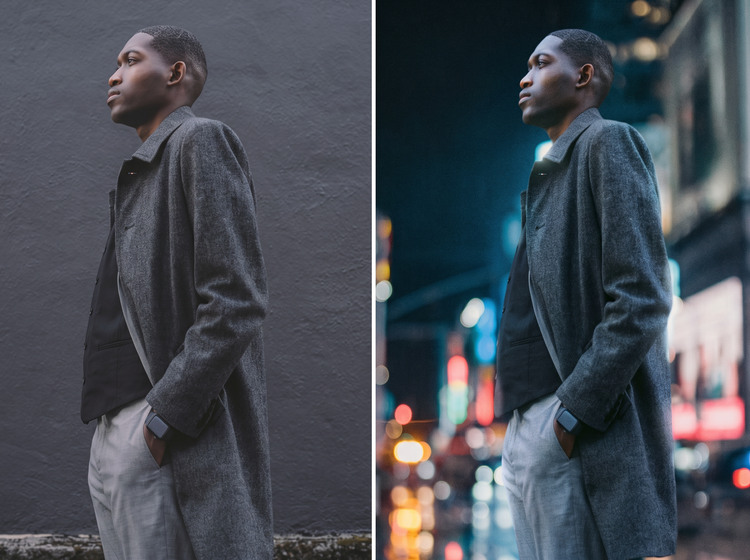
Swap backgrounds and reset the mood.
Replace a busy backdrop with a clean studio look, a new setting or a different time of day. Adjust colour, lighting and tone with a text prompt until the photo matches the story you’re telling.
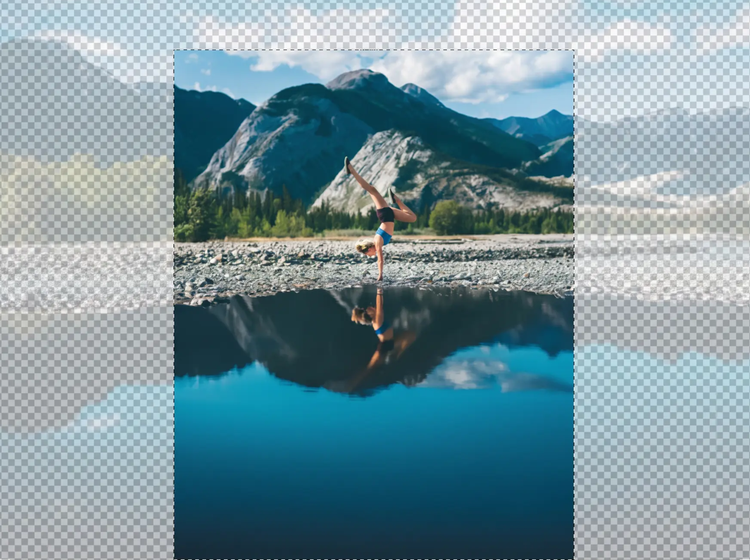
Extend or reshape the frame.
Use Generative Expand to widen a photo for a new aspect ratio or Generative Upscale to add resolution before a large print. Both tools manipulate the image around your original content instead of stretching it.
How to manipulate a photo with Adobe Firefly.
Step 1
Open Adobe Firefly and select Edit Image.
Step 2
Upload your photo.
Step 3
Describe the manipulation you want.
Step 4
Generate and review your results.
Step 5
Refine and download your photo.
Steps on how to manipulate a photo using Adobe Firefly AI photo editing tools.
PT4M
firefly
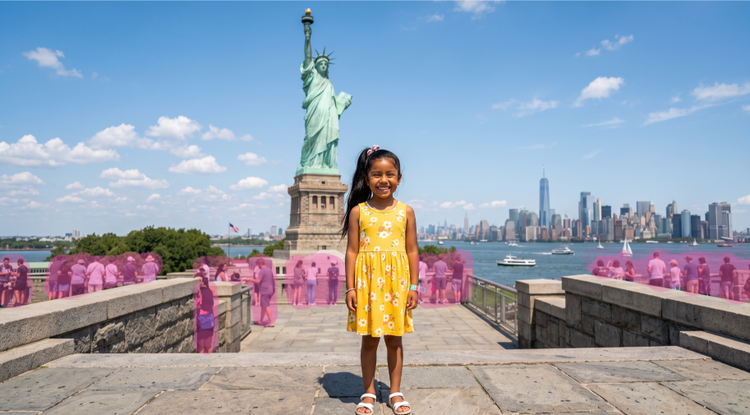
Precise creative control
Tell Adobe Firefly the area you want to change. Adjust lighting, tone and detail until the manipulation matches your vision.
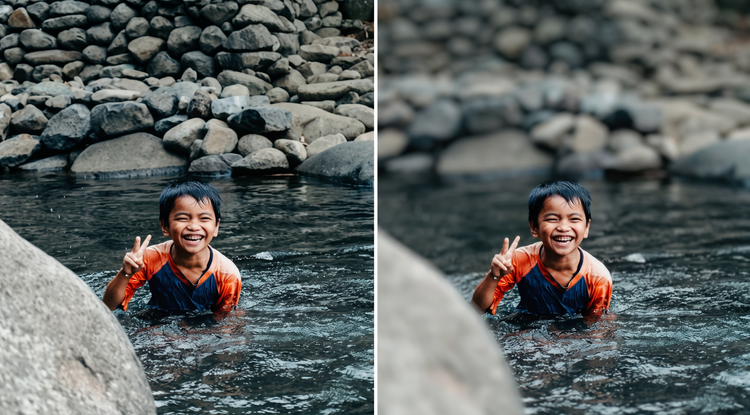
Top AI models, all in one place
Adobe Firefly brings together its own models and top partner models from Google, OpenAI, FLUX and others. Generate with the model that’s best suited to your style, without switching between tools.
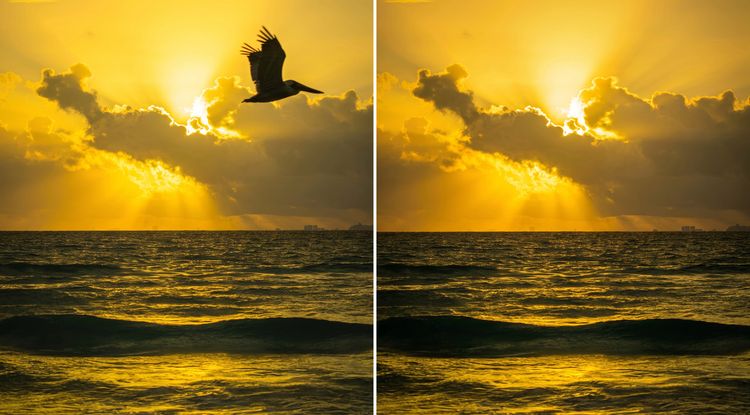
Your complete creative workspace
Adobe Firefly is more than an image editor. Start with a photo, refine it with precision tools and go from first idea to finished image without leaving your creative flow.
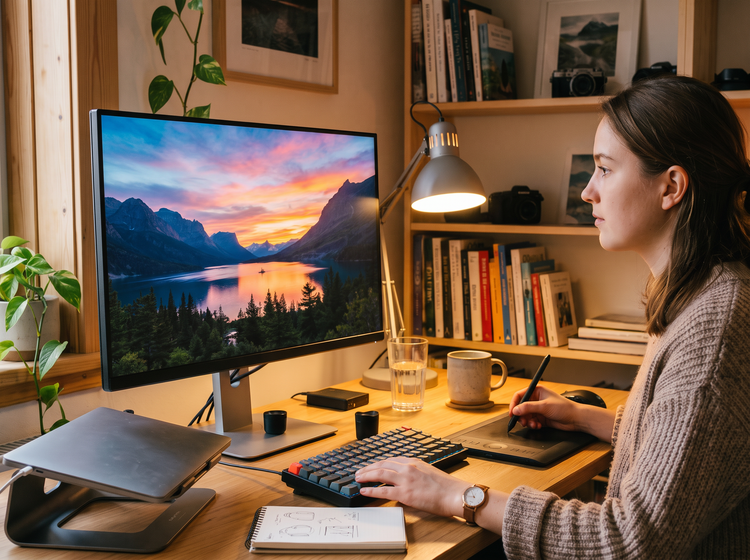
Seamless integration
Open your manipulated photo in Photoshop on the web to fine-tune the details or bring it into Adobe Express to drop it straight into a social post or flyer.