
https://main--cc--adobecom.aem.live/cc-shared/assets/img/firefly.svg Adobe Firefly

{{nbsp}}
Download our free rain sound effect generator.
We can’t help you feel the rain on your skin, but we can help you hear it with our free rain effect generator. From drizzle to downpour, Firefly lets creators conjure the perfect falling rain sound effect for any scene in seconds. Read on to learn how with Adobe UK.
- audio
- Keep it short and specific, like birds chirping
- Adobe Generative AI Terms
- https://main--cc--adobecom.aem.live/creativecloud/animation/testdoc/unity/generate.svgGenerate
- Describe what you want to generate
- Prompt
- Suggestions
- Tip
- Variation 1
- Variation 2
- Variation 3
- Variation 4
- ff_campaign=embed_generate_acom&promoid=YKHWG2HQ&mv=other
- Unable to process the request
- Please describe what you want to generate.
- Prompt exceeds the max length of 750 characters
- Unable to play audio. Please try other variations.
- Enter prompt


https://main--cc--adobecom.aem.live/cc-shared/assets/img/product-icons/svg/firefly-80.svg

Adobe Firefly
The next evolution of creative AI is here for all your ideas, with image, video, audio and vector tools.
https://main--cc--adobecom.aem.live/cc-shared/assets/img/product-icons/svg/firefly-80.svg
Adobe Firefly
The next evolution of creative AI is here for all your ideas, with image, video, audio and vector tools.
Set the scene with realistic rain sound effects.
Whether it’s a sprinkle or a shower, the Adobe Firefly rain sound effect generator helps creators make rain sound effects to set any mood, tone, or tempo. Describe the rain sound effect you want or include a basic audio reference and let Firefly take it from there.
Forget the rain dance, master your prompts and experiment with sound effects in seconds today.
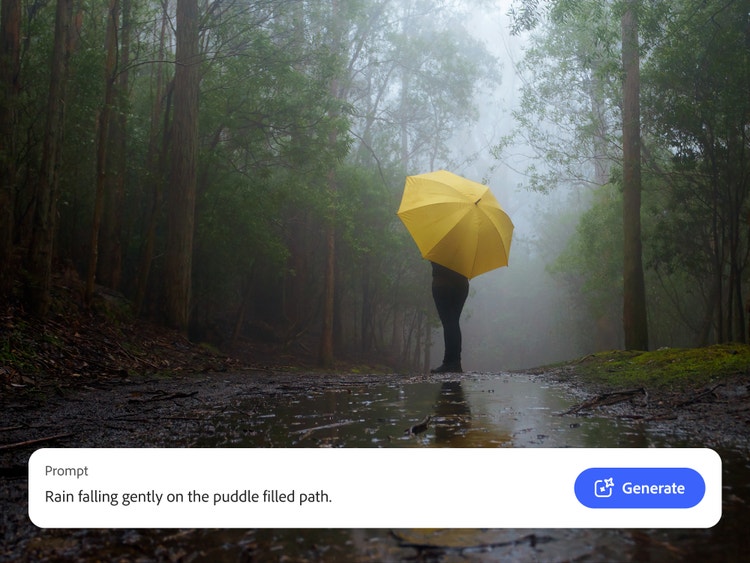
Generate custom rain sounds for every creative project.
Has poring over large sound libraries for the perfect sound effect got you feeling like a drip? Save time and effort with generative AI – it’s easier than ever to create crisp, authentic rain sound effects.
Add depth to a scene with a drizzle, bring a natural soundscape to life with light rain, or add a howling downpour when you need a pouring of pathetic fallacy to bring your creation to life. With Adobe Firefly, you can generate the sound effects you need on demand.
Describe the sound effect you need, Firefly does the rest.
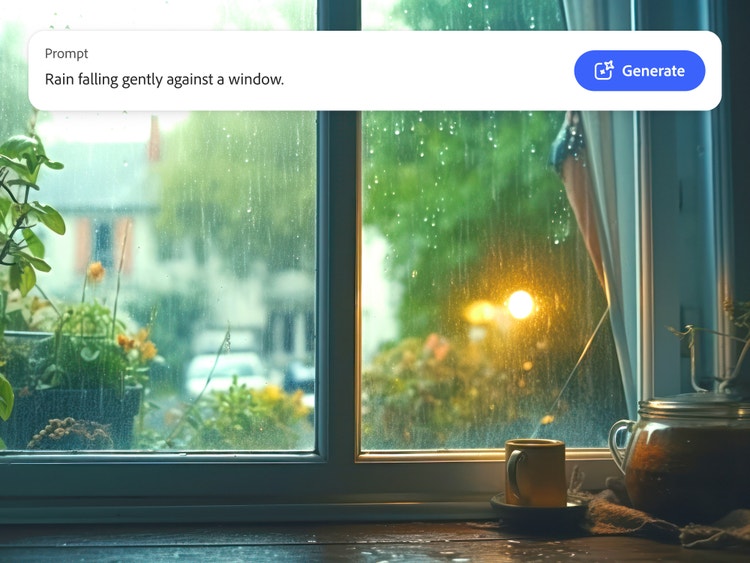
Want the sound of raindrops on your window? Adobe Firefly has it all. Just describe the sound effect you're imagining and let our AI bring it to life. Has your flood of inspiration turned into a drought? Upload an audio reference instead, and we’ll provide a realistic rain sound effect in a moment.
Try prompts like “steady rain pattering on a window” or “torrential downpour during a windy storm”, then generate and reiterate until you get the perfect sound for your scene. You can even layer your heavy rain sound effect with wind sound effects and thunder sound effects for a full stormy experience, without getting your boots wet.
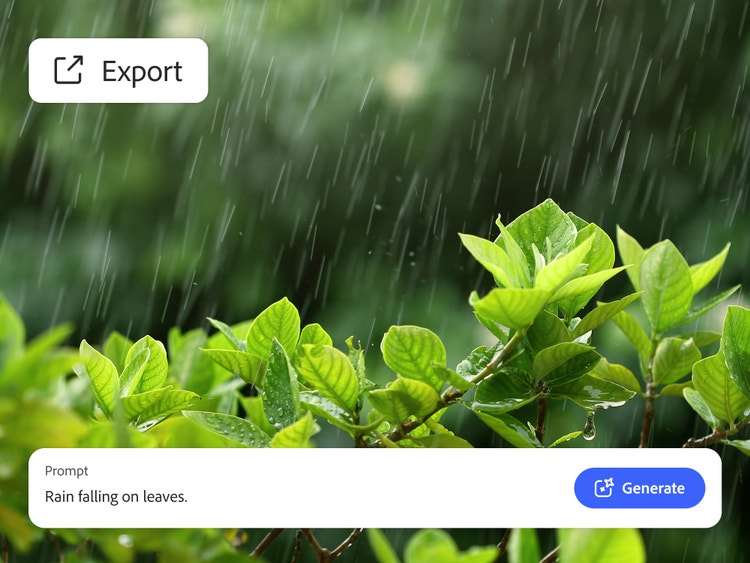
Remix and edit rain sound effects, fast.
Once you’ve generated your royalty-free rain sounds, Firefly gives you all the tools you need to adjust the pitch, tone, and tempo until your pitter-patter’s perfect. Once you’re done, drop your finished rain sound effect into a timeline or export it as a high-quality standalone audio file.
When you’re ready to expand your soundscape, explore more nature sound effects and bring your scene to life.
When you’re ready to expand your soundscape, explore more nature sound effects and bring your scene to life.
How to create rain sound effects with generative AI.
The Adobe Firefly AI rain sound generator makes giving your scenes an extra splash quick and intuitive. Start with a text prompt or an audio reference, then remix and refine until the sound fits your project perfectly. Follow the steps below to create and export your rain sound effect.
- Open Firefly AI sound effect generator.
Visit the Adobe Firefly homepage and select our AI sound effect generator, or go directly to the sound effect generator page. - Upload an audio clip as a reference (optional).
If you have an audio clip of the sound of rain you’d like to match, upload it as an audio reference for an even more accurate rain sound effect output. - Describe rain sounds with a prompt.
Try out simple prompts to experiment with different sound effects, like “falling rain on a window” or “light rain falling over a lake.” - Preview the rain sound effect and refine your results.
Give your generated rain sound effects a listen, then fine-tune the pitch, volume, and repetition until it’s perfect. If you’re not happy with the output, iterate on your prompt. Maybe add a more descriptive “heavy falling rain” instead of “falling rain”, for example. - Place sound effects in your project timeline or mix.
Integrate your rain sound effect into your project, whether that’s a video, animation, a podcast, or a music track. - Export and share in your chosen format.
Easily download your custom rain sound effect in WAV, MP3, or other supported formats and share your sound effects across devices and platforms.
Discover even more generative AI features.
Sound effect generator Dog bark sound effects Cat meow sound effects Thunder sound effect Wind sound effect AI animation generator AI video generator Translate audio AI dubbing
FAQs about rain sound effects.
Can AI create rain sounds?
What kinds of rain sounds can I generate?
Can I create a free rain sound effect?
Does Firefly generate royalty-free rain sounds?
What file formats are available for rain sound effects?
You can download rain sound effects in popular formats, such as MP3 and WAV, making it easy to integrate your sound into any production workflow. Just download your rain sound effect in the format you want once you’re happy, and you’re good to go. No lengthy conversion processes needed.
For more tips, read our guide on the best audio file types where we explore the basics of sound files.
Are rain sound effects safe for commercial use?
Can I loop sounds of rain to use as background audio?
Is it healthy to sleep with rain sounds?
Firefly features you may also like.
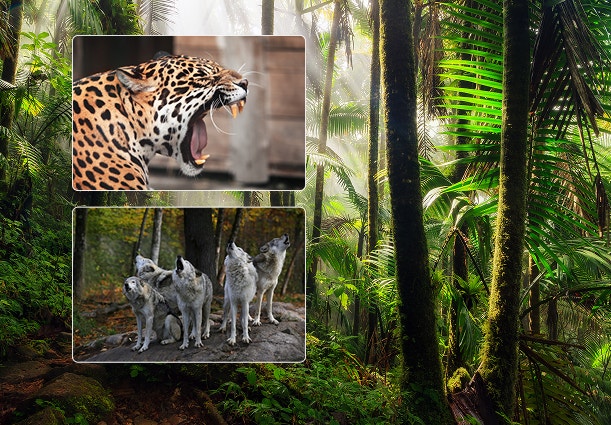
Create realistic nature sound effects with generative AI.
Nature sound effects are the foundation of immersive sound design. Generative AI makes it quick and easy to create a high-quality library of free nature sound effects for any project.
Learn more | Learn more - Create realistic nature sound effects with generative AI
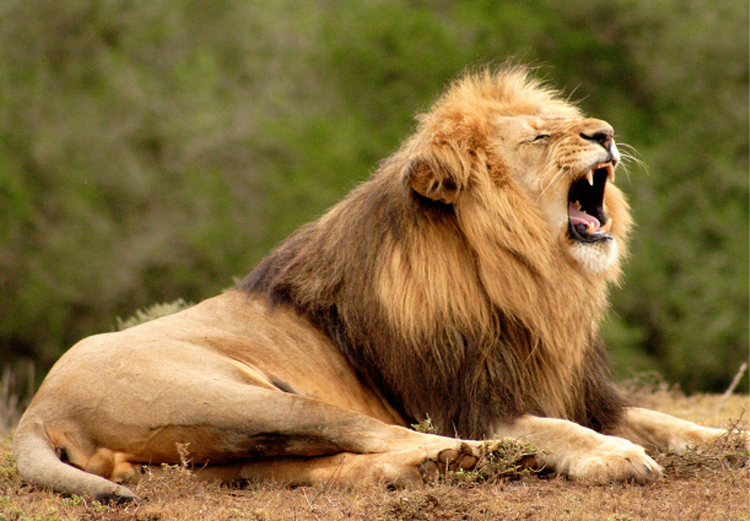
Create realistic animal sound effects with generative AI.
Animal sound effects can be used to add realism to any scene, video or audio story. Learn how generative AI can be used to create any animal sound from cat meows to lion roars.
Learn more | Learn more - Create realistic animal sound effects with generative AI
How generative AI works: From training to output.
Generative AI is all over the headlines and that’s not empty hype. This new technology is likely to be part of your life soon — if it’s not already. Learn how generative AI works and start streamlining your workflow.
Learn more | Learn more - How generative AI works: From training to output

Generative AI is changing creative work.
Generative AI can mimic — but not replace — human intelligence. Learn how it can help you to take your creativity to new places.
Learn more | Learn more - Generative AI is changing creative work