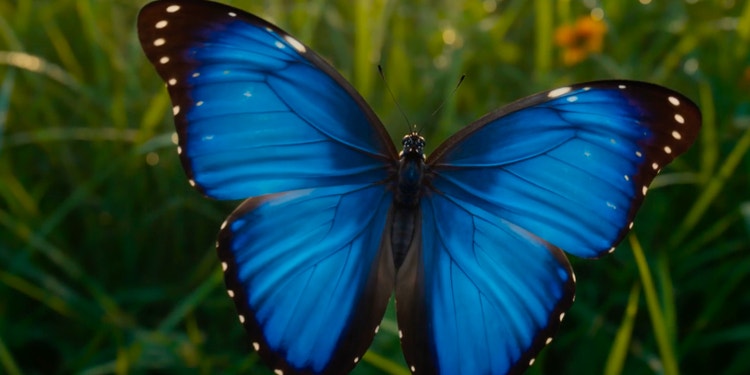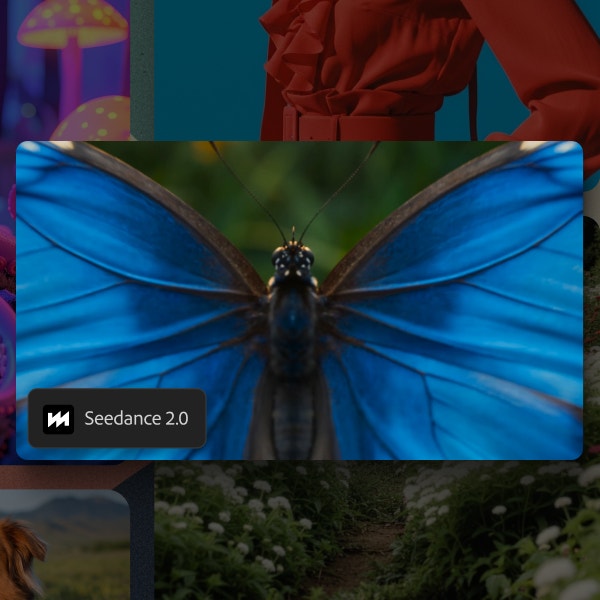
Generate video with ByteDance Seedance 2.0, now in Firefly.
Create production-ready video with multimodal inputs, native audio generation and cinematic motion for immersive visual storytelling with Dreamina Seedance 2.0 from ByteDance.
https://main--cc--adobecom.aem.live/cc-shared/assets/img/product-icons/svg/firefly-80.svg
{{nbsp}}
Generate with Seedance | Generate with Seedance - Adobe Firefly
https://main--cc--adobecom.aem.live/cc-shared/assets/img/product-icons/svg/firefly-80.svg
Adobe Firefly
Generate with Seedance | Generate with Seedance - Adobe Firefly
https://main--cc--adobecom.aem.live/cc-shared/assets/img/product-icons/svg/firefly-80.svg
Adobe Firefly
The next evolution of creative AI is here for all your ideas, with image, video, audio and vector tools.
Generate with Seedance | Generate with Seedance - Adobe Firefly
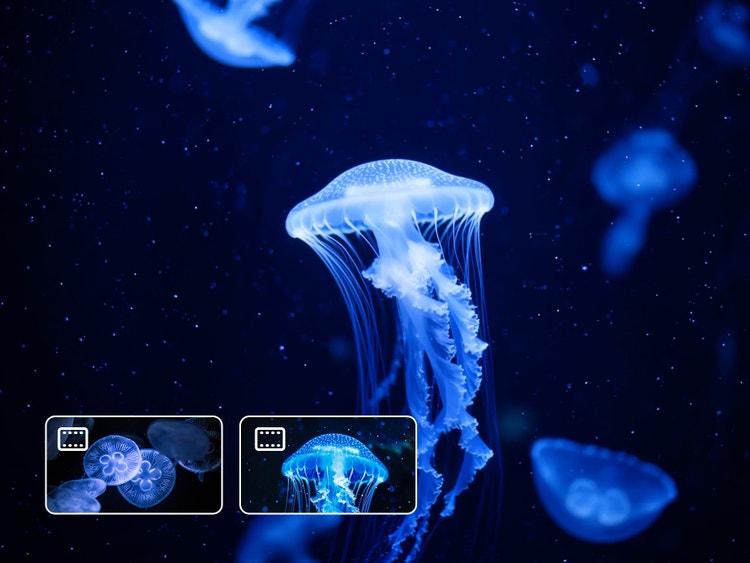
Add multiple references to steer your content in Seedance 2.0.
Combine image, audio, video and text references in a single generation to guide your video’s style, composition and more.
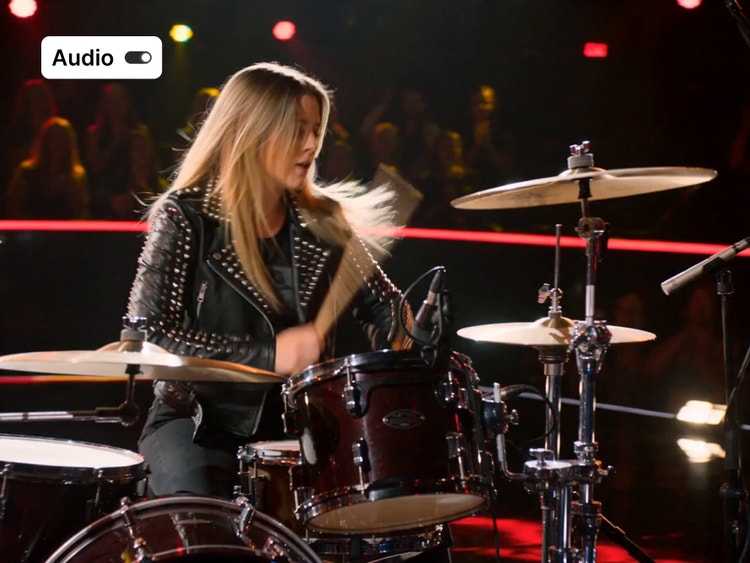
Generate audio and video together.
Seedance AI lets you output video frames with synchronised dialogue and sound effects. No audio post-production needed.
Create consistent multi-shot sequences with Seedance 2.0.
Instead of isolated clips, produce connected scenes with stable characters, lighting and environments across shots for a cohesive feel.

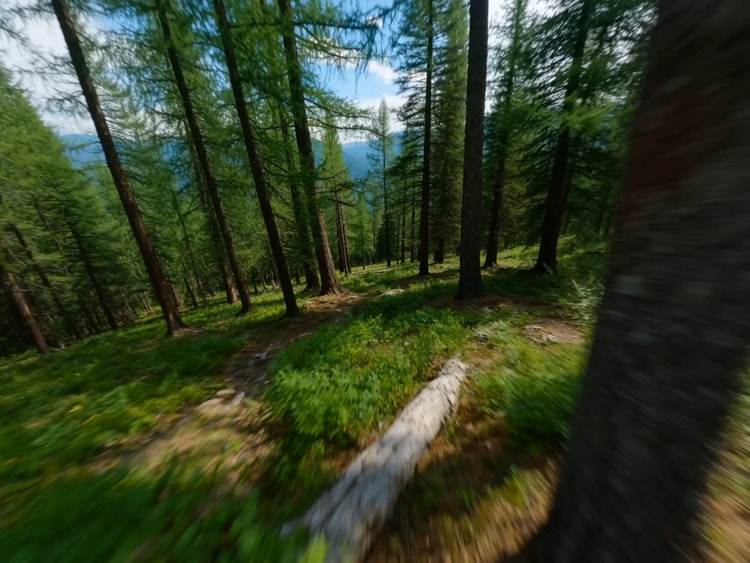
Generate dynamic shots with cinematic camera control in Seedance AI.
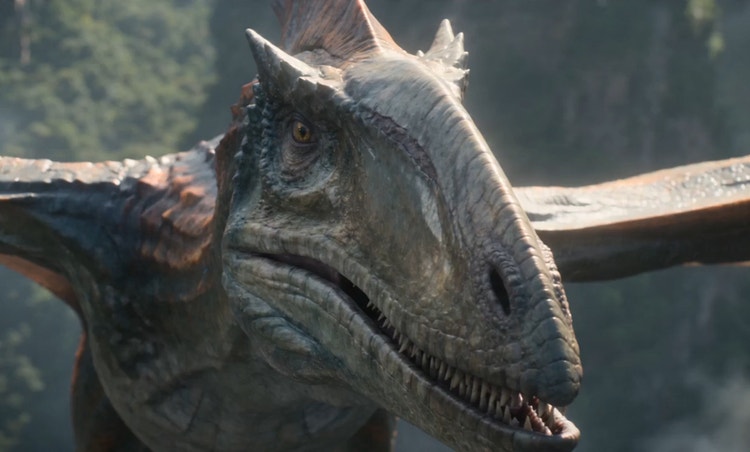
Engage your audiences with cinematic camera movement that includes orbiting shots, dramatic reveals and fast-moving perspectives such as drone or macro views.
How to use Seedance 2.0 in the Adobe Firefly Generate Video feature.
Follow these quick steps to create and generate videos in Firefly using the Seedance partner model.
Step 1
Open Adobe Firefly.
Step 2
Choose the Seedance model.
Step 3
Start with a prompt or frame.
Step 4
Generate and review your results.
Step 5
Download your video.
- How to use Seedance 2.0 in the Adobe Firefly Generate Video feature.
- Steps on How to use Seedance 2.0 in the Adobe Firefly Generate Video feature.
- PT5M
- firefly
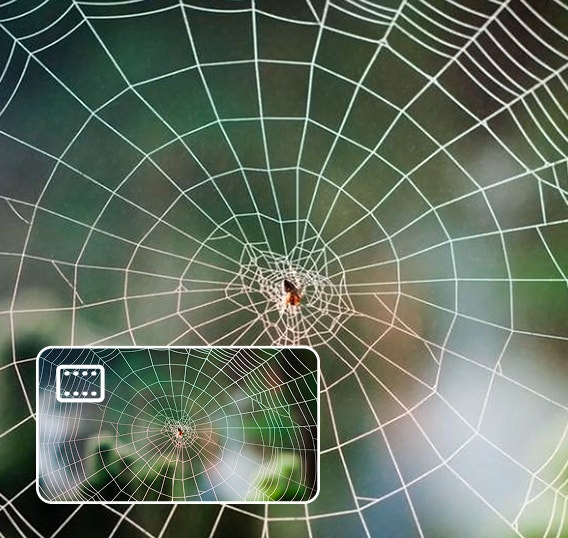
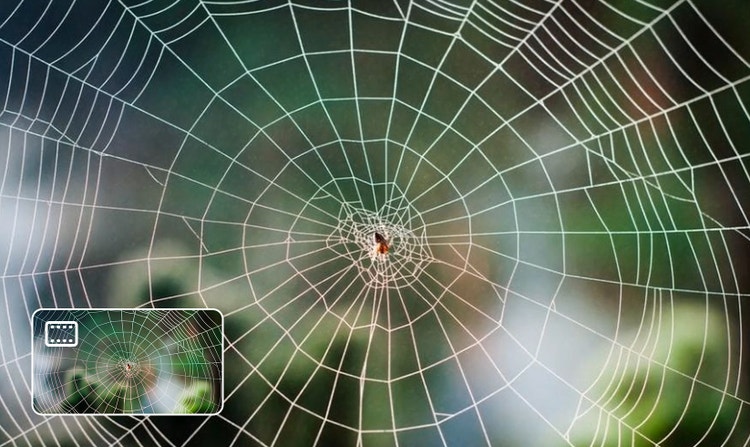
Turn references into finished scenes.
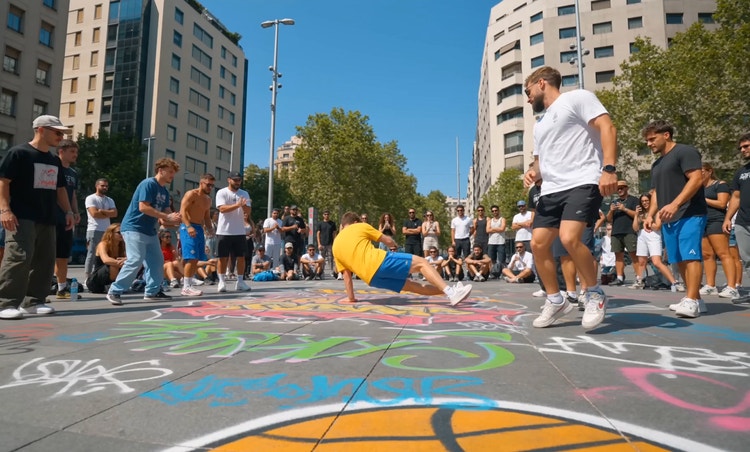
Seedance 2.0 lets you guide your generations with a combination of image, video and audio references in addition to text, directly within Firefly. By defining your desired style, motion and timing through multimodal inputs, you can turn existing assets into structured video scenes with greater precision and control.


Create consistent multi-shot sequences.
No more isolated, disjointed clips. Seedance AI generates connected multi-shot sequences, giving you stable characters, environments and lighting across shots. Build longer narrative sequences with a persistent identity and scene continuity, all within a single generation workflow.
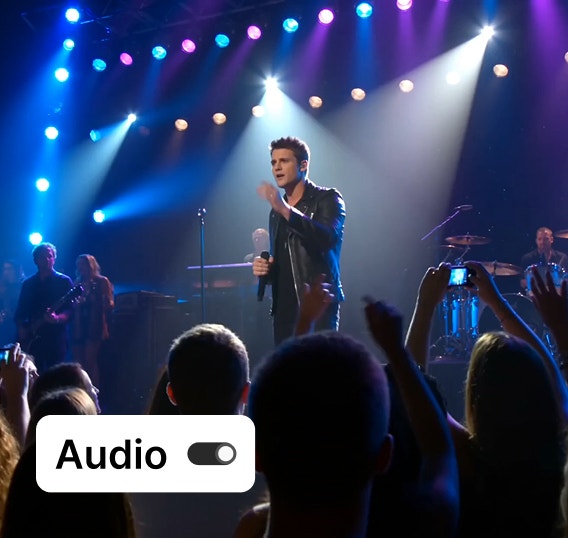
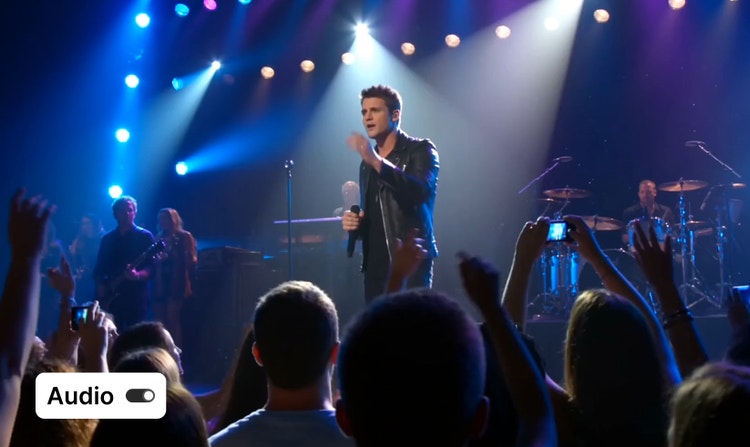
Generate audio and video in one pass.
Produce synchronised dialogue, sound effects and ambient audio for your video in moments and get built-in lip syncing across eight languages. When you use the Seedance AI model with the Firefly music generator, you can produce complete videos and take care of all your audio needs in a single platform.
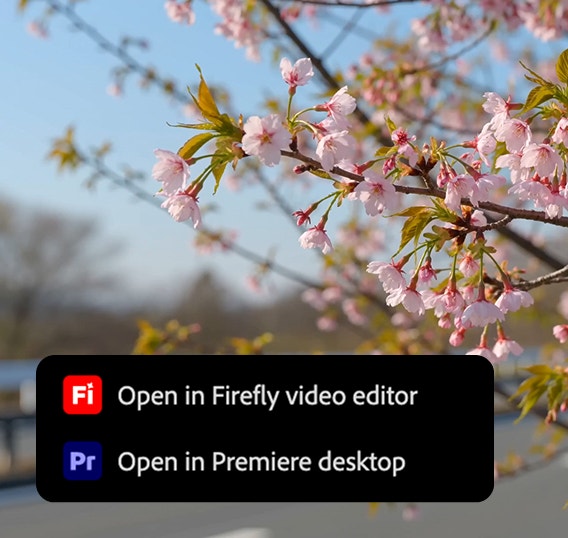
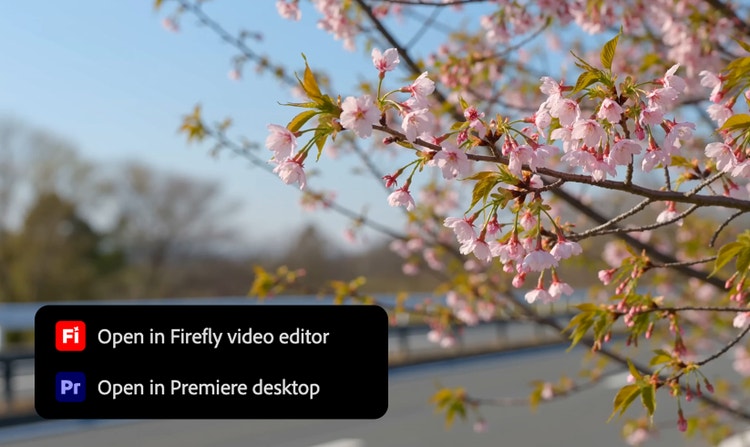
Work across Adobe Creative Cloud apps.
Once you generate a video using Seedance 2.0 in Firefly, you can quickly send it to other Creative Cloud apps like Adobe Premiere or After Effects to use it in other video projects or add professional finishing touches.
See what you can do in Firefly.



Discover even more features.
Questions? We have answers.
What is Seedance 2.0 and how does it compare to other AI video generators?
Can I generate videos in Adobe Firefly with Seedance 2.0?
Can I edit videos in Adobe Firefly with Seedance 2.0?
What’s the difference between Seedance 2.0 and Seedance 2.0 Fast?
Can I use Seedance to generate videos with realistic audio?
Can I use Seedance 2.0 for commercial projects?
Can I use Seedance 2.0 for professional video production?
What languages does Seedance 2.0 audio support?
Seedance supports multilingual lip-sync and audio generation in eight languages:
- English
- Chinese (including Mandarin and Cantonese variations)
- Japanese
- Korean
- Spanish
- French
- German
- Portuguese
Why should I use Adobe Firefly instead of the official Seedance platform?
Share this page.
Explore more Firefly tools.
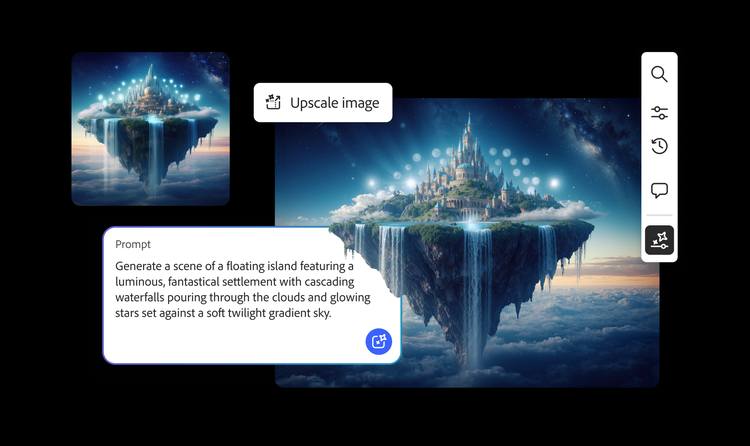
AI generated examples
From the way we explore ideas to the way we bring concepts to life, generative AI is transforming creative work. Explore generative AI examples of visuals, video and sound created with Adobe Firefly to see what’s possible and spark ideas for whatever you create next.
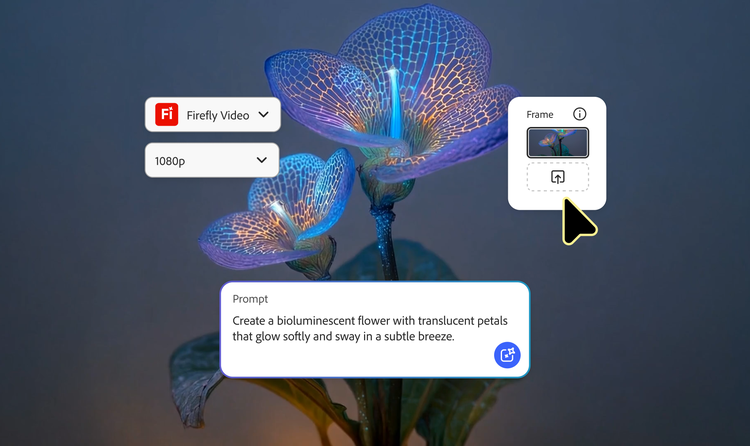
Animated video examples
From GIFS and cartoons to explainers and ads, generative AI is transforming how creators produce animated videos. Explore AI animated video examples across styles and use cases and see how Firefly can help you to bring your vision to life.
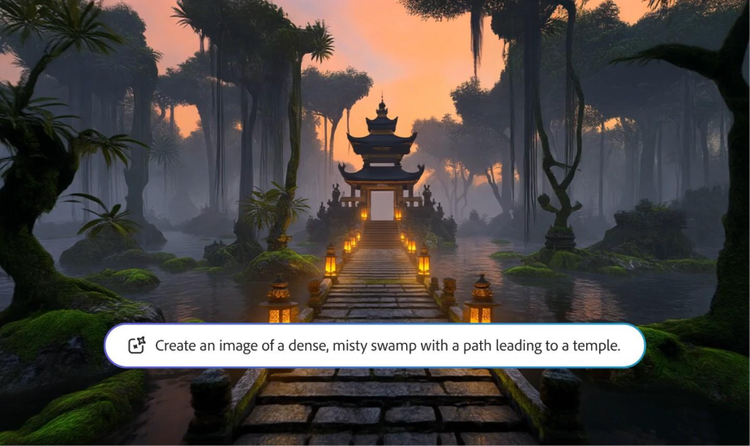
AI video examples
Adobe Firefly makes it easy to create AI generated videos for ads, film, animation and so much more. Keep reading to explore examples, prompts and tools that can help you to bring any idea to life.

How Generative AI works
Generative AI is all over the headlines and that’s not empty hype. This new technology is likely to be part of your life soon — if it’s not already. Learn how generative AI works and start streamlining your workflow.