ENHANCED: Explore more motion title templates.
Easily add stylish text, graphics, and animations.

Trim and resize or transform with visual effects. Learn fast with Guided Edits. Organize effortlessly. And so much more.


Easily add stylish text, graphics, and animations.

Just drag crop handles to resize your videos.

Ensure that clouds and snow look truly white with the White Balance tool, and make precise color and brightness adjustments using color correction Curves.

Style your text to match your story with controls for alignment, size, direction, color, spacing, and more. And create consistent looks fast using style templates and a style browser.

Built-in hints and animations help you get up to speed fast.

Easily resize for social media and more while keeping the most important part of the action in the frame.

Turn a series of photos or videos into a fun stop-motion movie that speeds up the action.

Shot your video in low light? Make it look crisper with a simple drag and drop of the Reduce Noise effect.

Select a specific object — or area — of your video and easily apply an effect that tracks throughout the video, like brightening the subject or blurring the background.

Smart Trim finds and brings together the best scenes based on the style of your video.

See high-quality playback of many effects without rendering first — and crop videos faster — performance boosts in both the standard and trial versions. Learn more

Easily reveal hidden details in the darkest or brightest areas of your videos so there’s more to see in every scene.

The perfect video needs the perfect soundtrack. Create just the feel you want with fresh audio tracks.

Use a simple slider to reduce the size of your movies so you can easily upload them to web and social sites, send them in text messages, and more.

Emphasize key moments or just add some eye-candy with modern graphics.

Position your footage and add effects, transitions, text, and graphics. Export in VR or standard formats for easy social sharing.
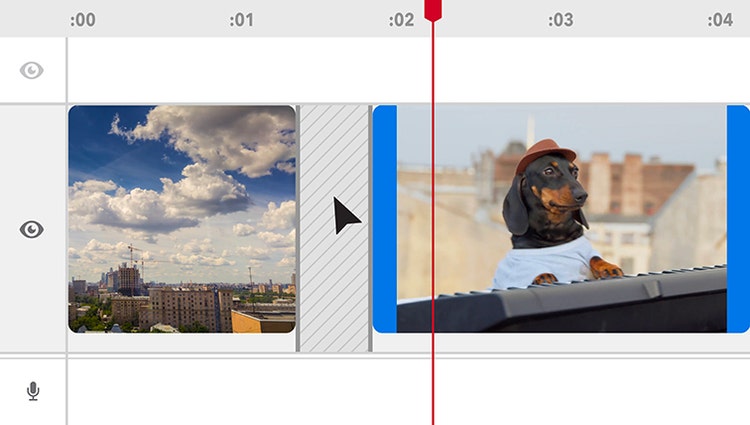
Delete Timeline gaps all at once and experience faster shake stabilization.
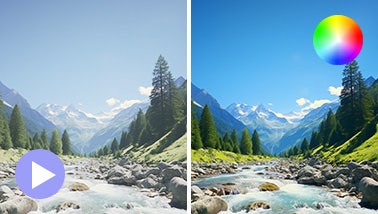
Ensure that clouds and snow look truly white with the White Balance tool, and make precise color and brightness adjustments using color correction Curves.

AI and automation quickly turn your clips into videos that draw people in by focusing on motion, close-ups, and your highest-quality footage.
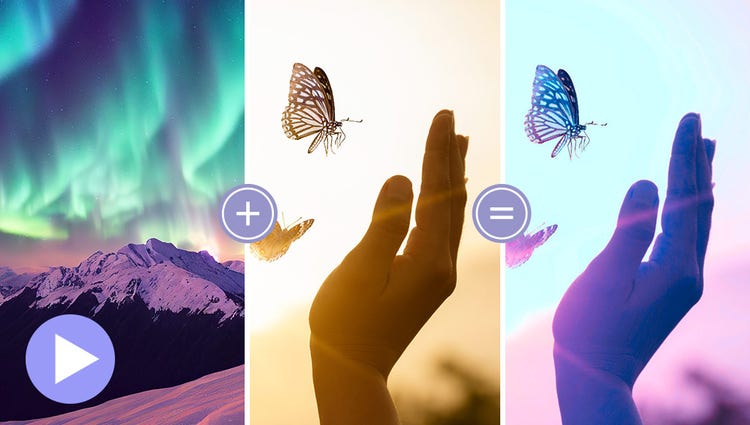
Choose a video or photo with colors you love, click once, and then fine-tune hue, saturation, and brightness with sliders.
Try effects like Reverb, Vocal Enhancer, and DeHummer to improve your listening experience.
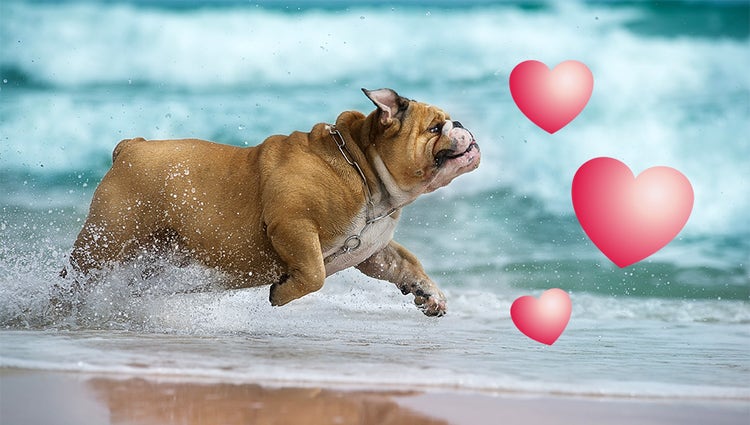
Emphasize key moments or just add some eye-candy with modern graphics.

Discover modern fonts, icons, buttons, and colors that are easy on the eye. Plus, choose from light and dark mode options.
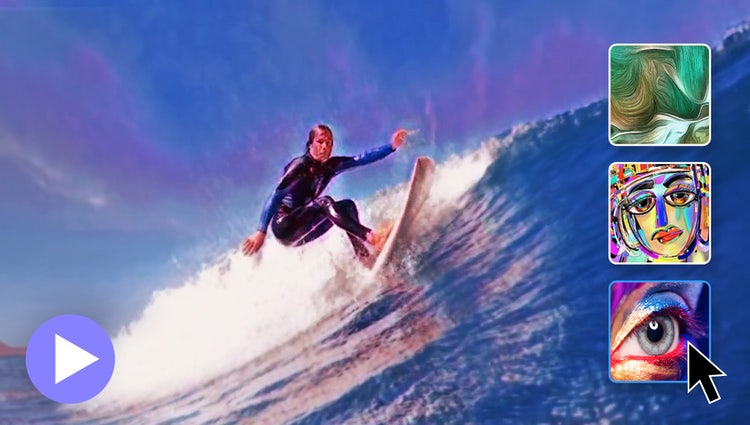
In one click, transform your clips with effects inspired by famous works or art or popular art styles.
Easily resize your videos for social media and more while keeping the most important part of the action in the frame.

Select a specific object — or area — of your video and easily apply an effect that tracks throughout the video.
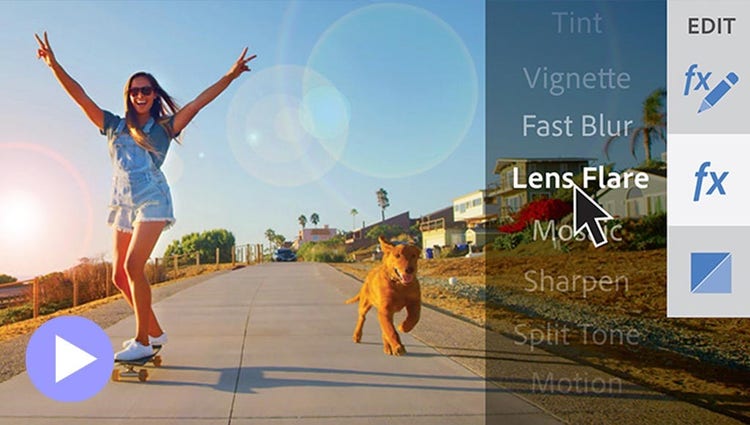
See high-quality playback of many effects without rendering first — and crop videos faster — with GPU-accelerated performance boosts in both the standard and trial versions. Learn more
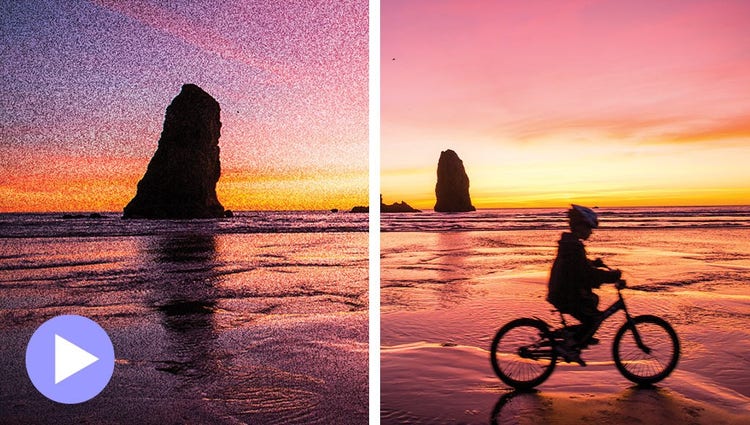
Shot your video in low light? Make it look crisper with a simple drag and drop of the Reduce Noise effect.
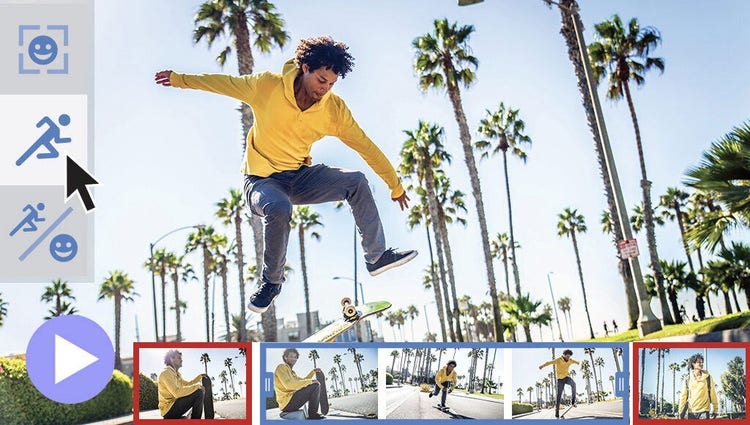
Smart Trim finds and brings together the best scenes based on the style of your video.
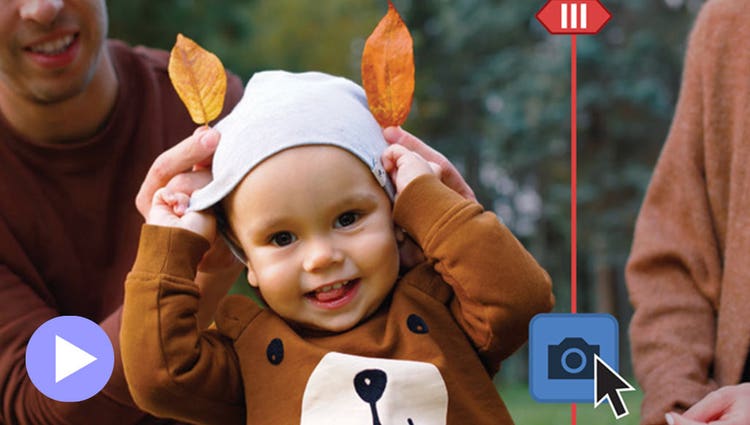
Wish you’d been able to capture the moment with photos? Automatically extract great photos from your raw video footage.

Underscore the mood or punch up the action in your video by adding music and adjusting the length and intensity.

Discover how to record high-quality voiceover narration and apply it to a clip to add context or enhance storytelling.
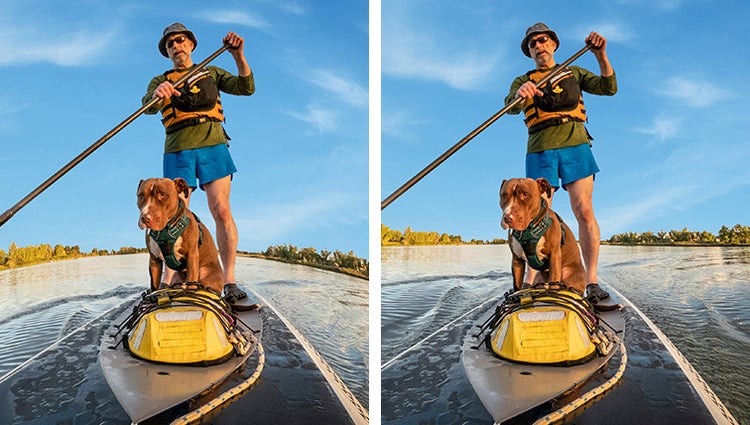
Get a little guidance to expertly trim, fix lens distortions, and correct color in your action cam footage so it looks its best.

Jazz up any video with flitting butterflies, encircling hearts, and other beautiful and whimsical animations. Create a whole new look in a few quick steps.
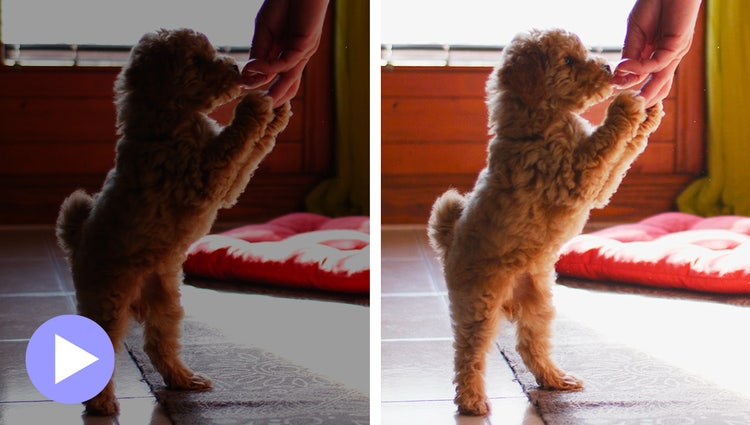
Easily reveal hidden details in the darkest or brightest areas of your videos so there’s more to see in every scene.
Turn a series of photos or videos into a fun stop-motion movie that speeds up the action.
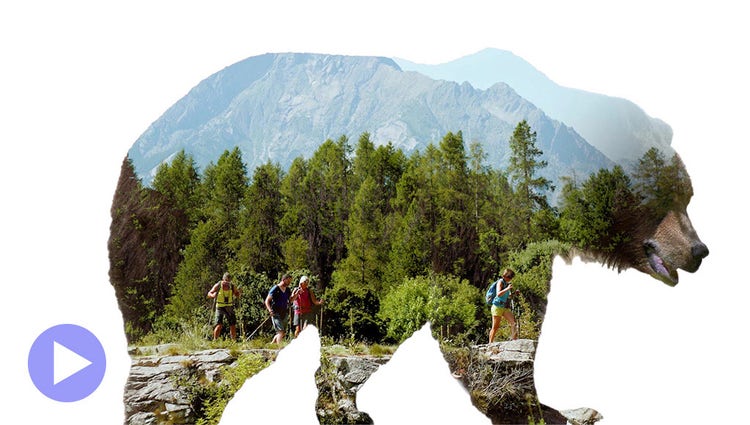
Make a little movie magic with double exposures. Just follow the simple steps to play a video within a photo and get the best of both worlds.
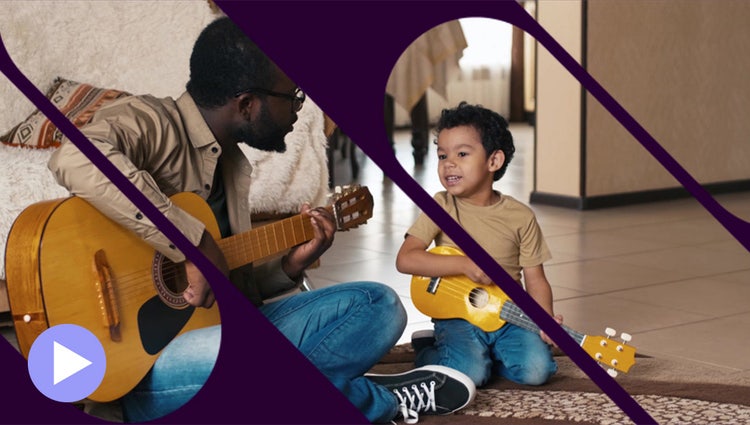
Get artistic by revealing your video with animated matte overlays. Apply different shapes and animation styles to full videos, select scenes, or as transitions.

Add movement to static skies to create a captivating effect.

Discover high-quality photos, videos, audio clips, and sound effects right inside Premiere Elements.
Style your text to match your story with controls for alignment, size, direction, color, spacing, and more. And create consistent looks fast using style templates and a style browser.
Easily add stylish text, graphics, and animations.

Grab attention with more vibrant and expressive titles and text.
AI and automation quickly turn your clips into videos that draw people in by focusing on motion, close-ups, and your highest-quality footage.

Share your photos and videos in animated slideshows that feature a range of modern looks and themes.

Create dynamic collages with photos and videos that bring some of your favorite memories into one creation.

Create a freeze frame of the action, and then add an eye-catching motion title.

ENHANCED: Import and view more easily in the Organizer.
Quickly import from cloud services like Google Drive and OneDrive, and get easier access to full-screen mode and zoom controls.
Find photos and videos faster with auto-tagging.
Smart Tags are added to your photos & videos based on subjects like sunsets and birthdays, and the people in your photos are also recognized so it’s easy to tag and find them later.
GIF playback in the Organizer.
Just click to view your GIFs — the Organizer supports playback.
Find your best photos with Auto Curate.
Your photos are automatically curated based on quality, faces, subjects, Smart Tags, and more, so you don’t have to search for the standouts.
Automatic sorting and backup.
Go from hundreds of mystery folders to a visual view of your photos and videos automatically sorted by date, subject, people, places, and events. Catalogs are automatically backed up for easy recovery.
Premiere Elements 2026 is fast and easy video editing software designed for anyone who wants to do more with their videos — no experience needed. Whether you want to resize a video for social or use color tools and effects to enhance your storytelling, it has everything you need with:
Fast and easy video editing. 3-year term license. Learn more.
US$99.99
Save big on the photo and video editing bundle. 3-year term license. Learn more.
US$149.99