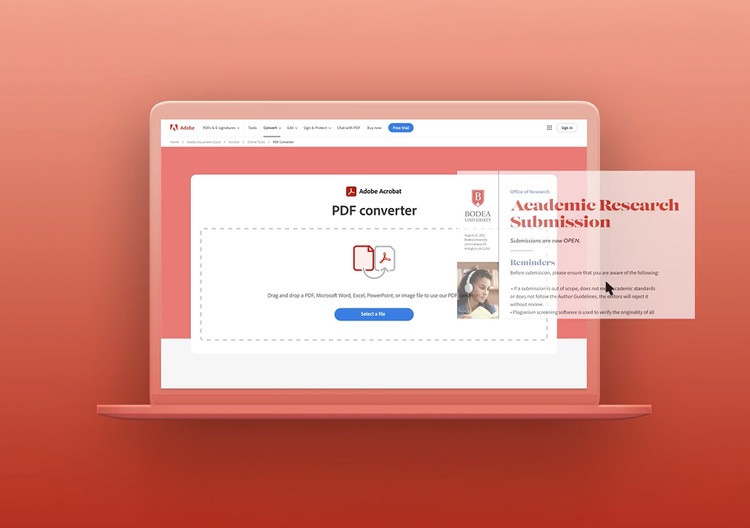
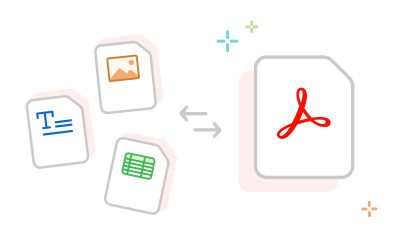
Adobe Acrobat can convert PDFs to Microsoft Word (.docx or .doc), Excel (.xlsx), PowerPoint (.pptx), HTML, RTF, plain text, and image formats including JPG, PNG, and TIFF. It can also convert these file formats to PDFs. Acrobat supports both standard and accessibility-compliant output formats.
To convert a PDF to Excel using Adobe Acrobat's free online tool, drag and drop or upload a PDF, select “Microsoft Excel,” and download the converted spreadsheet. Acrobat analyzes tables and structured data in your PDF and maps them to Excel rows and columns.
Adobe Acrobat’s PDF to Excel conversion tool achieves strong accuracy for structured financial tables, balance sheets, and reports where column alignment and numeric formatting are consistent. Tables with merged cells, irregular spacing, or hand-drawn borders may need some adjustment after conversion. Acrobat's conversion is more accurate than copying and pasting content or generic online converters because it reads the PDF's internal structure rather than interpreting visual layout alone.
Finance teams extracting data from vendor invoices and statements, marketers repurposing PDF reports into editable presentations, and legal teams converting contracts for revision all rely on Adobe Acrobat's conversion tools. Anyone who receives PDFs in a fixed format and needs to edit or analyze the content will benefit from Acrobat's accurate, multi-format export capabilities. Acrobat can convert PDFs to everything from simple Word documents to complex, data-heavy Excel spreadsheets.
Yes, Adobe Acrobat can convert PDFs to PowerPoint (.pptx) format, turning each page into an editable slide. Slide layouts, images, and text boxes are mapped from the PDF structure into PowerPoint components. Acrobat's PDF to PowerPoint conversion tool works best with PDFs originally created from PowerPoint files; conversions from scanned or highly-customized layouts may need manual touch-up.
Adobe Acrobat is one of the best online PDF conversion tools because it has deep internal knowledge of the PDF format. Free tools frequently produce misaligned columns, broken tables, or missing fonts, while Acrobat reconstructs document structure precisely. This makes Acrobat a top-rated choice for business-critical file conversion.
Yes, paid Adobe Acrobat plans support batch conversion, letting you convert multiple PDFs to your desired format at one time using the Action Wizard. Batch conversion is especially useful for unifying the format of large document archives, exporting end-of-year reports, or migrating legacy PDF libraries.
See all Acrobat plans here.
Adobe Acrobat's online PDF conversion tools are free for limited use with a free Adobe account. Unlimited conversions, batch processing, and advanced export options require a paid Acrobat plan. A 7-day free trial of Adobe Acrobat Pro includes full access to all conversion formats with no restrictions.
Start your free trial here.