
https://main--cc--adobecom.aem.live/cc-shared/assets/img/product-icons/svg/firefly-80.svg
Adobe Firefly
https://main--cc--adobecom.aem.live/cc-shared/assets/img/product-icons/svg/firefly-80.svg
Adobe Firefly
The next evolution of creative AI is here for all your ideas, with image, video, audio, and vector tools.
Generate speech for any project.
Generate AI voices for podcasts, video and audio ads, course videos, YouTube scripts, audiobooks, phone systems, sales scripts, and more.
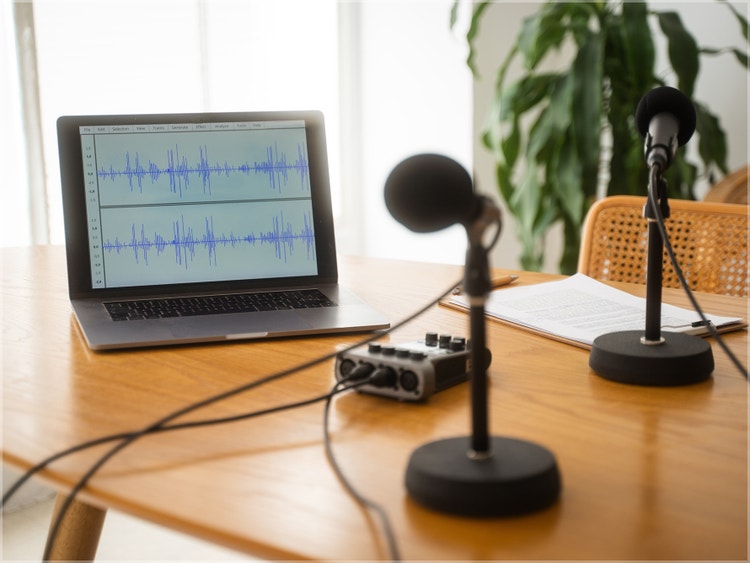



What is text to speech?
Text to speech (TTS) is a technology that converts written text into spoken audio. With the Adobe Firefly Generate Speech feature, you can easily turn text into natural-sounding voices in more than 20 languages with adjustable pacing and emotional control.
Unlimited creative control and customization with Generate Speech.
With Firefly Generate Speech, you can convert text to natural, expressive speech that feels truly human. And, you can fine-tune every detail — from tone and pacing to emotion and pronunciation — to match your brand voice or creative vision. Whether you’re perfecting a single word or shaping an entire script, the AI voice generator gives you the flexibility to experiment and customize until it’s just right.


Endless creative possibilities.
Access an extensive library of over 60 high-quality voices powered by Adobe and trusted partners like ElevenLabs. Our advanced text-to-speech technology goes beyond simple voice conversion to deliver expressive, natural sounding audio that feels authentic and engaging. With support for 20+ languages and multiple regional accents, you can create narration that resonates globally, making your content accessible and relatable to diverse audiences.
Versatile text-to-speech applications.
Generate natural, high-quality voice narration for podcasts, training videos, eLearning courses, audiobooks, social media posts, ads, and more — all from a single script. You can add lifelike voices from the Firefly AI voice generator to videos you create with the AI video generator to enhance engagement, improve accessibility, and elevate the overall quality of your content, making it easier to reach and resonate with wider audiences across any format or platform.


Commercially safe voiceovers.
All audio generated with the Firefly Speech model is designed for commercial use, giving you the freedom to apply voiceovers, narration, and spoken content across professional, branded, and customer-facing projects — without added licensing complexity or uncertainty.
Seamless integration with Adobe tools.
Generate Speech integrates seamlessly with Adobe creative tools, making it easy to move from text to voice to publish without breaking your workflow. Create voice narration directly from text and refine it alongside your visuals in the Firefly video editor or Premiere. To create a realistic avatar for video content, try the AI avatar generator.
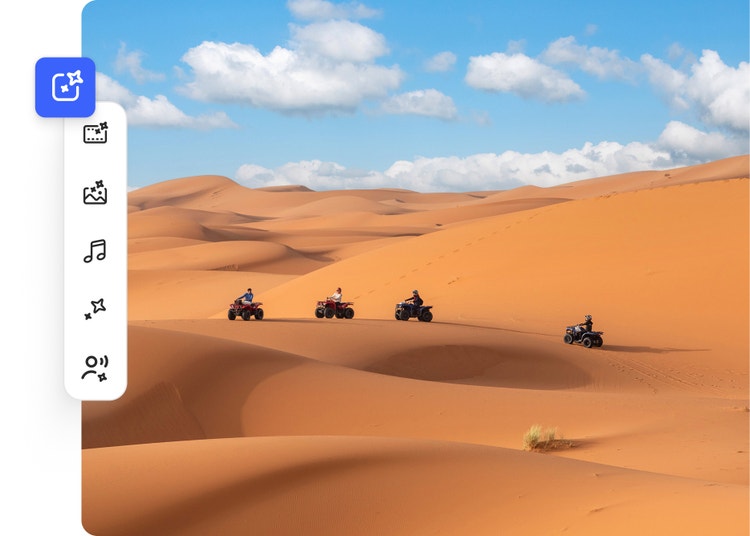
Generate voices in multiple languages.
Create dialogue in over 20 languages with multiple accents. Enter text in any supported language and generate natural-sounding speech for any project.









How to use Generate Speech in Adobe Firefly.
Step 1
Open Adobe Firefly.
Step 2
Select the Firefly AI speech generator.
Step 3
Enter your script.
Step 4
Choose a voice.
Step 5
Refine your voice style and expressions.
Step 6
Generate your voiceover.
Step 7
Export and use your audio.
- How to convert text to speech using AI.
- Steps on how to convert text to speech using AI.
- PT5M
- firefly


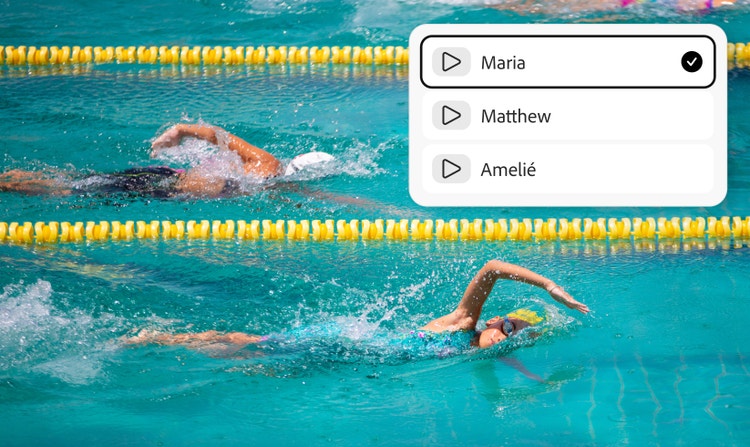
Voices for every audience
Firefly offers over 60 realistic, high-quality voices across 20+ languages, making it easy to find the right voice for any audience, region, or project.
Built for end-to-end content creation
Generate voices, visuals, and video with Firefly and go from script to finished content without switching between tools.

High-quality outputs for any project
Firefly makes it quick and easy to create natural sounding speech for scripts, podcasts, videos, and more.
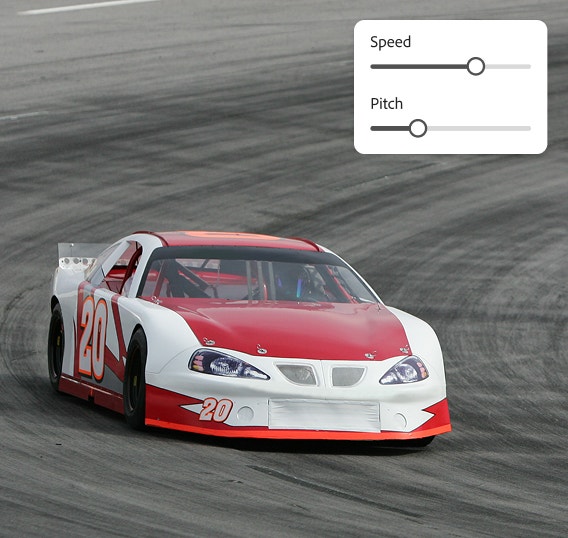

Full creative control
Intuitive editing controls make it possible to fine-tune emotion, pacing, emphasis, and pronunciation to match your brand voice or creative intent.
See what else you can do in Firefly.






Discover even more features.
Questions? We have answers.
What is text to speech?
How natural do TTS voices sound?
Can Generate Speech in Adobe Firefly support multiple languages and accents?
What are the main use cases for TTS?
Can I customize voice narration (tone, pacing, emotion) with Generate Speech in Adobe Firefly?
How many languages are supported with text to speech?
Is the Generate Speech feature in Adobe Firefly commercially safe to use?
Adobe developed the Firefly family of models to be commercially safe, and to prevent them from creating content that infringes copyright or intellectual property rights. Adobe focuses on training its models in a way that is responsible and respects the rights of creators. We deploy safeguards at each step (prior to training, during generation, at prompt, and during output) to ensure Adobe Firefly models do not create content that infringes copyright or intellectual property rights and that it is safe to use for commercial and educational work. In addition, Adobe provides intellectual property indemnification for enterprise customers for content generated with Adobe Firefly.
Is Adobe Firefly Generate Speech free?
What is the best text-to-speech tool?
Share this page.
Explore more Firefly tools.
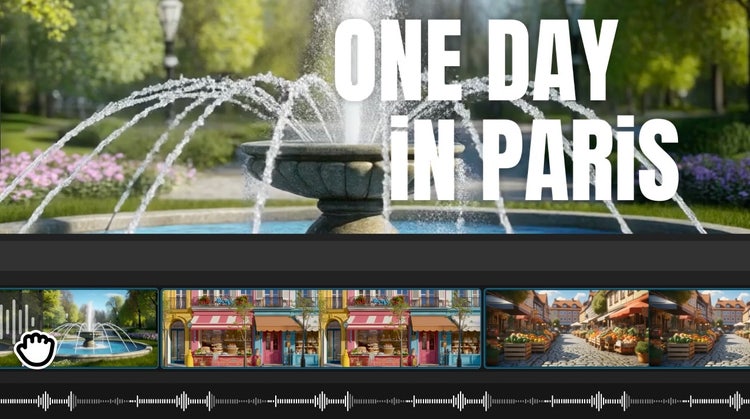
Firefly video editor
Generate video clips just from an idea. Choose from a range of resolutions and aspect ratios to meet your creative needs.

Generate Soundtrack
Generate Soundtrack analyzes your video to match your story and compose custom, emotionally rich music for every platform. Go from ideas to tracks instantly with Firefly’s AI music generator — licensed to use anywhere.

Generate Sound Effects
Imagine any sound effect and create it with Generate Sound Effects. Describe the effect, upload reference audio, or act it out into your mic — then easily add your high-quality effect to any video.
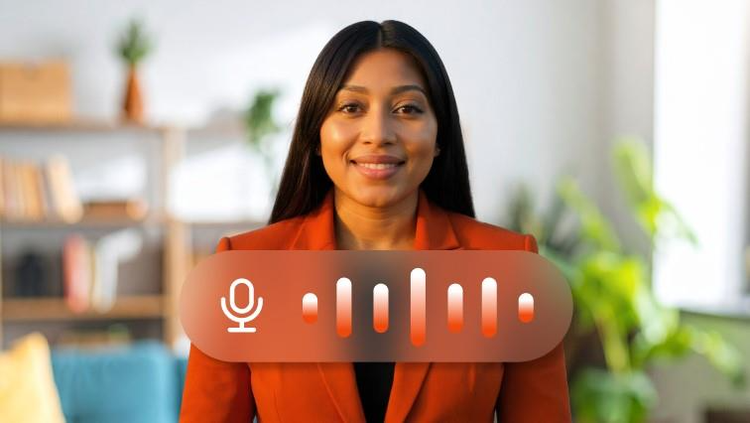
Avatar Generator
Create a studio-grade video featuring an engaging, lifelike avatar with Text to Avatar. It’s fast, easy, and always safe for commercial use. Perfect for business, education, or social media content.