Edit text and images.
Add text, fix typos, drop in new pages, edit images and more without switching apps.

The essential set of trusted PDF tools, now enhanced with AI and content creation from Adobe Express. Start your 7-day free trial to unlock advanced Acrobat features.
Do more with every document using Adobe Acrobat - your all-in-one tool to create, edit, convert, and secure PDFs across devices. Effortlessly update content, collaborate, and sign documents with ease. Convert files while keeping formatting intact, protect sensitive information, and boost productivity with AI-powered insights and cloud access. Whether for personal use or business, Acrobat helps you work smarter, faster, and more securely.
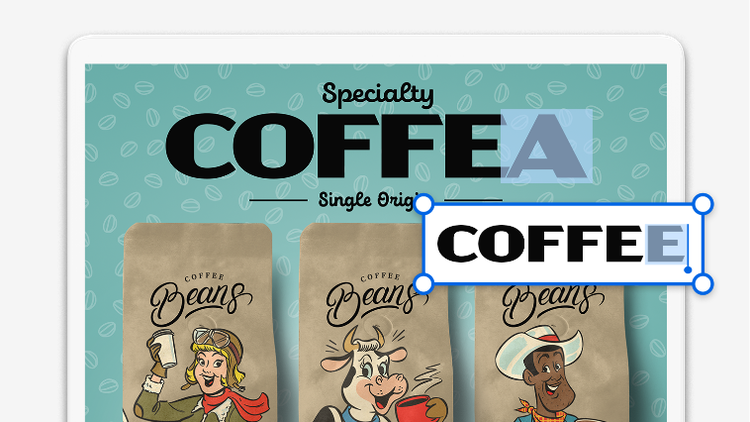
Add text, fix typos, drop in new pages, edit images and more without switching apps.
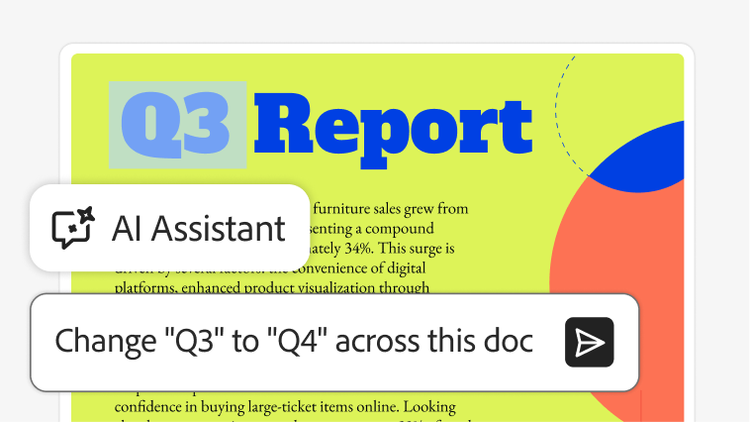
Ask AI Assistant what you want to change. It can find and update text across your document in one simple request.

Add and reorder pages using drag and drop and easily delete ones you don’t need. AI Assistant can also do it for you.
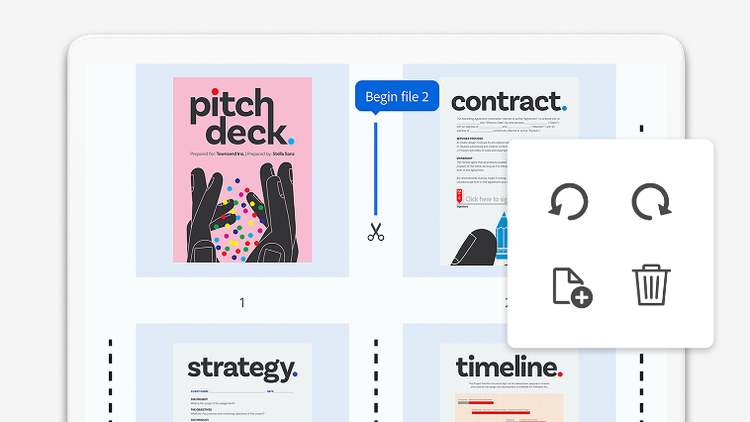
Combine two or more PDFs into a single file or turn an existing PDF into as many separate files as you want.
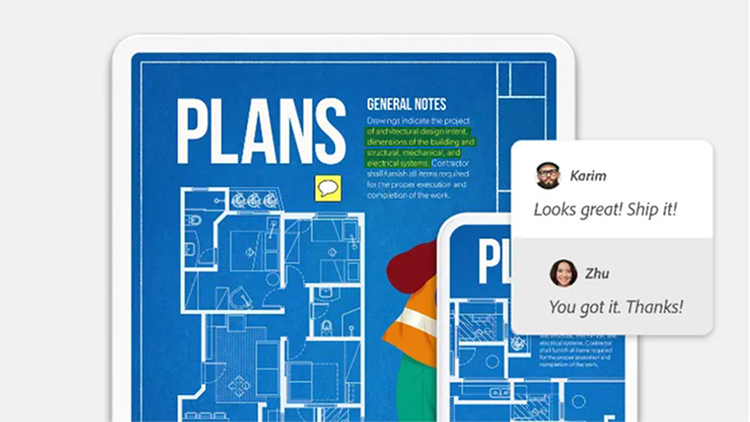
Highlight text and underline passages with AI Assistant — or type out comments and leave notes by hand, anywhere in your document.
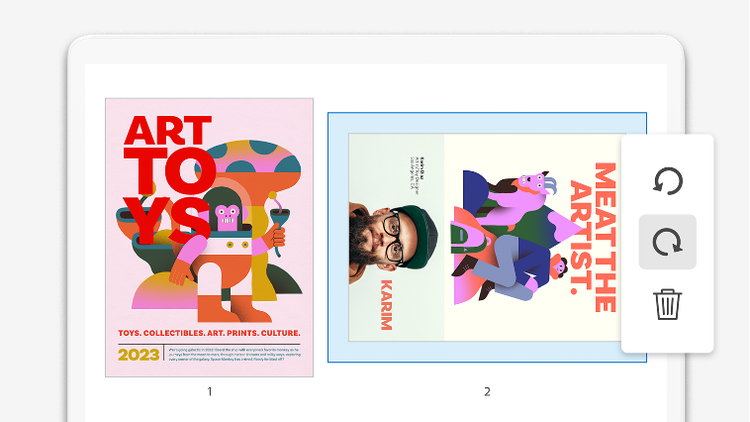
Align pages horizontally or vertically or ask AI Assistant to do it for you. Adjust margins, resize pages and crop out what you don’t need.
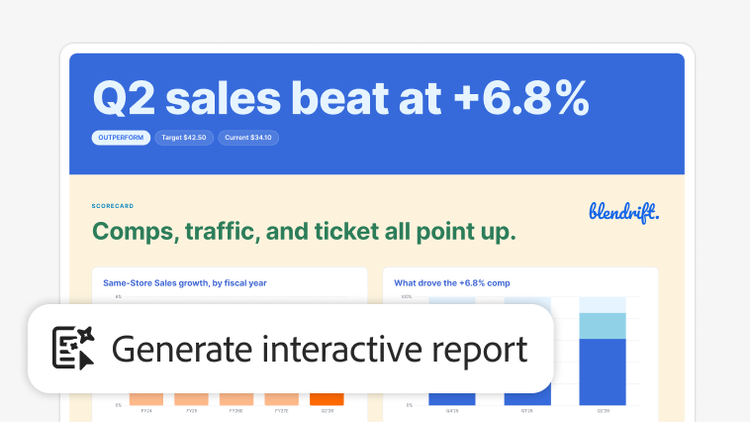
Turn dense docs into interactive visual reports and presentations with insights that just make sense.
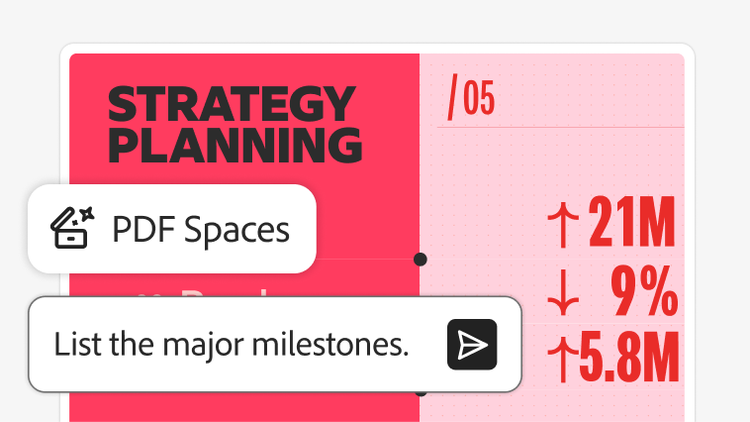
Bring all your project files into one workspace with PDF Spaces. Get summaries, answers with citations and insights across multiple docs.
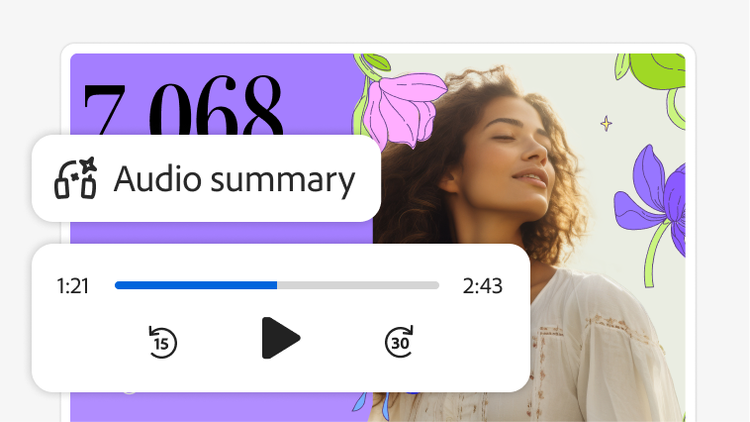
Customise your PDF Space with a summary, audio overview, logo and a personalised AI Assistant so recipients can view content your way.
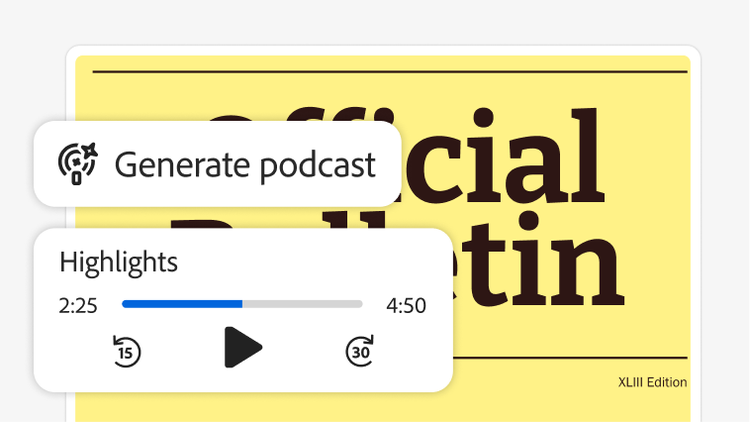
Generate a podcast-style overview of your files in a click. Then tailor it for how you learn, so you retain more info.
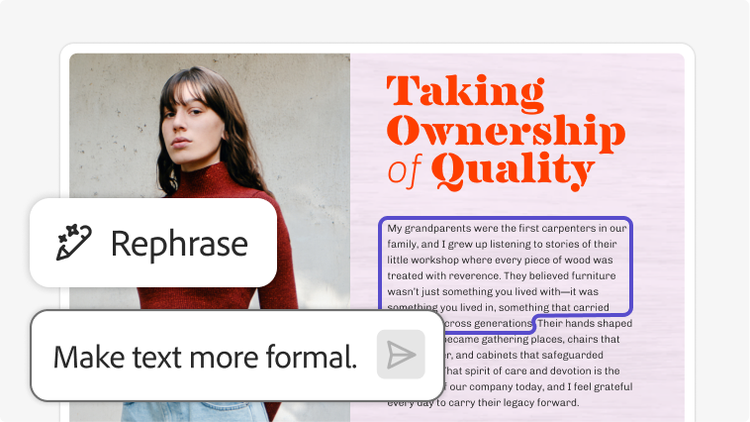
Ask AI Assistant to help you rephrase text to be more formal, casual, longer or shorter in just a few clicks.
Transform your files into presentations with AI. Then refine your slides with easy-to-use editing tools and customised AI images.
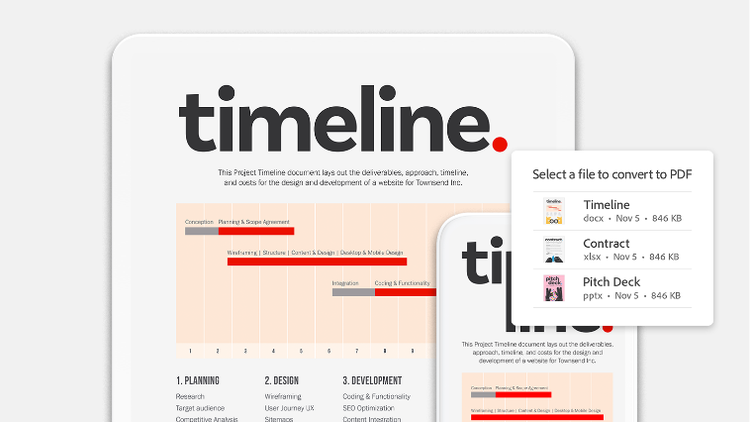
Convert your PDF into a different file type like Microsoft Word, Excel, PowerPoint and image formats — or ask AI Assistant to do it for you.
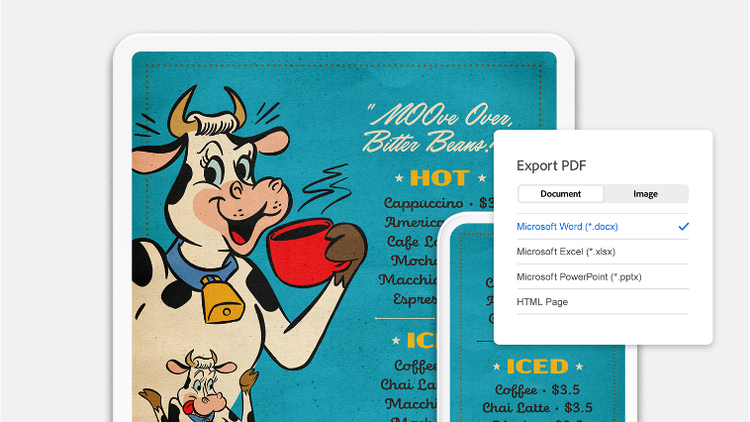
Turn any kind of document into a PDF to preserve formatting across all devices.
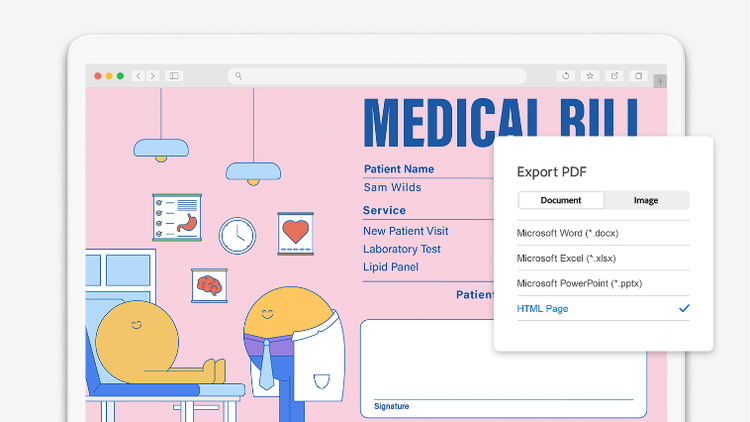
Transform a PDF into a functional, searchable, and accessible website by converting it to HTML. AI Assistant can also do it for you.
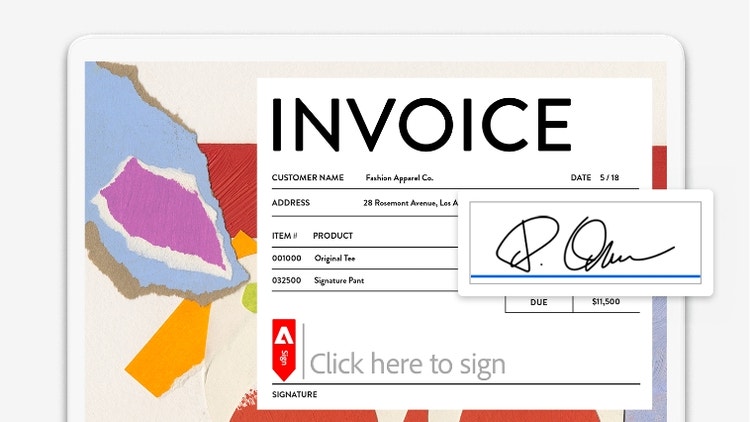
Type responses directly into PDF forms. Add your handwritten signature, save it for future use and ask AI Assistant to sign for you.
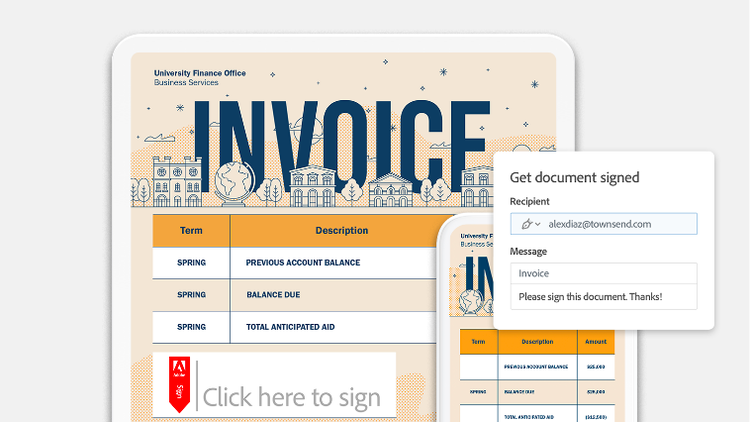
Send out PDFs for e-signature. See who’s signed and who hasn’t, all in one place.
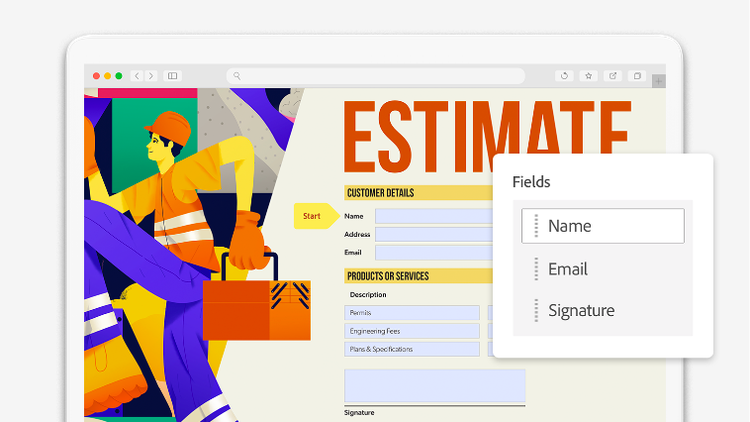
Collect information with PDF forms anyone can complete. Share via email or on the web.
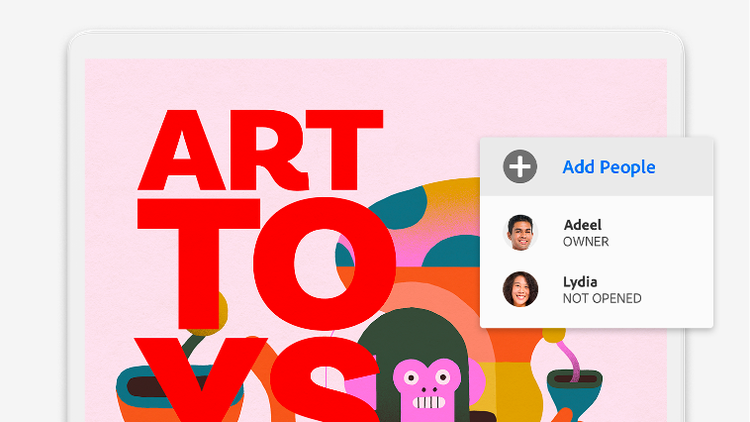
Send documents to anyone with a link or ask AI Assistant to share them for you. Control who can access your PDF or make it public.
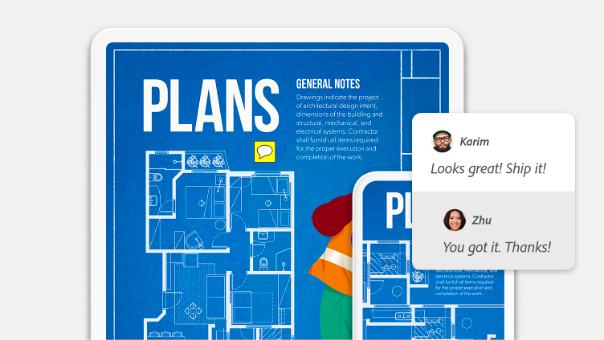
Share your PDF with others to get their comments and annotations. Recipients don’t need to sign in to comment.
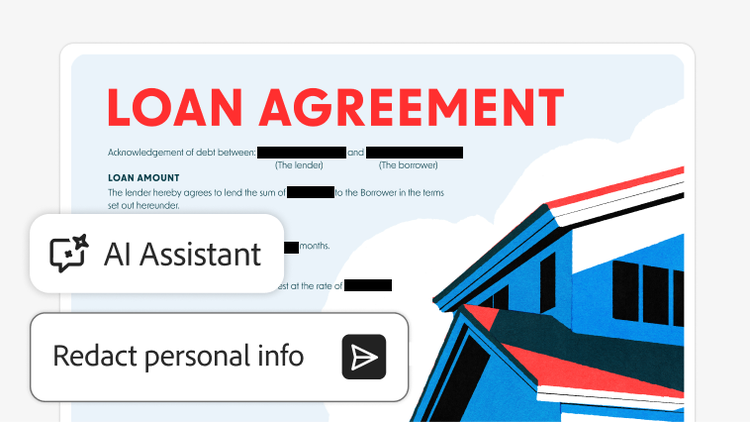
Ask AI Assistant to redact personal or confidential info in your document. Review suggested redactions to apply changes with confidence.
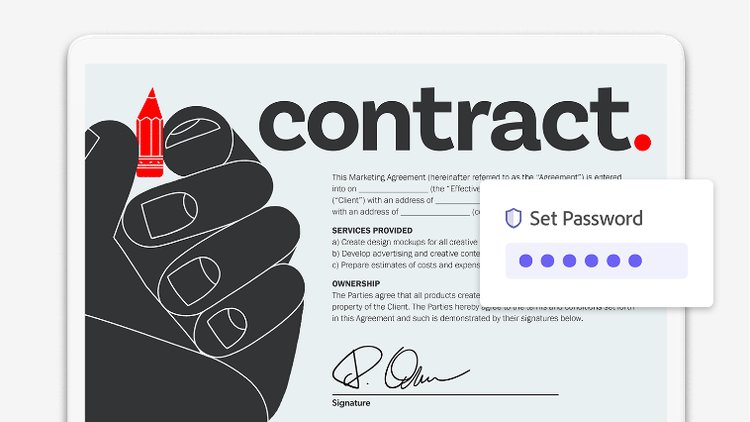
Secure sensitive documents with a password or ask AI Assistant to password-protect them for you. Other security features can restrict editing, printing, copying and more.
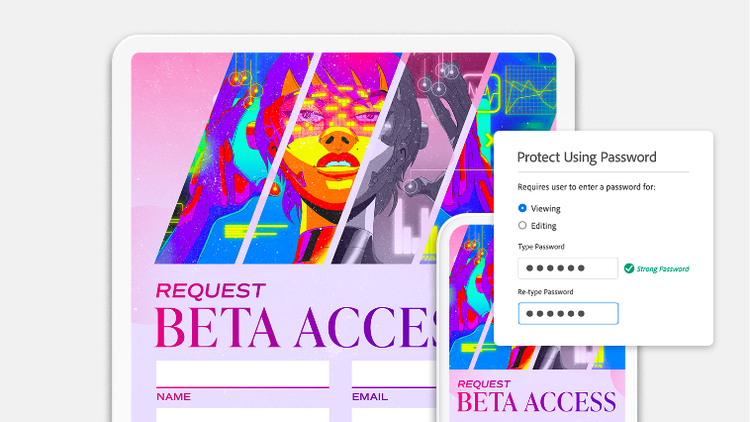
Include password protection while saving your document as a PDF from Microsoft Word, Excel, Outlook or PowerPoint.
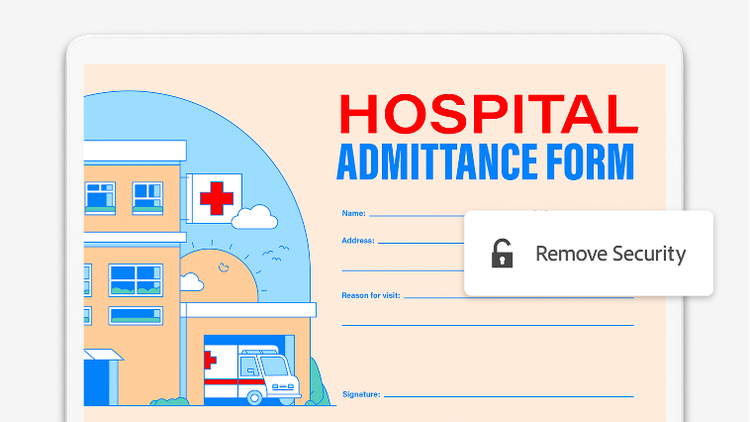
Unlock documents originally created by you when they no longer need a password.
Turn documents into presentations in minutes and create new content with professional templates, all powered by Adobe Express. Included with Acrobat Studio and Acrobat Express.
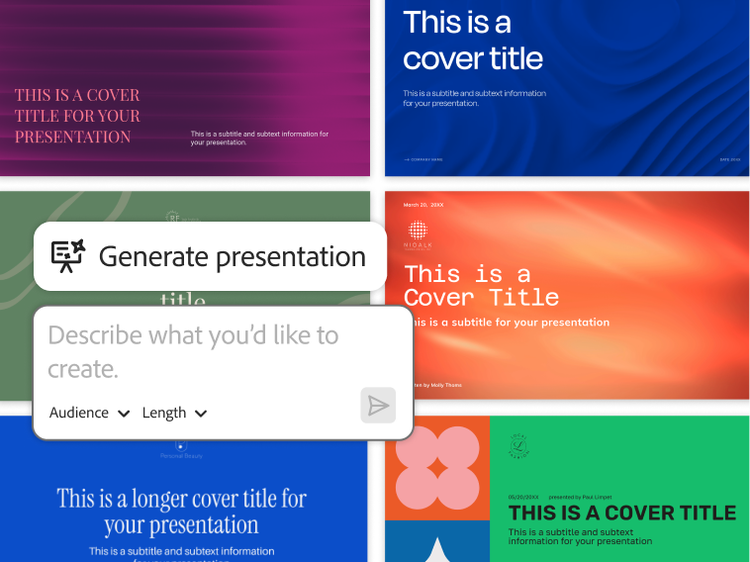
Use AI to transform notes, PDFs and other documents into attention-grabbing presentations tailored to your business.
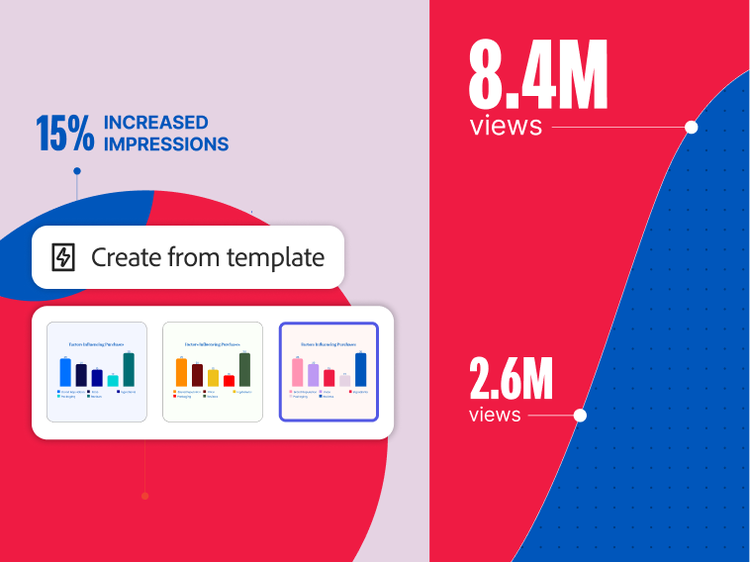
Generate pitch decks, social posts, flyers and more with just a prompt. Bring your ideas to life using professional templates.

Create customised AI-generated images, resize for platforms instantly, remove backgrounds and more.
PLANS AND PRICING
Free
By clicking the “Download now” button, you acknowledge that you have read and accepted all of the Terms and Conditions.
The trusted standard for viewing and sharing PDFs

View, print, share, and comment
Available on desktop and mobile
₹638.38/moincl. GST Fee applies of half your remaining annual commitment if you cancel after 14 days.
The secure solution for PDF and e-signature workflows
Create, edit, export, compare and organise PDFs
Collect e-signatures and track responses
Password-protect and redact PDFs
Create web forms, turn scans into editable PDFs and access 70+ features
₹797.68/moincl. GST Fee applies of half your remaining annual commitment if you cancel after 14 days.
The all-in-one AI-powered PDF and design solution for business workflows
Create, edit, export, compare and organise PDFs
Collect e-signatures and track responses
Password-protect and redact PDFs
Create web forms, turn scans into editable PDFs and access 70+ features

Ask AI to edit, convert or compress PDF
Understand dense documents with AI summaries, podcasts, and interactive reports
Organise, share and collaborate with PDF Spaces
Redesign resumes, reports, and invoices with professionally designed templates
Filters
Sort
Popularity
Alphabetically
coll-no-results-text
Categories
REFINE YOUR RESULTS
Close
Special Offers – opens in a new window
filter by category
RESOURCES
1 result in
results in
coll-result-mobile-text
results in
1 result in
results for
1 result in
results in
Your search for returned no results
Your search for returned no results
View more
coll-all-filters-text
coll-filters-category-text
coll-filters-applied-text
coll-filters-results-text
coll-filters-reset-text
Free
By clicking the “Download now” button, you acknowledge that you have read and accepted all of the Terms and Conditions.
The trusted standard for viewing and sharing PDFs
View, print, share, and comment
Available on desktop and mobile
₹7,660.56/yrincl. GST No refund if you cancel after 14-days.
The secure solution for PDF & e-signature workflows
Create, edit, export, compare and organise PDFs
Collect e-signatures and track responses
Password-protect and redact PDFs
Create web forms, turn scans into editable PDFs and access 70+ features
₹9,572.16/yrincl. GST
No refund if you cancel after 14-days.
The all-in-one AI-powered PDF and design solution for business workflows
Create, edit, export, compare and organise PDFs
Collect e-signatures and track responses
Password-protect and redact PDFs
Create web forms, turn scans into editable PDFs and access 70+ features
Ask AI to edit, convert or compress PDF
Understand dense documents with AI summaries, podcasts, and interactive reports
Organise, share and collaborate with PDF Spaces
Redesign resumes, reports, and invoices with professionally designed templates
Filters
Sort
Popularity
Alphabetically
coll-no-results-text
Categories
REFINE YOUR RESULTS
Close
Special Offers – opens in a new window
filter by category
RESOURCES
1 result in
results in
coll-result-mobile-text
results in
1 result in
results for
1 result in
results in
Your search for returned no results
Your search for returned no results
View more
coll-all-filters-text
coll-filters-category-text
coll-filters-applied-text
coll-filters-results-text
coll-filters-reset-text
Free
By clicking the “Download now” button, you acknowledge that you have read and accepted all of the Terms and Conditions.
The trusted standard for viewing and sharing PDFs
View, print, share, and comment
Available on desktop and mobile
₹958.16/moincl. GST Cancel anytime, no fee.
The secure solution for PDF & e-signature workflows
Create, edit, export, compare and organise PDFs
Collect e-signatures and track responses
Password-protect and redact PDFs
Create web forms, turn scans into editable PDFs and access 70+ features
₹1,117.46/moincl. GST Cancel anytime, no fee.
The all-in-one AI-powered PDF and design solution for business workflows
Create, edit, export, compare and organise PDFs
Collect e-signatures and track responses
Password-protect and redact PDFs
Create web forms, turn scans into editable PDFs and access 70+ features
Ask AI to edit, convert or compress PDF
Understand dense documents with AI summaries, podcasts, and interactive reports
Organise, share and collaborate with PDF Spaces
Create flyers, social content and presentations from documents
Filters
Sort
Popularity
Alphabetically
coll-no-results-text
Categories
REFINE YOUR RESULTS
Close
Special Offers – opens in a new window
filter by category
RESOURCES
1 result in
results in
coll-result-mobile-text
results in
1 result in
results for
1 result in
results in
Your search for returned no results
Your search for returned no results
View more
coll-all-filters-text
coll-filters-category-text
coll-filters-applied-text
coll-filters-results-text
coll-filters-reset-text
₹2,234.00/moper licenceexcl. GST Fee applies if you cancel after 14-days. Up to 10 licenses with free trial.
A highly secure PDF and e-signature solution with advanced tools and admin features.

Available on desktop, web and mobile

View, print, share and comment

Edit text and images, plus export, protect and organise documents

Collect binding e-signatures and track responses

Manage licences and users with the Adobe Admin Console

Create web forms, redact, compare and access 70+ features
Fee applies if you cancel after 14-days. Up to 10 licenses with free trial.
Save 7.5% your first year with 3 or more licenses. See terms
Everything in Acrobat Pro plus PDF Spaces, Acrobat AI Assistant, Adobe Express Premium and admin features.
Available on desktop, web and mobile
View, print, share and comment
Edit text and images, plus export, protect and organise documents
Collect binding e-signatures and track responses
Manage licences and users with the Adobe Admin Console
Create web forms, redact, compare and access 70+ features

Summarise documents, gain insights and ask questions with PDF Spaces and a prebuilt AI Assistant

Generate presentations and create flyers, social posts and more with professional templates in Adobe Express
Filters
Sort
Popularity
Alphabetically
coll-no-results-text
Categories
REFINE YOUR RESULTS
Close
Special Offers – opens in a new window
filter by category
RESOURCES
1 result in
results in
coll-result-mobile-text
results in
1 result in
results for
1 result in
results in
Your search for returned no results
Your search for returned no results
View more
coll-all-filters-text
coll-filters-category-text
coll-filters-applied-text
coll-filters-results-text
coll-filters-reset-text
₹26,808.00/yrper licenceexcl. GST No refund if you cancel after 14-days.
A highly secure PDF and e-signature solution with advanced tools and admin features.
Available on desktop, web and mobile
View, print, share and comment
Edit text and images, plus export, protect and organise documents
Collect binding e-signatures and track responses
Manage licences and users with the Adobe Admin Console
Create web forms, redact, compare and access 70+ features
No refund if you cancel after 14-days.
Save 7.5% your first year with 3 or more licenses. See terms
Everything in Acrobat Pro plus PDF Spaces, Acrobat AI Assistant, Adobe Express Premium and admin features.
Available on desktop, web and mobile
View, print, share and comment
Edit text and images, plus export, protect and organise documents
Collect binding e-signatures and track responses
Manage licences and users with the Adobe Admin Console
Create web forms, redact, compare and access 70+ features
Summarise documents, get insights and ask questions with PDF Spaces and a prebuilt AI Assistant
Generate presentations and create flyers, social posts and more with professional templates in Adobe Express
Filters
Sort
Popularity
Alphabetically
coll-no-results-text
Categories
REFINE YOUR RESULTS
Close
Special Offers – opens in a new window
filter by category
RESOURCES
1 result in
results in
coll-result-mobile-text
results in
1 result in
results for
1 result in
results in
Your search for returned no results
Your search for returned no results
View more
coll-all-filters-text
coll-filters-category-text
coll-filters-applied-text
coll-filters-results-text
coll-filters-reset-text
₹638.38/moincl. GST Fee applies of half your remaining annual commitment if you cancel after 14 days.
A highly secure PDF and e-signature solution with advanced tools.
Available on desktop, web and mobile
View, print, share and comment
Edit text and images, plus export, protect and organise documents
Collect binding e-signatures and track responses
Create web forms, redact, compare and access 70+ features
Acrobat AI Assistant
Add AI Assistant to your Acrobat plan for ₹159.30/moincl. GST₹159.30/moincl. GST.
Add AI Assistant to your Acrobat plan for ₹1,600.08/yrincl. GST₹1,600.08/yrincl. GST.
₹398.99/moincl. GST Fee applies of half your remaining annual commitment if you cancel after 14 days.
Get 20+ apps including Acrobat Pro, plus Firefly creative AI for images, video and audio. Pay ₹398.99/moincl. GST the first year, and ₹699.01/moincl. GST after that. New subscribers only.

20+ creative apps, plus everything in Acrobat Pro, including:
View, print, share and comment
Edit text and images, plus export, protect and organise documents
Collect binding e-signatures and track responses
Create web forms, redact, compare and access 70+ features
Acrobat AI Assistant
Add AI Assistant to your Acrobat plan for ₹159.30/moincl. GST₹159.30/moincl. GST.
Add AI Assistant to your Acrobat plan for ₹1,600.08/yrincl. GST₹1,600.08/yrincl. GST.
Filters
Sort
Popularity
Alphabetically
coll-no-results-text
Categories
REFINE YOUR RESULTS
Close
Special Offers – opens in a new window
filter by category
RESOURCES
1 result in
results in
coll-result-mobile-text
results in
1 result in
results for
1 result in
results in
Your search for returned no results
Your search for returned no results
View more
coll-all-filters-text
coll-filters-category-text
coll-filters-applied-text
coll-filters-results-text
coll-filters-reset-text
₹7,660.56/yrincl. GST No refund if you cancel after 14-days.
A highly secure PDF and e-signature solution with advanced tools.
Available on desktop, web and mobile
View, print, share and comment
Edit text and images, plus export, protect and organise documents
Collect binding e-signatures and track responses
Create web forms, redact, compare and access 70+ features
Acrobat AI Assistant
Add AI Assistant to your Acrobat plan for ₹159.30/moincl. GST₹159.30/moincl. GST.
Add AI Assistant to your Acrobat plan for ₹1,600.08/yrincl. GST₹1,600.08/yrincl. GST.
₹3,999.00/yrincl. GST No refund if you cancel after 14-days.
Get 20+ apps including Acrobat Pro, plus Firefly creative AI for images, video and audio. Pay ₹3,999.00/yrincl. GST the first year and ₹7,005.96/yrincl. GST after that.
20+ creative apps, plus everything in Acrobat Pro, including:
View, print, share and comment
Edit text and images, plus export, protect and organise documents
Collect binding e-signatures and track responses
Create web forms, redact, compare and access 70+ features
Acrobat AI Assistant
Add AI Assistant to your Acrobat plan for ₹159.30/moincl. GST₹159.30/moincl. GST.
Add AI Assistant to your Acrobat plan for ₹1,600.08/yrincl. GST₹1,600.08/yrincl. GST.
Filters
Sort
Popularity
Alphabetically
coll-no-results-text
Categories
REFINE YOUR RESULTS
Close
Special Offers – opens in a new window
filter by category
RESOURCES
1 result in
results in
coll-result-mobile-text
results in
1 result in
results for
1 result in
results in
Your search for returned no results
Your search for returned no results
View more
coll-all-filters-text
coll-filters-category-text
coll-filters-applied-text
coll-filters-results-text
coll-filters-reset-text

Add AI Assistant to your Acrobat Pro or Creative Cloud Pro student plan. ₹159.30/moincl. GST for the annual, billed monthly plan.
Adobe Acrobat Pro DC offers a comprehensive range of features, including:
Adobe Acrobat Pro includes advanced features not available in Adobe Acrobat Standard, such as:
Yes, Adobe Acrobat Pro DC includes Optical Character Recognition (OCR) technology, enabling you to:
Adobe Acrobat Pro DC provides numerous business benefits, including:
Yes, Adobe Acrobat offers mobile apps for both Android and iOS devices, allowing you to:
Yes, Adobe Acrobat Pro DC allows users to:
Adobe Acrobat offers robust security features, including:
Yes, Adobe Acrobat Pro DC includes collaboration tools that allow:
Contact us for more information about plans and pricing.
