
PHOTOGRAPHY
Basic DSLR settings that will improve your photography.
Master your DSLR camera settings to take control of exposure, focus, and lighting for sharper, more professional looking photos.


PHOTOGRAPHY
Master your DSLR camera settings to take control of exposure, focus, and lighting for sharper, more professional looking photos.
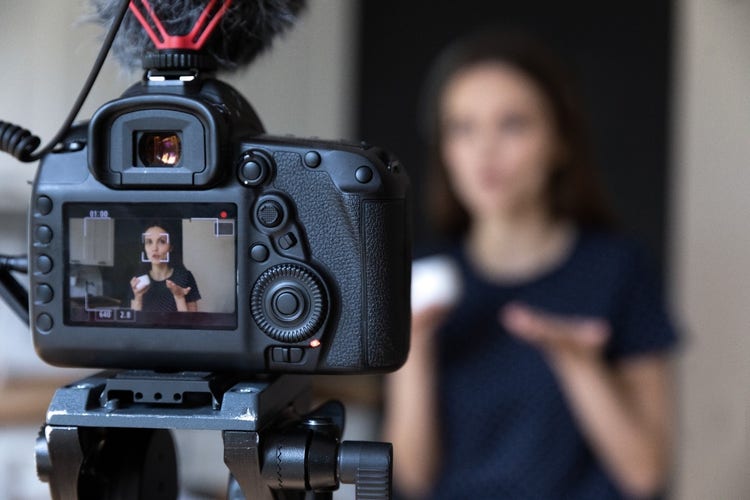
Mastering the essential DSLR camera settings can transform the quality of your photography, giving you creative control over your images. Understanding how settings like aperture, shutter speed, and ISO work together allows you to move beyond automatic modes and start capturing photos exactly how you envision them. This guide breaks down the core settings every photographer should know, providing tips on adjusting them for different situations to consistently achieve stunning results. Explore this complete overview of DSLR cameras to understand how they work and why they remain a favourite among photographers.
The foundation of DSLR photography lies in the exposure triangle - aperture, shutter speed, and ISO. These three camera settings control the exposure of your photos and work together to produce a well-balanced image. Learn the fundamentals of exposure in photography and how light influences your images.
Aperture refers to the opening in your lens that allows light to enter the camera. It is measured in f-stops (e.g., f/2.8, f/5.6, f/11).
Shutter speed controls the length of time the camera shutter remains open, allowing light to hit the sensor.
Tip: When shooting handheld, use a shutter speed at least as fast as your focal length (e.g., 1/50s for a 50mm lens) to avoid camera shake.
Explore our ultimate Photography guide catered to photographers of any level.
ISO measures the camera sensor’s sensitivity to light.
Achieving precise focus is vital for clear, sharp photos. DSLRs offer different focusing modes to suit various subjects:
White balance ensures that your photos capture accurate colours based on the light source. Adjusting white balance prevents images from appearing too warm (yellow) or too cool (blue).
Metering modes determine how your DSLR measures light to calculate the correct exposure.
Tip: Use exposure compensation (+/-) to make minor adjustments to your exposure when the metering mode doesn’t produce the desired result.
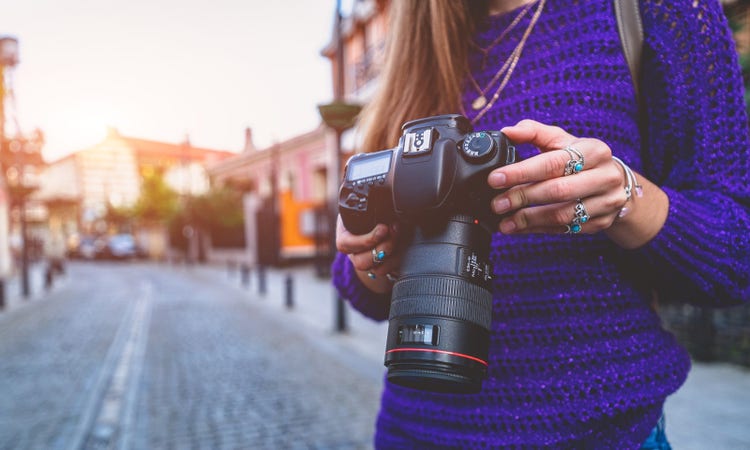
Switching to manual mode allows you to control aperture, shutter speed, and ISO simultaneously. This offers the most creative freedom and helps you understand how each setting influences your photo.
Combining an understanding of aperture, shutter speed, ISO, focus, white balance, and metering modes empowers you to adapt to any shooting environment. As you gain experience, adjusting camera settings will become second nature, allowing you to focus on capturing the perfect shot.
Get tips on how to read a histogram to check your exposure like a pro.
Based on your location, we think you may prefer the United States website, where you'll get regional content, offerings, and pricing.


