
InDesign에서 튜토리얼 경험해 보기
인쇄 및 디지털 출판을 위한 페이지 레이아웃을 디자인하세요.
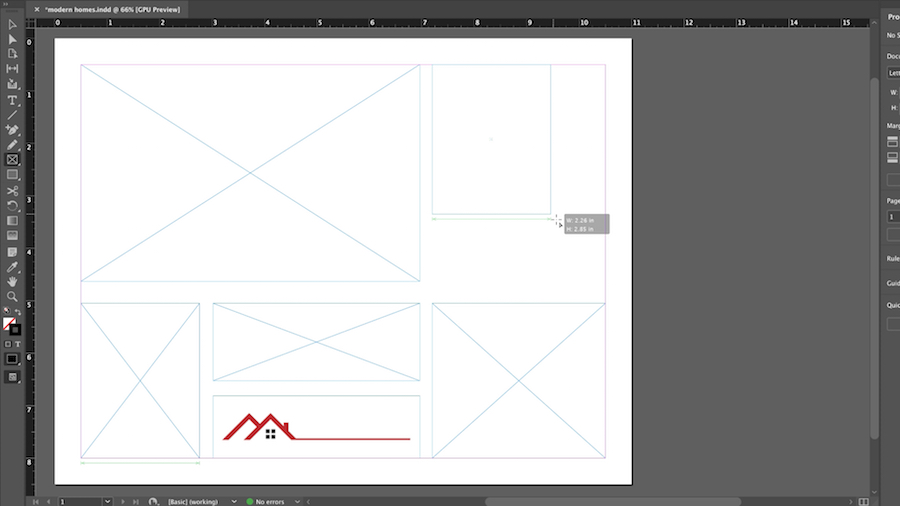
Create the frame dimensions and overall layout for your catalog pages.
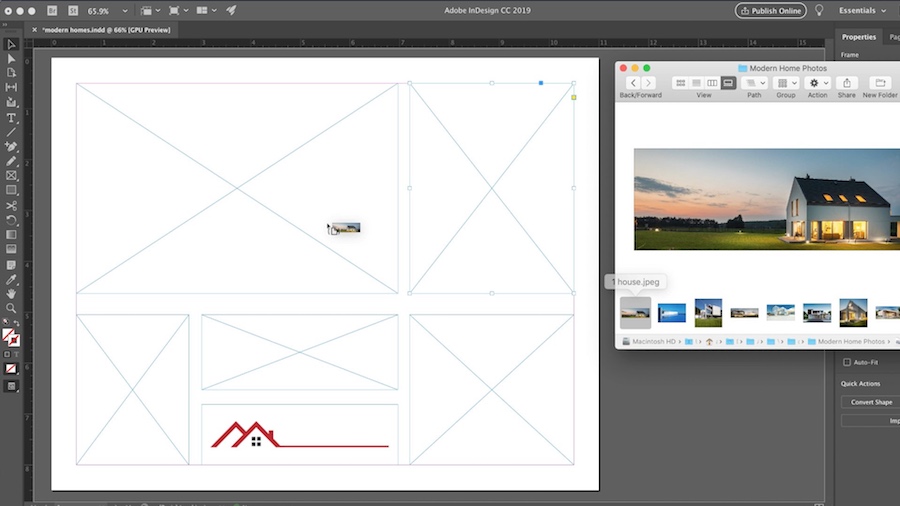
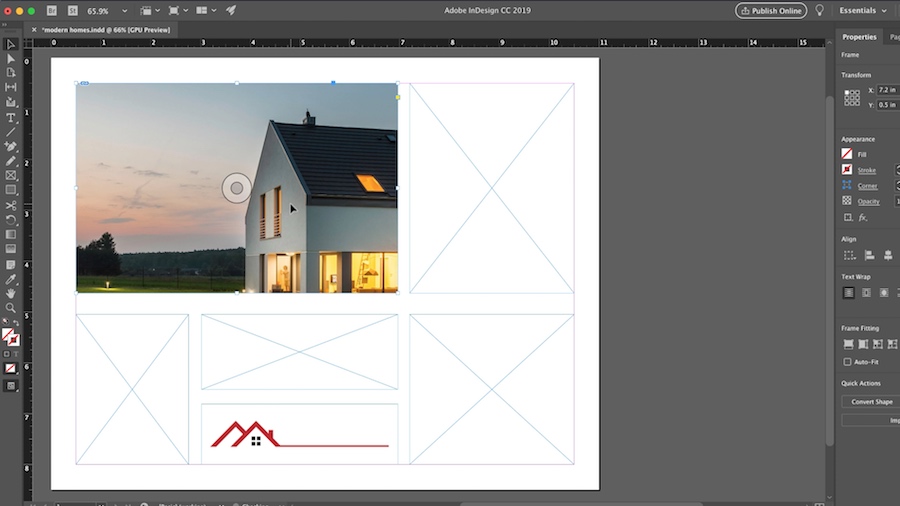
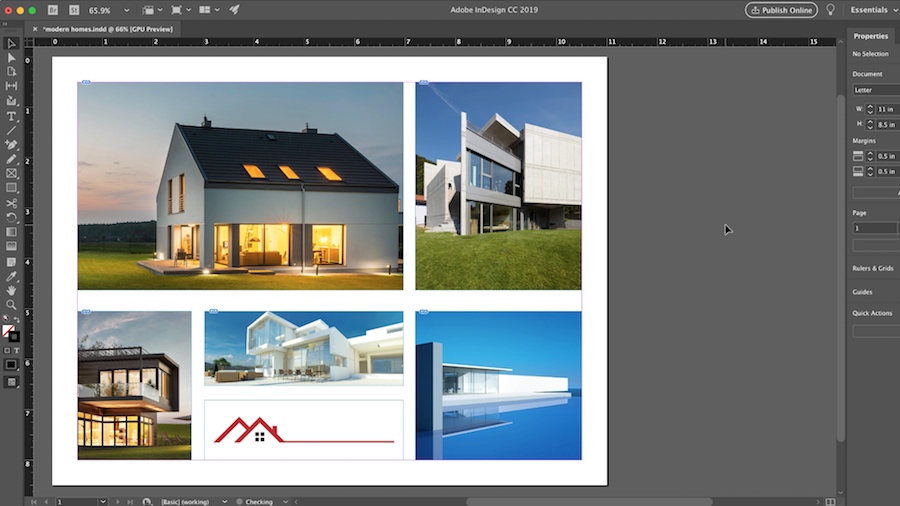
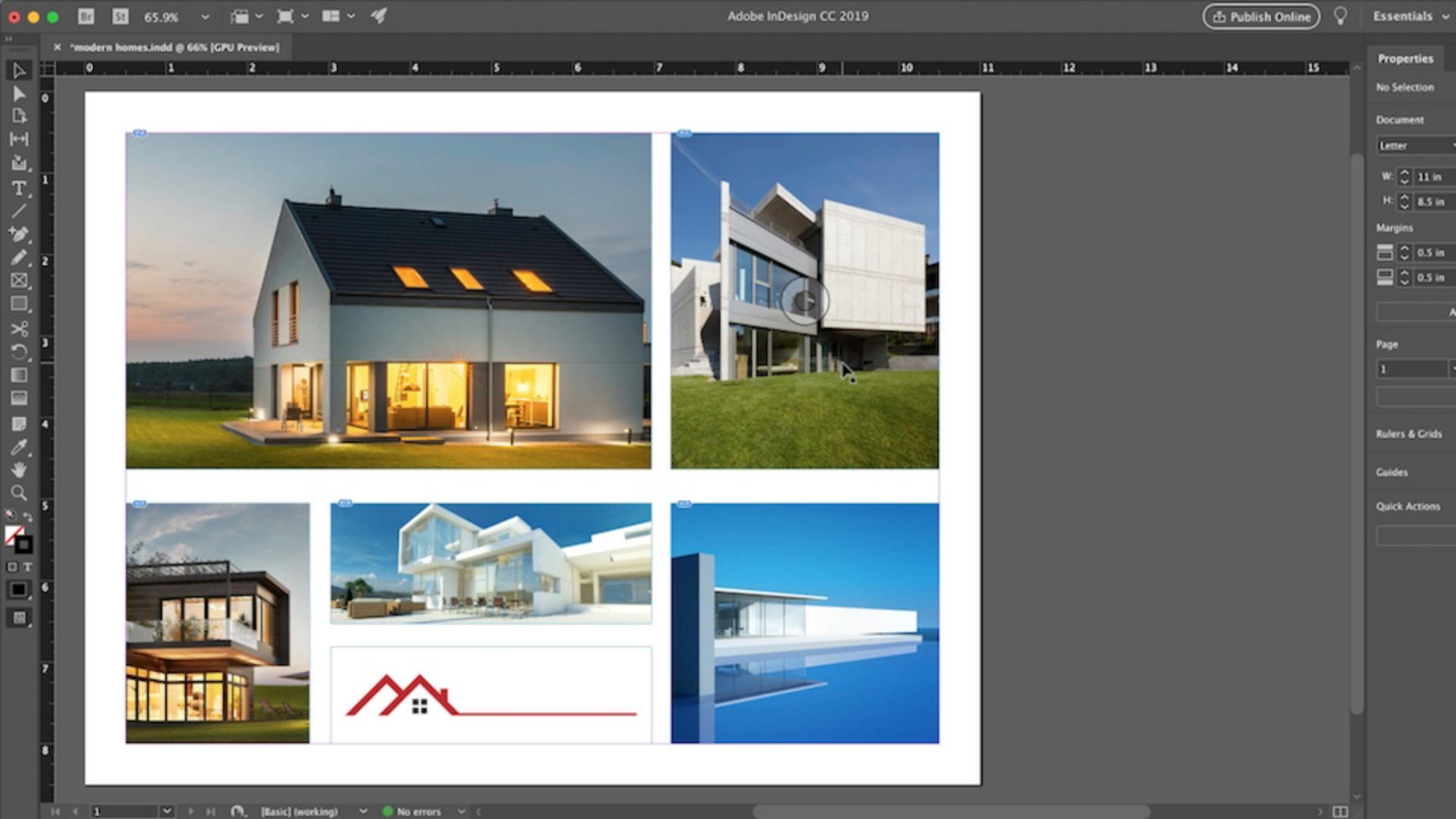
Click the Content-Aware Fit button (to make it the default frame fitting option, go to Preferences > General and select Make Content-Aware Fit the default frame fitting option).
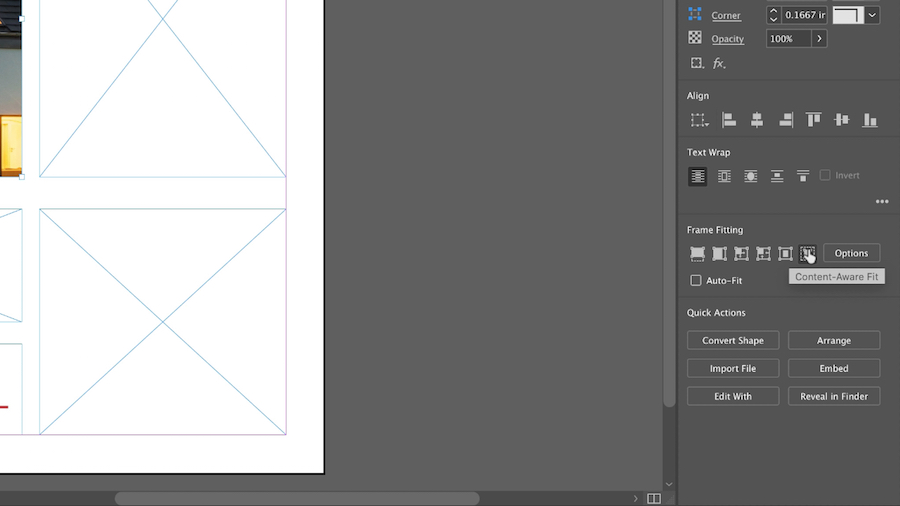
Content-Aware Fit automatically scales and repositions the image into the frame, based on the context and focal point of the image.
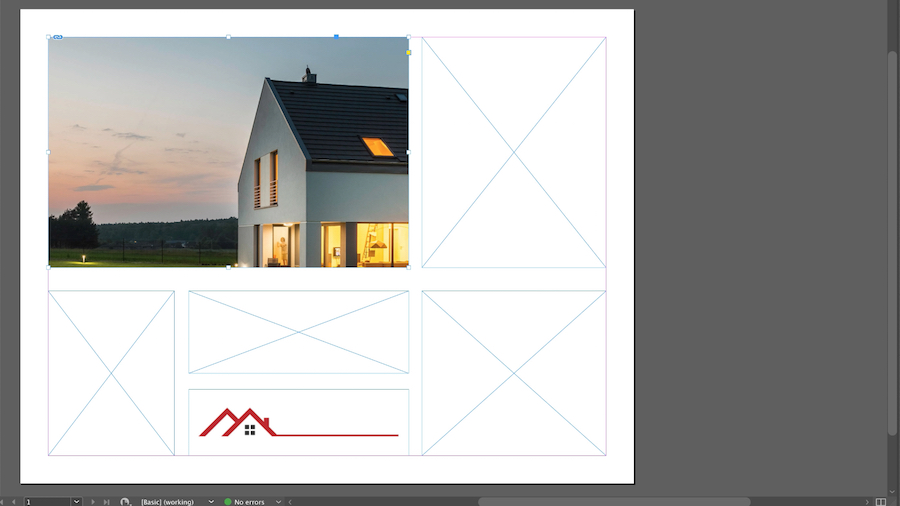
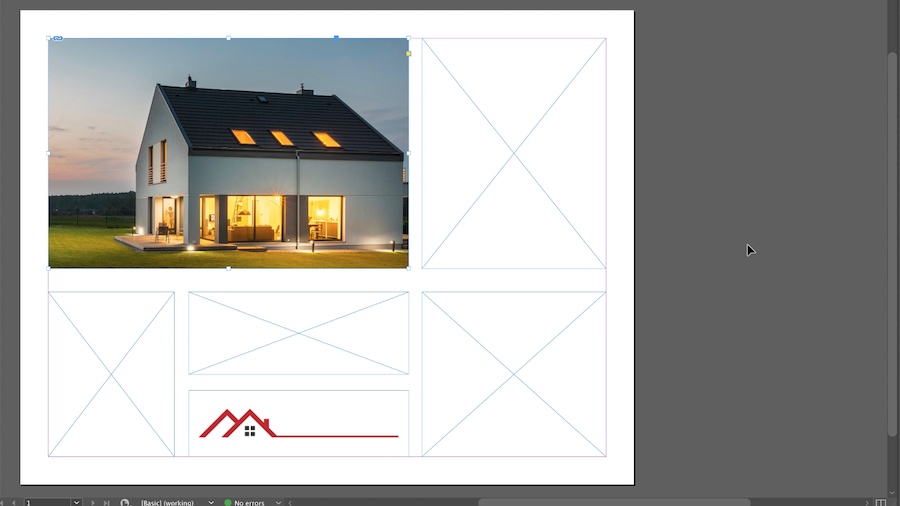
You retain total creative control. Fine-tune the new fit as desired.
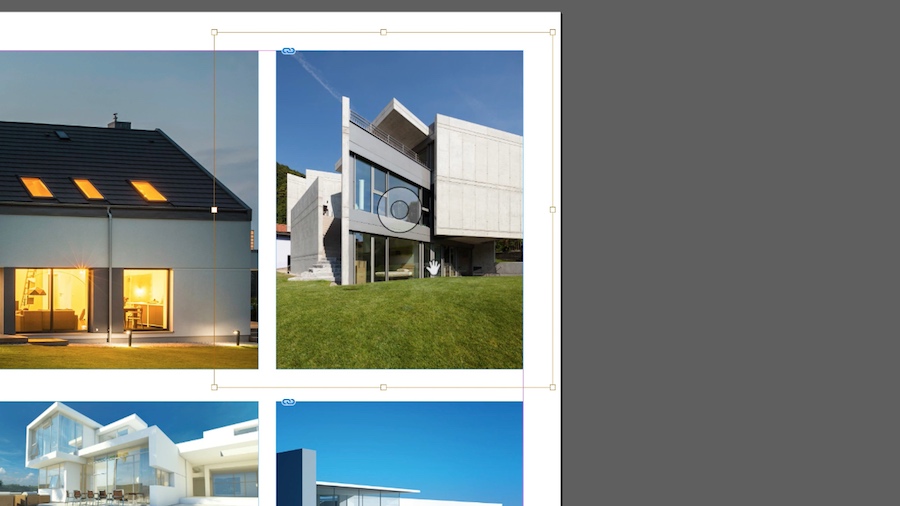
Adobe Sensei’s machine-learning technology saves you time and helps you display the best parts of your images.