https://main--cc--adobecom.aem.live/cc-shared/assets/img/firefly.svg Adobe Firefly

Generate Y2K wallpaper with Adobe Firefly.
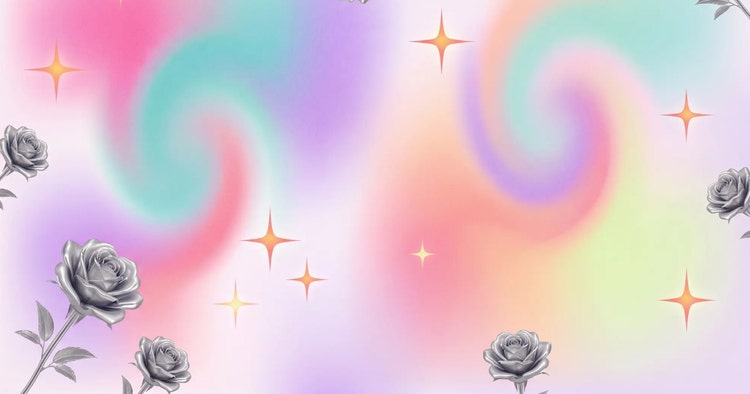
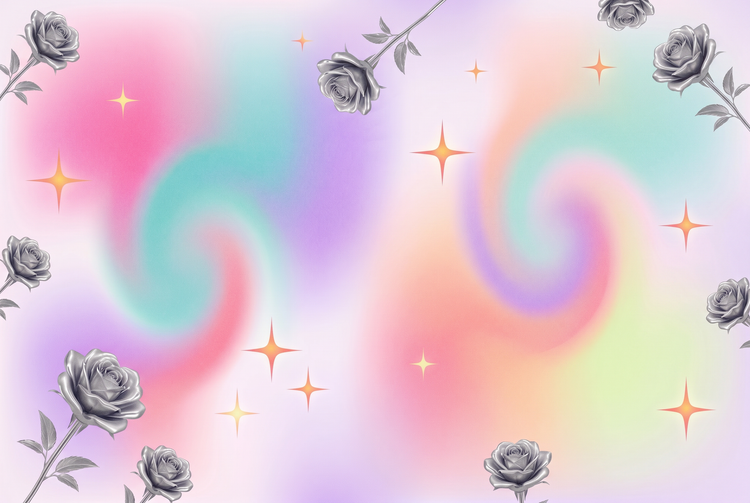
Bring the chrome gradients, metallic textures, and electric color palettes of Y2K design to life. Simply type in your prompts and Adobe Firefly will turn your vision into custom wallpaper.
- image
- Describe a subject, an action, a place, a mood, or a style.
- Adobe Generative AI Terms
- https://main--cc--adobecom.aem.live/creativecloud/animation/testdoc/unity/generate.svgGenerate
- Describe the Y2K wallpaper you want to generate
- Prompt
- Tip
- Unable to process the request
- Please describe what you want to generate.
- Prompt exceeds the max length of 750 characters
- artGenerator


https://main--cc--adobecom.aem.live/cc-shared/assets/img/product-icons/svg/firefly-80.svg

Adobe Firefly
The next evolution of creative AI is here for all your ideas, with image, video, audio, and vector tools.
Create a custom Y2K wallpaper with AI.
The Y2K wallpaper generator in Adobe Firefly uses AI to help you create original images in the style of early 2000s design. You're in control of every element, from color palette and texture density to aspect ratio and motif.
Design any Y2K style you can imagine.
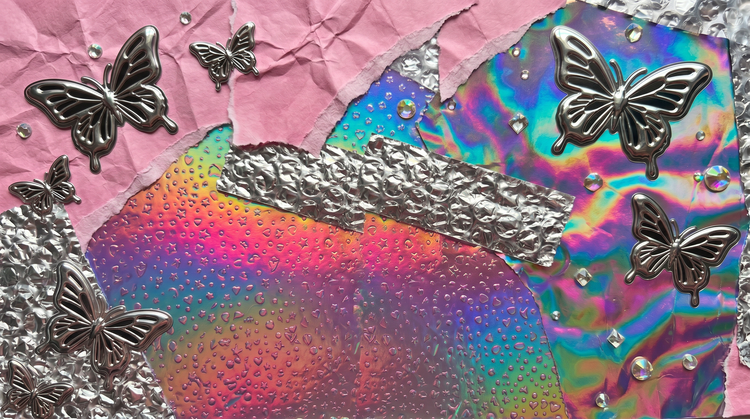
Y2K design spans a wide range of looks, from bubblegum holographics and translucent plastics to dark chrome and glitchy pixel art. With Adobe Firefly, you can describe exactly the aesthetic you want and generate wallpaper that matches it. Try prompts that call out specific motifs like metallic butterflies, star fields, iridescent gradients, or retro-futurist grids. The more specific your prompt, the closer your results will be to what you have in mind. Refine with style settings to dial in color temperature, texture, and detail until the image is exactly right.
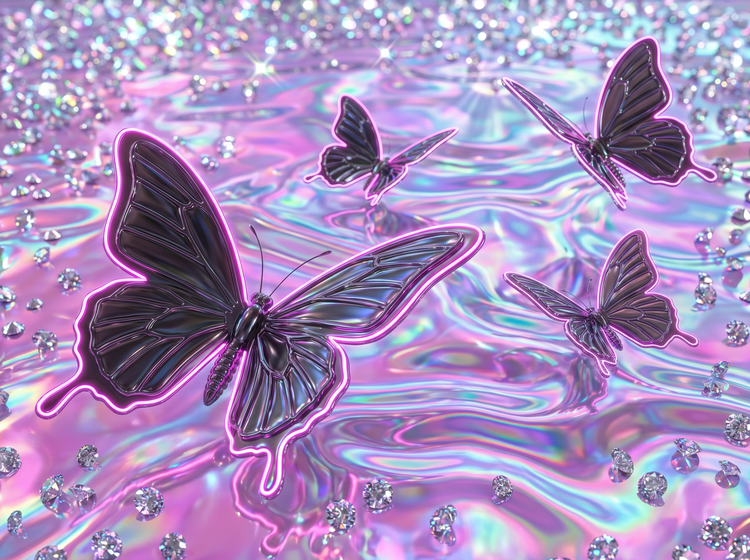
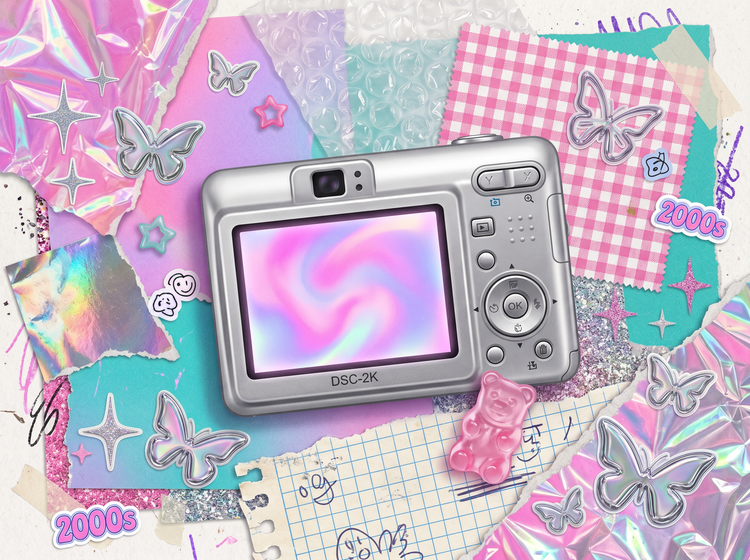
Generate wallpaper in the dimensions you need.
Whether it's wallpaper for your phone, desktop, or a tiled pattern, Adobe Firefly allows you to set the aspect ratio before you even generate an image. You have control over the output dimensions so your design fits perfectly without cropping or stretching.
Iterate fast and explore more directions.
Getting your design just the way you want it may take a few rounds. In Adobe Firefly, each new generation builds on the last, so you can adjust your prompts without starting all over. And with generative credits, you can run multiple variations quickly and keep only the ones you want. From first prompt to final image, it's all in one place so you can spend less time switching tools and more time creating.
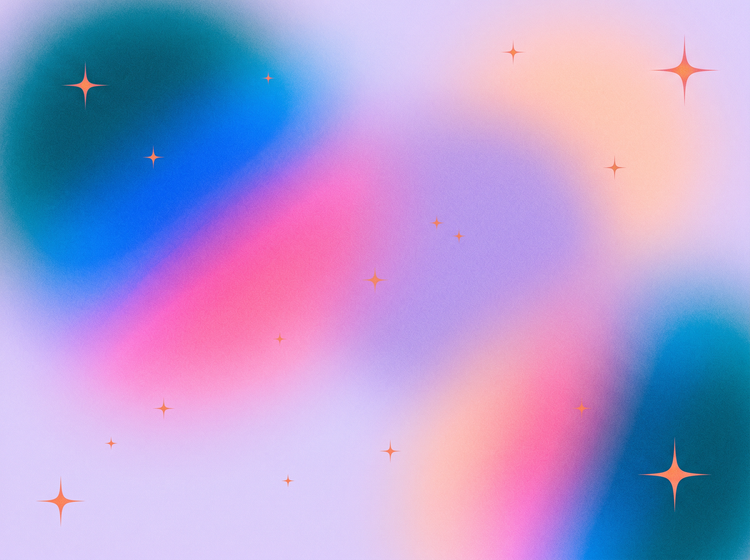
How to create a Y2K wallpaper with Adobe Firefly.
Step 1
Open Adobe Firefly.
Step 2
Write a prompt for your Y2K wallpaper.
Step 3
Set your aspect ratio and style options.
Step 4
Generate and compare variations.
Step 5
Download and use your wallpaper.
- How to create a Y2K wallpaper with Adobe Firefly
- Steps on How to create a Y2K wallpaper with Adobe Firefly
- PT5M
- firefly
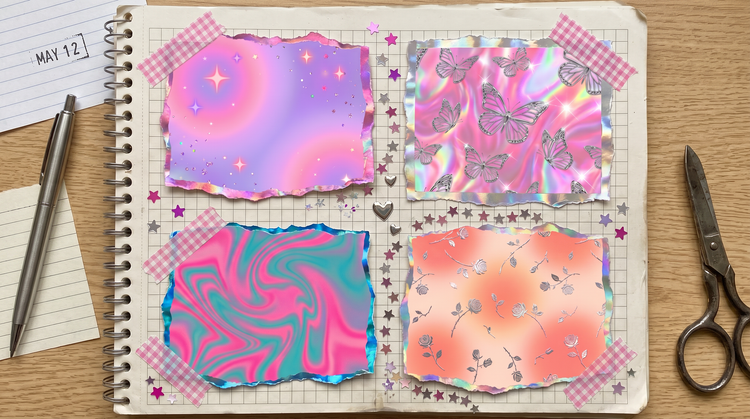
Maintain visual consistency
Generate variations of your Y2K wallpaper in different color stories and motif arrangements while keeping the aesthetic consistent.
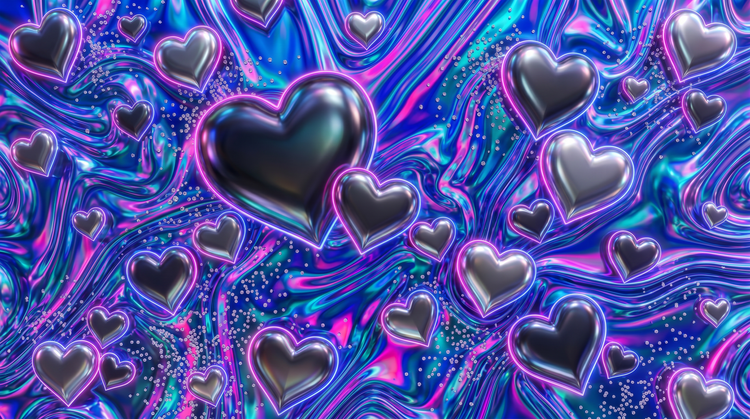
Use top AI models in one place
Adobe Firefly brings together its own models and top partner models in a single workspace. Explore each one to capture the Y2K aesthetic you're looking for.
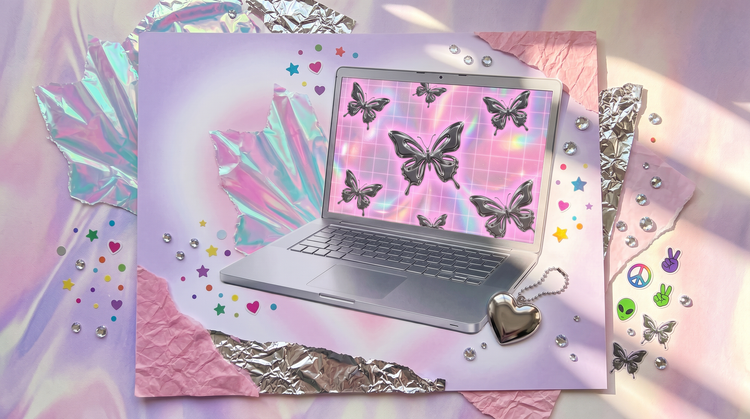
Refine your results
Use advanced editing tools in Adobe Firefly to fine-tune your Y2K wallpaper. Adjust lighting, color, and texture, swap in a different background, and more.
Keep editing in Adobe apps
Your Firefly generations can be opened and edited in Adobe apps so you can take your Y2K wallpaper from a first draft to a polished design without interrupting your workflow.
Questions? We have answers.
What is a Y2K wallpaper generator?
How do I make a Y2K-style wallpaper using AI?
Can I use AI-generated Y2K wallpaper for commercial projects?
What prompts work best for retro Y2K digital art?
What is the best AI Y2K wallpaper generator?
Is Y2K wallpaper free to generate with Adobe Firefly?
Can I customize the colors and patterns in my Y2K wallpaper?
Can I make a tiled or seamless Y2K wallpaper pattern with Adobe Firefly?
What aspect ratios can I use for a Y2K wallpaper?
How is Adobe Firefly different from other AI wallpaper generators?
Share this page.