
- image
- https://main--cc--adobecom.aem.page/creativecloud/animation/testdoc/unity/generate.svgGenerate
- Edit prompt or enter your own text.
- Unable to process the request
- Prompt exceeds the max length of 750 characters
- Adobe models
- Choose an edit


-
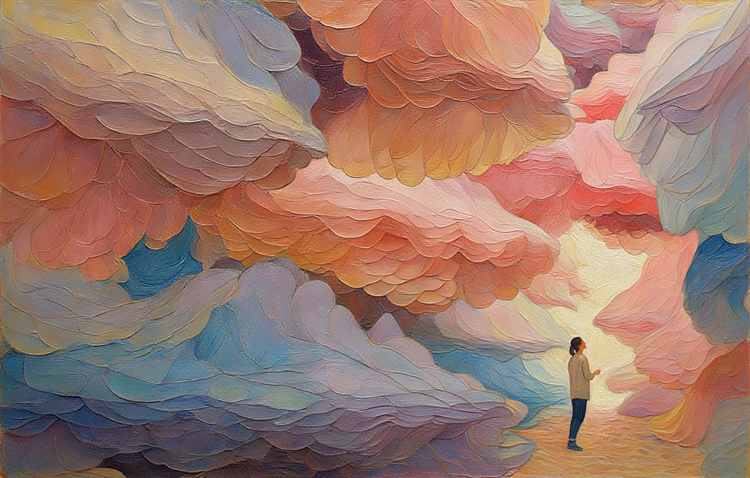
Generate in oil painting style with rich texture, thick brushstrokes, dramatic light, classical feel.
A woman stands in a canyon made of large, flowy vibrant formations. There is one source of light in the opening of the canyon behind her. -
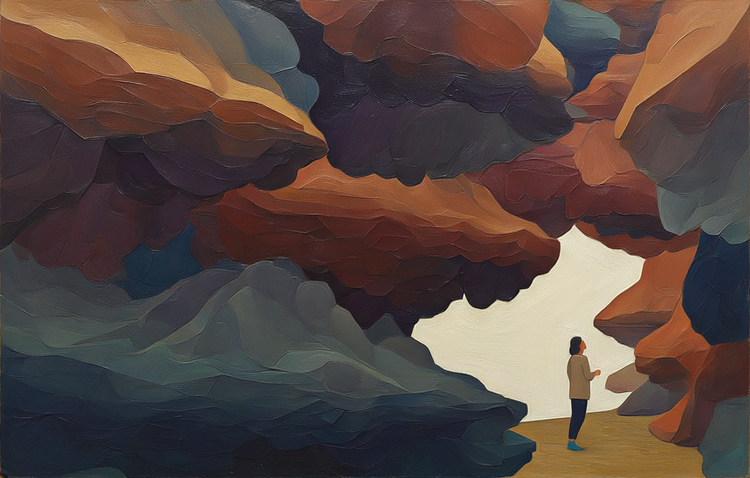
Generate in a geometric style with polygon shapes, sharp lines, minimal shading, modern abstract feel.
A woman stands in a canyon made of large, flowy vibrant formations. There is one source of light in the opening of the canyon behind her. -
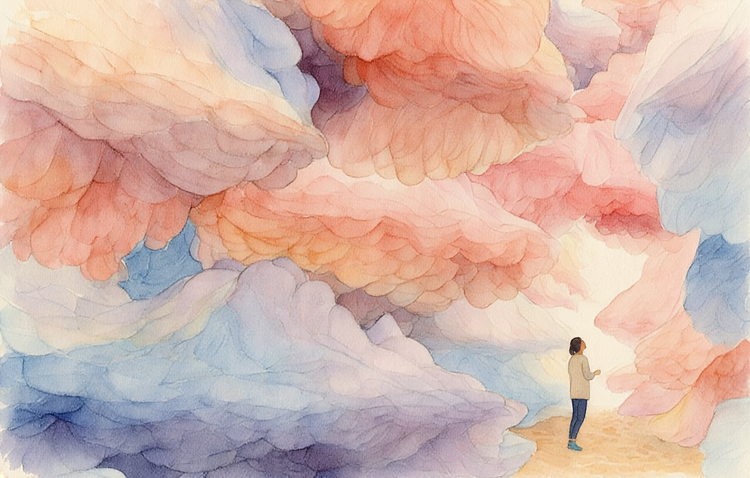
Generate in a watercolor, painterly style with soft washes, translucent layers, paper texture, light airy feel.
A woman stands in a canyon made of large, flowy vibrant formations. There is one source of light in the opening of the canyon behind her. -
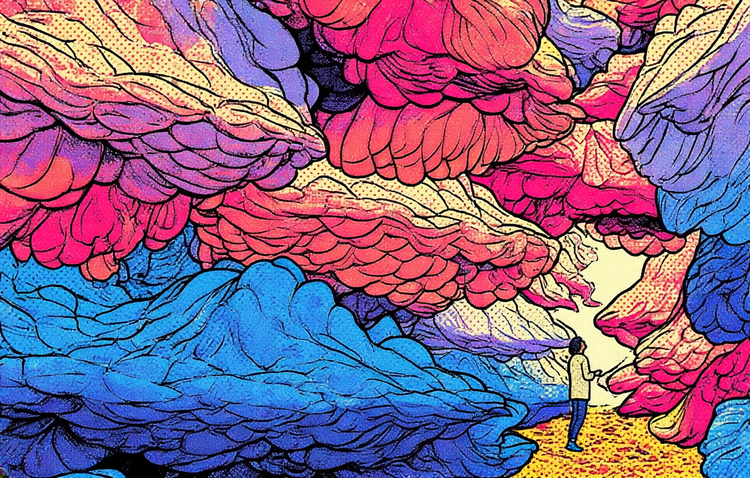
Generate in a vibrant style with bold saturated colors, high contrast, dynamic lighting, vivid tones.
A woman stands in a canyon made of large, flowy vibrant formations. There is one source of light in the opening of the canyon behind her.

https://main--cc--adobecom.aem.page/cc-shared/assets/img/product-icons/svg/firefly-80.svg
Adobe Firefly
https://main--cc--adobecom.aem.page/cc-shared/assets/img/product-icons/svg/firefly-80.svg
Adobe Firefly
The next evolution of creative AI is here for all your ideas, with image, video, audio, and vector tools.
Spark your creativity with AI-generated art.
Get inspired, save time, and make any kind of AI-generated art in a variety of styles with the Adobe Firefly text-to-image generator. Whether you’re an illustrator, designer, creator, or emerging artist, Firefly generative AI gives you fast, flexible ways to bring ideas to life.
Create AI art images fast.
Jump-start your creative process and create stunning visuals in minutes with the AI art generator. Quickly turn ideas into generated images — from concept sketches and product mockups to photorealistic portraits, fantasy landscapes, and abstract art. Adjust prompts instantly to explore styles like anime, impressionism, or surrealism, or even pixel art, and experiment with media-inspired looks, like watercolor, charcoal, or ink.
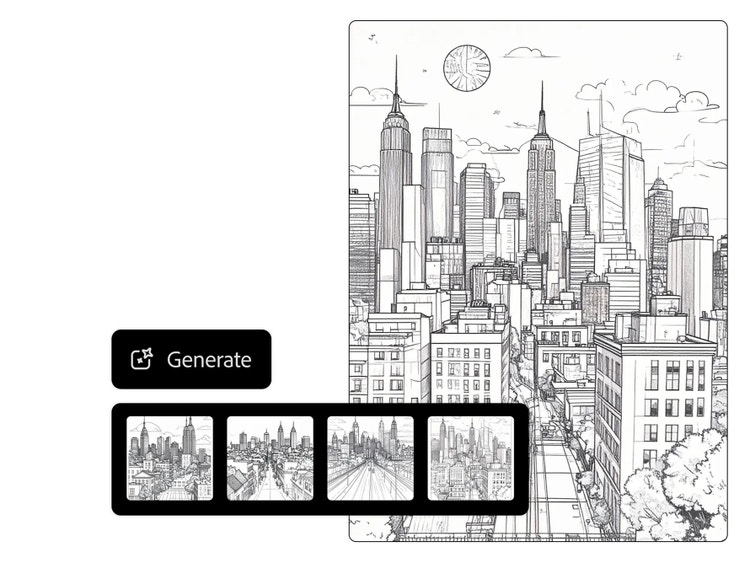
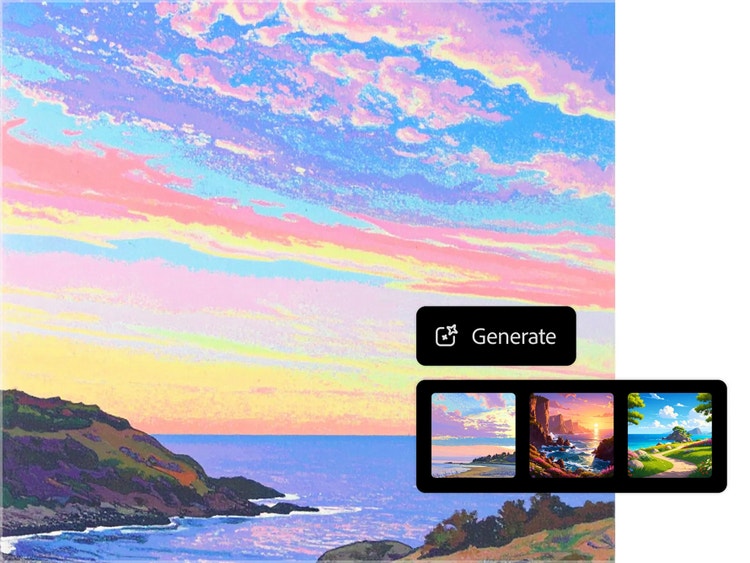
Create amazing AI art no matter your experience level.
Whether you’re just getting started or you’re a seasoned artist, the AI art generator makes it easy to bring ideas to life. Use simple text prompts or experiment with image-to-image generation to quickly explore new concepts, styles, and compositions — no sketching or painting skills required.
Experiment with new forms and ideas.
Use AI to discover fresh approaches to making art. Try cinematic lighting, glitch effects, paper cutout aesthetics, or layered collage styles. Whether you’re creating stylized illustrations, abstract patterns, or retro-futurist compositions, AI-generated art opens up endless ways to reimagine your creative work.
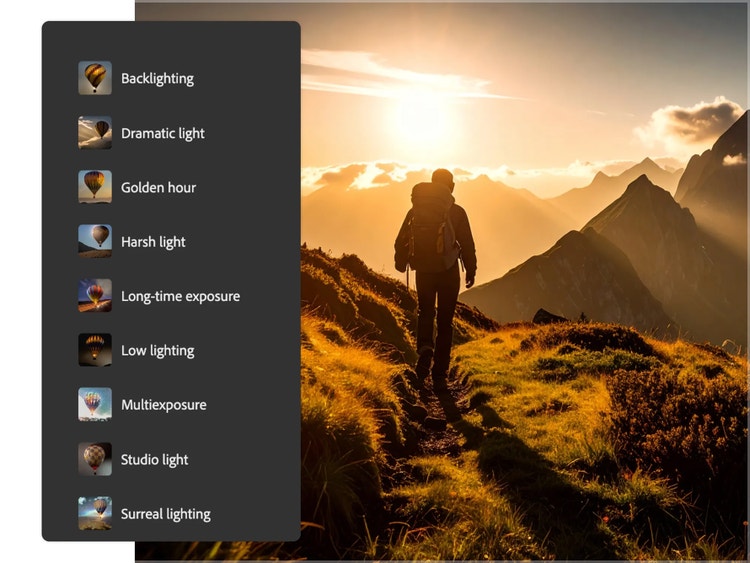
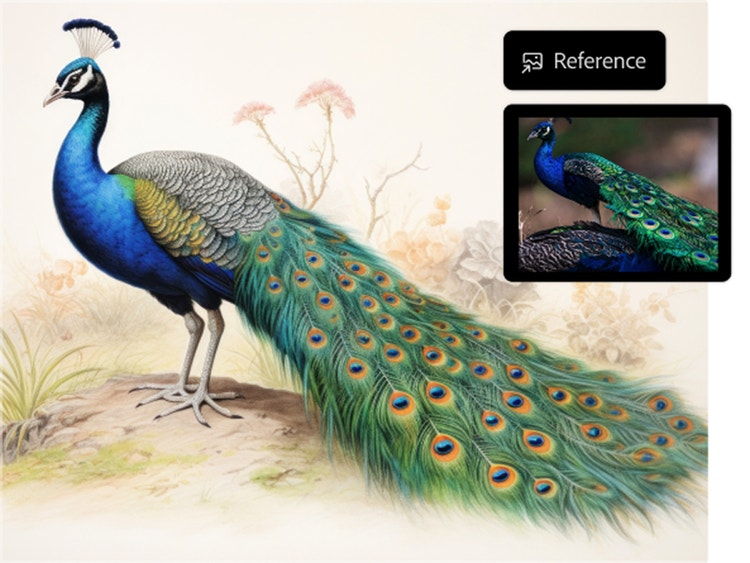
Generate AI art from sketches and photos.
Start with a rough sketch, a reference photo, or even AI art — then refine your vision with a simple text prompt. Whether you’re brainstorming layouts or enhancing visual details, you can go from a sketch to image in seconds. This flexible workflow helps creators of all skill levels shape and perfect their ideas faster, giving them more time to focus on creativity.
Commercially-safe AI generated artwork.
Create with confidence using Adobe Firefly. Firefly generative AI models are trained on licensed content, making the generated images and artwork commercially safe for both personal and business use — from marketing materials and client work to prints and social media.
Learn more about how Adobe ensures responsible AI development: View the Adobe AI ethics principles.
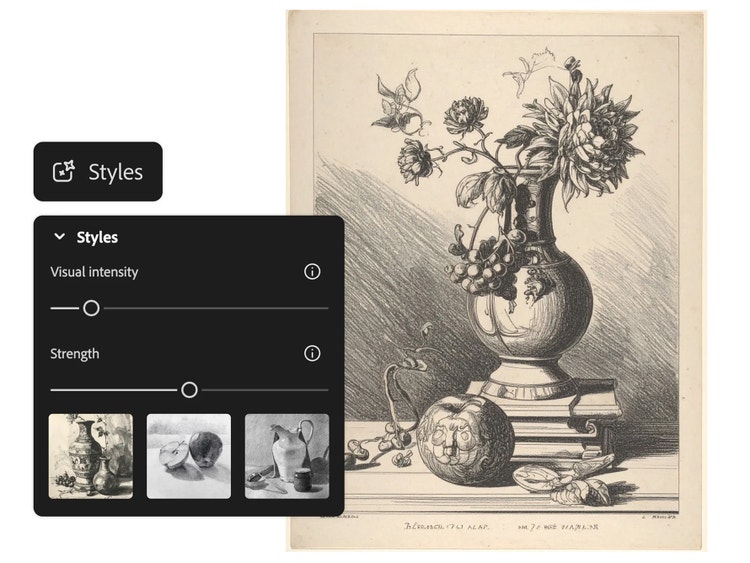
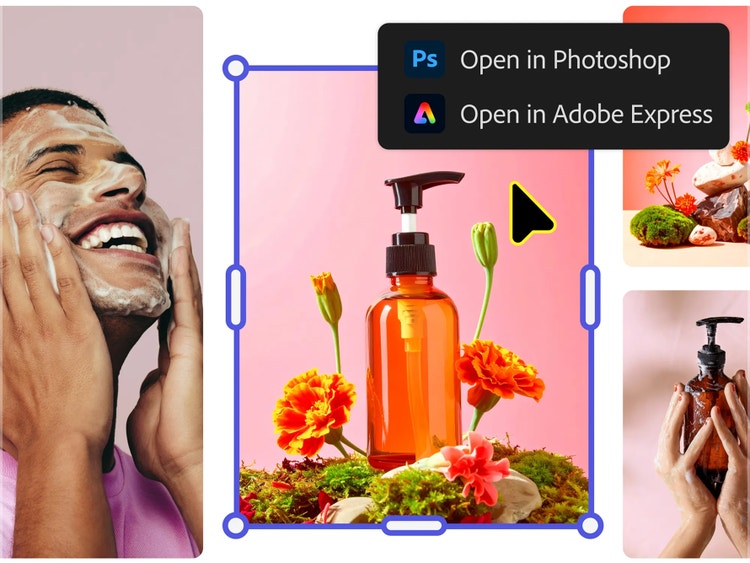
Work seamlessly with Creative Cloud.
Adobe Firefly is designed to work seamlessly with the Creative Cloud apps creators already use, like Photoshop, Illustrator, Adobe Express, and more. This cross-app workflow means you can move from ideation to final design faster, without switching platforms or losing creative momentum.
How to generate AI art.
Step 1
Open the AI art generator in Firefly.
Step 2
Generate AI art.
Step 3
Refine and regenerate artwork.
Step 4
Customize your image.
Step 5
Save and share your AI generated artwork.
- How to generate AI art.
- Steps on how to generate AI art
- PT5M
- firefly
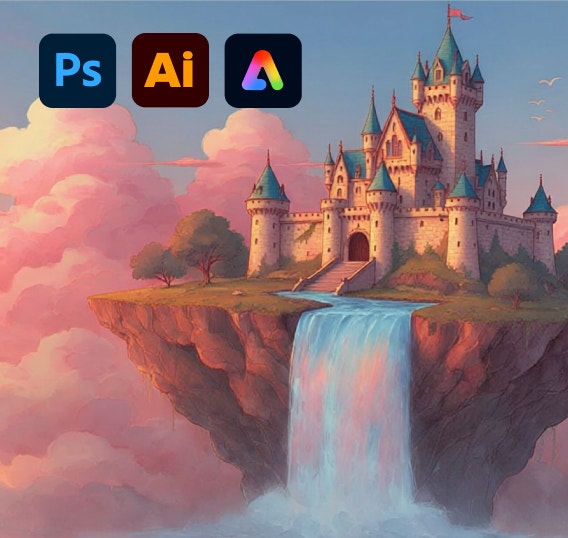
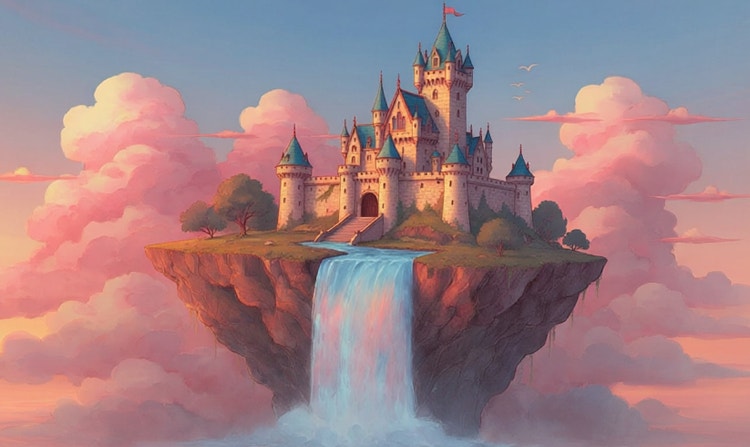
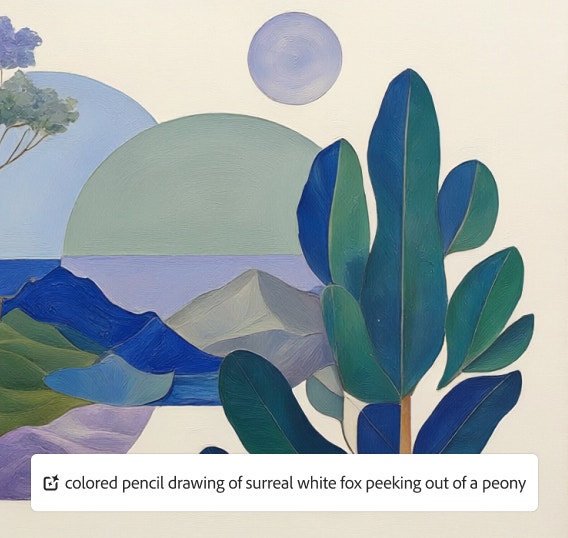
Customizable artistic styles
From photorealistic renders and watercolor effects to abstract illustrations and vintage aesthetics, Firefly offers a rich creative palette to match any artistic vision.
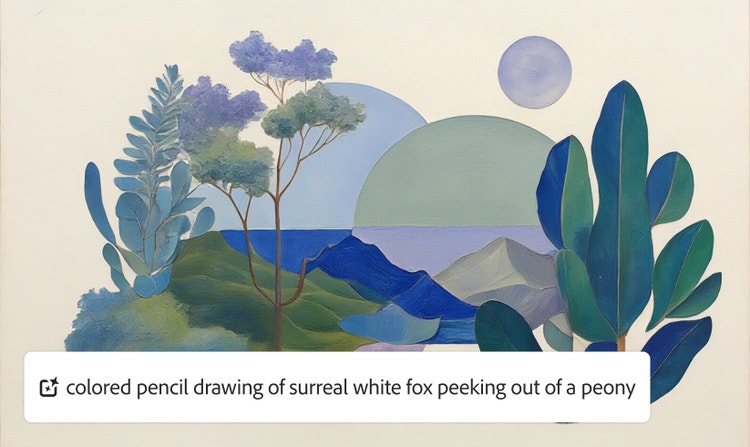
Precise creative control
Firefly lets you control lighting, color, composition, camera angles, and artistic effects to fine-tune every detail of your generated artwork.
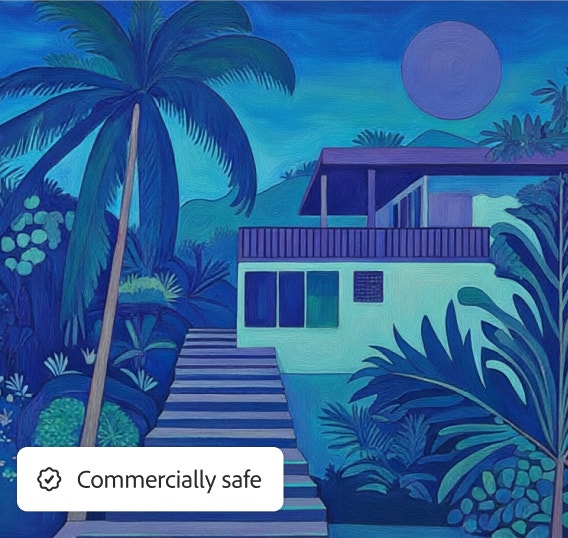
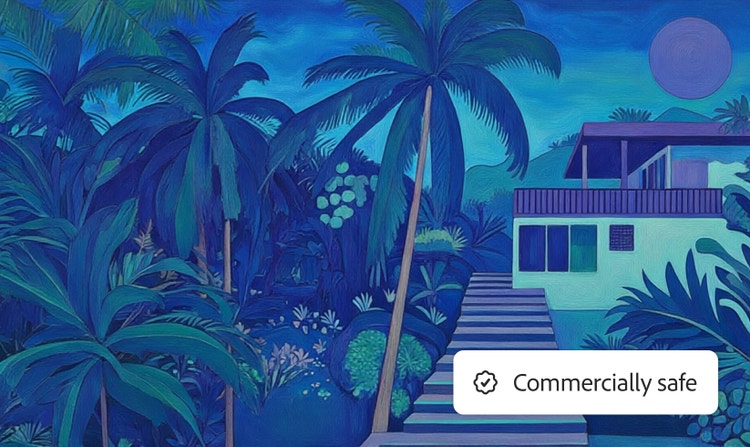
High-quality, commercially safe images
Firefly models generate professional-grade artwork trained on licensed Adobe Stock content and public domain materials, making every creation safe for commercial use.
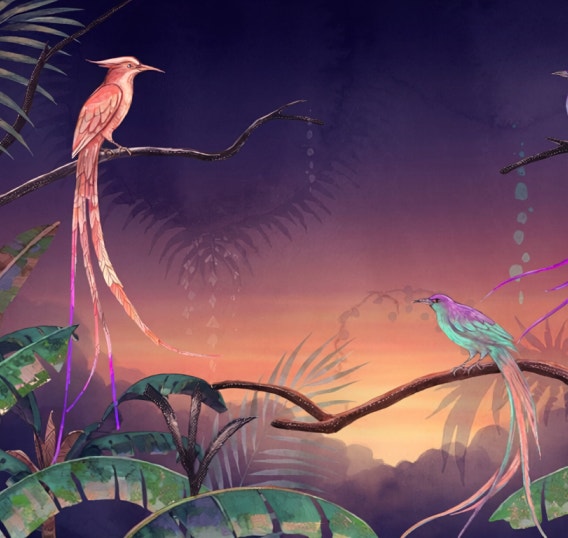
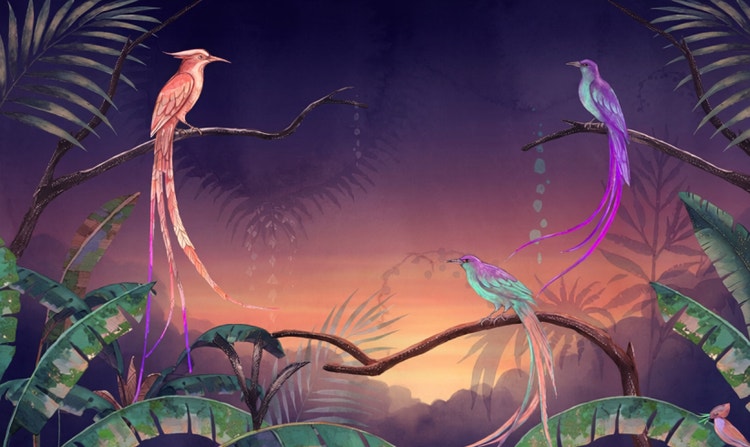
Great for concepts or finished work
Whether you’re brainstorming mood boards or creating final marketing assets, Firefly gives artists and creators the quality, speed, and flexibility they need for professional work.
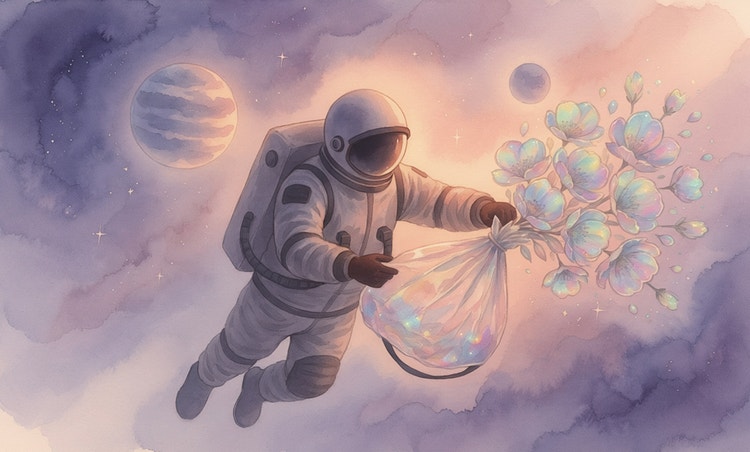
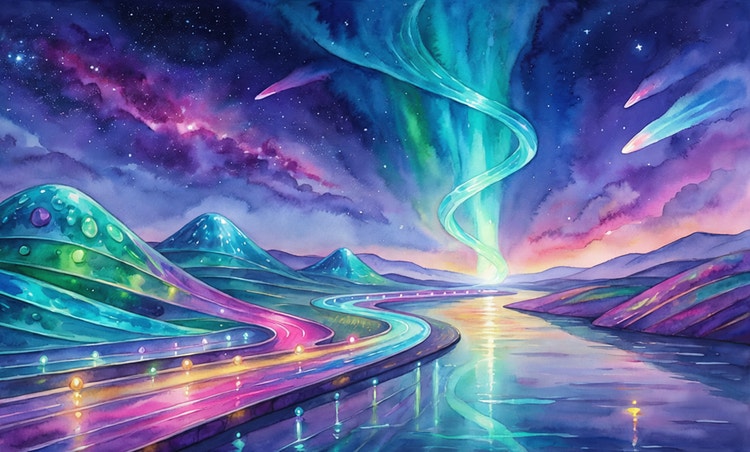
See what you can do in Firefly.
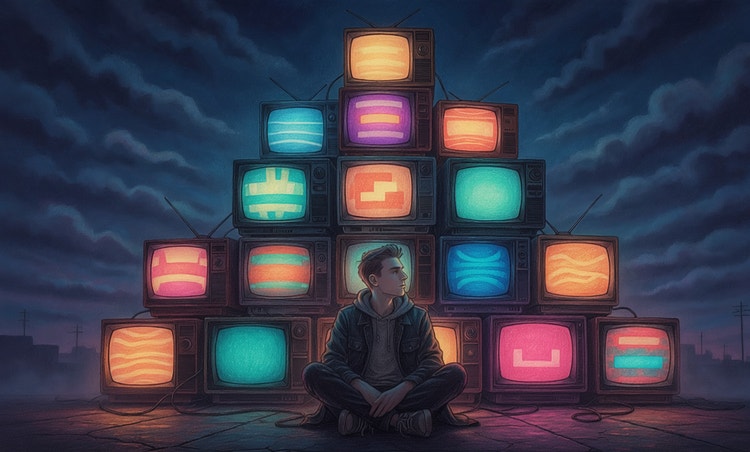
Discover even more features.
Questions? We have answers.
What is an AI art generator?
How does an AI art generator work?
How do you make AI generated art?
Do I own the copyright to AI art generated in Firefly?
Do I need an Adobe Firefly subscription to generate AI art?
How do I get better results with AI-generated artwork?
To get better results with AI-generated artwork, use clear text prompts, add reference images, and refine your results through iteration. Start with a simple description of your subject, style, and mood, then adjust keywords to improve composition or detail. You can also click the Prompt Features button in the toolbar and turn on Prompt Enhancement, which automatically expands your text into a more detailed prompt.
Uploading a sketch or photo can help guide structure and color, leading to more accurate outputs. With Adobe Firefly’s AI art generator, you can combine prompts and references, generate multiple variations, and fine-tune your artwork until it matches your creative vision.
Can I generate images in Adobe Firefly using Nano Banana?
Is the Adobe Firefly AI art generator free?
What makes Adobe Firefly different from other AI art tools?
Are there any limitations when using Adobe Firefly?
What is the best AI art generator?
Share this page.
Explore more Firefly tools.
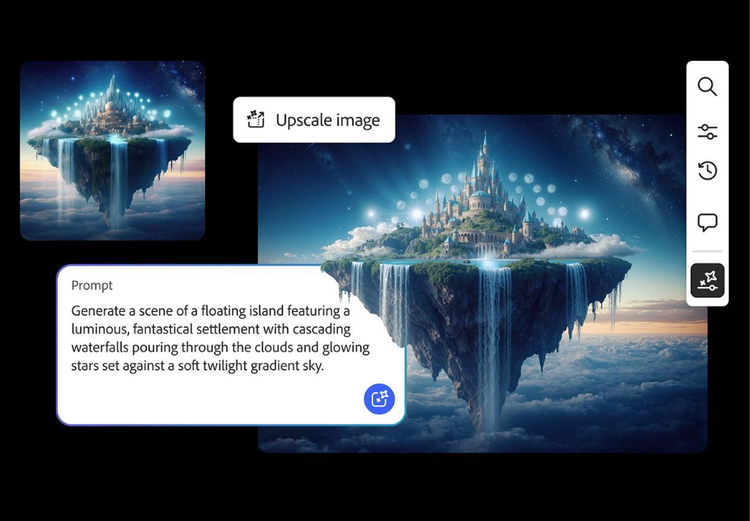
AI generated image examples to spark your creativity
From realistic product photos for e-commerce to abstract art shared on social media, generative AI is transforming the way images are imagined, created, and customized.
Learn more | Learn more - AI generated image examples to spark your creativity
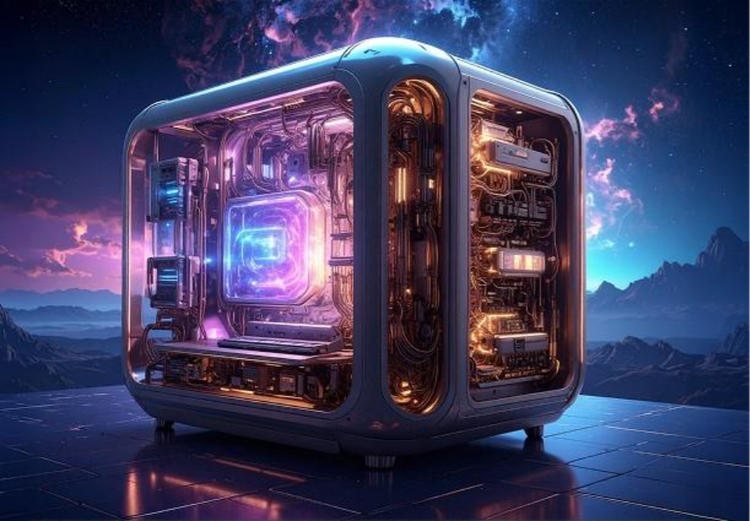
How generative AI works: From training to output
Generative AI is all over the headlines, and that’s not empty hype. This new technology is likely to be part of your life soon — if it’s not already.
Learn more | Learn more - How generative AI works: From training to output
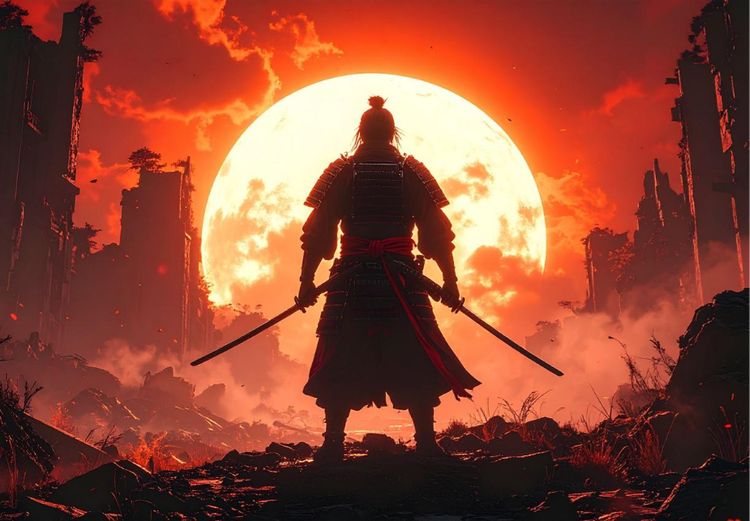
Image prompt examples to inspire your next project
There’s an art to crafting the perfect image prompt. Browse AI image prompt examples alongside their AI generated results to see how specific language shapes stunning visuals with Adobe Firefly.
Learn more | Learn more - Image prompt examples to inspire your next project
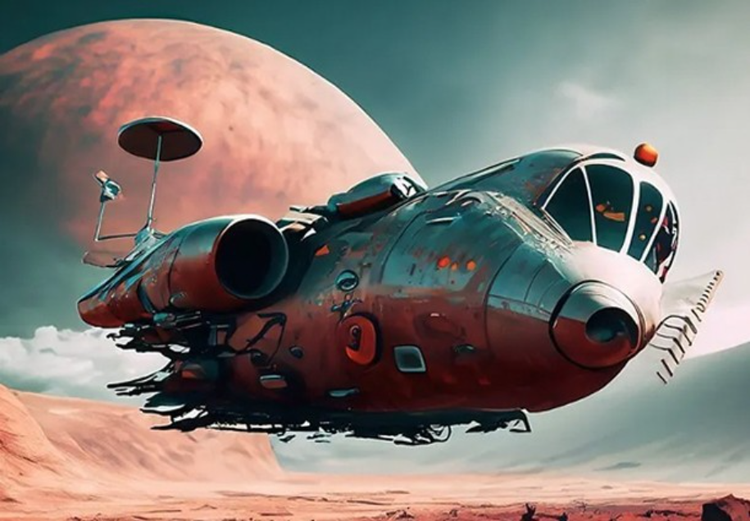
How to write AI art prompts that get results
The best prompts for AI aren't always obvious. These tips get you to your destination in record time.
Learn more | Learn more - How to write AI art prompts that get results