https://main--da-cc--adobecom.aem.live/cc-shared/assets/img/firefly.svg Adobe Firefly

Create free AI fantasy art and scenes with Adobe Firefly.
Describe your world and turn it into richly detailed fantasy art, from enchanted forests to mythical characters.
- image
- Describe a subject, an action, a place, a mood, or a style.
- Adobe Generative AI Terms
- https://main--cc--adobecom.aem.live/creativecloud/animation/testdoc/unity/generate.svg Generate
- Describe the fantasy art you want to generate
- Prompt
- Tip
- Unable to process the request
- Please describe what you want to generate.
- Prompt exceeds the max length of 750 characters
- artGenerator
- Enter prompt


{{nbsp}}
Turn any fantasy idea into a fully realized image.
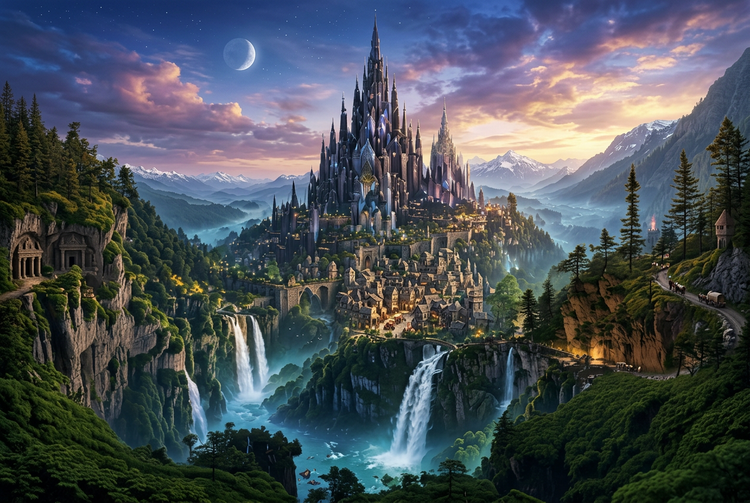
Describe your scene in Adobe Firefly and it will generate a detailed image that reflects your creative vision for free. Quickly explore environments, characters, and scenes for games, stories, or any project that requires fantastical artwork.
Build fantasy worlds from a description.
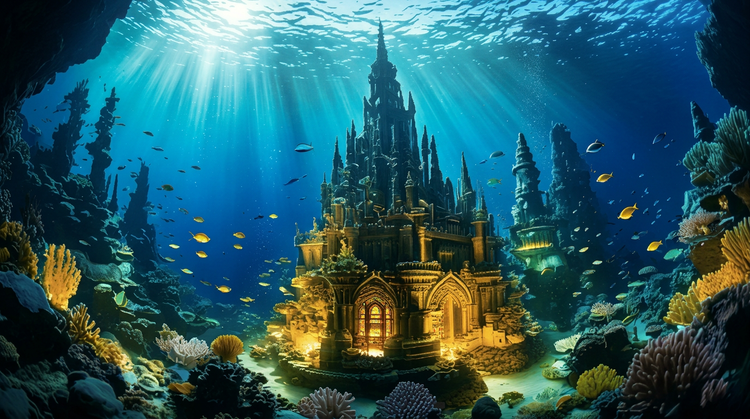
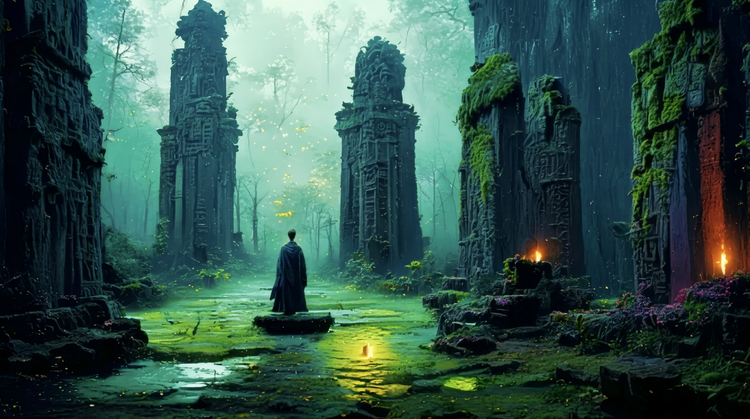
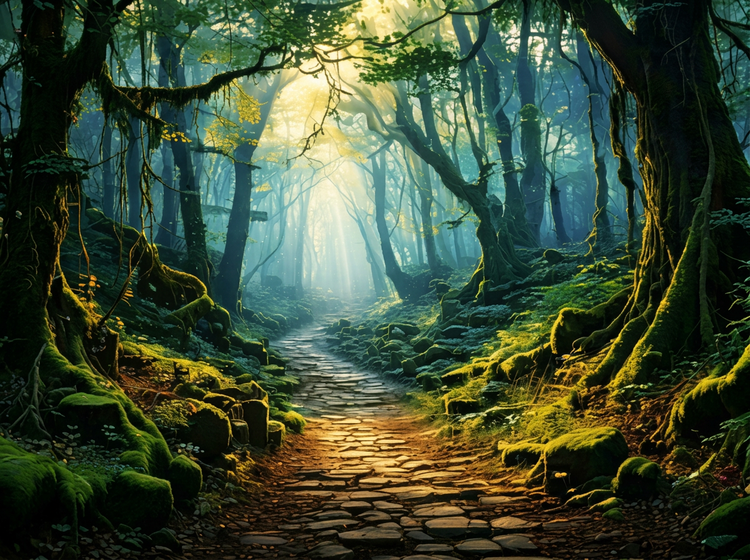
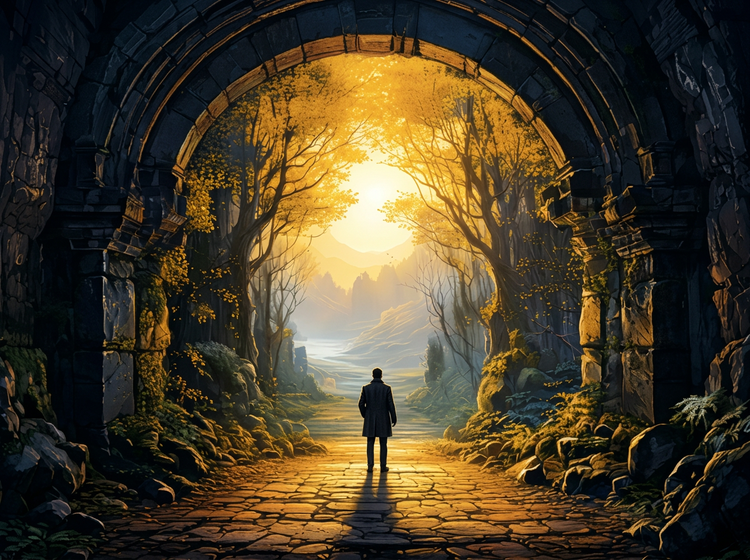
Write a description of the environment you have in mind and Adobe Firefly will generate the full scene. Adjust lighting, color palette, and atmosphere with each iteration to push the world further. From ancient ruins at golden hour to glowing underwater kingdoms, your prompts set the visual direction.
Design fantasy characters with precision.
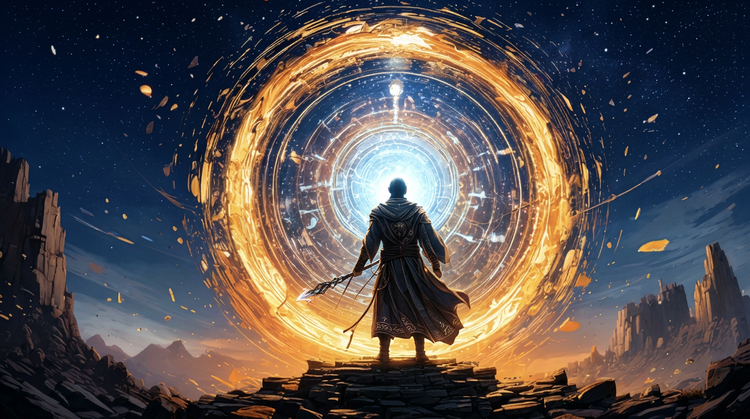
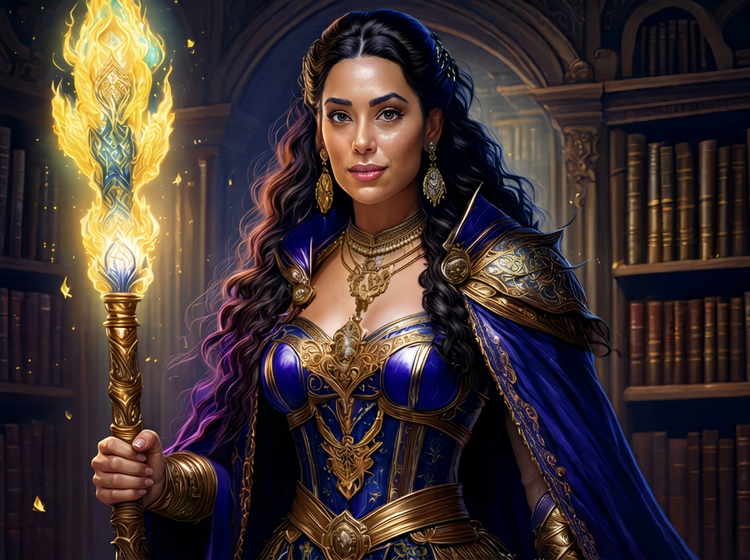
Describe a character's silhouette, armor, and setting and get a fully rendered portrait to work from. Use a reference image to guide the look of your results, then vary the prompt to explore different directions within the same style. From battle-worn warriors to ethereal sorceresses, your results reflect the details you describe.
Use your fantasy art with confidence.
Adobe Firefly models produce commercially safe outputs, so you can add your AI fantasy art to book covers, game pitches, marketing campaigns, and client deliverables without worrying about usage rights.
Move through creative directions quickly.
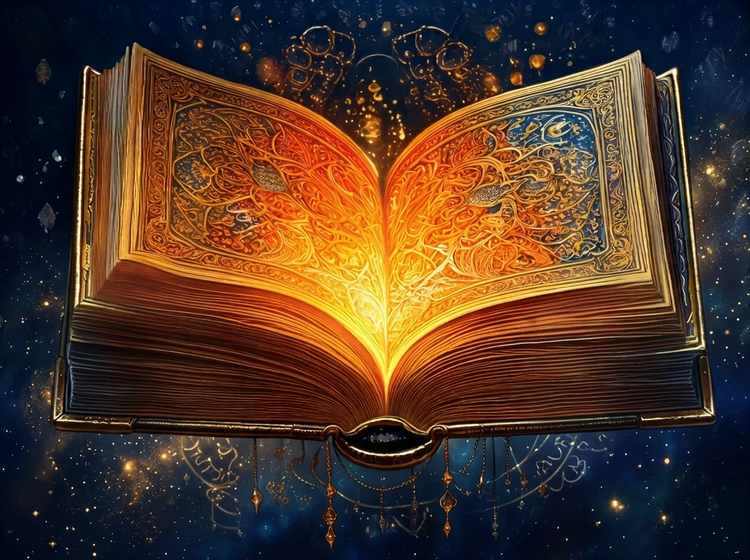
You can generate multiple visual directions in Firefly from a single prompt, compare results side by side, and refine the strongest ideas. Bring your final images into Photoshop on the web to composite, retouch, or extend for production.
How to generate AI fantasy art with Adobe Firefly.
Step 1
Open Adobe Firefly and select Generate Image.
Step 2
Describe your fantasy scene.
Step 3
Adjust your settings.
Step 4
Generate and iterate.
Step 5
Download and continue.
Steps on how to generate AI fantasy art using Adobe Firefly Generate Image.
PT3M
firefly
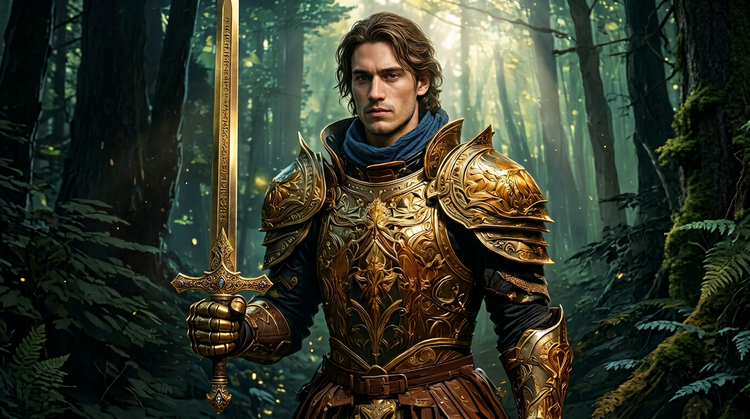
Commercial safety
Adobe Firefly models produce commercially safe output, so you can use your fantasy art in professional projects, client work, and published materials with confidence.
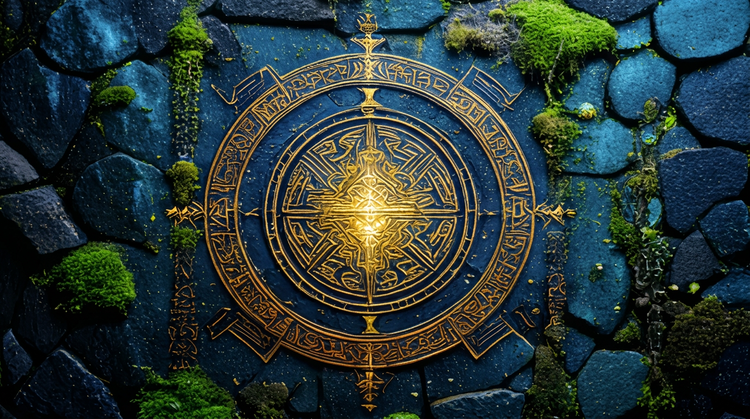
Precise creative control
Specify lighting type, color, style, and composition in your prompt, then use the settings panel to dial in the result. Your creative instincts drive the output.
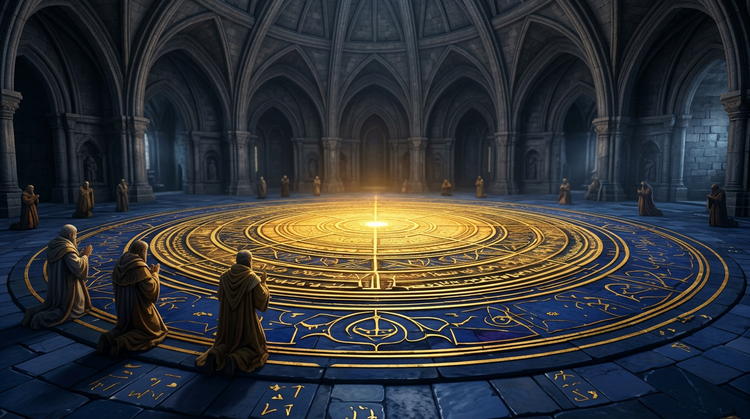
Fast iteration
Go from written description to visual concept quickly. Generate multiple directions from a single prompt, compare results, and refine the strongest ideas without waiting on external resources.
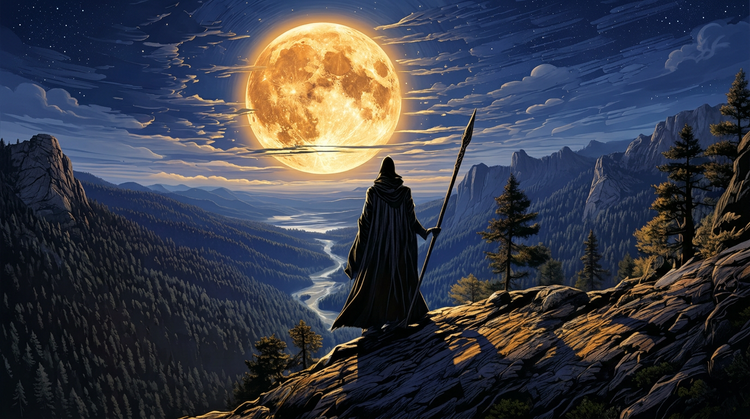
Seamless integration
Open your AI fantasy art in Photoshop on the web or Adobe Express for a connected creative workflow. Composite, retouch, and scale your images for production.
See what you can do in Firefly.