https://main--cc--adobecom.aem.live/cc-shared/assets/img/firefly.svg Adobe Firefly
Create a movie poster with Adobe Firefly.
Describe your concept, choose a style, and generate custom movie poster art with Adobe Firefly models. Dramatic composition, cinematic lighting, commercially safe results you can use for any project.
- image
- Describe a subject, an action, a place, a mood, or a style.
- Adobe Generative AI Terms
- https://main--cc--adobecom.aem.live/creativecloud/animation/testdoc/unity/generate.svg Generate
- Describe the movie poster you want to generate
- Prompt
- Tip
- Unable to process the request
- Please describe what you want to generate.
- Prompt exceeds the max length of 750 characters
https://main--cc--adobecom.aem.live/cc-shared/assets/img/product-icons/svg/firefly-80.svg
Adobe Firefly
https://main--cc--adobecom.aem.live/cc-shared/assets/img/product-icons/svg/firefly-80.svg
Adobe Firefly
The next evolution of creative AI is here for all your ideas, with image, video, audio, and vector tools.
What is an AI movie poster generator?
A great movie poster communicates genre instantly, makes you feel the stakes, and gives you a reason to look twice. The Adobe Firefly AI movie poster generator creates custom poster art from a text description. Describe your concept: the setting, the central figure, the tone, the genre. Generate Image will produce a cinematic composition ready to print, share, or use as a starting point for a larger design.
Your concept, as a poster.
Movie poster composition follows a set of visual conventions: a dominant figure or scene against a dramatic background, a clear genre signal in the color palette and lighting, and a sense of the emotional stakes. The AI movie poster generator interprets all those conventions from your description. Describe the protagonist, the setting, the genre, and the mood. Firefly will generate the composition from your words.
Amazing AI film poster style.
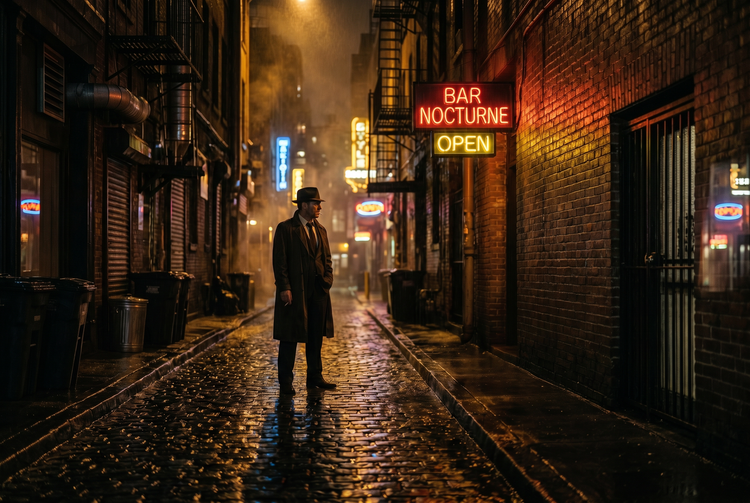
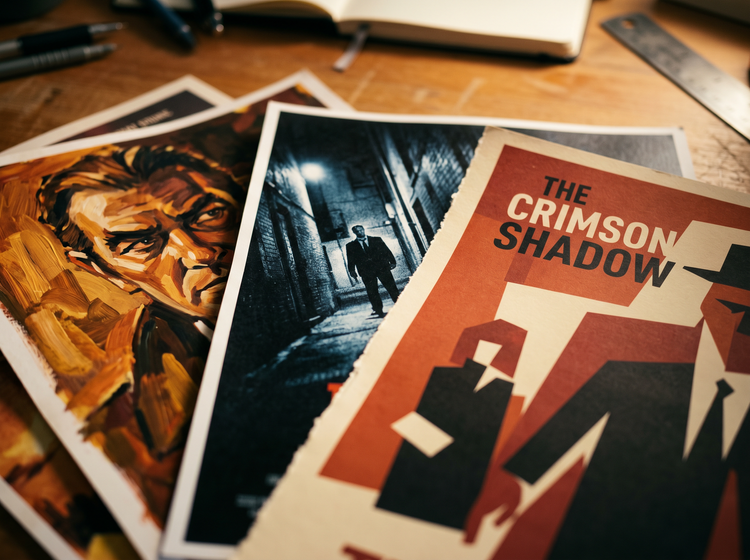
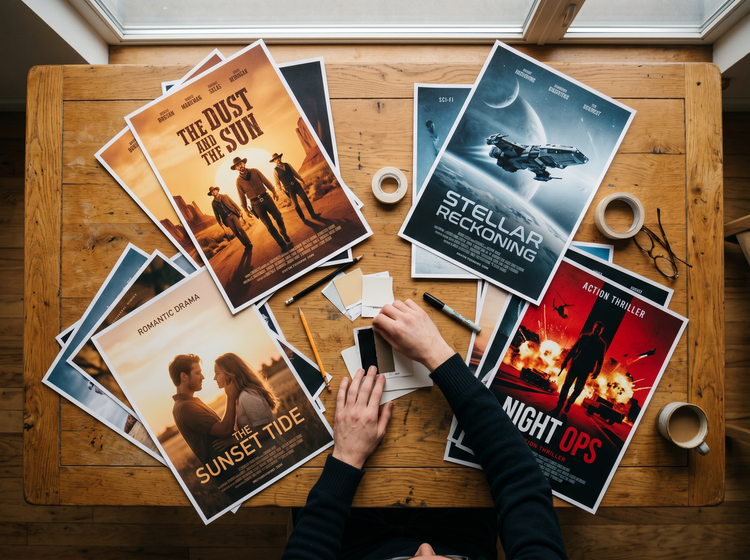
Movie posters span a wide visual range. A thriller poster calls for desaturated tones, harsh shadows, and a lone figure framed in cold light. A fantasy epic needs saturated color, epic scale, and painterly detail. A romantic drama wants soft colors and a close, intimate composition. Use the Style picker to push your generated poster toward the genre register you have in mind, then refine with a more specific prompt until the result matches your vision.
Commercially safe movie poster art.
The movie poster art you generate with Adobe Firefly models is commercially safe. Use it for film school projects, personal prints, pitch decks, social media, or client work without additional licensing concerns. Every result is unique to your prompt, not a derivative of any existing film or franchise.
Creative Cloud integration.
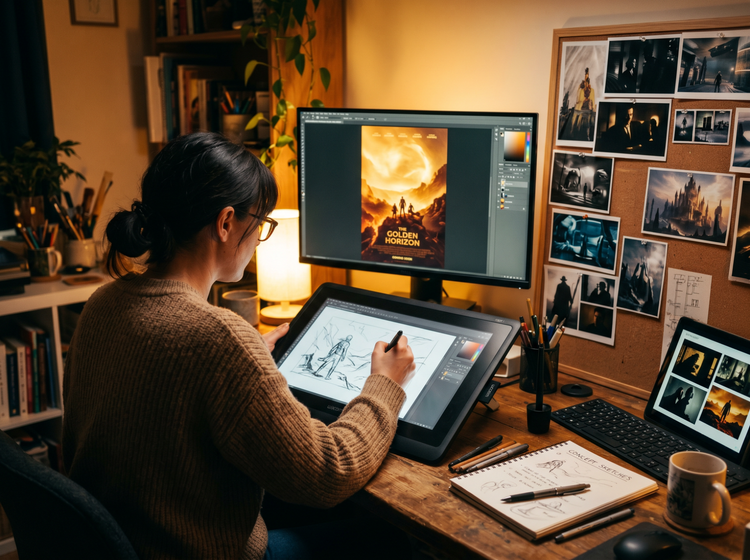
Once you have a movie poster image you like, bring it into Adobe Photoshop to add a title treatment, adjust the color, composite in additional elements, or resize for print. Or open it in Adobe Express to add text layers and build it into a finished shareable design. Firefly fits into the Creative Cloud workflow you already use.
How to create a movie poster with Adobe Firefly.
Step 1
Open Generate Image in Adobe Firefly.
Step 2
Describe your movie poster concept.
Step 3
Choose your aspect ratio and style settings.
Step 4
Generate and iterate.
Step 5
Download and take it further in Creative Cloud.
Steps on how to create movie poster art using Adobe Firefly Generate Image.
PT3M
firefly
One-of-a-kind posters.
Generate Image will build your movie poster from your description. Each result is unique art generated fresh from your prompt. Use it for pitch decks, film school projects, personal prints, or client work.
Genre-accurate style controls.
The Style picker and prompt together give you precise control over the genre register. A thriller calls for different visual conventions than a fantasy epic or a romantic drama. Adjust the style settings to match the genre you have in mind and refine the prompt until the composition looks just right.
Commercially safe from the start.
The movie poster art you generate in Adobe Firefly models is commercially safe. Use it for personal projects, print-on-demand, pitch decks, or client deliverables without additional licensing concerns. Your output, your rights.
From image to finished poster.
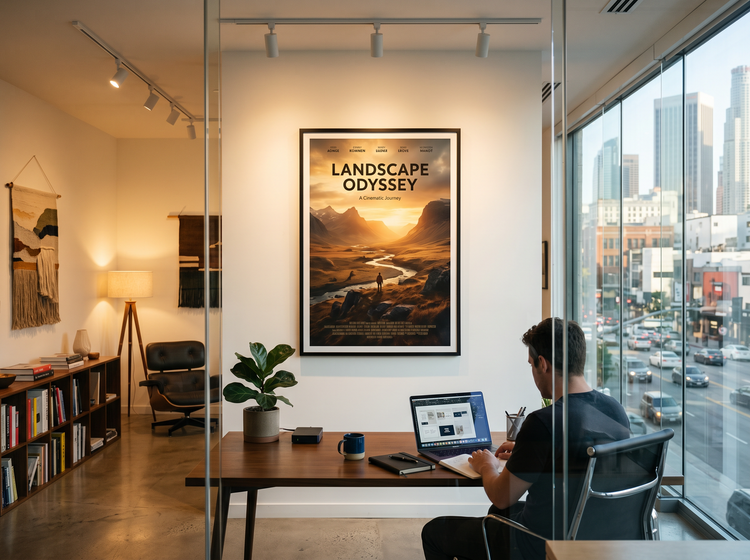
Generate the composition in Firefly, then bring it into Creative Cloud to add the title treatment and complete the design. The same image that works for a quick pitch deck mockup will work as a finished print-ready asset.
See what else you can create with Adobe Firefly.