https://main--da-cc--adobecom.aem.live/cc-shared/assets/img/firefly.svg Adobe Firefly

Generate free symbolism art with Adobe Firefly.
Describe the concept you want to visualize and Firefly will turn it into a polished image you can use anywhere.
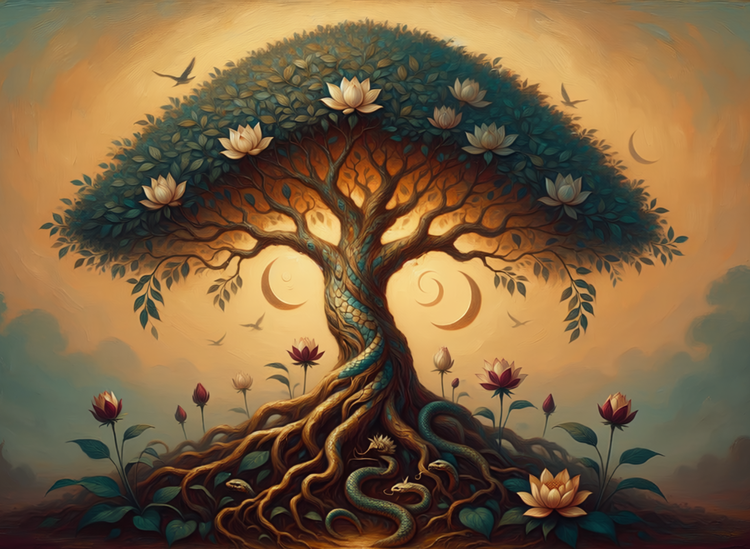
- image
- Describe a subject, an action, a place, a mood, or a style.
- Adobe Generative AI Terms
- https://main--cc--adobecom.aem.live/creativecloud/animation/testdoc/unity/generate.svg Generate
- Describe the symbolism art you want to generate
- Prompt
- Tip
- Unable to process the request
- Please describe what you want to generate.
- Prompt exceeds the max length of 750 characters
- Enter prompt


https://main--cc--adobecom.aem.live/cc-shared/assets/img/product-icons/svg/firefly-80.svg
Adobe Firefly
https://main--cc--adobecom.aem.live/cc-shared/assets/img/product-icons/svg/firefly-80.svg
Adobe Firefly
The next evolution of creative AI is here for all your ideas, with image, video, audio, and vector tools.
Create symbolism art from a description.
Symbolism art uses objects, animals, colors, and natural forms to carry deeper meaning. Describe those elements directly in your prompt with Adobe Firefly for free. Specify the subject and its significance, the color palette, the mood, and the compositional style. Generate a result, adjust your settings, and refine until the visual says exactly what you want it to say.
Build meaning into every visual element.
Symbolism art puts purpose behind every detail. Use your prompt to specify the symbols you want present: a serpent for transformation, a lantern for knowledge, a crescent moon for mystery. Describe the color temperature, the light source, and the mood. Adobe Firefly will read all of it and place each element with compositional intent.
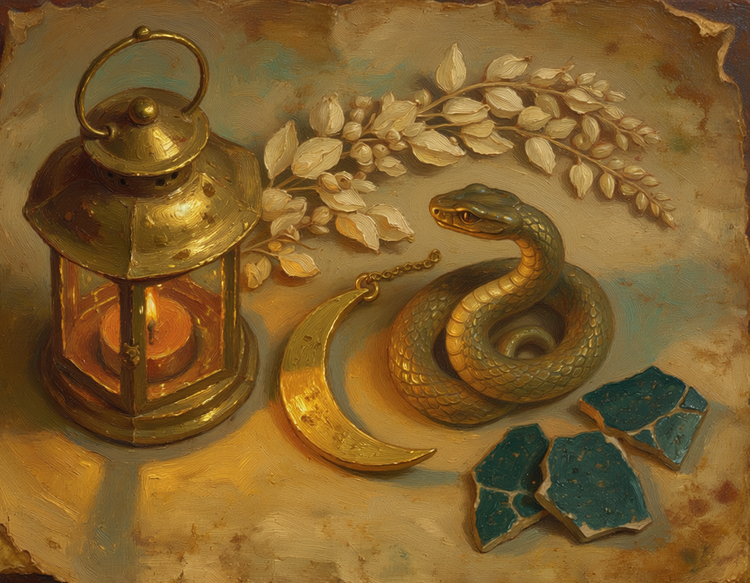
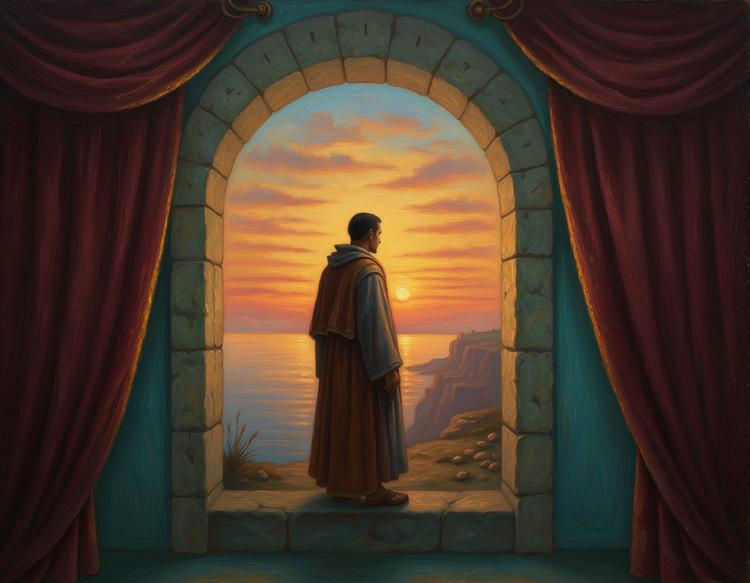
Control atmosphere, palette, and visual weight.
The mood of a symbolism piece lives in its palette and light. Specify deep jewel tones and candlelit shadow for something reverent, or sun-bleached golds and open skies for something hopeful. Upload a reference image to anchor the overall visual register, then use style settings to dial in the texture, finish, and compositional weight until the image matches your vision.
Use your symbolism art in any project.
Images generated with Adobe Firefly models are safe for commercial use. Take your symbolism artwork into book covers, editorial layouts, and brand campaigns. Download your image as a PNG and bring it directly into your production workflow.
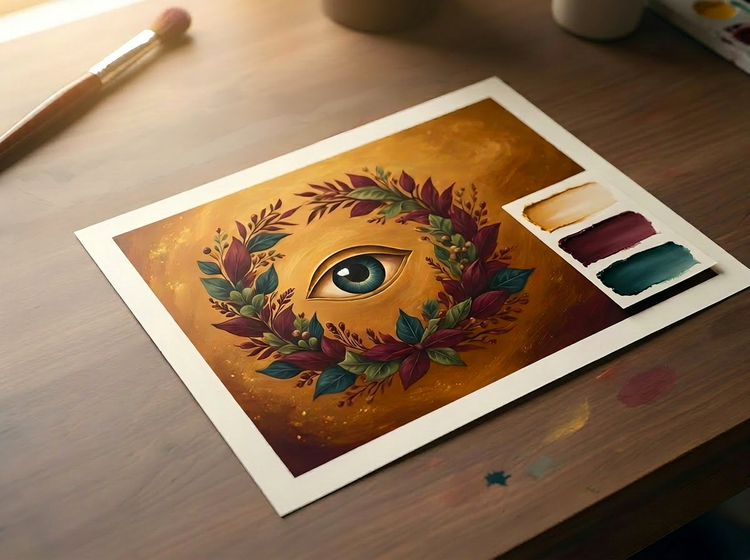
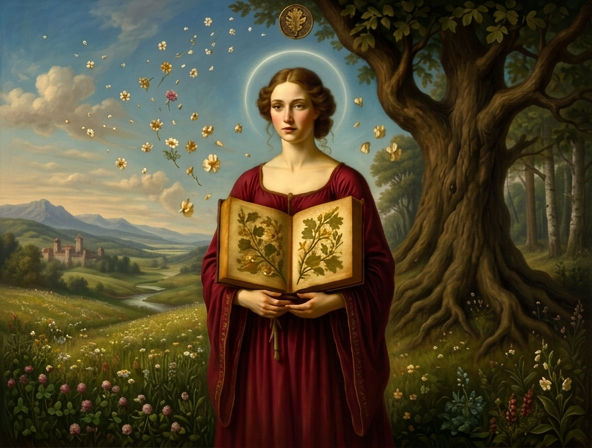
Explore historical styles and personal interpretations.
Symbolism as a movement spans cultures and centuries. Generate oil painting compositions inspired by Pre-Raphaelite allegory, Art Nouveau decorative symbolism, or entirely invented visual languages. Describe the tradition in your prompt or define a new one through color, texture, and form.
How to generate symbolism art with Adobe Firefly.
Step 1
Open Adobe Firefly and select Generate Image.
Step 2
Describe your symbolic scene.
Step 3
Adjust your style and composition settings.
Step 4
Generate and refine your results.
Step 5
Download and use your artwork.
Steps on how to generate symbolism art using Adobe Firefly Generate Image.
PT3M
firefly
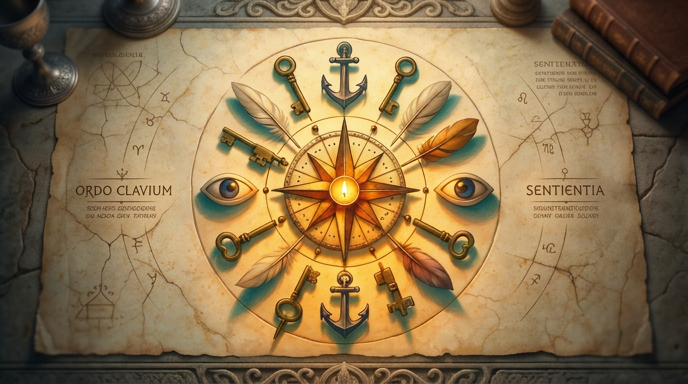
Intentional composition
Describe which symbols to place, where to position them, and how they should relate to each other. Adobe Firefly responds to compositional language, so your prompts provide creative direction rather than leaving placement to chance.

Precise palette and mood control
Name the colors and tones your symbolism requires. Specify whether the light is warm or cool, diffused or dramatic. Every iteration preserves the palette discipline the work demands.
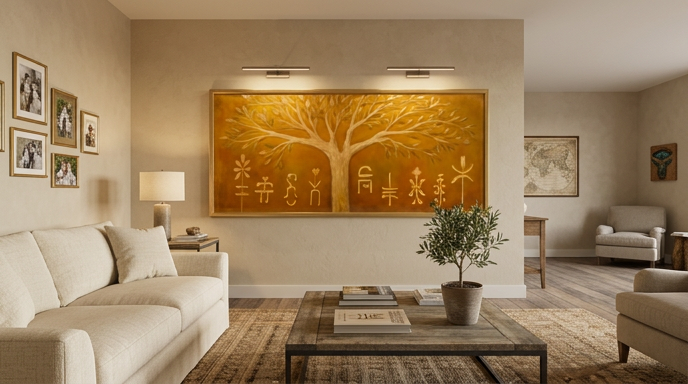
Ready for professional use
Move through iterations and lock on the strongest version for your project. Download your symbolism artwork as a PNG and bring it straight into your production workflow.
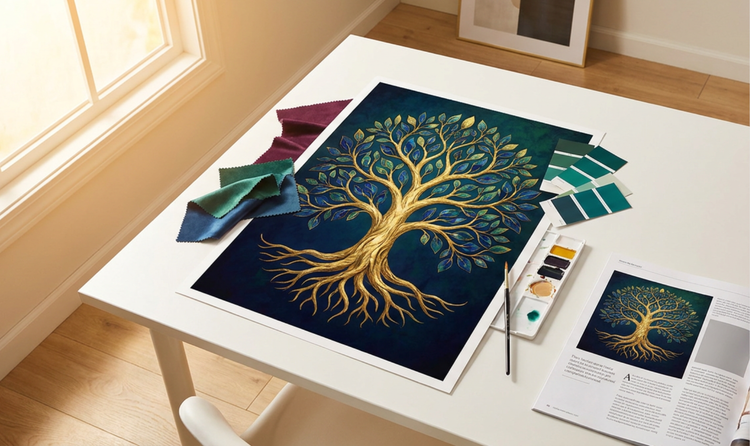
Seamless integration
Open your symbolism artwork in Adobe Photoshop on the web or Adobe Express for retouching, compositing, or template placement as part of a complete creative workflow.