https://main--cc--adobecom.aem.live/cc-shared/assets/img/firefly.svghttps://main--cc--adobecom.aem.live/cc-shared/assets/img/ff-lockup-f4.svg | Adobe Firefly


Free AI anime character generator.
Turn any idea into a fully realized anime character with Adobe Firefly. Describe your character, pick a style, and generate original anime art in seconds.

Or tap here
File must be JPEG(JPG), PNG, or WEBP and up to 100MB.
By uploading your image, you agree to the Adobe Terms of Use and Privacy Policy and confirm you are 18 years of age or older.
https://main--cc--adobecom.aem.live/cc-shared/assets/svg/s2-icon-upload-20-n.svg Upload your image
Or tap here
File must be JPEG(JPG), PNG, or WEBP and up to 100MB.
By uploading your image, you agree to the Adobe Terms of Use and Privacy Policy and confirm you are 18 years of age or older.
https://main--cc--adobecom.aem.live/cc-shared/assets/svg/s2-icon-upload-20-n.svg Upload your image
Or drag and drop here
File must be JPEG(JPG), PNG, or WEBP and up to 100MB.
By uploading your image, you agree to the Adobe Terms of Use and Privacy Policy and confirm you are 18 years of age or older.
- Describe a subject, an action, a place, a mood, or a style.
- Adobe Generative AI Terms
- https://main--cc--adobecom.aem.live/creativecloud/animation/testdoc/unity/generate.svg Generate
- Describe the anime character you want to generate
- Prompt
- Tip
- A shonen warrior with silver spiky hair, glowing blue eyes, and battle armor
- Unable to process the request
- Please describe what you want to generate.
- Prompt exceeds the max length of 750 characters
- Enter prompt


https://main--cc--adobecom.aem.live/cc-shared/assets/img/product-icons/svg/firefly-80.svg
Adobe Firefly
https://main--cc--adobecom.aem.live/cc-shared/assets/img/product-icons/svg/firefly-80.svg
Adobe Firefly
The next evolution of creative AI is here for all your ideas, with image, video, audio, and vector tools.
Create original anime characters online.
Create detailed, unique anime characters quickly with Adobe Firefly for free. Whether you’re designing heroes for a story, creating a character for a game, or just exploring styles, Adobe Firefly can turn simple prompts into vivid anime art.
Create anime characters from text prompts.
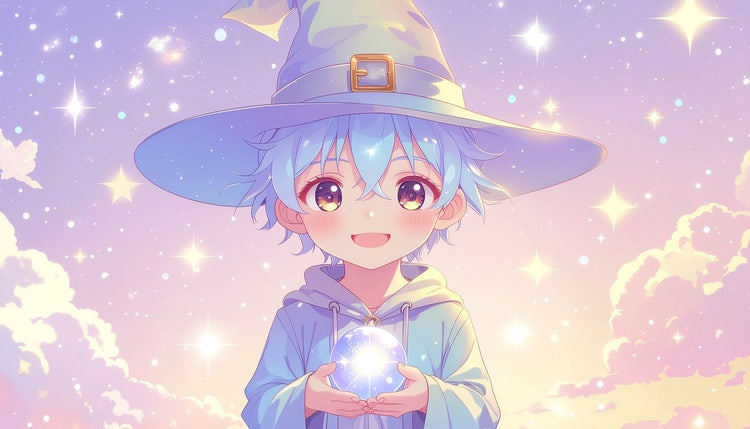
Create any character simply by describing them. Include details about their appearance, personality, costume, and mood. Adjust your anime prompt, adding more details until you get just the look you want. Adjust your prompt, adding more details until you get just the look you want.
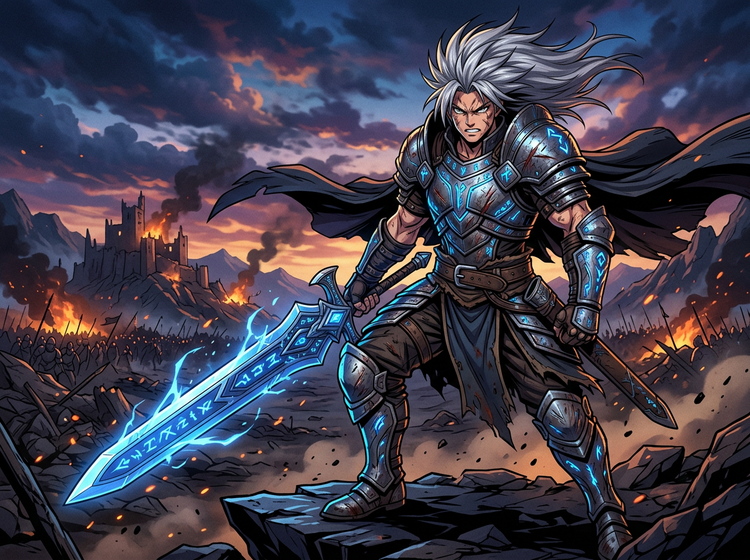

Explore different anime art styles.
Include descriptions of anime art styles to get a more precise result. Use “chibi” to describe a wide-eyed cartoon look, or “mecha” if you’re trying to create a high-tech robot. For bold linework, try “shonen action” or include “shoujo romance” if your design calls for a dreamy look.
Generate multiple character variations.
With an AI anime character generator, it’s easy to spin up variations and power through creative blocks. Tweak and adjust your prompt to get variations on your character and use your designs as reference images to create fresh versions. Whether you need a cast of ten or just the perfect look, you can create new character designs in moments, not hours.

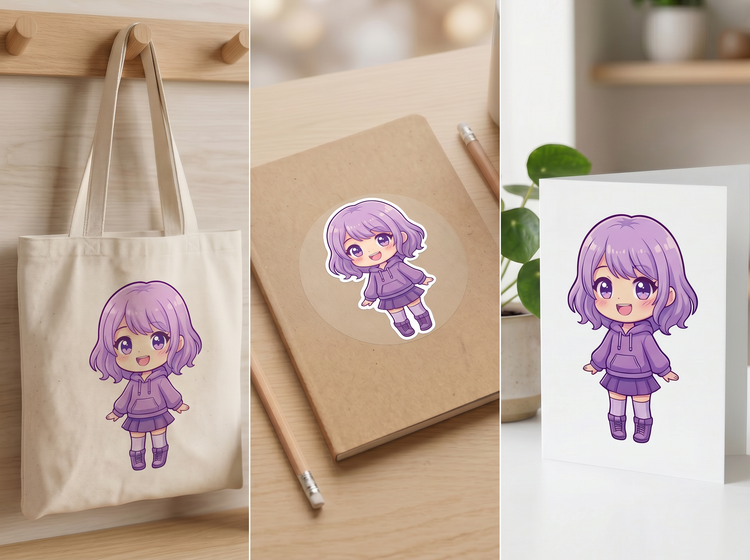
Apply designs to professional projects with confidence.
Adobe Firefly models are trained on licensed content and public domain material, so they are designed to be safe for commercial use. Use them for merchandise, games, social campaigns, and more.
How to generate anime characters with Adobe Firefly.
Step 1
Open Adobe Firefly and go to Generate Image.
Step 2
Describe your character in the prompt field.
Step 3
Click Generate and browse your results.
Step 4
Refine with style controls.
Step 5
Download or continue editing.
- How to generate anime characters with Adobe Firefly.
- Steps on how to generate an anime character using Adobe Firefly AI anime character generator
- PT3M
- firefly
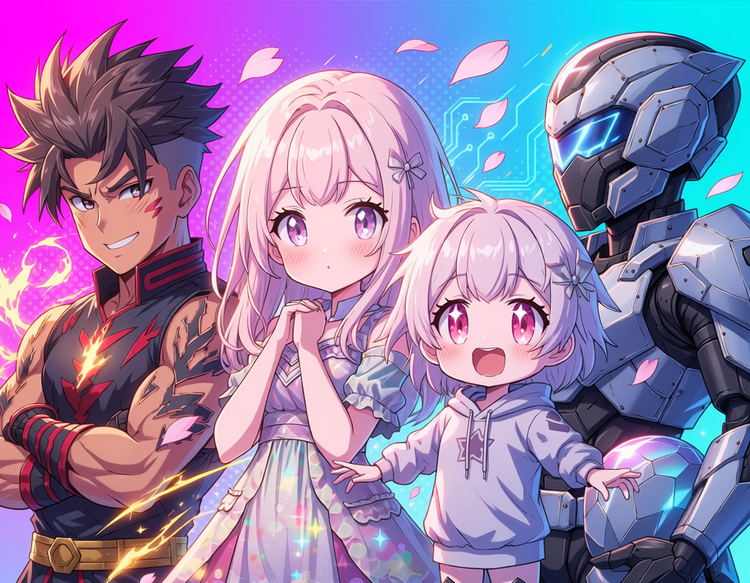
Stylistic range
Whether you want to create characters in the style of shonen, shoujo, chibi, or mecha, you can explore the full anime spectrum without switching tools. Simply use detailed prompts to create the exact style of artwork you want.

Quick concepting
Easily create variations on your designs so you can explore new creative directions, create a cohesive cast of characters, or spin up new takes on a design to use in related projects.

Commercially safe
Create with Adobe Firefly models trained on licensed content and public domain content, so you can confidently use your generated graphics in professional and client work. You are responsible for determining if content generated with partner models is appropriate for use in your projects.

Seamless creative workflow
Open your designs in Photoshop on the web or Adobe Express directly from Adobe Firefly to keep editing. Or download your work as a high-resolution image to open and edit further.
See what you can do in Firefly.


