https://main--cc--adobecom.aem.live/cc-shared/assets/img/firefly.svg Adobe Firefly

Design clothes your way with Adobe Firefly.
Upload a photo, describe the garment you have in mind, and use Adobe Firefly as your free AI clothing designer to turn your idea into a sharp, usable visual.

Or tap here
File must be JPEG (JPG), PNG, or WEBP and up to 100MB.
By uploading your image or video, you agree to the Adobe Terms of Use and Privacy Policy and confirm you are 18 years of age or older.
https://main--cc--adobecom.aem.live/cc-shared/assets/svg/s2-icon-upload-20-n.svg Upload your photo
Or tap here
File must be JPEG (JPG), PNG, or WEBP and up to 100MB.
By uploading your image or video, you agree to the Adobe Terms of Use and Privacy Policy and confirm you are 18 years of age or older.
https://main--cc--adobecom.aem.live/cc-shared/assets/svg/s2-icon-upload-20-n.svg Upload your photo
Or drag and drop here
File must be JPEG (JPG), PNG, or WEBP and up to 100MB.
By uploading your image or video, you agree to the Adobe Terms of Use and Privacy Policy and confirm you are 18 years of age or older.
- File size larger than 100MB
- Unable to process the request
- We are unable to process this file type. Please try again.
- Only one file can be uploaded at a time.
- Image is smaller than the minimum dimensions (512 x 512 pixels). Please resize and try again.

{{nbsp}}
Design your own clothes from the first spark of an idea.
Most people know the look they want long before they can sketch or sew it. Adobe Firefly closes that gap. Describe a silhouette, a fabric, or a color story, and Firefly will build a clear visual around it that you can refine, share, and use. It’s free to start, so you can design your own clothes and explore as many directions as your ideas take you.
Turn a written description into a design you can see.
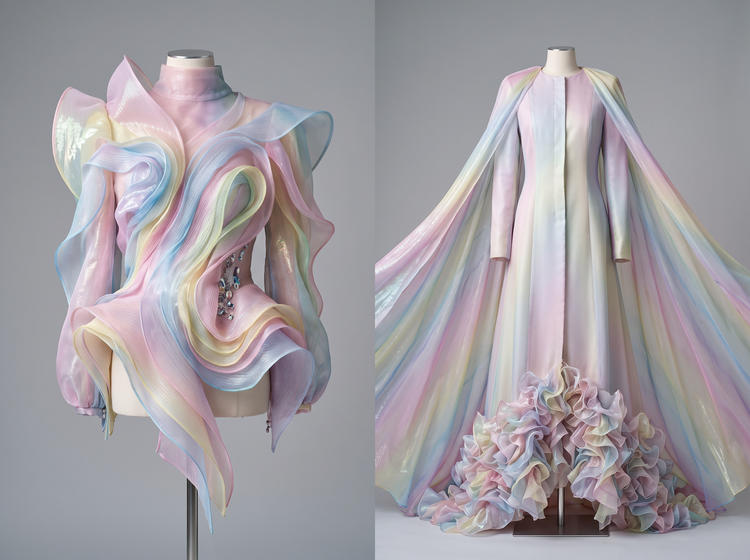
Type what you have in mind, from a boxy linen jacket to a flowing evening gown in deep emerald. Adobe Firefly will translate your words into a clear clothing design, so you can react to a real visual instead of a mental picture.
Compare design directions side by side.
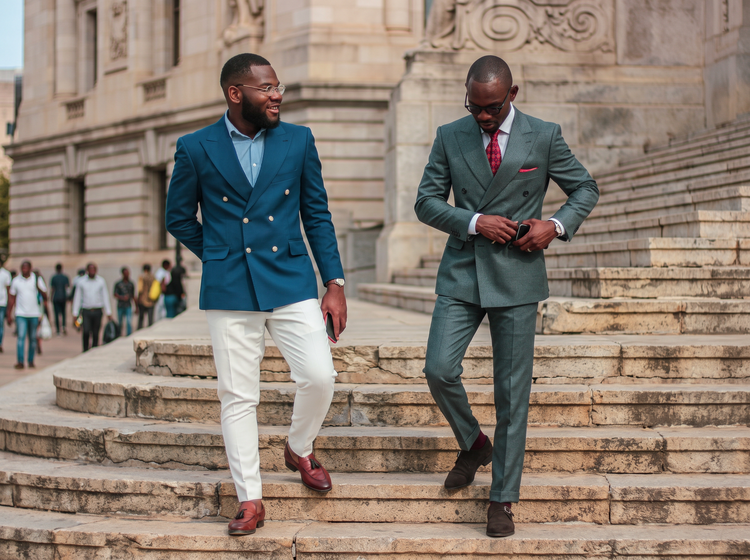
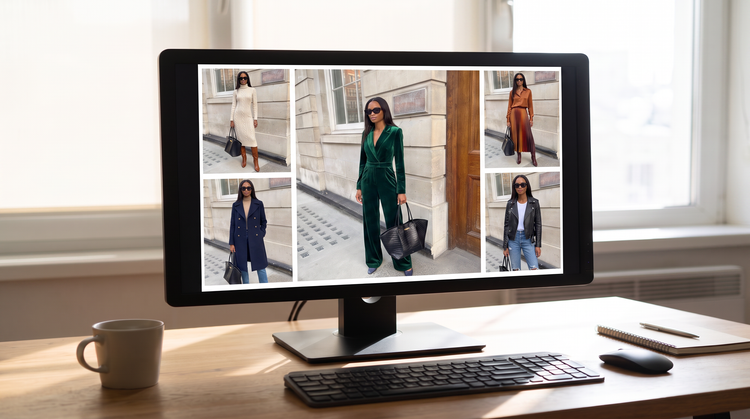
Generate more than one version from the same prompt so you can weigh your options against each other. Put a tailored look next to something relaxed, or set a muted palette against a bold one. Adobe Firefly will keep each design consistent and easy to compare, so you can choose a direction with confidence.
See your design on your own photo.
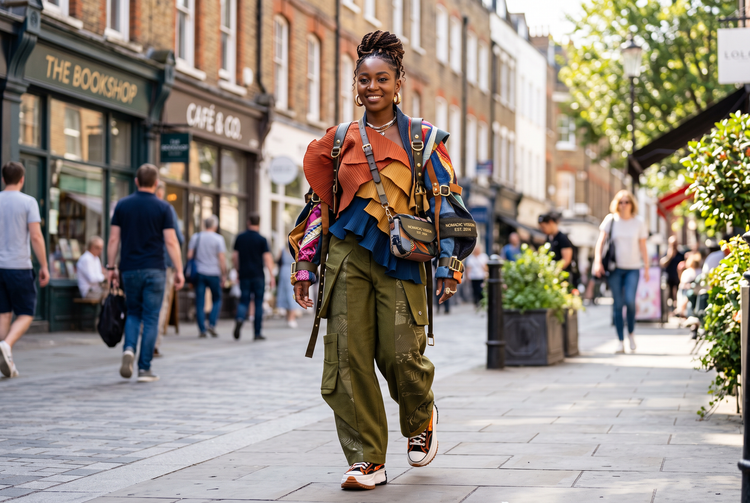
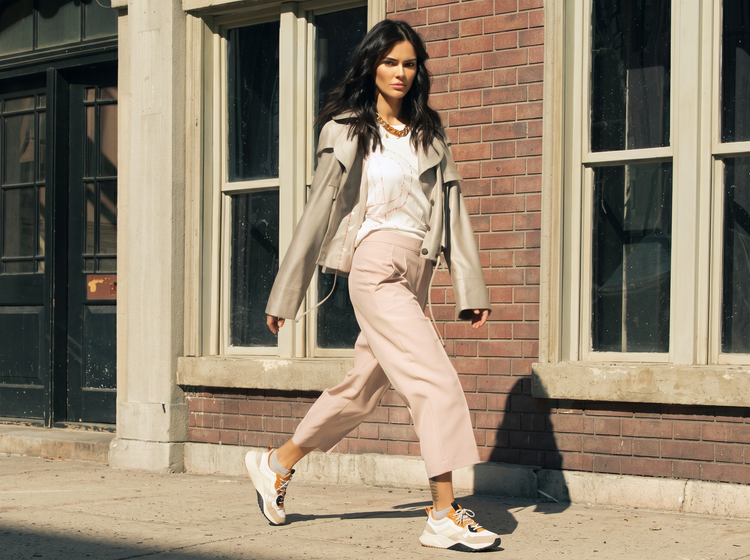
Upload a clear photo and Adobe Firefly will show your clothing design on you, not on a generic model. See how a silhouette works with your shape, how a palette reads in a real setting, or how a full look comes together before you commit to fabric. It’s the fastest way to picture a design as something real.
How to design your own clothes with Adobe Firefly.
Step 1
Open Adobe Firefly.
Step 2
Upload your photo.
Step 3
Describe the clothing you want to design.
Step 4
Generate and compare your designs.
Step 5
Refine or save your design.
- How to design your own clothes with Adobe Firefly.
- Steps to design your own clothes using Adobe Firefly.
- PT4M
- firefly
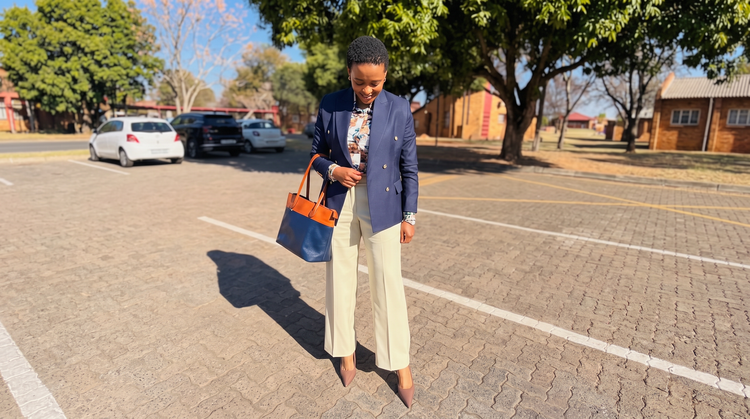
Precise creative control
Describe the exact garment you want, down to the fabric, cut, and color story, then adjust your prompt and generate as needed. You set the direction, and Adobe Firefly will build the clothing around it.
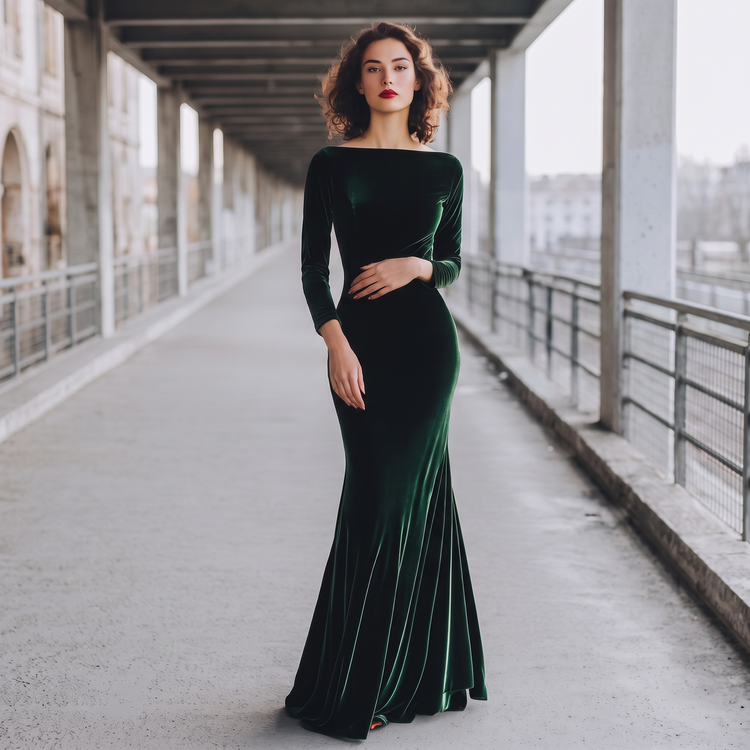
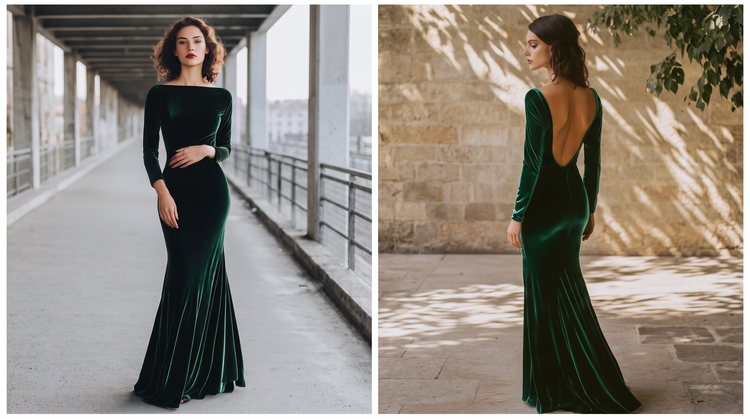
Top AI models, all in one place
Adobe Firefly pairs its own models with top partner models from Google, OpenAI, FLUX, and more in a single creative studio. Try a few, then refine the clothing design that best fits your vision, all without switching tools.
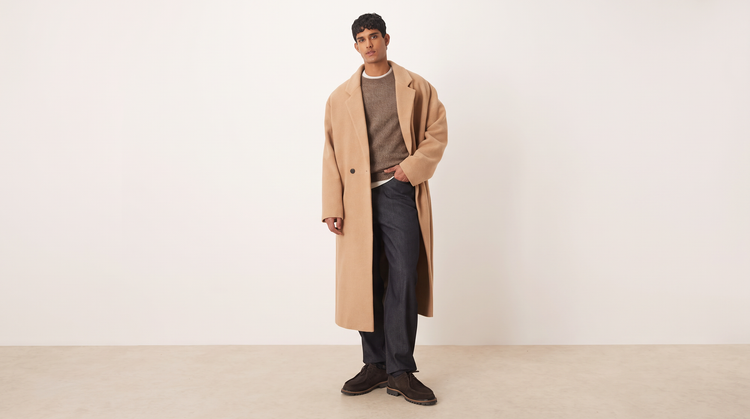
Your complete creative studio
Adobe Firefly is more than a clothing design generator. Start with a prompt, shape the result with precision editing tools, and move from a first idea to a finished design without breaking your creative flow.
Built for creators
Get fast results when designing clothes using intuitive tools that automate your image edits. Dial in the details with precision tools when details matter. Firefly adapts to the way you create.