https://main--cc--adobecom.aem.live/cc-shared/assets/svg/s2-icon-upload-20-n.svg Upload your image

Or tap here

File must be JPEG (JPG), PNG, or WEBP and up to 50MB.

By uploading your image or video, you agree to the Adobe Terms of Use and Privacy Policy and confirm you are 18 years of age or older.

https://main--cc--adobecom.aem.live/cc-shared/assets/svg/s2-icon-upload-20-n.svg Upload your image

Or tap here

File must be JPEG (JPG), PNG, or WEBP and up to 50MB.

By uploading your image or video, you agree to the Adobe Terms of Use and Privacy Policy and confirm you are 18 years of age or older.

https://main--cc--adobecom.aem.live/cc-shared/assets/svg/s2-icon-upload-20-n.svg Upload your image

Or drag and drop here

File must be JPEG (JPG), PNG, or WEBP and up to 50MB.

By uploading your image or video, you agree to the Adobe Terms of Use and Privacy Policy and confirm you are 18 years of age or older.

cgen
ff_source=adobe-com&ff_campaign=remove-background-JPG
  • Upscale
  • Remove
  • Generate new background
  • Studio lighting

Quickly remove backgrounds from your JPG images.

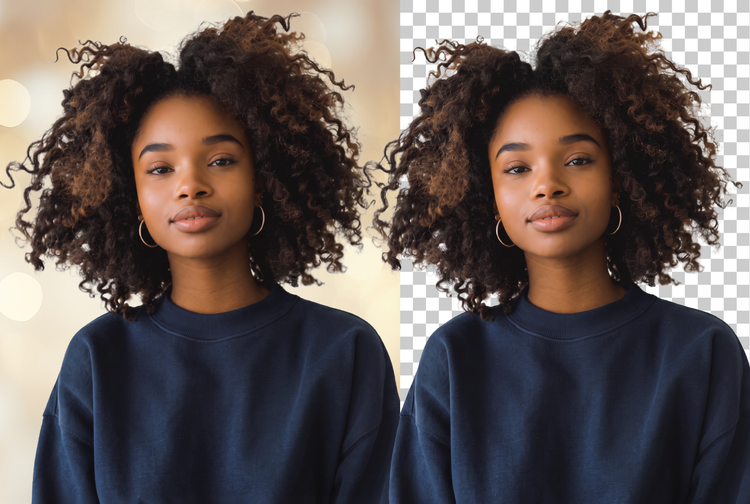
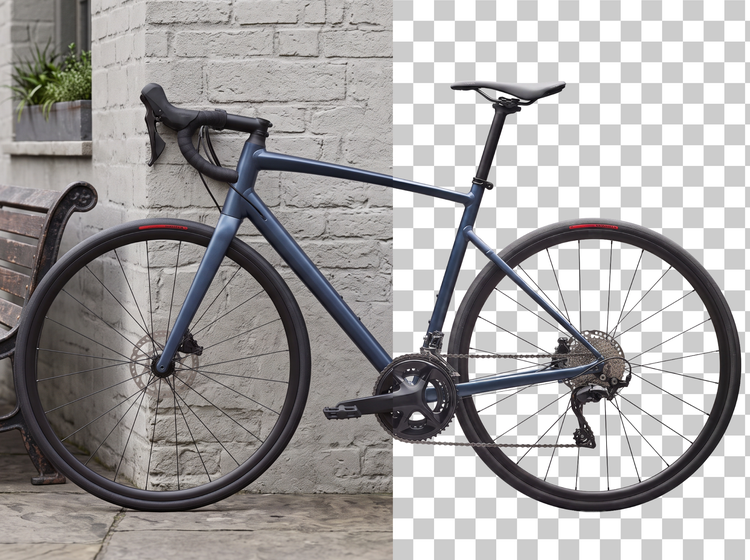
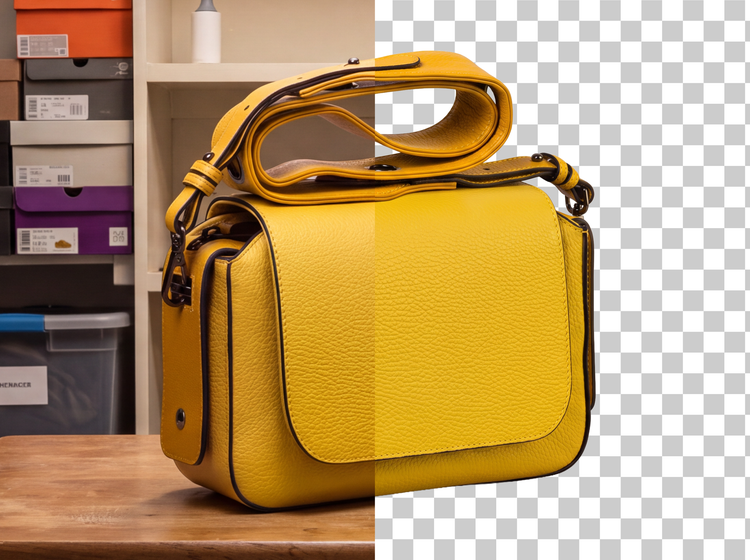
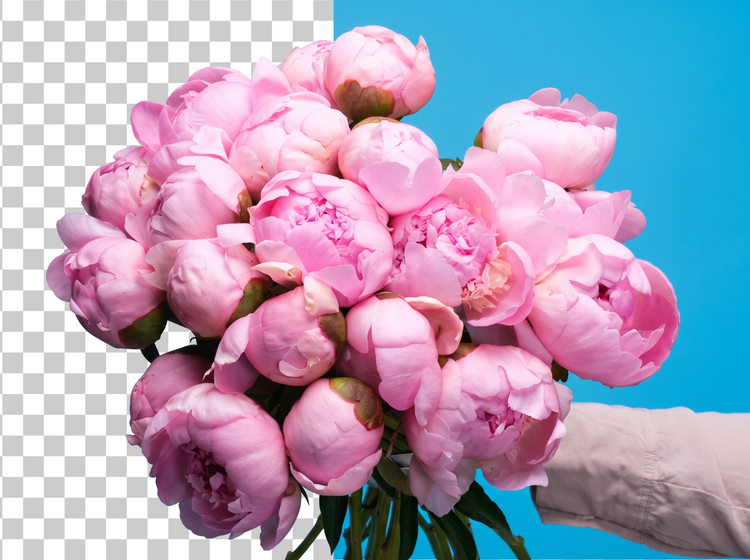
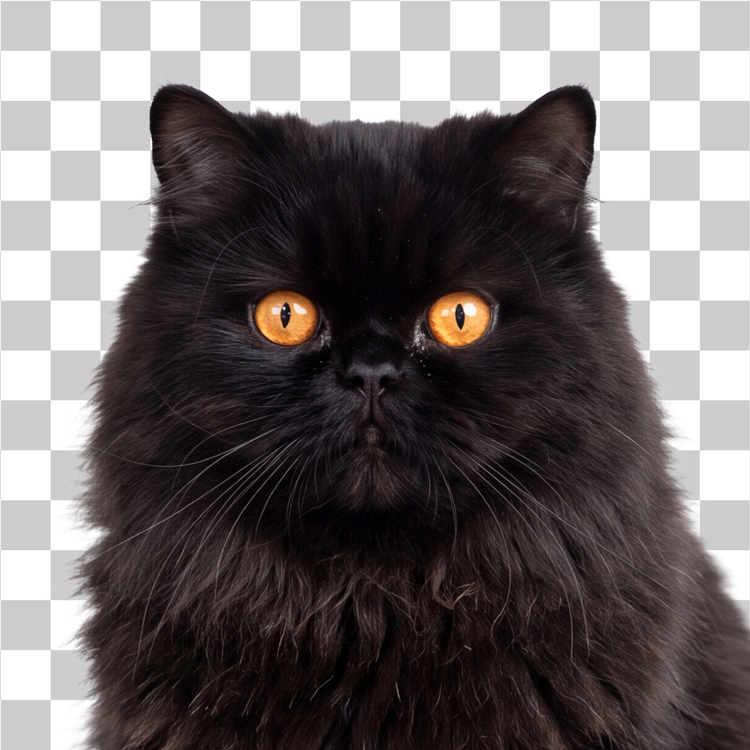
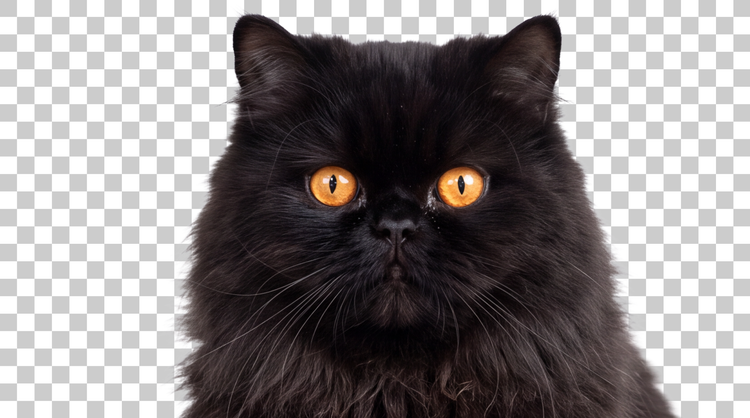
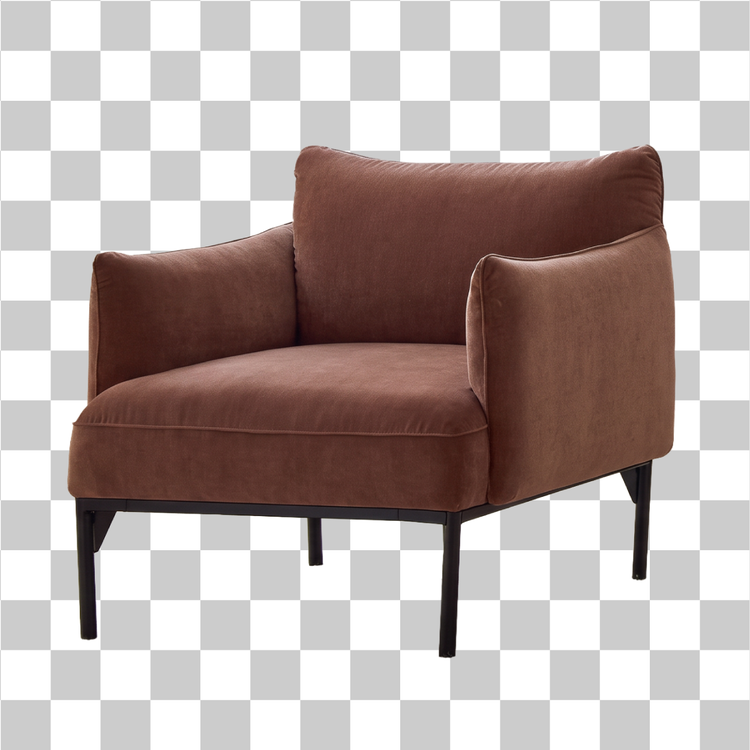
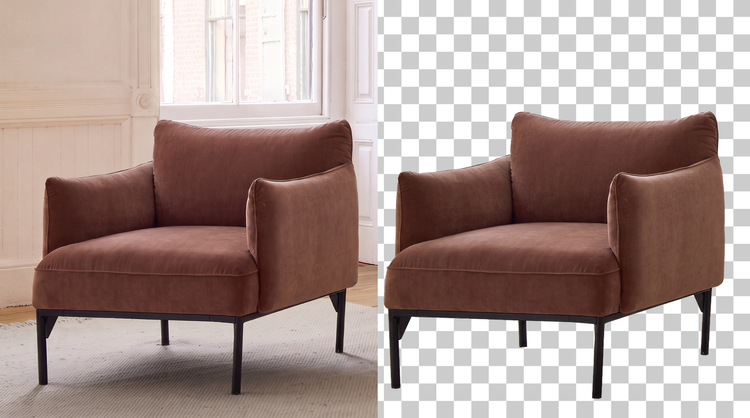
Don't let a busy or cluttered background ruin a great JPG. The background remover in Adobe Firefly clears it for free, leaving a clean cutout you can drop into a new design, listing, or scene.

How to remove a background from a JPG with Adobe Firefly.

Why use Adobe Firefly as a JPG background remover?

Adobe Firefly uses AI to isolate your subject and clear the background from any JPG for free, no manual masking or design skills required. Whether you're cleaning up a product photo or building a social post, Adobe Firefly removes the background with speed and precision.

#FFF

Precise creative control

Fine-tune your cutout with precision tools in Adobe Firefly. Adjust edges, swap in a new backdrop, or layer your subject into a different scene, all without starting over.

#FFF

Top AI models

Adobe Firefly brings together its own models with partner models including OpenAI, Google, FLUX, and others in one space. You can switch between models in the Model dropdown and compare results side by side, then refine your favorite with precision tools before you're done.

#FFF

Your complete creative workspace

Adobe Firefly is more than an image generator. Start with your JPG, refine your cutout with precision editing tools, and go from a plain background to a finished image without leaving your creative flow.

#FFF

Built for creators

Create with ease, move fast when you need results now, or refine every detail when precision matters. Firefly gives you the quality, speed, and flexibility to create your way, without the complexity.

What creators are saying about Firefly.

"I love anything that helps me stay in the creative flow and background removal in Firefly does exactly that. The cutouts are super clean, which is especially helpful when you work in a fast-paced agency environment with tight deadlines. Being able to prep assets in seconds and stay focused on the creative work instead of jumping between tools makes a huge difference."
Andrea Marquez
Art Director @ ANDSIOSA
"As a content creator and designer, I'm always shooting, and because I often build my work from my own photos and stills, I'm forever trying to lift the subject cleanly off its background. I've used a lot of tools for this, and Remove Background is the most reliable. It always delivers a crisp cutout in one step, which has meaningfully sped up my process."
En
Content Creator / Designer @en.somniac
"Creating YouTube thumbnails is so much faster now that I'm using the Firefly Remove Background tool. With a single click, I now have ready-to-use cutouts of myself. No more slowly cutting myself out of old photos manually!"
Greg Preece
Content Creator & AI Educator
"I like layering different portraits and adding text behind images but my curly hair can make that a nightmare. I used to manually key my green screen and switch between different software. Now I can generate and remove backgrounds in Firefly and it creates a much cleaner look in a couple of clicks. I haven't used my green screen in months and I've canceled all my other subscriptions!"
Fia Houston-Hamilton
Creative Director & Writer @ Figure It Out With Fia
"I basically live with a camera in my bag and I am constantly editing or creating bits on the go or having to work around a super tight deadline, so being able to remove the background seamlessly in my work with literally one click is an absolute game changer, and all the outlines are super clean, too!"
Maria Pearl
Creative Director/Graphic Designer
"I used to manually cut subjects out of my images. This was a tedious job and often looked unnatural because of fine details like hair or fur. Remove Background gives me a clean, precise cutouts in seconds, so I can spend my time and energy where it actually matters: the composition."
Madeline Salazar
Content Creator @immadsal

See what else you can do in Firefly.

Discover even more features.

Questions? We have answers.

Share this page.

https://main--da-cc--adobecom.aem.page/cc-shared/fragments/products/firefly/features/explore