
Or tap here
File must be JPEG (JPG), PNG, or WEBP and up to 50MB.
By uploading your image or video, you agree to the Adobe Terms of Use and Privacy Policy and confirm you are 18 years of age or older.
Or tap here
File must be JPEG (JPG), PNG, or WEBP and up to 50MB.
By uploading your image or video, you agree to the Adobe Terms of Use and Privacy Policy and confirm you are 18 years of age or older.

Or drag and drop here
File must be JPEG (JPG), PNG, or WEBP and up to 50MB.
By uploading your image or video, you agree to the Adobe Terms of Use and Privacy Policy and confirm you are 18 years of age or older.
- Your media must be smaller than 50MB. Please upload a new file.
- Unable to process the request
- Your media must be a JPEG, JPG, PNG, or WEBP file. Please upload a new file.
- Only one file can be uploaded at a time.
- https://main--da-cc--adobecom.aem.page/cc-shared/assets/firefly/download.svgDownload
- https://main--da-cc--adobecom.aem.page/cc-shared/assets/firefly/edit-in-firefly.svgEdit in Firefly
- Do more with this image.
- Uploading image, loading remove background
-

-

-

-

{{nbsp}}
Easily remove the background from your logo with Adobe Firefly.
A busy background or a mismatched color can make a logo look unfinished. Adobe Firefly removes it for free, leaving a transparent file ready to drop into any project.
Create a transparent logo cutout.
The background remover in Adobe Firefly isolates your logo and clears everything around it, leaving a transparent file you can place on any color or backdrop. It works well with wordmarks, icons, and combination marks.
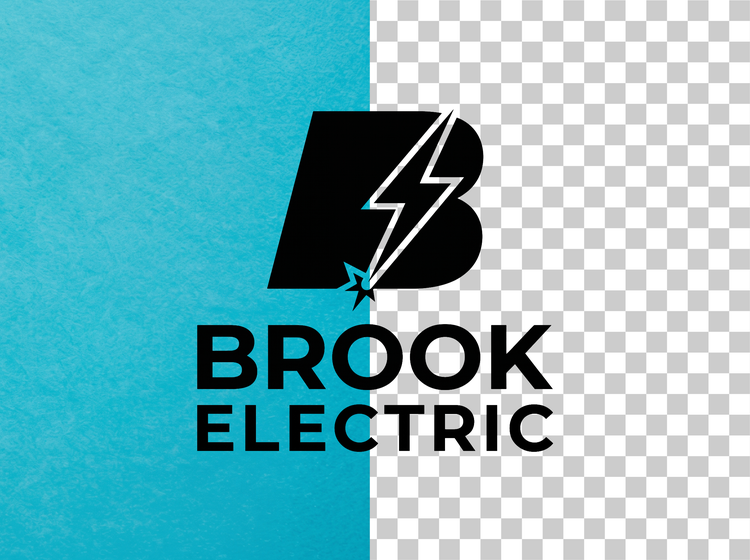

Download your clean logo file.
Upload your logo to Adobe Firefly and your cutout downloads as a PNG ready to use right away. Drop it into a deck, a product page, or a social profile without extra editing.
Give your logo a new backdrop.
Removing the background is often just the first step toward a new look. Use the background generator in Adobe Firefly to describe a scene or a solid color, then place your logo into it.

How to remove the background from a logo with Adobe Firefly.
Step 1
Open Adobe Firefly.
Step 1
Click Edit image.
Step 3
Upload your JPG.
Step 4
Select Remove background.
Step 5
Download your image.
- How to remove a background from a JPG with Adobe Firefly.
- Steps on how to remove a background from a JPG with Adobe Firefly
- PT5M
- firefly


Precise creative control
Fine-tune the edges, drop in a new backdrop, or reposition your logo within a layout without leaving Adobe Firefly, so a small tweak never means starting over.


Top AI models
Adobe Firefly pairs its own models with partner options from Google, OpenAI, FLUX, and more, all inside one creative studio. Switch models in the Model dropdown and regenerate, then polish your favorite with precision tools.


Your complete creative studio
Adobe Firefly is more than a single tool. Clean up your logo, adjust the details, and move from a rough file to a polished brand asset without leaving your creative flow.

Built for creators
Get fast results when you need them, using intuitive tools that automate common image edits. Dial in the details with precision tools when details matter. Firefly adapts to the way you create.
What creators are saying about Firefly.





