https://main--cc--adobecom.aem.live/cc-shared/assets/img/firefly.svg Adobe Firefly
Create sharper video with Adobe Firefly video quality enhancer.
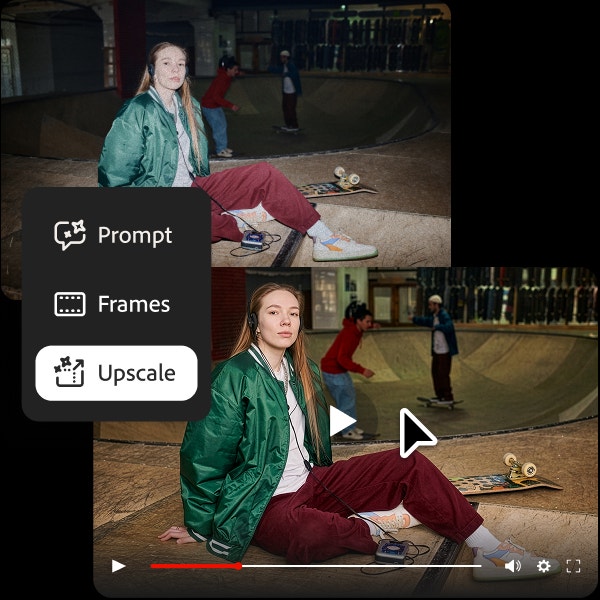
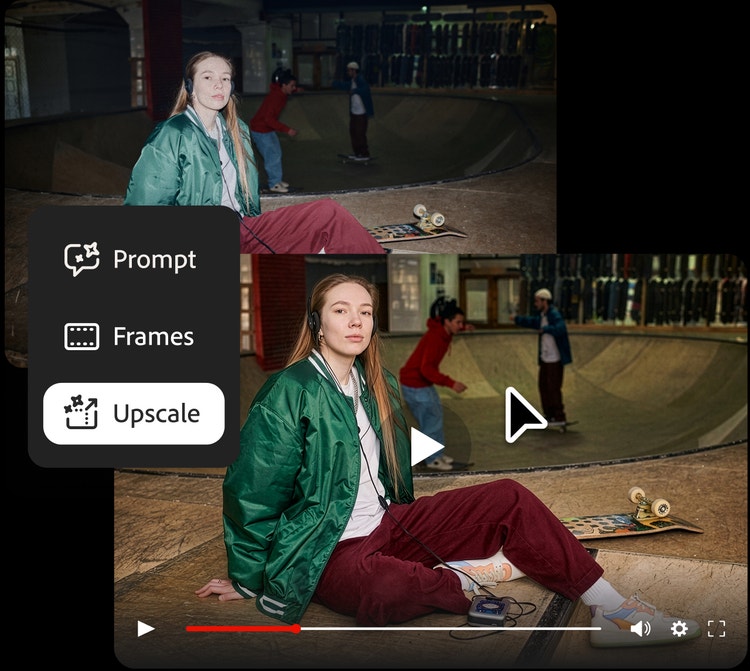
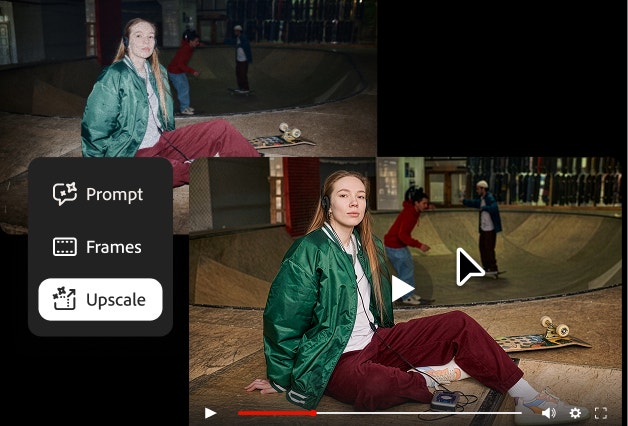
Improve the clarity of any video with the Firefly video quality enhancer. Whether you’re refining something you created in Firefly or enhancing an existing clip, it’s easy to get clearer, higher-quality results.
Or tap here
File must be MP4, less than 200MB, and 5–20 seconds.
By uploading your image or video, you agree to the Adobe Terms of Use and Privacy Policy and confirm you are 18 years of age or older.
Or tap here
File must be MP4, less than 200MB, and 5–20 seconds.
By uploading your image or video, you agree to the Adobe Terms of Use and Privacy Policy and confirm you are 18 years of age or older.
Or drag and drop here
File must be MP4, less than 200MB, and 5–20 seconds.
By uploading your image or video, you agree to the Adobe Terms of Use and Privacy Policy and confirm you are 18 years of age or older.
- Your media must be smaller than 200MB. Please upload a new file.
- Unable to process the request
- Your media must be a mov or mp4 file type. Please upload a new file.
- Only one file can be uploaded at a time.
- Your media must be at least 5 seconds long. Please upload a new file.
- Your media must be no more than 20 seconds long. Please upload a new file.
https://main--cc--adobecom.aem.live/cc-shared/assets/img/product-icons/svg/firefly-80.svg
Adobe Firefly
https://main--cc--adobecom.aem.live/cc-shared/assets/img/product-icons/svg/firefly-80.svg
Adobe Firefly
The next evolution of creative AI is here for all your ideas, with image, video, audio, and vector tools.
Improve any video with the Firefly video quality enhancer.
An AI video quality enhancer helps improve existing footage by increasing resolution, sharpening details, reducing noise and grain, and removing distracting artifacts. In Firefly, you can make these enhancements with intuitive editing controls, then keep creating with the AI video generator when you want to explore something new.
Improve social media videos with the AI video quality enhancer.
Make every post look its best. Whether you’re a content creator making videos for YouTube or a social media manager creating assets across platforms, the Firefly AI video quality enhancer makes it quick and easy to enhance any video so it looks sharp and professional on any screen size.
Fix pixelated video and restore old footage with the video quality enhancer.
Refresh archived footage for new creative projects. With intuitive editing controls, it’s easy to learn how to fix pixelated video and use the Firefly video quality enhancer to restore family videos, upgrade archive footage for brand campaigns, rescue low-quality clips from early smartphones or webcams, and bring old recordings up to modern platform standards.
Get campaign-ready results with the video quality enhancer.
Bring product demos, campaign clips, presentation recordings, and UGC up to the quality your project calls for. The Firefly video quality enhancer helps improve clarity and detail so footage looks polished across paid media, landing pages, presentations, and brand channels. Content generated with Firefly models is commercially safe, so you can confidently use videos in professional projects. Learn more about the Firefly approach to responsible generative AI.
Keep creating with an AI video quality enhancer in Firefly.
Keep your entire workflow moving. In Firefly, the AI video enhancer sits inside the same workspace as video generation, editing, and partner models, including Topaz Astra. You can generate a video, enhance its quality, and continue refining it in one seamless workflow.
How to enhance video quality with Adobe Firefly.
Step 1
Open Adobe Firefly.
Step 2
Upload your video.
Step 3
Enhance your video.
Step 4
Download and share.
- How to enhance video quality with Adobe Firefly.
- Steps on how to enhance video quality with Adobe Firefly.
- PT5M
- firefly
Intuitive enhancement settings
Firefly gives you simple controls to improve video quality without complex editing.
Multiple AI models in one place
Enhance video quality with Topaz Astra, then use other models to generate or edit video.
One seamless workflow
Generate video with Firefly, then enhance its quality in the same workflow.
A complete creative studio
Firefly is more than a video enhancer. Arrange and trim clips with the timeline tool, make targeted adjustments with the clip editing tool, and enhance your video all in one place.
See what else you can do in Firefly.

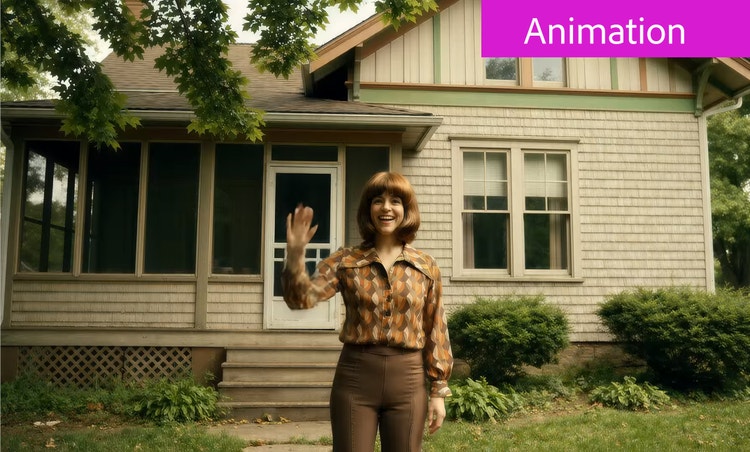


Discover even more features.
Questions? We have answers.
What is a video quality enhancer?
What is the best AI video quality enhancer?
What types of video can I enhance with Adobe Firefly?
What is Topaz Astra and how does it work in Adobe Firefly?
How does an AI video quality enhancer work?
How do I fix a blurry or pixelated video?
What video formats can I enhance with Adobe Firefly?
Share this page.
Explore more Firefly tools.

What is AI art and how is it made?
See how to create with generative AI in everyday practice.
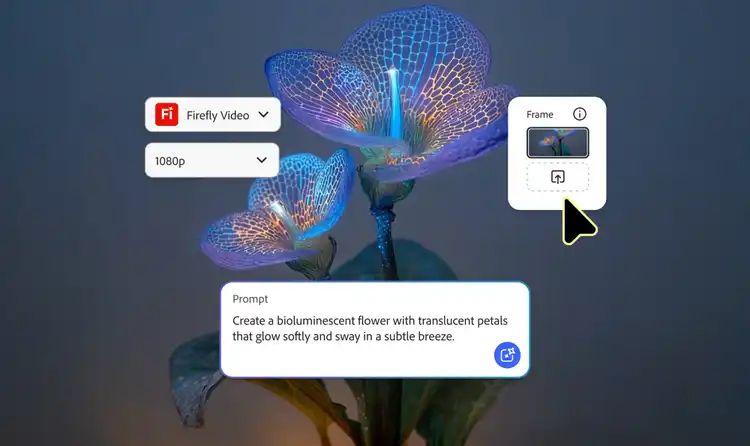
AI animated video examples to inspire your next project.
Explore AI animated video examples across styles and use cases.
Learn how | Learn how - AI animated video examples to inspire your next project.

The top 3 use cases for AI art.
Discover the many applications of AI art.
Learn more | Learn more - A creative revolution: The top three use cases for AI art.

The basics of generative AI.
Learn how generative AI works and what it’s trained on.