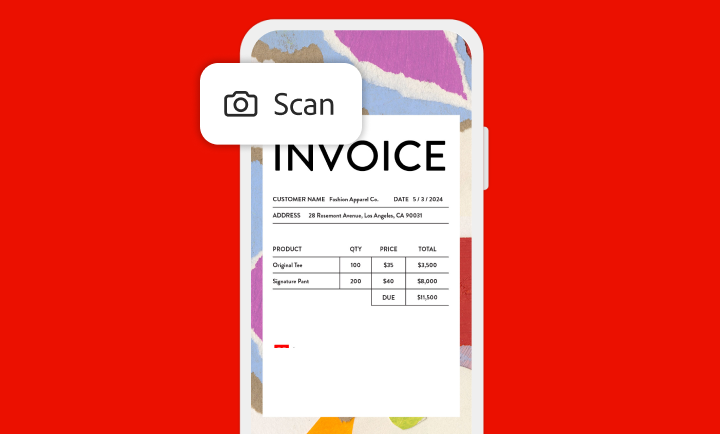
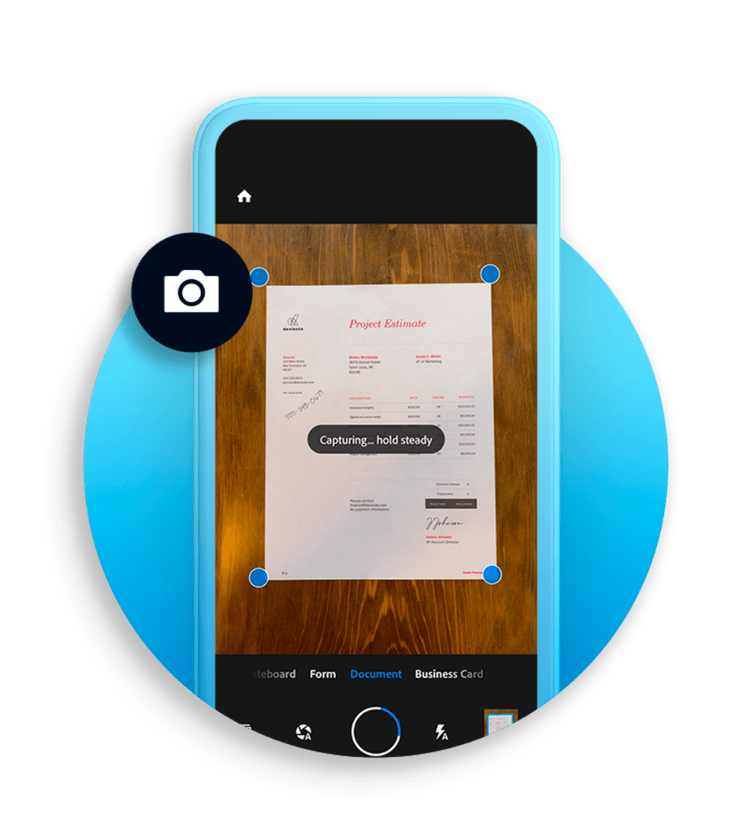
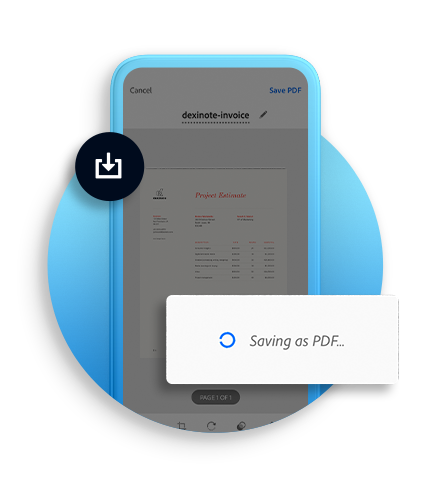
With the Adobe Scan app, easily capture and convert documents, forms, business cards and whiteboards into high-quality PDFs. And with different capture modes along with automatic boundary detection, you can get the best scans every time.
AI-enhanced scans
Cleaner, smarter and easier.
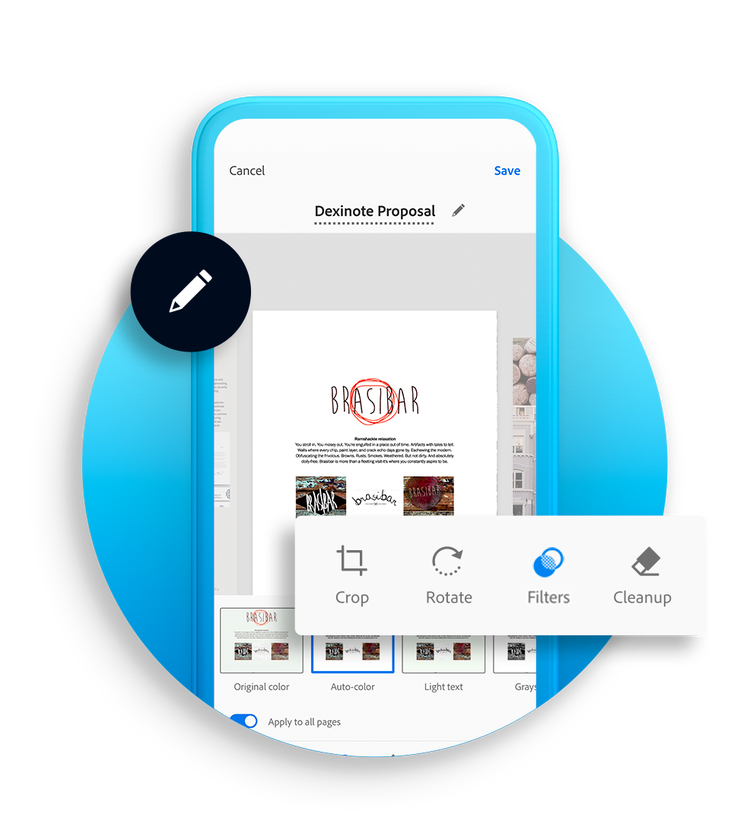
Adobe Scan uses AI to correct image perspective, sharpen handwritten or printed text and remove glares and shadows. With OCR (optical character recognition), you can convert scanned documents into editable, searchable PDF files instantly. Easily extract text and type new text in customised fonts that match the original file.
Draw on scans or save as JPEGs
Do more with your scans.
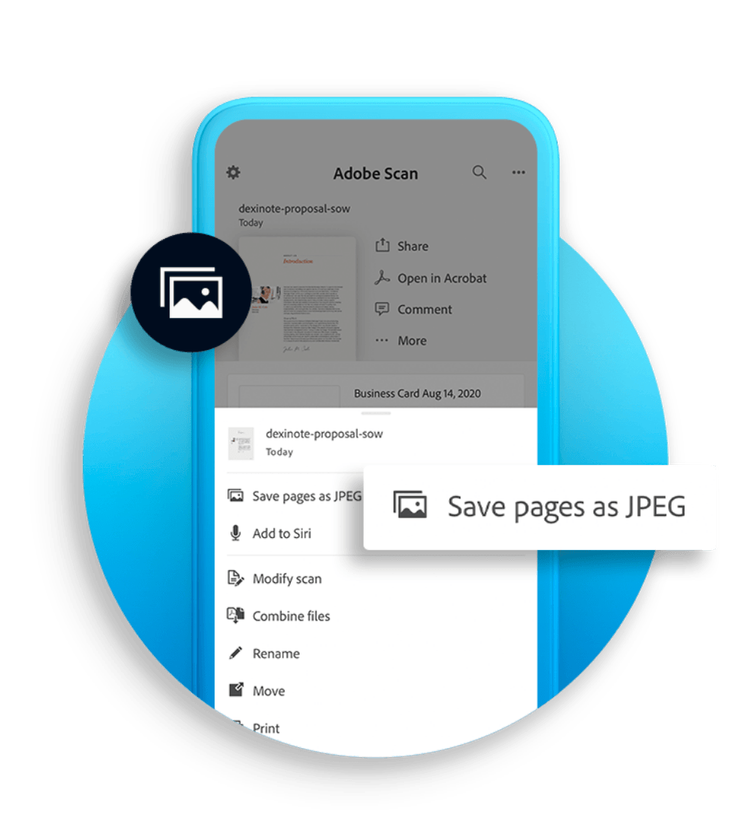
Adobe Scan allows you to add drawings or shapes with mark-up tools right in the app. Save files as JPEGs for more flexibility and incorporate them into documents. Share scans with a link or email — or upload them to your favourite cloud apps.
Subscribe for more features
Protect, export, compress and more.
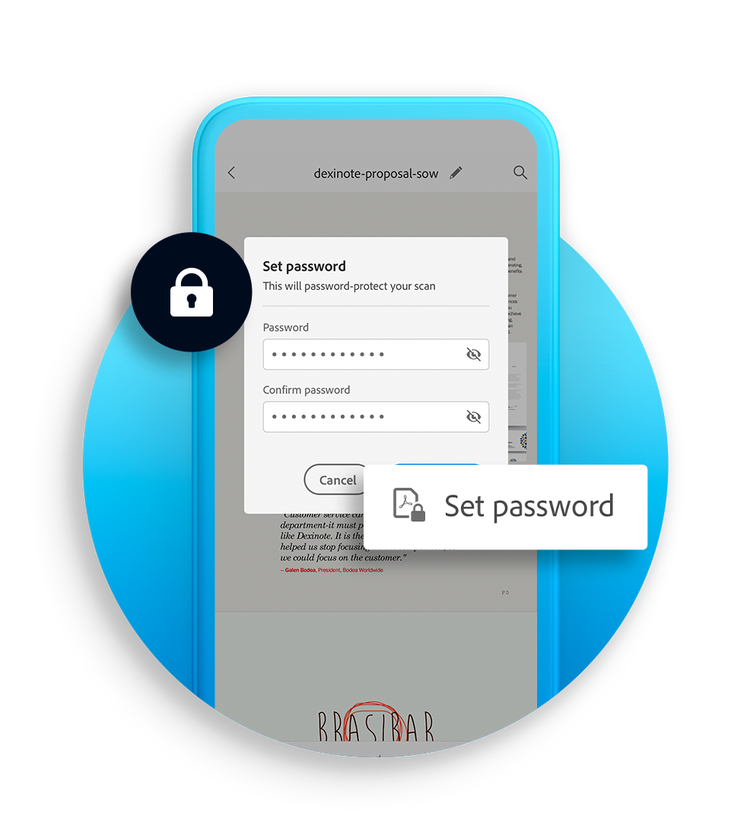
Adobe Scan is more than just a scanner app, so you can scan with security. Password-protect your most important documents. Export scanned PDFs to different file types to make edits. Compress files to free up storage and quickly send scans to others.
style
s-spacing
Organise your scans.
File your documents hassle-free. Adobe Scan allows you to quickly save files with recommended filenames and dates and to organise them into customised folders. Saved scans can be accessed on the Acrobat desktop, web or mobile application.
Open in Acrobat.
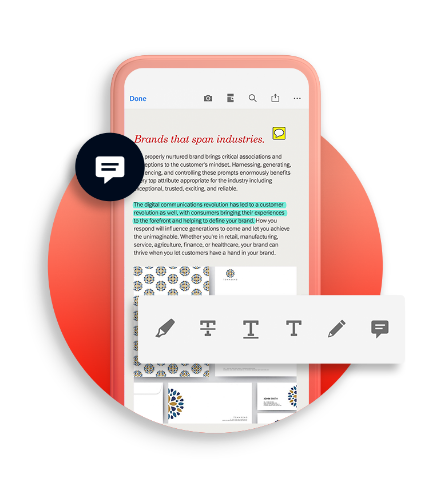
Open scans in Acrobat desktop, web or mobile app to fill in forms, sign documents, add notes or comments to PDFs and review with others.
style
Two up, xl spacing, grid width 10
background
#F2F8FB
Keep your business moving with Adobe Acrobat Reader.
The free global standard for reliably viewing, annotating and signing PDFs — trusted by hundreds of millions of users. Subscribe for even more capabilities.
You can control how Adobe websites use cookies and similar technologies by making choices below. But note that if you disable cookies and similar technologies entirely, Adobe websites may not function properly.
Cookies are small text files stored by your web browser when you use websites. There are also other technologies that can be used for similar purposes like HTML5 Local Storage and local shared objects, web beacons, and embedded scripts. These technologies help us do things like remembering you and your preferences when you return to our sites, measure how you use the website, conduct market research, and gather information about the ads you see and interact with.
You can make choices in the menu below about what cookies and other technologies you want us to use on Adobe sites when you visit them from this browser. You can always change those choices later by clicking on the Cookie Preferences link at the bottom of the page.
If enabled:
We can improve your experience by tailoring the site and the content to things we think might be of interest
We can better keep track of your preferences — like what language you prefer to use
We will better understand your likely interests so we can provide you more relevant Adobe ads and content on non-Adobe websites and in non-Adobe apps
It will help us improve the performance of our website and those of our partners who use the Adobe Experience Cloud
If disabled:
We won’t be able to remember you from session to session so the experience may not be tailored to your interests
You’ll still have access to the content of the site but certain features that depend on cookies may not function
You’ll still see ads, they just may not be as relevant to you
General information
You can control how Adobe websites use cookies and similar technologies by making choices below. But note that if you disable cookies and similar technologies entirely, Adobe websites may not function properly.
Cookies are small text files stored by your web browser when you use websites. There are also other technologies that can be used for similar purposes like HTML5 Local Storage, web beacons, and embedded scripts. These technologies help us do things like remembering you and your preferences when you return to our sites, measure how you use the website, conduct market research, and gather information about the ads you see and interact with.
You can make choices in the menu below about what cookies and other technologies you want us to use on Adobe sites when you visit them from this browser. You can always change those choices later by clicking on the Cookie Preferences link at the bottom of the page.
If enabled:
We can improve your experience by tailoring the site and the content to things we think might be of interest
We can better keep track of your preferences — like what language you prefer to use
We will better understand your likely interests so we can provide you more relevant Adobe ads and content on non-Adobe websites and in non-Adobe apps
It will help us improve the performance of our website and those of our partners who use the Adobe Experience Cloud
If disabled:
We won’t be able to remember you from session to session so the experience may not be tailored to your interests
We’ll still count your use of our site and services
You’ll still have access to the content of the site but certain features that depend on cookies may not function
You’ll still see ads, they just may not be as relevant to you
Operate the site and core servicesOperate site and measure engagement
Always active
These cookies are required, and they are used to enable the site and related services core functionality. Without them the site could not operate, so they cannot be disabled.
These cookies enable the site and related services’ core functionality and collect statistics about user engagement, such as counting active use to help us understand trends. These cookies cannot be disabled.
Measure performance
These cookies are used to analyze site usage to measure and improve performance. Without them Adobe cannot know what content is most valued and how often unique visitors return to the site, making it hard to improve information we offer to you.
These cookies are used to analyze site usage to measure and improve performance. Without them Adobe cannot know what content is most valued, making it hard to improve information we offer to you.
Extend functionality
These cookies are used to enhance the functionality of Adobe sites such as remembering your settings and preferences to deliver a personalized experience; for example, your username, your repeated visits, preferred language, your country, or any other saved preference.
Personalize advertising
These cookies are used to enable Adobe and our partners to serve ads more relevant to your interests. Without them you will still see ads, but they might not be as relevant to you.