

Generate and download wind sound effects for free.
A realistic wind sound can add whipping, howling, whispering intrigue to your creative project. With Adobe Firefly, it only takes a few clicks to generate a realistic wind sound effect.
All you need you need is a prompt, reference or idea, and we’ll handle the rest. No fancy SFX skills are needed here.
https://main--cc--adobecom.aem.live/cc-shared/assets/img/product-icons/svg/firefly-80.svg
Adobe Firefly
https://main--cc--adobecom.aem.live/cc-shared/assets/img/product-icons/svg/firefly-80.svg
Adobe Firefly
Use everyday language to create extraordinary results with generative AI.
Get blown away with our wind sound effects.
With the Adobe Firefly AI sound effect generator, it’s never been easier to create atmospheric wind sound effects for free.
Just enter a quick description of the type of wind you want to hear or upload a specific audio clip for reference if you have one. Firefly will instantly generate wind sounds that whirl, swoop and shake the shutters, just as you imagined.
Custom wind sound effects in two clicks.
Adobe Firefly makes capturing the perfect wind blowing sound effect simple.
Whether you’re looking for a soft breeze singing through the trees, or a howling hurricane that feels ready to blow your whole house away, Firefly lets your imagination run wild. Our wind sounds effects are perfect for video games, presentations, podcasts, films and everything in between.
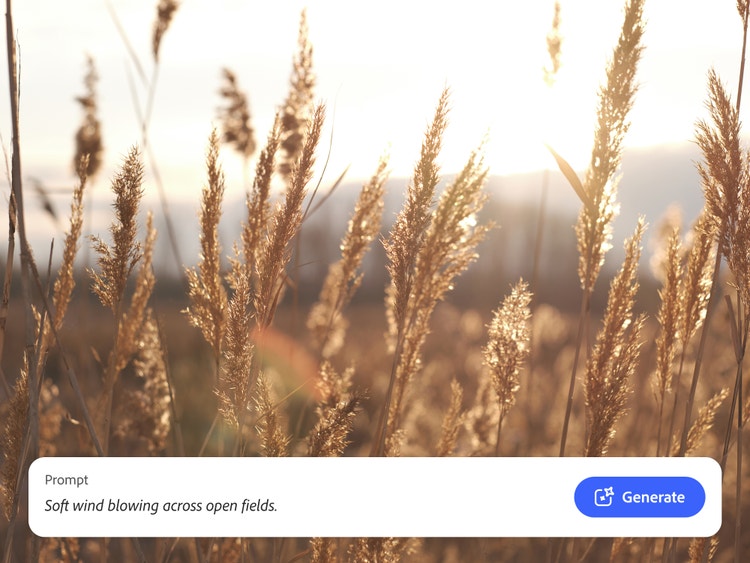
Describe wind sounds for any scene.
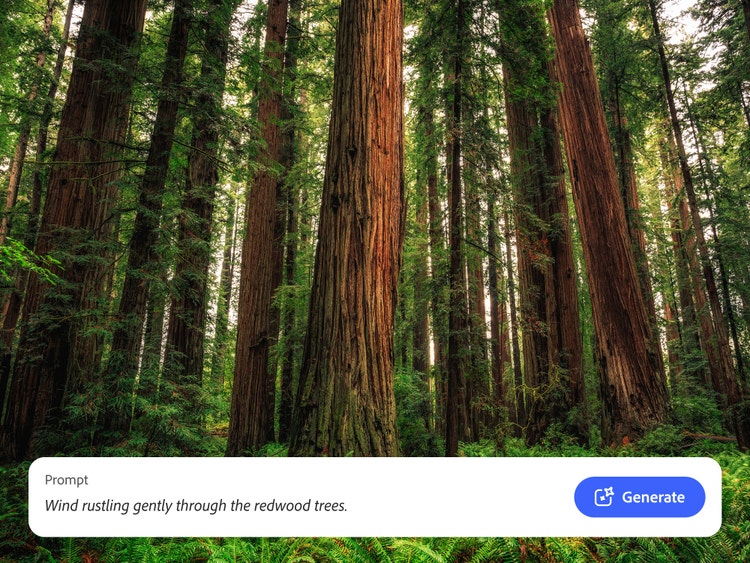
L isten at the window, and you’ll hear that no two gusts are alike. So why should your SFX be any different? Simply upload your reference audio or give a quick description like “howling wind sound effect,” “wind blowing through trees” or “soft wind across a desert.”
No matter the command, Firefly will generate a custom wind blowing sound effect in no time, ready to blend into a soundscape with other
nature sound effects, soundtracks and more.
Make your wind sound effects count.
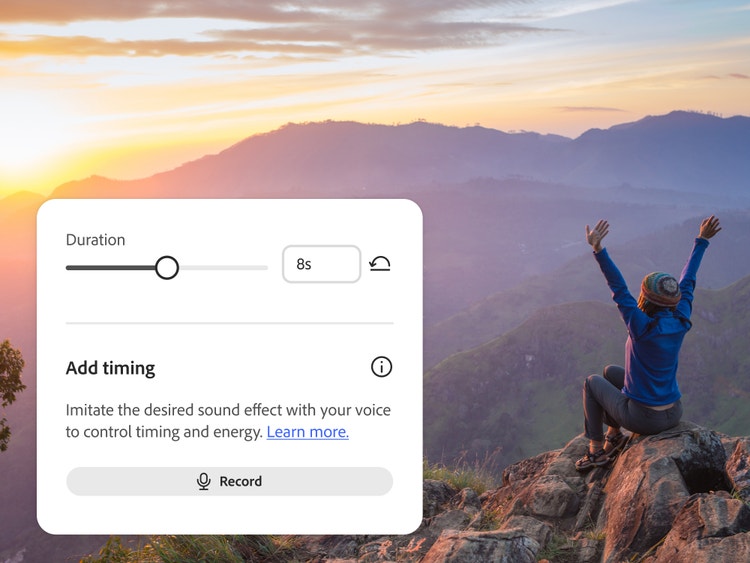
Now you’ve got your wind sound effects, it’s time to make them your own. Finesse the tone, pitch, and length until you’re satisfied. Next, drop your new SFX clip directly into your project timeline, or export as a high-quality MP4 or WAV file.
To truly capture the atmosphere on your wild, windy moor or verdant forest clearing, why not blend your track with rain sound effects or thunder sound effects?
How to create realistic wind sound effects with generative AI.
It’s quick, easy and intuitive to create howling, blowing or natural wind sound effects with Firefly. Enter your prompts and references, then tweak, remix and refine until you hit the mark, and export it to your project. It’s as simple as six steps.
- Open Firefly.
Hit the Adobe Firefly homepage and navigate to the AI sound effect generator tool, or go directly to the sound effect generator page. - Upload your supporting clips.
Want your gale or breeze to fit with a video or audio track? Upload your clip to Firefly and preview it in context. - Nail your prompt.
Type a simple description, like “wind whistling through the trees” or “a gentle breeze shaking reeds.” - Preview your SFX.
Listen to the clip, and fine-tune the length, tone, and intensity until you’re happy. - Place sound effects in your project timeline or mix.
Integrate the sound directly into your video, animation, podcast, or music track. - Export and share in your chosen format.
Download your new wind sound in WAV, MP3, or other supported formats for use across different devices and platforms.
Discover even more generative AI features.
Sound effect generator Dog bark sound effects Cat meow sound effects Rain sound effect Wind sound effect AI video generator
Frequently asked questions.
What sound does wind make?
How can I make wind sound effects with AI?
Can I create a wind sound effect for free?
Why does the wind sound like howling?
How can I make wind sound effects softer or more distant?
Can I loop wind sounds seamlessly?
What file formats can I export sound effects in?
Does Firefly generate royalty-free wind sounds?
Are AI-generated wind sounds safe for commercial use?
Firefly features you may also like.
Create realistic nature sound effects with generative AI.
Nature sound effects are the foundation of immersive sound design. Generative AI makes it quick and easy to create a high-quality library of free nature sound effects for any project.
Learn more | Learn more - Create realistic nature sound effects with generative AI
Create realistic animal sound effects with generative AI.
Animal sound effects can be used to add realism to any scene, video or audio story. Learn how generative AI can be used to create any animal sound from cat meows to lion roars.
Learn more | Learn more - Create realistic animal sound effects with generative AI
How generative AI works: From training to output.
Generative AI is all over the headlines and that’s not empty hype. This new technology is likely to be part of your life soon — if it’s not already. Learn how generative AI works and start streamlining your workflow.
Learn more | Learn more - How generative AI works: From training to output
Generative AI is changing creative work.
Generative AI can mimic — but not replace — human intelligence. Learn how it can help you to take your creativity to new places.
Learn more | Learn more - Generative AI is changing creative work