Accessibility
Adobe
Sign in My orders My Adobe

FAQ: Visual Communicator 3

Product information

What is Adobe® Visual Communicator® 3?
Adobe Visual Communicator 3 software provides everything you need to create video presentations that look like a TV-quality broadcast. Even if you've never used video software before, Visual Communicator 3 enables you to create compelling video presentations that combine video with graphics, TV-style transitions, and personal narration in minutes. From business announcements to student video reports, your presentations will have the visual impact of a real TV newscast.
Who should use Visual Communicator 3?
Training professionals, educators, and business users who wish to deliver video presentations that look like a TV-quality broadcast without learning video creation software or outsourcing to multimedia developers should use Visual Communicator 3.
What are the new features of Visual Communicator 3?
Does Visual Communicator output to FLV?
Yes, Adobe Visual Communicator outputs to FLV in two ways. First, FLV files can be uploaded to Adobe Acrobat® Connect™ Professional and Adobe Presenter software. Additionally, stream live Flash video presentations over the Internet using Adobe Flash Media Server (available separately or through a Flash Media Solution Provider).
What makes Visual Communicator different from video editing software?
Visual Communicator is a video creation tool that is centered around a teleprompter. Many people assume that video creation must involve video editing, but Visual Communicator is different. It is based on a process that is much faster than editing yet delivers impressive results. However, Visual Communicator is not a replacement for everything traditional video editing software can do. The traditional post-production approach of editing involves digitizing video, marking video clips, creating custom graphics, sequencing the clips with graphics and effects in a timeline, and rendering the final output. This can be laborious and time-consuming, but it can also provide a degree of flexibility and control over the final output. The Visual Communicator approach is more like that of a TV station creating a newscast and is intended for video presentations.
What types of cameras can I use with Visual Communicator?
Visual Communicator works with standard webcams and camcorders. Most camcorders will require some kind of video input card such as a FireWire (IEEE 1394) card or an analog capture card. Whether you are using a webcam or camcorder, it's important that the camera or input card has a Windows® driver that is DirectShow compatible. Most of them do. If your device is older, you might need to visit the manufacturer's website to download a new driver that is DirectShow compatible. Inside Visual Communicator you will find a menu that lists all of the DirectShow devices attached to your computer, and you can select which one you wish to use for your video input. If you have an analog video capture card, you can also hook up your VCR and use recorded footage.
What type of video card is recommended for Visual Communicator?
Visual Communicator will work with just about any 3D accelerated AGP graphics card with 16MB of memory. However, for best performance we recommend any GeForce or Radeon-class graphics card. Such cards can be commonly found for well under US$100.
What video resolutions and formats does Visual Communicator output?
Typical output is in 320x240 or 160x120 for web streaming and 720x480 for DV tape, DVDs, projector presentations, and more. Files can be saved with Windows Media compression (WMV/ASF), as an uncompressed AVI, or compressed with other encoders if they're installed.
What image, video, and sound formats does Visual Communicator support?
Visual Communicator can work with virtually any video, image, and audio format, including the following:
  • Video files: MPG, MPEG, MLV, MPE, AVI, ASF, WM, WMV, IVF, FLV (output only), and MOV*
  • Still images: BMP, JPEG, PNG
  • Audio: WAV, MP3, WMA, AIF, AIFF, AIFC, AU, MPA, SND, MP2

* You must have compatible 3rd party DirectShow filters installed for MPEG and QuickTime file support.

What are the top ten reasons to buy Visual Communicator?
  1. Easy video presentations

    Visual Communicator eliminates traditional editing timelines to allow for faster video creation. It automates the production process so you can self-produce video presentations that have the look and feel of a television news broadcast.

  2. Professional, royalty-free content

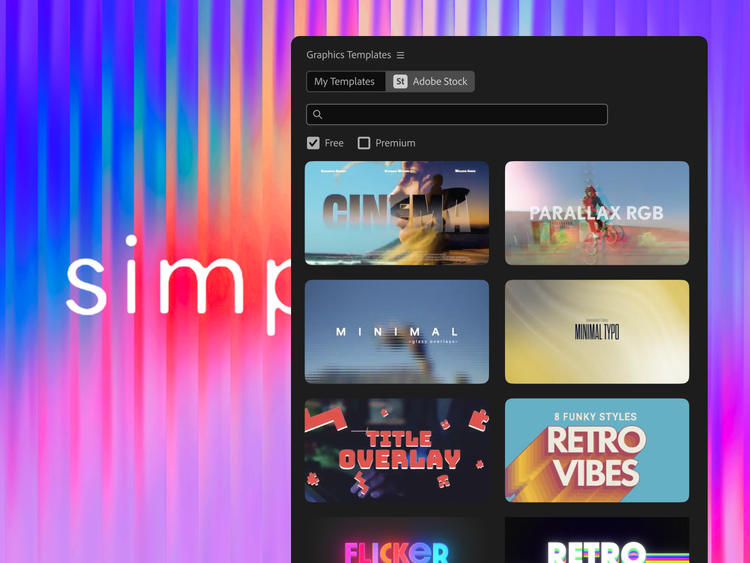
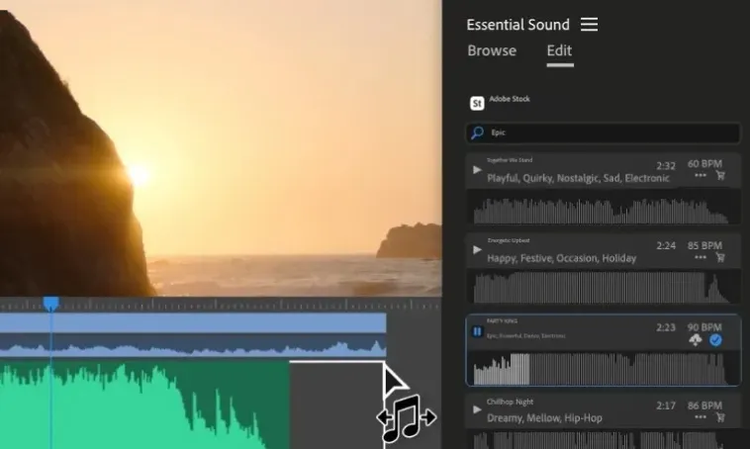
    Visual Communicator 3 gives you an entire library of newscast-style graphics, effects, titles, music, and templates to create professional video presentations.

  3. Onscreen teleprompter

    Speak clearly and confidently without missing key points or memorizing lines using the built-in teleprompter. It's invaluable for clearly communicating any message on-camera, as well as for narrating photo slide shows and video montages off-camera.

  4. Professional background replacement

    Television stations use greenscreen effects to put newscasters in front of weather maps and compelling backgrounds. Visual Communicator 3 allows you to place a colored backdrop behind you so you can digitally replace that background with any image, graphic, or video clip.

  5. Dynamic TV-style transitions

    Incorporate compelling visuals to captivate viewers and give your presentations a professional network TV look. Every effect works in real time so you never have to wait to see what your production will look like.

  6. Wizards and Coach Window

    Even if you've never used video software before, Visual Communicator enables you to create compelling video presentations quickly and easily. Wizards help you set up the look of your video and greenscreen background, while the Coach Window helps guide you through the workflow of Visual Communicator.

  7. Embedded video in web pages

    Convert an entire PowerPoint presentation into a narrated video and post it to the web. Visual Communicator 3 outputs the video to Flash, Windows Media, or RealPlayer format and assembles the web pages for you. Organize your video into easily accessible chapters, or create trigger links to allow viewers to access web pages, pictures, or PowerPoint slides displayed alongside your presentation.

  8. Multiple camera support and switching

    Use up to three cameras and create interview-style videos in real time. Use the Mini Switcher to select each camera while recording or presenting live in front of an audience.

  9. Reference clips

    Create a reference clip with preset in/out points and sound levels for audio or video clips. Place these clips quickly when producing a live show, or drop the clips into other projects and retain their edited properties.

  10. Flexible sharing options

    Export to most standard file formats, including FLV, Windows Media, and Real, and then upload files to a web server or publish directly to a weblog page. Output your video directly to a projector, TV, or Channel One Closed-Circuit System. Stream live FLV video presentations over the Internet using Adobe Flash Media Server (available separately or through a Flash Media Solution Provider).

Will Visual Communicator be available for Macintosh or Linux®?
Visual Communicator is reliant on Microsoft's DirectX graphics library and other Windows functions. There are no plans to make it compatible with Macintosh or Linux.
Does Visual Communicator work with PAL (European) video inputs?
Yes, input compatibility with PAL video sources is actually a function of your video capture or input card. Visual Communicator works in standard computer video resolutions such as 640x480, 320x240, and 160x120 no matter where it's used. If your video capture input card supports PAL video sources and has a DirectShow-compatible driver, everything should work fine.
What international language support exists for Visual Communicator 3?
Visual Communicator 3 is available in English only.

Pricing and purchasing information

How much does it cost to upgrade Visual Communicator 3 from a previous version of the product?
The cost to upgrade to Visual Communicator 3 is US$149.
Does Adobe offer education pricing for Visual Communicator 3?
Adobe Visual Communicator 3 is available at a discounted price of US$169 to qualified education end users. Visit the Adobe Education Store to learn more about special prices for students and teachers.
Can I try Visual Communicator 3 before I buy it?
Yes, you can try Visual Communicator 3 today and use it until the product ships.

Support information

What are the system requirements for Visual Communicator 3?

System requirements for windows

  • Microsoft® Windows XP Professional or Home Edition with Service Pack 2
  • 933MHz Intel® Pentium® 4, Intel Celeron® 2, AMD Athlon, or Athlon XP processor or equivalent
  • 256MB of RAM
  • DVD-ROM drive for installation
  • 2.3GB of available hard-disk space for installation
  • Standard audio card with microphone
  • 16MB AGP graphics card with 3D acceleration
  • Webcam users: Standard DirectShow-compatible Windows driver
  • OHCI-compatible IEEE 1394 video interface card for DV, or analog capture card for use with analog camcorders and VCRs
  • Dual-head video card required for full-screen output

System requirements for live streaming only

  • 2.4GHz Intel Pentium 4 processor
  • NVIDIA GeForce or ATI Radeon-based AGP video card
How can I get help using Visual Communicator 3?
Within Adobe Visual Communicator 3, you can view the help systems and product tutorials using the Help menu. You can also access the online Support Center 24 hours a day, seven days a week.
How can I get technical support for Adobe Visual Communicator 3?
Upon registering Visual Communicator 3 software, you are entitled to technical support. To view the available support options, visit the support pages.
Why should I register Visual Communicator 3?
When you register, your serial number is recorded into our database. This allows Adobe to verify the number for you if it has been lost. Registered users also receive special software offers and notifications of product upgrades and updates.

Next steps