Adobe® Visual Communicator® 3 software eliminates traditional editing timelines to allow for faster video creation. It automates the production process so you can self-produce video presentations that have the look and feel of a television news broadcast.
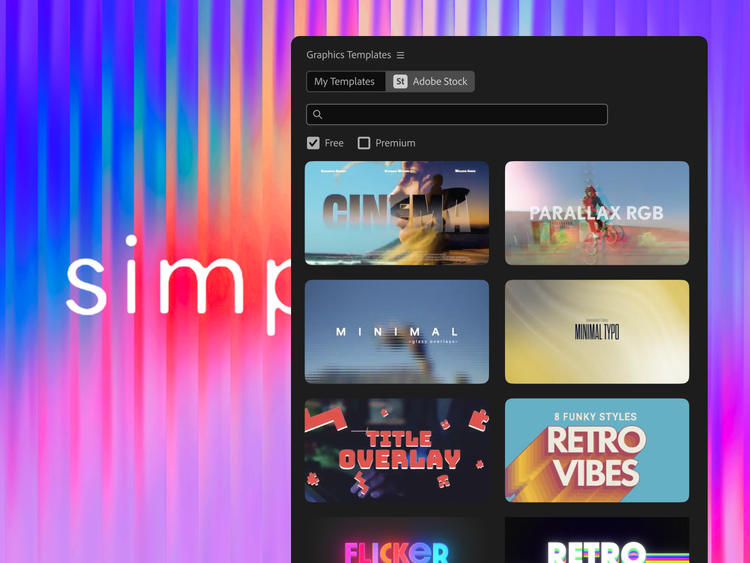
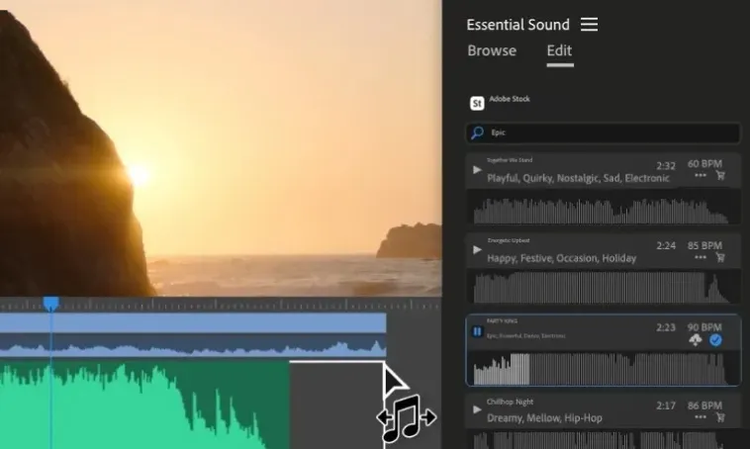
Visual Communicator 3 gives you an entire library of newscast-style graphics, effects, titles, music, and templates to create professional video presentations.
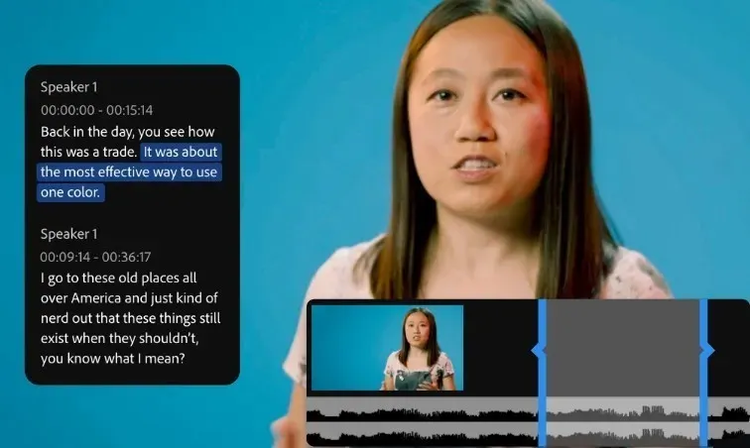
Speak clearly and confidently without missing key points or memorizing lines using the built-in teleprompter. It's invaluable for clearly communicating any message on-camera, as well as for narrating photo slide shows and video montages off-camera.
Television stations use green-screen effects to put newscasters in front of weather maps and compelling backgrounds. Visual Communicator 3 allows you to place a colored backdrop behind you so you can digitally replace that background with any image, graphic, or video clip.
Incorporate compelling visuals to captivate viewers and give your presentations a professional network TV look. Every effect works in real time, so you never have to wait to see what your production will look like.
Even if you've never used video software before, Visual Communicator enables you to create compelling video presentations quickly and easily. Wizards help you set up the look of your video and green-screen background, while the Coach Window helps guide you through the workflow of Visual Communicator 3.
Convert an entire PowerPoint presentation into a narrated video and post it to the web. Visual Communicator 3 outputs the video to Adobe Flash®, Windows Media, or RealPlayer format and assembles the web pages for you. Organize your video into easily accessible chapters, or create trigger links to allow viewers to access web pages, pictures, or PowerPoint slides displayed alongside your presentation.
Use up to three cameras and create interview-style videos in real time. Use the Mini Switcher to select each camera while recording or presenting live in front of an audience.
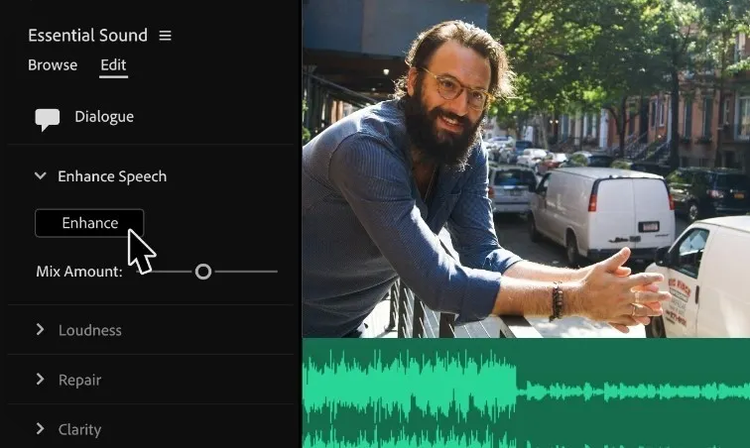
Create a reference clip with preset in/out points and sound levels for audio or video clips. Place these clips quickly when producing a live show, or drop the footage into other projects and retain its edited properties.
Export to most standard file formats, including FLV, Windows Media, and Real, and then upload files to a web server or publish directly to a weblog page. Output your video directly to a projector, TV, or Channel One closed-circuit system. Stream live FLV video presentations over the Internet using Adobe Flash® Media Server.*
*Available separately or through a Flash Media Solution Provider.