https://main--cc--adobecom.aem.live/cc-shared/assets/img/firefly.svg Adobe Firefly
Enhance video quality with the AI video upscaler in Firefly.
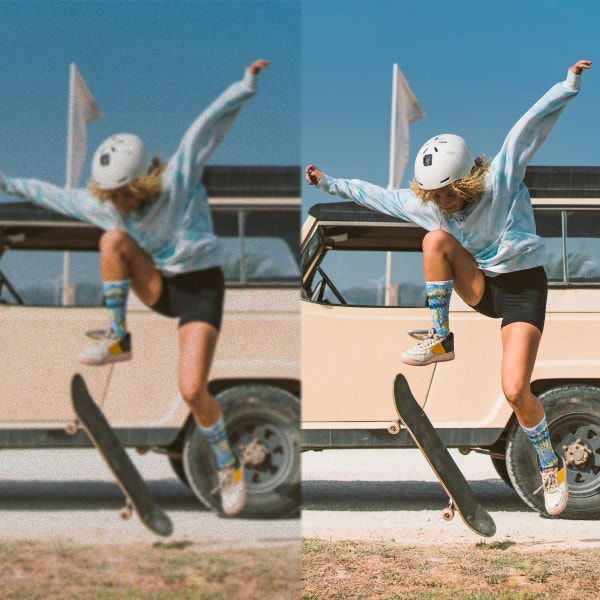
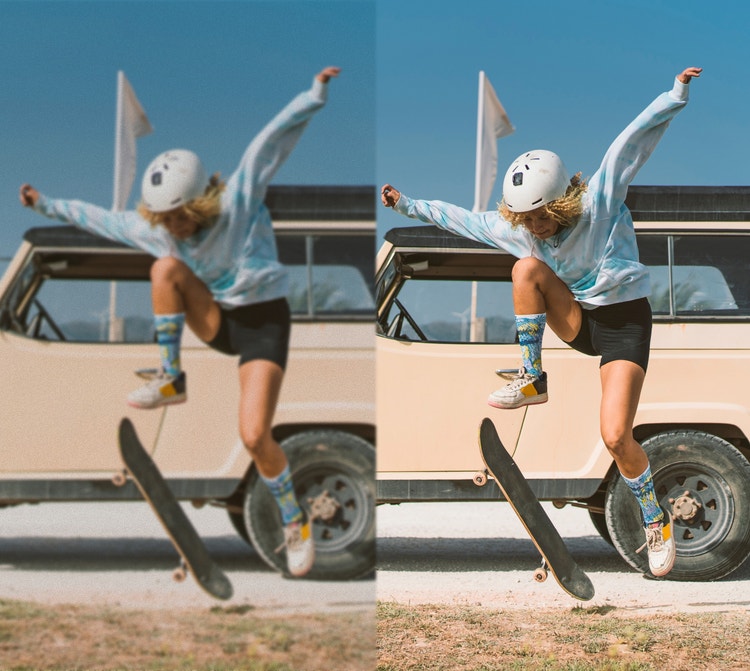
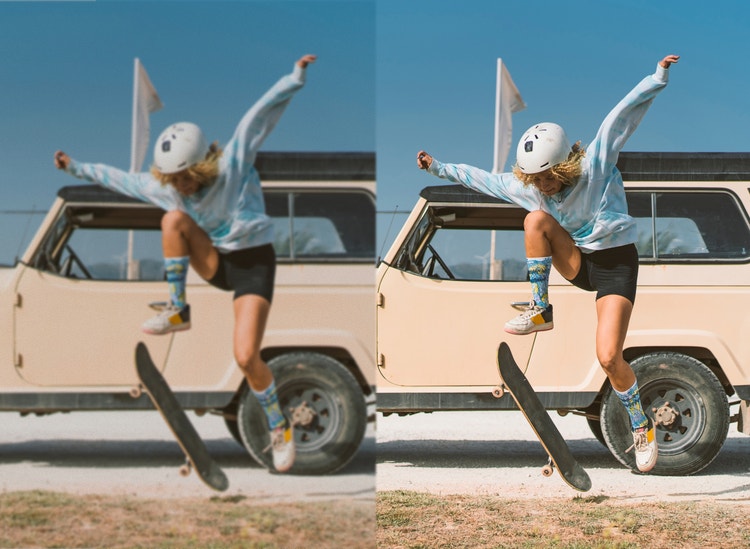
Turn low-resolution footage into crisp, high-definition video in seconds using AI upscaling powered by Topaz Astra.
https://main--cc--adobecom.aem.live/cc-shared/assets/svg/s2-icon-upload-20-n.svg Upload your video
Or tap here
File must be MP4 or MOV, less than 200 MB and 5-20 seconds.
By uploading your image or video, you agree to the Adobe Terms of Use and Privacy Policy and confirm you are 18 years of age or older.
https://main--cc--adobecom.aem.live/cc-shared/assets/svg/s2-icon-upload-20-n.svg Upload your video
Or tap here
File must be MP4 or MOV, less than 200 MB and 5-20 seconds.
By uploading your image or video, you agree to the Adobe Terms of Use and Privacy Policy and confirm you are 18 years of age or older.
https://main--cc--adobecom.aem.live/cc-shared/assets/svg/s2-icon-upload-20-n.svg Upload your video
Or drag and drop here
File must be MP4 or MOV, less than 200 MB and 5-20 seconds.
By uploading your image or video, you agree to the Adobe Terms of Use and Privacy Policy and confirm you are 18 years of age or older.
- Your media must be smaller than 200 MB. Please upload a new file.
- Unable to process the request
- Your media must be a mov or mp4 file type. Please upload a new file.
- Only one file can be uploaded at a time.
- Your media must be at least 5 seconds long. Please upload a new file.
- Your media must be no more than 20 seconds long. Please upload a new file.
https://main--cc--adobecom.aem.live/cc-shared/assets/img/product-icons/svg/firefly-80.svg
{{nbsp}}
Upscale video now | Enhance video quality with the AI video upscaler in Firefly.
https://main--cc--adobecom.aem.live/cc-shared/assets/img/product-icons/svg/firefly-80.svg
Adobe Firefly
Upscale video now | Enhance video quality with the AI video upscaler in Firefly.
https://main--cc--adobecom.aem.live/cc-shared/assets/img/product-icons/svg/firefly-80.svg
Adobe Firefly
The next evolution of creative AI is here for all your ideas, with image, video, audio and vector tools.
Upscale video now | Enhance video quality with the AI video upscaler in Firefly.
Make every video look high-quality with the Adobe Firefly AI video upscaler.
Enhance video quality with Topaz Astra in the Firefly web app or Firefly Boards. Simply import clips and apply Topaz Astra upscaling to improve resolution up to 1080 p or 4K while maintaining clarity and texture.
Upscale to higher resolutions with flexible quality settings.
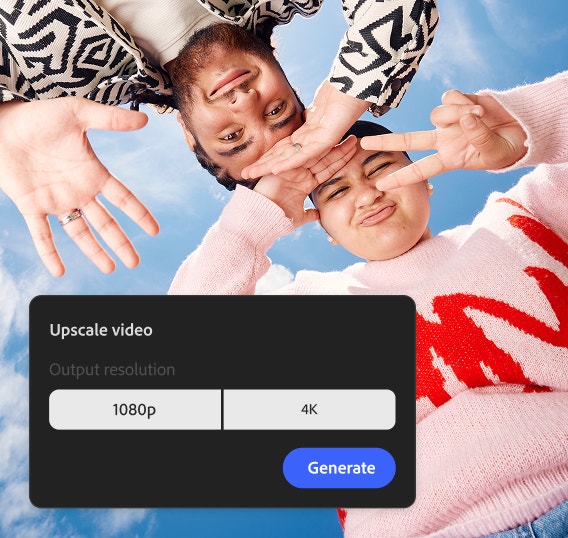
In the Edit Video workspace or Firefly Boards, you can choose your upscaling preferences, prioritising speed for faster results or detail for the best possible quality. Firefly supports both 1080 p and 4K resolutions.


Restore detail and texture with an advanced AI video upscaler.
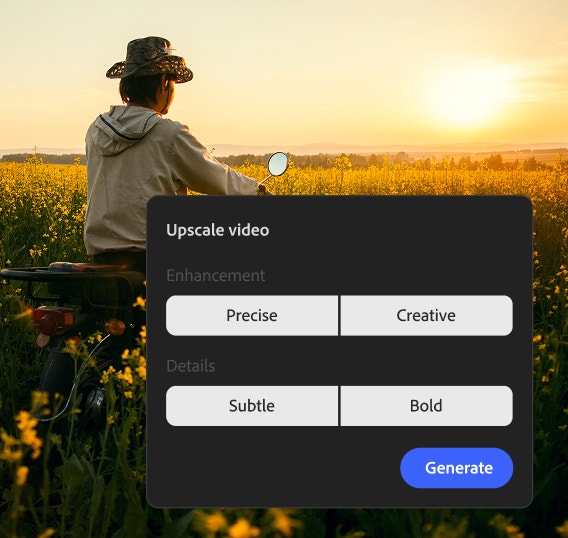
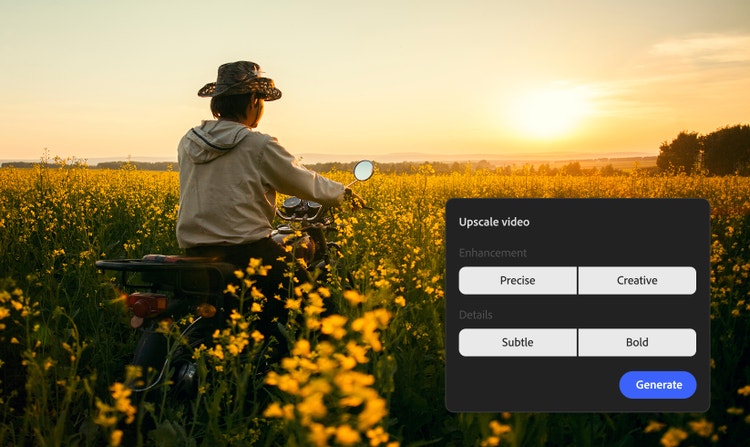
Topaz Astra offers different enhancement modes. Precise mode focuses on accurate restoration of original footage, while Creative mode can add richer detail to enhance visual impact, especially useful for AI-generated or stlylised clips.
Enhance video quality for any type of project.
Whatever your use cases, you can benefit from the AI video upscaler — no technical knowledge needed. Marketing teams can upscale video to 4K to make it clearer for social media clips, campaign deliverables or presentation content. Also, anyone can use it to restore anything form archival footage to old family videos.
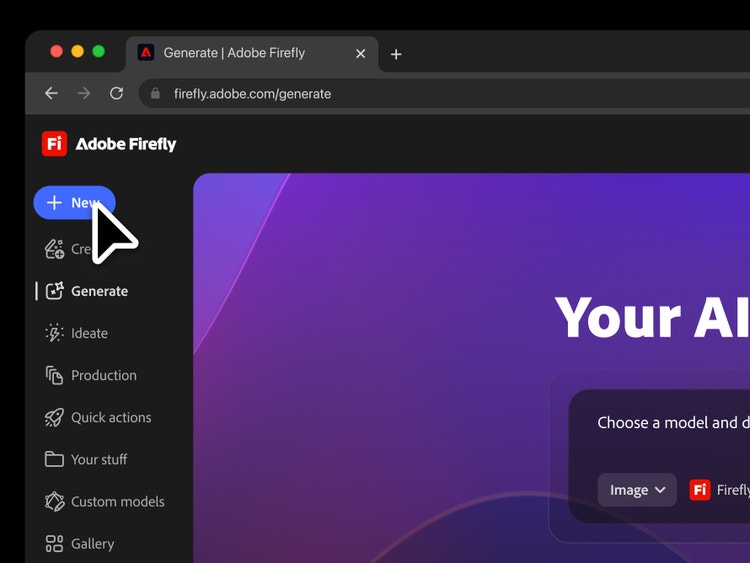
Streamline your editing workflow with the Firefly video editor.
The Firefly Upscaler is just one part of the end-to-end, high-definition video creation you can do in Firefly. Download your upscaled video and open it in Firefly to edit with the AI video editor. You can even generate new footage based on existing key frames with the AI video generator.
How to enhance video quality with the Firefly Upscaler.
Step 1
Open Firefly video generator or create a Board.
Step 2
Add or generate your video clips.
Step 3
Select the clip and open Upscale with Topaz Astra.
Step 4
Choose your upscaling settings.
Step 5
Generate and review your upscaled video.
Step 6
Download your clip.
- How to enhance video quality with the Firefly Upscaler.
- Steps on how to enhance video quality with the Firefly Upscaler.
- PT5M
- firefly


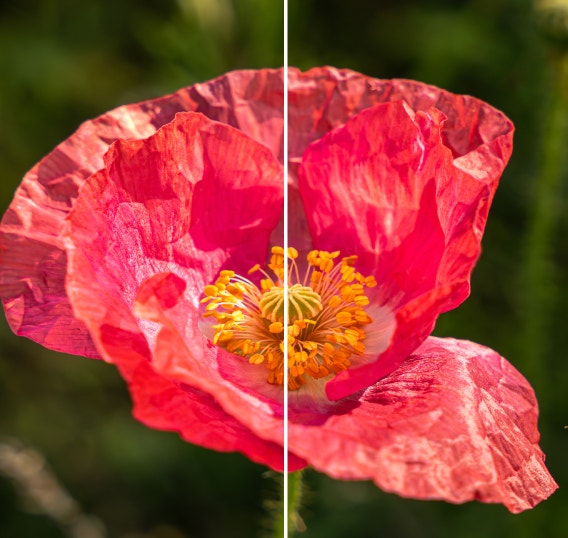
Natural-looking enhancement
The Topaz Astra model in Firefly restores detail while maintaining natural movement.
Flexibility and control
Creators can choose to optimise for speed or quality and they can guide the enhancement to focus on precision or creativity.

Cinematic outputs
Firefly delivers high-fidelity, 1080 p or 4K video generation with advanced motion fidelity and scene consistency.
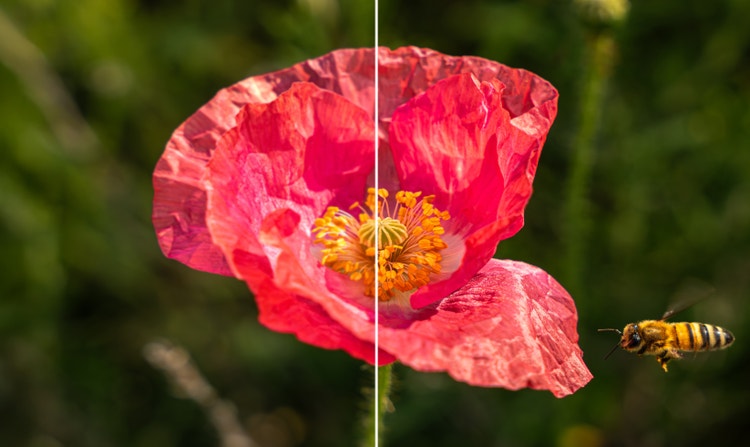
Streamlined workflows
With Topaz Astra in Firefly Boards, creators can compare 1080 p and 4K video versions side by side and collaborate with stakeholders in one workspace.
See what else you can do in Firefly.






Discover even more features.
Questions? We have answers.
What is an AI video upscaler?
What is the best video upscaler?
Can I upscale a video to 4K?
Can I upscale video for free using Adobe Firefly?
How long does video upscaling take?
Can AI video upscaling improve old or low-resolution videos?
Share this page
Explore more Firefly tools.
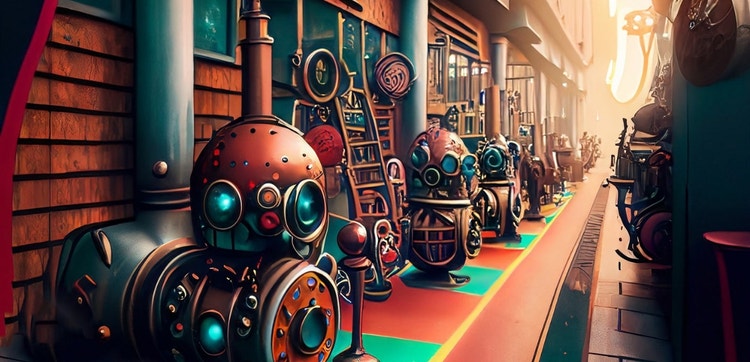
Al art for game developers
Turning your vision into visuals has never been easier. Learn how to generate Al art for game design.

Adobe Firefly vs. Midjourney
Learn how the latest in generative Al Will help you to visualise any idea with Al creations.

Generative Al is changing creative
Generative Al can mimic — but not replace — human intelligence.
Learn more | Learn more - Generative Al is changing creative
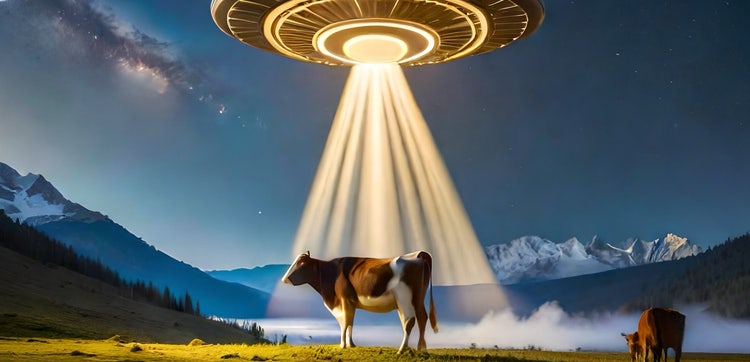
Adobe Firefly vs. NightCafe
Find out how you can turn your ideas into images — and your pretty good images into great ones — with the latest in generative Al.