
Save a PDF as PPT
Easily convert a PDF to PPTX file with our online tool. Simply upload your PDF and download the converted PowerPoint file with all formatting intact.
Follow these simple steps to convert a PDF file into a Microsoft PowerPoint presentation using our PDF to PowerPoint converter:
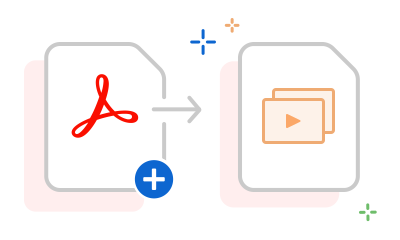
Easily convert a PDF to PPTX file with our online tool. Simply upload your PDF and download the converted PowerPoint file with all formatting intact.

Convert your PDF to PPTX file quickly and effortlessly. You can use any browser to convert from PDF to Microsoft PowerPoint online, so you can keep work moving wherever you are.

You can trust the quality of Acrobat tools. When you convert a PDF file to PPT, your file will retain its original styling and formatting.

When you want to reuse PDF content, there’s no need to track down the source file. Save time by converting the PDF to PPT in just a few clicks.

Once you convert a PDF to PPT, you can make edits directly in Microsoft PowerPoint for the web. Sign in to Acrobat and start modifying your converted PPTX file instantly.

Adobe invented the PDF file format, so you can trust that you’ll get high-quality results when you use the Acrobat PDF to PPT converter tool.
Use our Acrobat PDF to PowerPoint converter in any browser — you just need an Internet connection to use the file conversion online service. Select the PDF you want to convert using the online PDF tool above. Each PDF page will be turned into a PowerPoint slide in the converted file. Our free PDF converter tool preserves the document formatting, so your content will look as expected on the Mac or Windows operating systems.
You can also try Adobe Acrobat Pro free for seven days to access additional tools, including:



