Keep the same styling
When you reorder PDF pages, the styling and formatting remain the same. Pages simply move to a different place in your PDF document.
With the rearrange pages tool from Adobe Acrobat, you can reorder and organise the pages in your PDF for free online. Now it's easy to get your document in the right order and create a clean, shareable PDF without installing software.
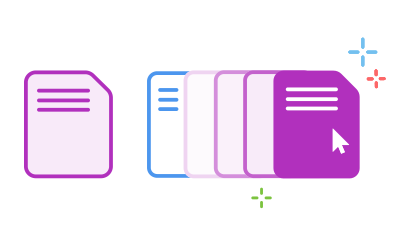
When you reorder PDF pages, the styling and formatting remain the same. Pages simply move to a different place in your PDF document.

It’s easy to rearrange pages in PDF to move them around and reorder them how you’d like. Simply upload a PDF file and sign in to organise it just how you want.

You can rearrange pages in a PDF with a maximum of 1,500 pages and a file size of less than 100 MB. To reduce a file’s size, you can try the Acrobat Compress PDF tool.

After signing in, you can also delete PDF pages, add PDF pages or even rotate PDF pages to portrait or landscape mode. All of the organise PDF tools are in one place for ease of use.

Acrobat tools let you rework an existing PDF to meet new project needs. Increase your efficiency by using Acrobat to reorder PDF page content, add comments to a PDF and share your file for review.

Adobe invented the PDF format. When you use Acrobat online tools to reorder PDF files, you can quickly organise the perfect PDF file using any web browser.
When learning how to reorder PDF pages on your phone or tablet, you follow the same steps:
Our PDF solution makes it quick and easy to organise PDF pages in whatever page order you want. Set up your desired order by highlighting a page thumbnail. Then drag and drop the page into your new desired location. You can also rotate pages to portrait or landscape mode. If you need to delete a page, select it and click the dustbin icon in the toolbar.
For more advanced PDF tools, you can start an Adobe Acrobat Pro 7-day free trial on the Windows or Mac operating systems. The Acrobat Pro free trial lets you use PDF editor tools to edit PDF text and images, annotate files, recognise text with OCR functionality, insert blank pages, extract pages, add page numbers and bookmarks, convert PDFs, merge files, split PDFs, reduce file size, sign PDFs and even chat with PDFs.