




https://main--cc--adobecom.aem.page/cc-shared/assets/img/firefly.svg Adobe Firefly
AI Drawing Generator: Create Unique Drawings and Sketches
Bring any idea to life with AI simply by describing what you imagine. Visualise your ideas and remove creative barriers. Turn text into drawings or transform photos into sketches with ease and precision.
con-block-row-supplemental (m-body, static-links, s-spacing)
- image
- video
- Describe a subject, an action, a place, a mood or a style.
- Adobe Generative AI Terms
- https://main--cc--adobecom.aem.page/creativecloud/animation/testdoc/unity/generate.svg Generate
- Describe the image you want to generate
- Prompt
- Tip
- ff_campaign=embed_generate_acom&promoid=R726NF46&mv=other
- Unable to process the request
- Please describe what you want to generate.
- Prompt exceeds the max length of 750 characters
#f8f8f8
Draw attention effortlessly with AI-generated drawings
Explore the possibilities of AI drawing generation with Adobe Firefly. Learn how to quickly explore ideas, draught concepts and create artwork with simple text prompts and advanced techniques.
Draw virtually anything with AI.
The image generation capabilities in Adobe Firefly are powered by thousands of images in the public domain and Adobe Stock. It allows anyone to create a drawing in any style from a prompt or reference image and use that image across Adobe creative apps.
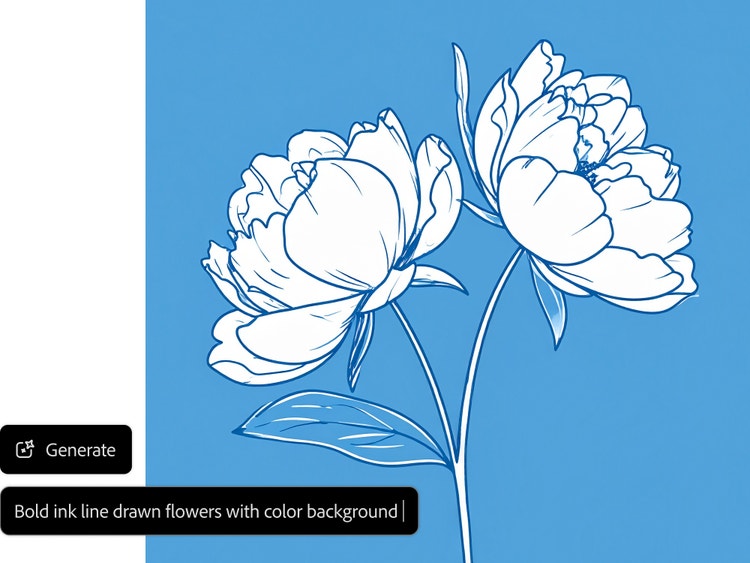
Get a hand-drawn look with an AI drawing generator.
Create sketches that mimic the look of pen and ink renderings using Adobe Firefly’s free AI drawing generator. Instead of the polished, hyper-realistic images often associated with AI drawings, you can easily produce minimalist line drawings in just a few simple steps. Try designing your own unique sketches, patterns, or branding concepts with ease.
Produce AI-powered sketches, concepts, and more.
Create quick sketches for your next fashion design or bring your idea to life with concept illustrations for a children’s book artwork. Adjust prompts instantly to explore new concepts, styles, and compositions without needing sketching or painting skills.
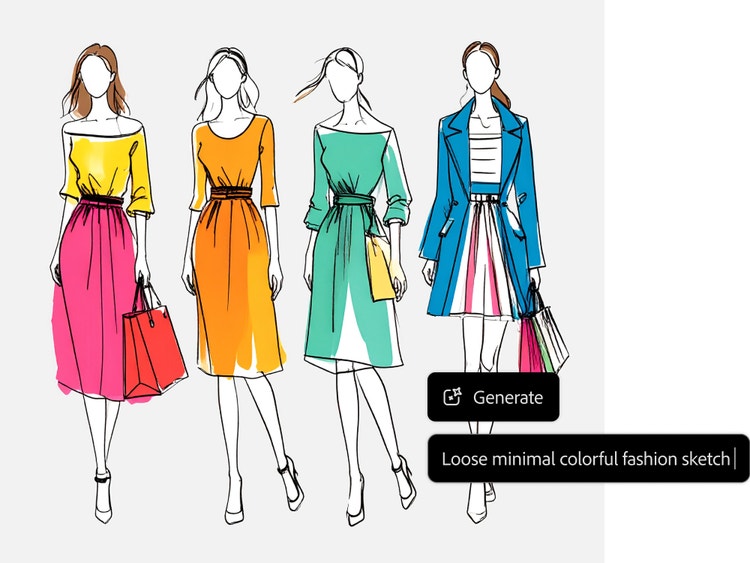
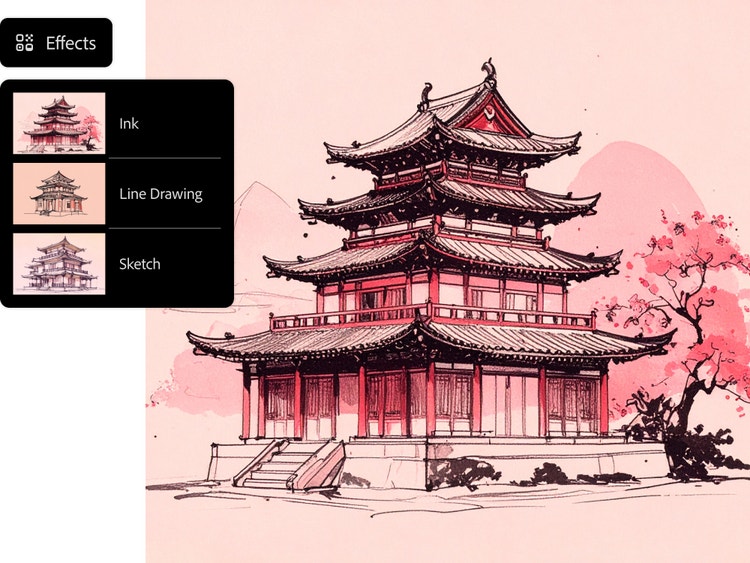
Choose from a range of artistic styles.
Select from a menu of effects to achieve the exact look you want. Options include classic styles like Line Drawing, Ink, and Sketch, as well as creative variations such as Stippling, Doodle Drawing, and Geometric Pen. Adobe Firefly AI Drawing Generator helps artists and designers bring ideas to life in vivid detail, whether creating web graphics or book covers.
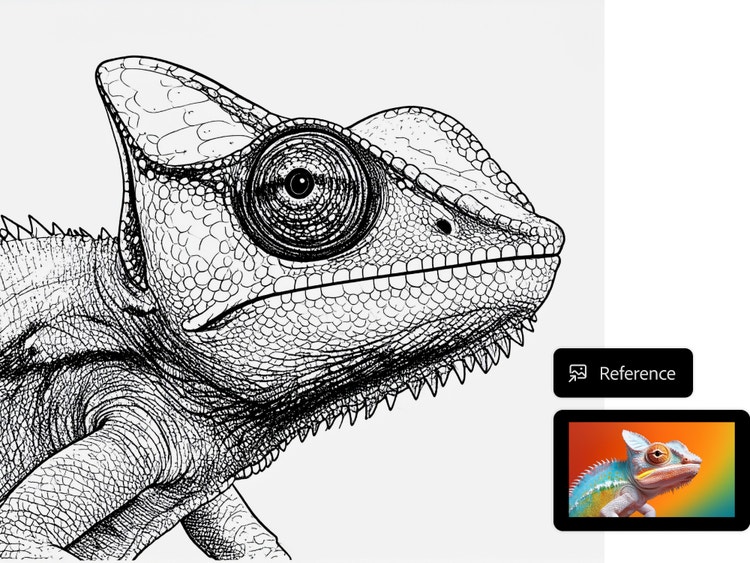
Refine your results even more with photo to sketch capabilities.
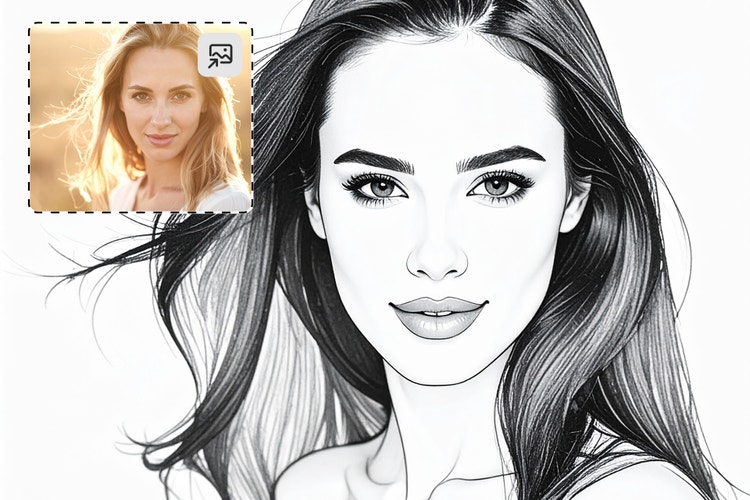
Upload a reference image or choose one from the gallery to generate sketches in a similar style. Adjust the intensity and strength of the image to fine-tune the result. Add descriptive terms like “heavy stroke” or “loose hand drawn sketch” to your prompt, and explore the Colour and Tone menu to turn your photo to sketch with greater control.
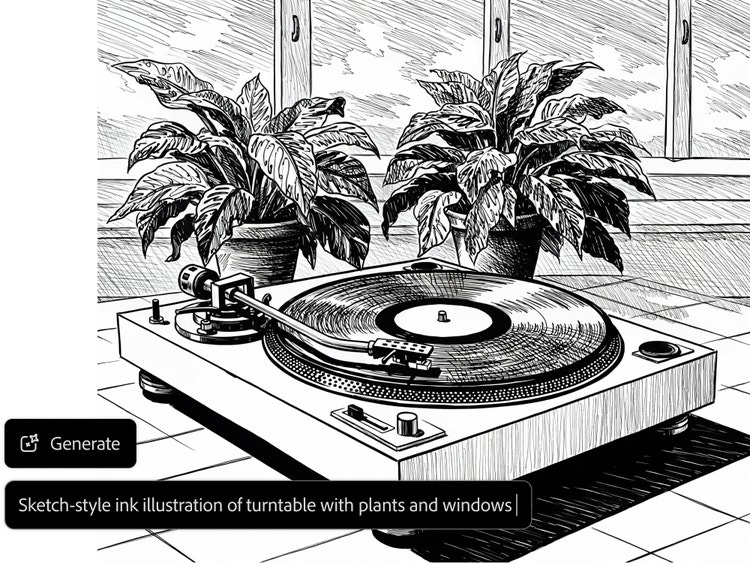
Generate drawings safe for commercial use.
Create drawings with confidence. Firefly models are trained on licensed data and public-domain content, so every drawing you generate is safe to use for personal and professional projects. Explore the Adobe AI ethics principles to learn more.
Bring your drawing to live with Adobe Firefly.
Go beyond polished digital art with Adobe Firefly. Turn everyday ideas into expressive, sketch-style visuals—whether it's architecture, product design, or educational illustrations. Use text prompts, reference images, or both to explore endless creative possibilities with the AI drawing generator.
Draft product designs and prototypes
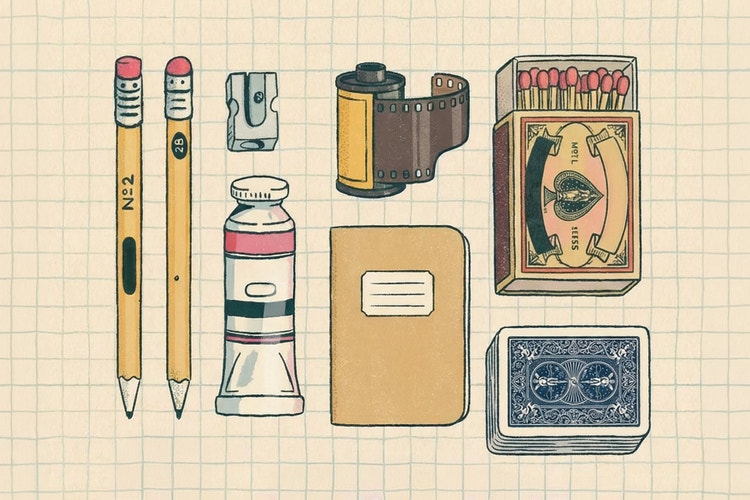
Start your product design journey with quick concept sketches of everyday essentials such as a bottle, a minimalist sandal design, or eco-friendly packaging for a brand. Firefly makes it easy to visualise ideas without needing advanced tools.
Build storyboards for animation or film
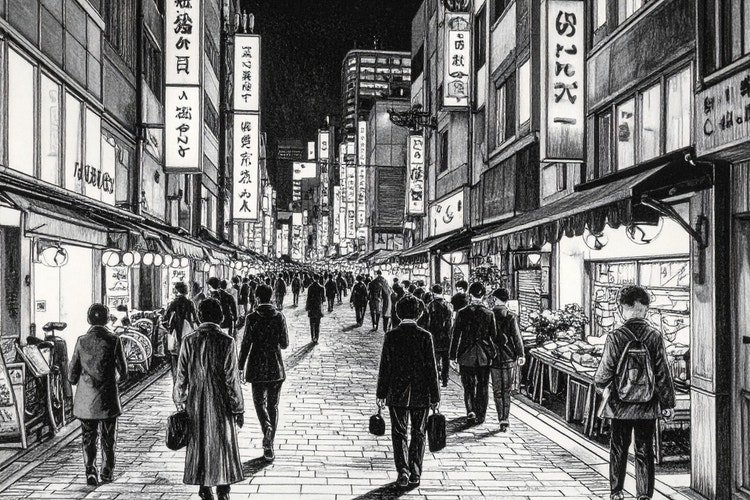
Sketch out frame-by-frame scenes for your next short film or animation project. Whether it is a rainy moment along a coastal promenade or a bustling street scene in a busy city, Adobe Firefly helps bring your cinematic vision to life in sketch form, perfect for pitch decks or pre-production.
Design bold, sketch-style posters or covers
Create poster drafts for events, music nights, or book covers with a raw, hand-drawn aesthetic. Try prompts like “line sketch poster for a live music night” or “zine-style cover for an indie art festival.”
Personalise stationery and wall art
Create greeting cards for celebrations with prompts like “hand-drawn candle with floral border” or “line sketch of lanterns on a balcony.” You can also design custom wall prints featuring iconic landmarks. Firefly makes it easy to add a personal touch to every piece.
Turn pets and people into inked portraits
Upload a photo of your family, your dog, or even a favourite local shop, and Adobe Firefly can transform it into a hand-drawn portrait with an authentic, heartfelt look, ideal for gifts, gallery walls, or sharing on social media.
How to generate AI drawings and sketches with Adobe Firefly.
Create artistic sketches in just a few steps with the help of Adobe Firefly’s free AI drawing generator.
- Log in to Firefly.
Go to the Image section of the web app and select Generate Image. - Write a descriptive prompt.
Describe the image you want to generate. Be specific and use adjectives; longer prompts tend to get better results. - Choose an Effect.
Select a drawing style from the Effects section. Click All to see the complete list of effects. - Optional: Upload a Reference Image.
Upload or select a Reference Image from the gallery to generate similar results. - Generate your artwork.
Click Generate in the prompt bar to see your results. - Download, share and keep editing your image.
Click the downward arrow icon to download your image. Click the pencil icon to keep editing it and click the upward arrow icon to share your image in the Firefly gallery.
Why Firefly for drawing generation?
- High-quality output: Create crisp, professional drawings with consistent, reliable results.
- Full creative control: Guide every result with clear, specific prompts. From composition and detail to mood and style, Firefly responds precisely to your instructions, making generation fast and intuitive.
- Versatile styles: Generate AI art and drawings in a range of different styles, including line art, sketch-style drawings and digital painting — all from a single creative tool.
With the AI drawing generator, artists and beginners alike can create high-quality AI art quickly and easily. Since Firefly models are trained on licensed content and public domain materials, you can feel confident using your AI art in professional and commercial projects.
Start creating AI drawings.
Explore endless possibilities with an AI drawing generator. Try now
Remix content from the community.
Discover Firefly prompts to remix and submit your own images to the gallery.
text2Image | R726NF46
View
Questions? We have answers.
What is an AI drawing generator and how is it different from an AI art generator?
The Generate Image function of Adobe Firefly can be used in many ways, including as an AI drawing generator and an AI art generator. When using Generate Image as an AI drawing generator, the goal is to craft prompts and adjust settings to produce results that resemble hand-drawn sketches. When using Generate Image as an AI art generator, the goal is to produce images that are more polished, from hyperrealistic portraits to artworks that look like oil paintings.
Can I upload a photo and turn it into a sketch?
While Firefly doesn’t have a “photo to sketch” feature, you can achieve this effect by uploading a reference image to the Generate Image module. Upload the image you wish to turn into a drawing, adjust your settings and try a simple prompt such as “turn reference image into a sketch.” Refine your prompt and settings until you get a result you like.
What styles of drawings can I create with Generate Image?
You can generate many styles of drawings with Generate Image. You can include detailed descriptions of art styles within your prompt and you can save time using options from the Effects section. Choose from art movements like Art Deco and Impressionism, from themes like Concept Art and Comic Book and many more.
How can I customise my drawings?
There are many ways you can customise drawings using Generate Image. You can use detailed prompts with descriptive words and phrases. You can upload or select a reference image to generate similar artwork. You can choose a specific art style from the Effects section. And you can continue editing your image after generating it with tools such as Generative Fill, which allows you to add, remove and replace content within an image. Use any combination of these techniques to get just the look you want.
Can I use AI-generated drawings for commercial purposes?
Yes, you can use the sketches generated by Firefly for commercial use, provided you adhere to the Adobe guidelines and the content is produced using the commercially released version of Firefly. All Firefly tools are designed to be safe for commercial use, as they are trained on Adobe Stock, licensed content and public domain materials.
Do I need drawing skills to use a drawing generator?
Absolutely not. The best AI drawing generators are designed for everyone, regardless of skill level. You don't need to know how to draw. Instead, you simply use everyday language to describe your vision. The AI handles the complex rendering and artistic execution, empowering anyone to go from a simple idea to a high-quality sketch or illustration instantly.
What plans does Adobe Firefly currently offer?
Adobe Firefly offers several plan options to suit every creator, from individuals to students and teachers. These plans provide a variety of features, credit amounts and payment schedules. You can also get started with free access for users with an Adobe account, which includes a set number of monthly generative credits.
What kinds of drawings can Firefly make?
The AI drawing generator can create virtually any style you can describe. This includes realistic pen-and-ink sketches, quirky doodle art, detailed anime illustrations and professional concept art for fashion or design. You can also upload your own images to transform them into new artistic styles.
How do I get the best results from my prompts?
Start with specific details across key creative categories, like subject, environment, style and lighting. By providing this comprehensive guidance, you can harness the power of AI to quickly generate professional, high-quality images, enhance speech or create anything to match your precise vision.
How does an AI drawing generator work?
An AI drawing generator uses a specialised model that processes your input. You simply provide a text prompt or upload a reference image as input. The AI then analyses your words and instructions, instantly generating a brand-new visual output that follows your guidance for style, composition and colour. It transforms your idea into a finished drawing in seconds.
Can I edit or refine the AI-generated drawing?
Absolutely. The creative process doesn't have to end with the initial generation. Once your drawing is created, you can easily refine the results by tweaking the original text prompt or using built-in editing features to adjust colours, composition and style.
What are the best AI drawing generators available?
The best generator aligns with your creative goal and give you tool like advanced creative control, a variety of settings for image quality and style, workflow integration and speed. Firefly includes all of these things, along with partner models such as Gemini 2.5 Flash Image and GPT Image, which offer diverse capabilities and styles which you can leverage across the Adobe ecosystem, including Adobe Express and Photoshop — without interrupting your workflow.
Why is Firefly the best AI drawing generator?
The best AI drawing generators prioritise control and speed. Adobe Firefly makes this easy by providing superior creative control over lighting, style and composition. Firefly models are also designed to be commercially safe and offer seamless integration across the Adobe ecosystem, including Photoshop. You can easily create sketches, doodles or unique art from a reference image, moving your finished work directly into your professional workflow.
#F8F8F8
Learn more about generative AI.
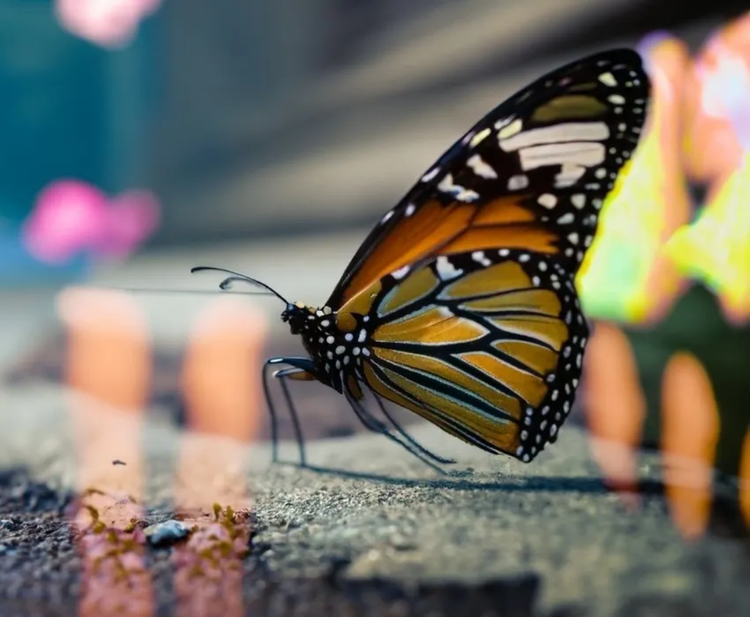
Benefits of Generative AI
New generative AI tools are quickly changing how we work and create. Learn how you can use them to boost productivity and discover new possibilities while maintaining creative control.
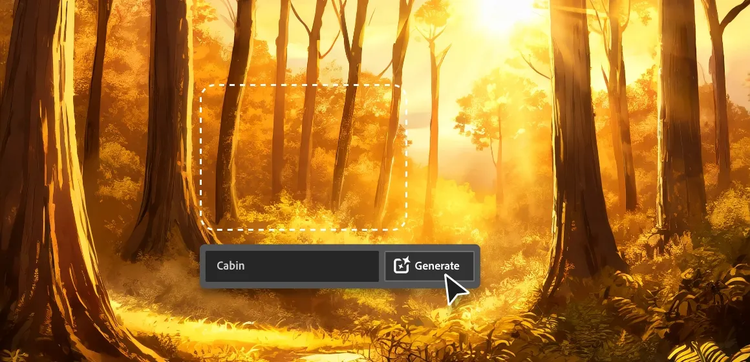
AI for Graphic Designers
Discover how AI for graphic design and Adobe tools like Firefly, Photoshop and Illustrator can speed up your workflow and expand your creative possibilities.
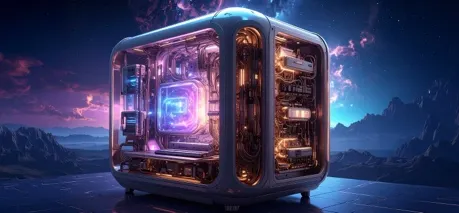
How Generative AI Works
Generative AI is all over the headlines and that’s not empty hype. This new technology is likely to be part of your life soon — if it’s not already. Learn how generative AI works and start streamlining your workflow.
AI Art Prompts
The best prompts for AI aren't always obvious. These tips get you to your destination in record time.