https://main--cc--adobecom.aem.live/cc-shared/assets/img/firefly.svg Adobe Firefly

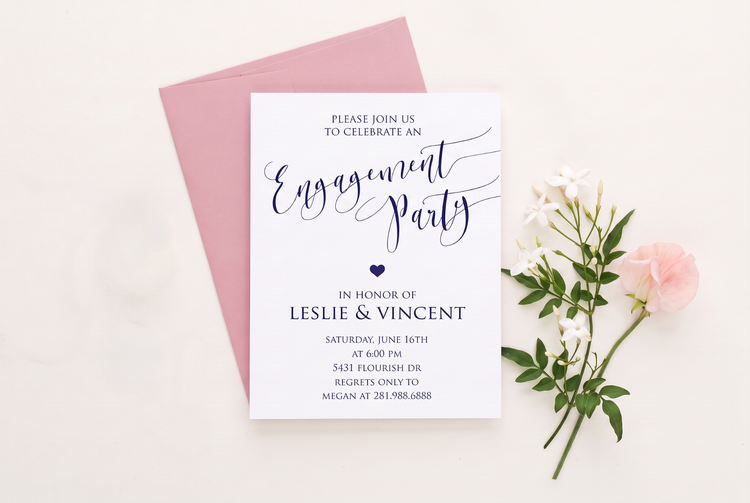
Generate free engagement party invitations with Adobe Firefly.
Describe the couple, the celebration vibe or a favourite detail about their story and Adobe Firefly will generate a free customised invitation design to match. Adjust the layout, colour palette and mood.
- image
- Describe a subject, an action, a place, a mood or a style.
- Adobe Generative AI Terms
- https://main--cc--adobecom.aem.live/creativecloud/animation/testdoc/unity/generate.svg Generate
- Describe the engagement party invitation you want to generate
- Prompt
- Tip
- Unable to process the request
- Please describe what you want to generate.
- Prompt exceeds the max length of 750 characters
- engagementPartyInvitations
- Enter prompt


https://main--cc--adobecom.aem.live/cc-shared/assets/img/product-icons/svg/firefly-80.svg

Adobe Firefly
The next evolution of creative AI is here for all your ideas, with image, video, audio and vector tools.
What is an engagement party invitation generator?
An engagement party invitation sets the tone before a single guest arrives. Adobe Firefly turns your ideas into customised invitation art for free, so you can go from a blank page to a design that captures the couple’s story. Explore looks from elegant script and soft florals to bold modern typography, all shaped by your own prompts.
Create an invitation design from a simple prompt.
Describe the layout and details you want to include and watch as Adobe Firefly turns it into a design. Use words like “elegant” or “pastel floral palette” to set the mood and make sure to write out the names and date you want to appear on the invitation. Adobe Firefly will turn your prompt into a fully composed invitation image.
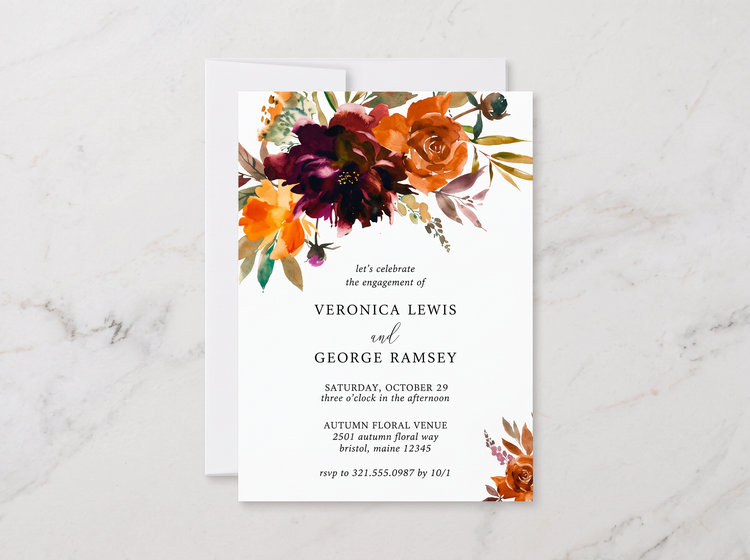
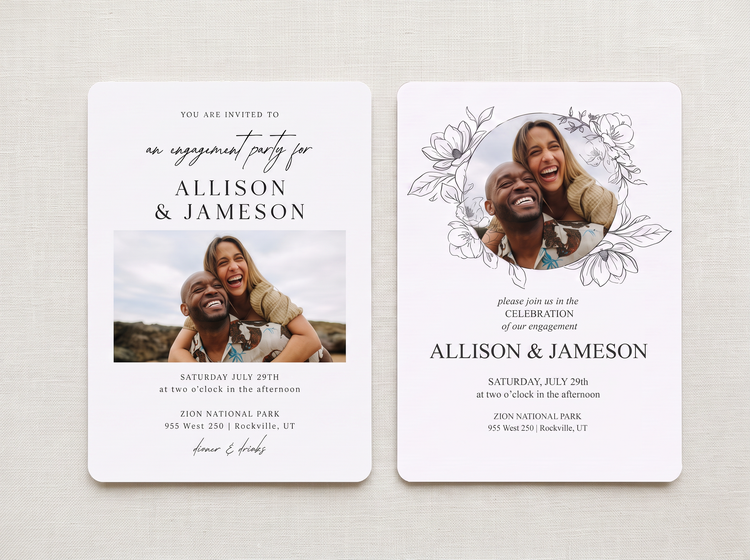
Create engagement party invitations for any style of celebration.
Whether it's a backyard gathering, a formal dinner or a destination event, include style references in your prompt to dial in the colour palette, typography style and layout so your invitation matches the celebration you're planning.
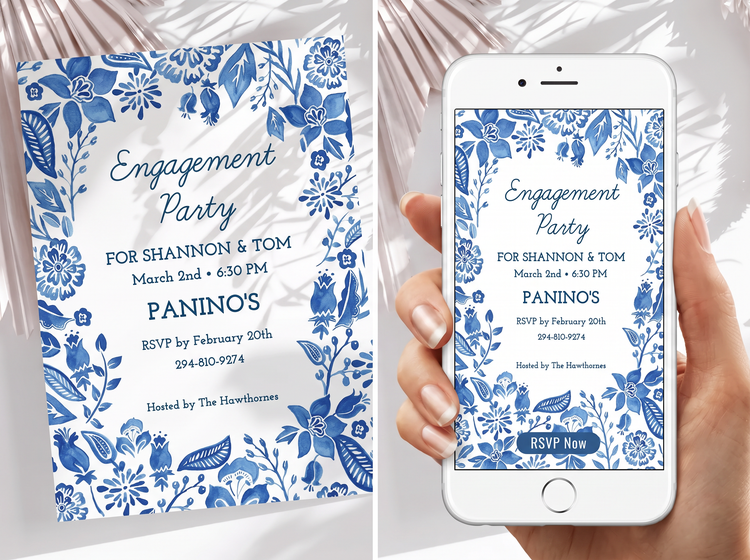
Get your invitation ready for print, phone or email.
Use the built-in aspect ratio options in Adobe Firefly to reformat your design for print, digital invites and social announcements. It’s simple refine the design for every part of the celebration.
How to generate an engagement party invitation with Adobe Firefly.
Step 1
Open Adobe Firefly and select Generate Image.
Step 2
Describe your engagement party invitation.
Step 3
Adjust your style settings.
Step 4
Generate and refine your results.
Step 5
Download your engagement party invitation image.
Steps on how to generate an engagement party invitation using Adobe Firefly Generate Image.
PT3M
firefly
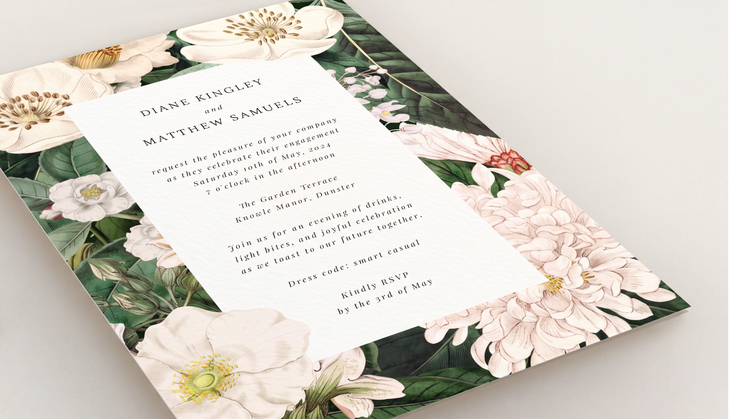
Precise creative control
Adjust the layout, the colour palette and the typography in your prompt, then fine-tune the style settings until the invitation looks the way you pictured it. A few small tweaks can carry the design from casual to formal.
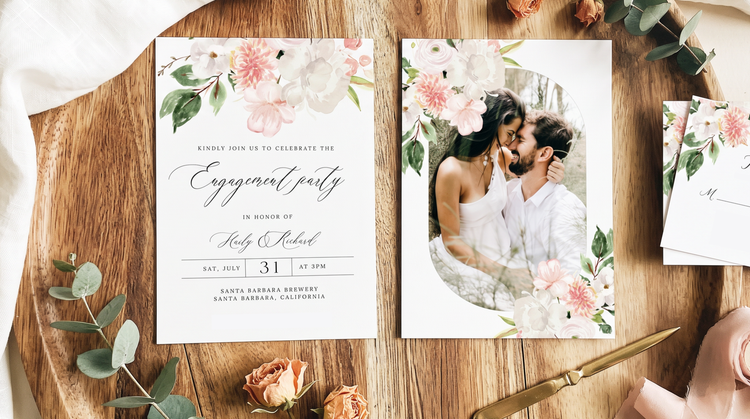
Top AI models, all in one place
Adobe Firefly brings together its own models and top partner models from FLUX, Google, OpenAI and others into a single workspace. Try each one on your invitation concept to see which variation you like best.
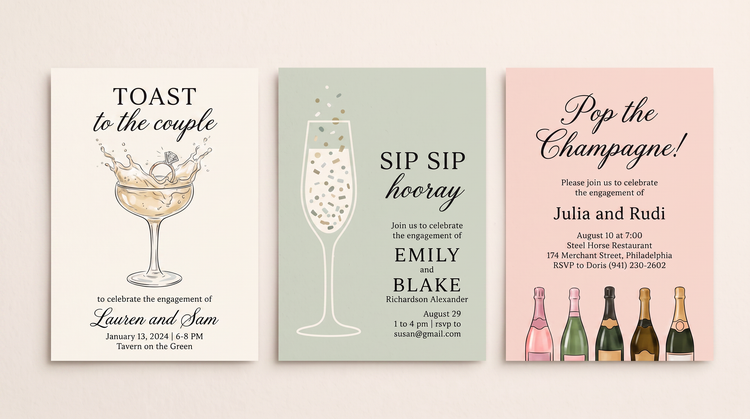
Your complete creative space
Firefly covers the whole arc of a creative idea in one place. Describe what you want, choose a model, adjust the details and land on a finished invitation without switching apps.

Built for creators
Create with ease, move fast when you need results now or refine every detail when precision matters. Firefly gives you the quality, speed and flexibility to create your way, without the complexity.