



Free photomontage maker.
Showcase your latest product line or highlight key moments from your latest business event and turn them into a social post or online ad with the photomontage maker from Adobe Express. Upload your favorite photos and let the collage maker seamlessly merge them into a unified and eye-catching montage.
1. Upload.
Choose photos from your camera roll or desktop to upload to the photomontage maker.
2. Customize your photomontage.
Choose your desired grid layout. Adjust the border spacing, swap images around, or crop them until everything is just right.
3. Continue editing.
Download your new photomontage or keep editing within the Adobe Express editor. Add animations, filter effects, or an audiotrack if you’d like.
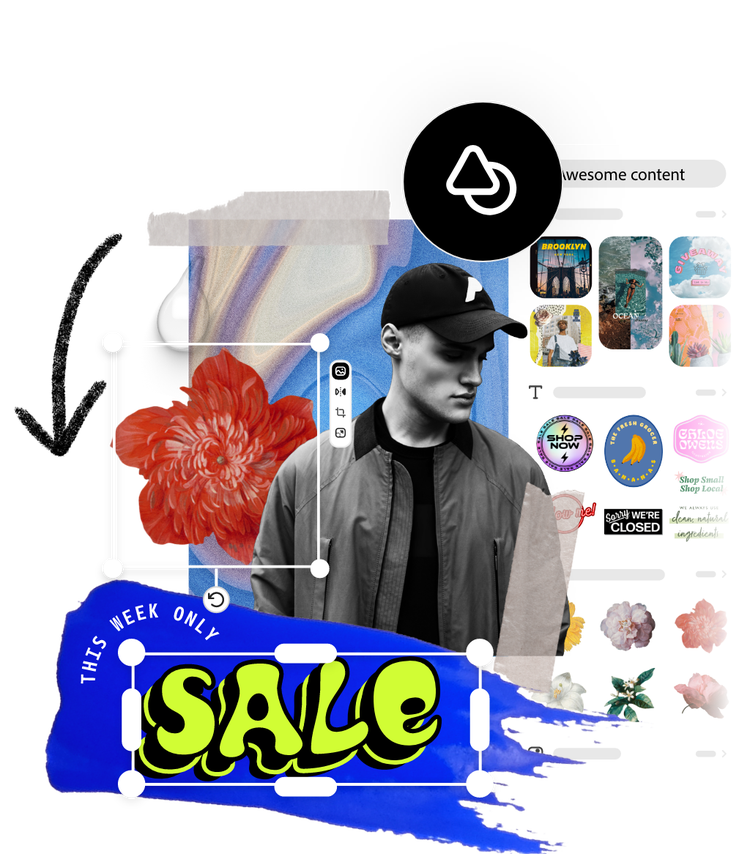
Brand your photomontage right in Adobe Express.
Whether you're unveiling interior design renovations, announcing the opening of your yoga studio, or launching a new collection of ceramic mugs, Adobe Express provides all the design tools necessary to effortlessly bring your ideas to life and make a lasting impression on your audience. Once you’ve made your photocollage, you can apply your logo, color schemes, and fonts to your design within the Adobe Express editor.
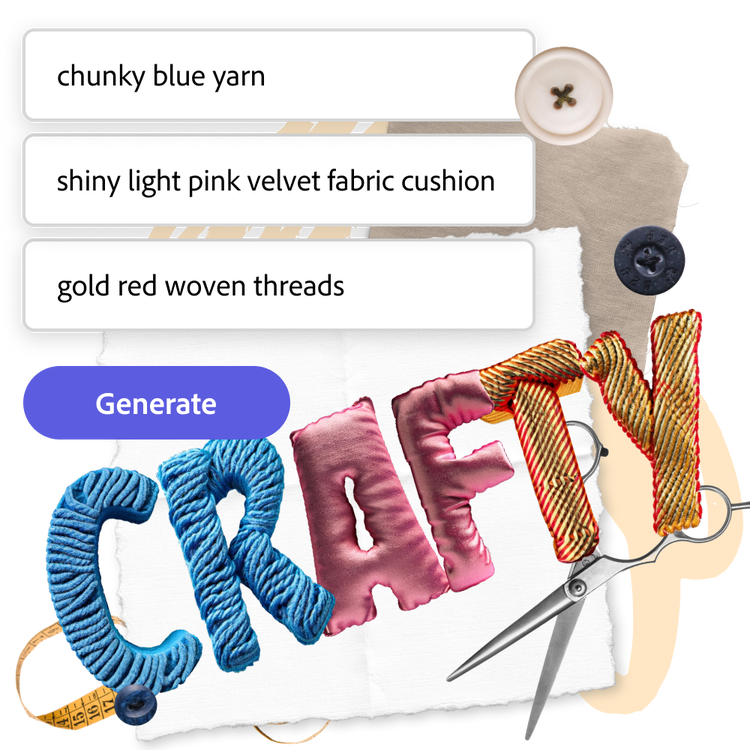
Make your photomontage pop with Generate Text Effect.
Do even more with your photomontage when you edit it even further in the Adobe Express editor. Use Generate Text Effect to create one-of-a-kind textures for your text just by typing in a simple prompt. Create attention-grabbing letters made of chunky blue yarn, threads, pink velvet fabric cushions, or almost anything else you can think of.
Share your photomontage anywhere.
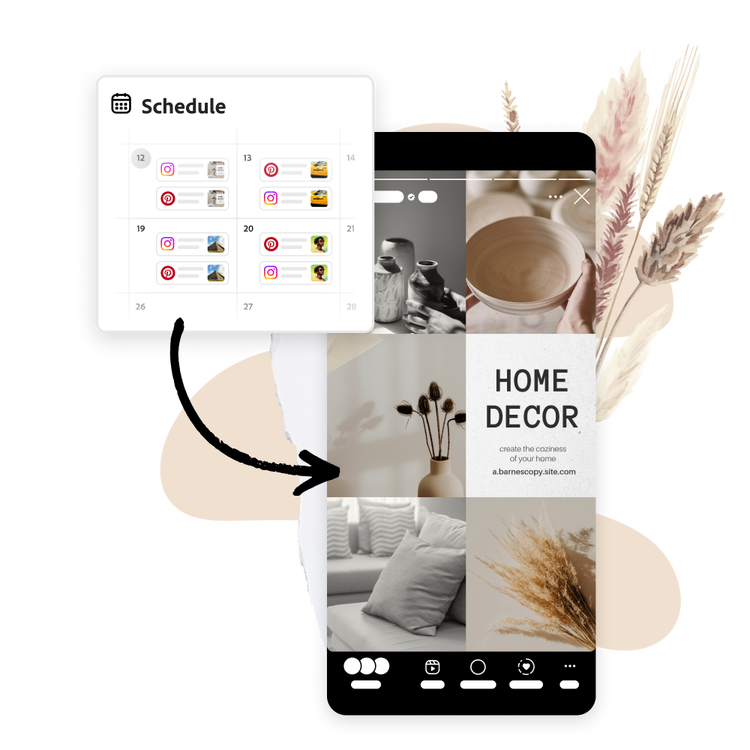
Plan on sharing your new photomontage on social media? Or looking to print your design? Plan and schedule when and where you want to share your new photomontage with the built-in Content Scheduler available in the full Adobe Express editor. With a Premium plan, you can resize the dimensions of your photomontage to fit any social platform or print size you wish in one click.
Craft personalized photo montages with templates at your side.
Create stunning photomontages for any occasion with Adobe Express. Whether you’re looking to scrapbook your favorite memories or amp up your social posts, upload your photos to the photomontage maker and watch as they’re automatically combined into a stunning collage or pick from one of the customizable templates below to kickstart your design process. Add your own fonts, graphics, animated effects, and so much more within the full Adobe Express editor.


Frequently asked questions.
Can I make more than one photomontage?
Absolutely. You can make as many photomontages you like. Enjoy uploading your favorite photos in multiple batches and see how the photomontage maker shuffles them into one stunning layout. You can also drag and drop images to rearrange them exactly how you like.
What is the max number of photos you can create?
You can include up to nine photos in your photomontage.
Which social media channels can you resize for?
In the Adobe Express editor, you can resize your photomontage to fit the dimensions of all your favorite social channels, including Instagram, Facebook, YouTube, TikTok, Pinterest, LinkedIn, Twitter (X), and Snapchat.
Does Adobe Express have a photo montage template?
Yes. The photo collage maker in Adobe Express offers more than just image placement. Explore a range of templates of various styles until you’ve found one you like. From minimal template styles to something more colorful, it’s easy to find and customize a template that fits your needs.
Can I use Adobe Express for free? If so, what’s included?
Yes, we have a free plan available for anyone. Enjoy everything you need to stand out, including dozens of Quick Action tools, thousands of templates, photo editing and effects, and much more. Visit our plans and pricing for details.
illustrator

