
Firefly AI Assistant: A new way to create.
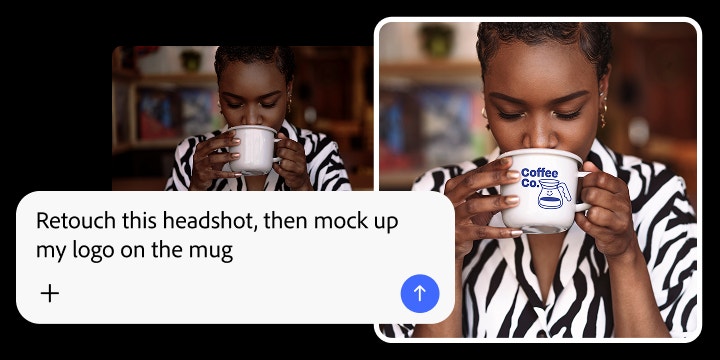
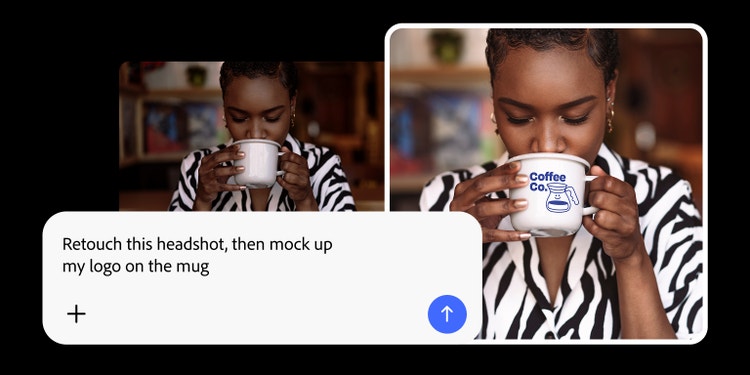
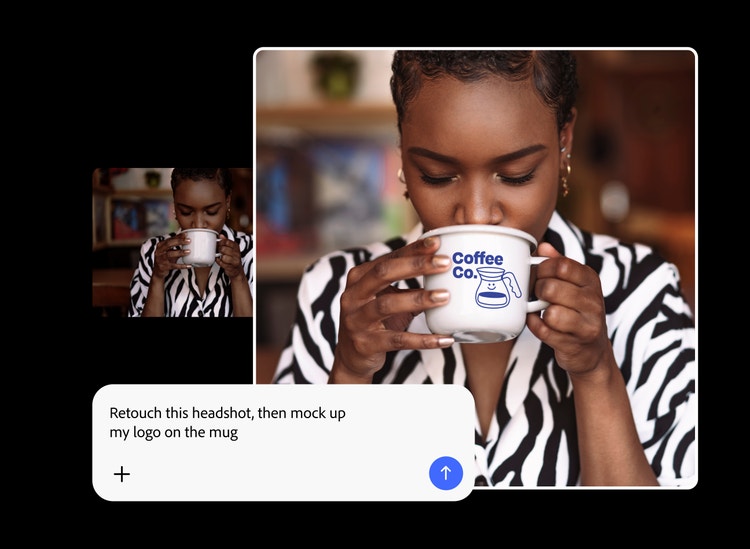
Meet your new creative assistant with the Adobe skills and tools you need to get any project done fast. Tell Firefly AI Assistant (beta) what you need, and it will use tools from apps like Photoshop, Illustrator, and more to complete multistep projects in moments.
https://main--cc--adobecom.aem.live/cc-shared/assets/img/product-icons/svg/firefly-80.svg

{{nbsp}}
Try Firefly AI Assistant | Try Firefly AI Assistant - Adobe Firefly
https://main--cc--adobecom.aem.live/cc-shared/assets/img/product-icons/svg/firefly-80.svg
Adobe Firefly
The next evolution of creative AI is here for all your ideas, with image, video, audio, and vector tools.
Try Firefly AI Assistant | Try Firefly AI Assistant - Adobe Firefly
https://main--cc--adobecom.aem.live/cc-shared/assets/img/product-icons/svg/firefly-80.svg
Adobe Firefly
The next evolution of creative AI is here for all your ideas, with image, video, audio, and vector tools.
Try Firefly AI Assistant | Try Firefly AI Assistant - Adobe Firefly
From idea to final project, in a conversation.
From fully realized social content to polished mock-ups, just describe your project to Firefly AI Assistant and it will automatically choose the right Creative Cloud tools for each task and quickly complete it. No need to switch apps, navigate menus, or hunt for tools.
The best of Creative Cloud, all in one place.
Tools from Photoshop, Illustrator, Premiere, and more are seamlessly connected within Firefly AI Assistant. Whether you’re creating a mockup or retouching photos, you can count on high-quality results made with the industry-standard tools creatives depend on worldwide.
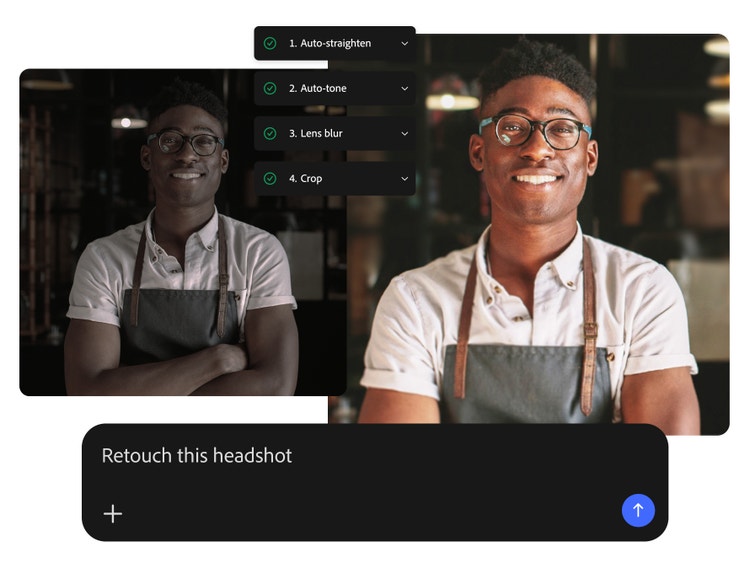
You direct, Firefly AI Assistant gets it done.
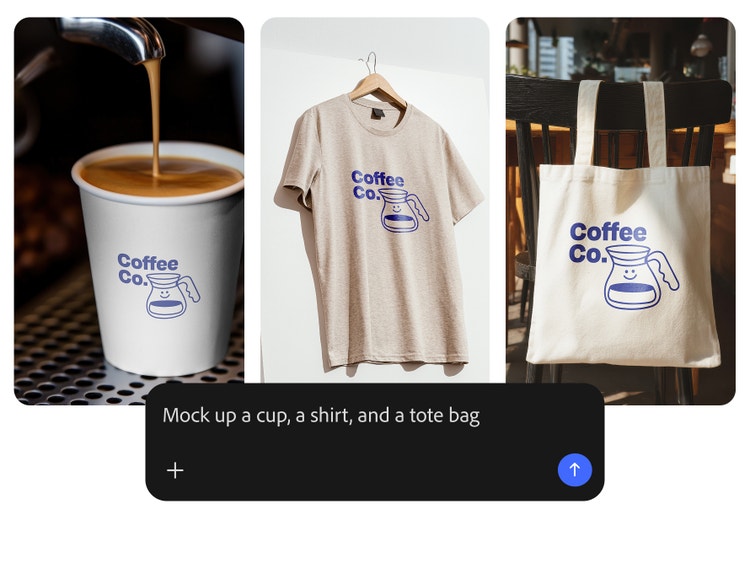
With Firefly AI Assistant, you’re always in control. Describe your desired outcome, and the assistant orchestrates multi-app workflows and suggests actions. Step in at any point to refine, redirect, or adjust details.
Kick-start complex workflows with Creative Skills.
Creative Skills are ready-made workflows that handle multistep creative tasks from a single prompt. Try skills like Portrait Retouch, Social Media Assets, Mockup Studio, and more, so you can go from idea to polished output in moments.
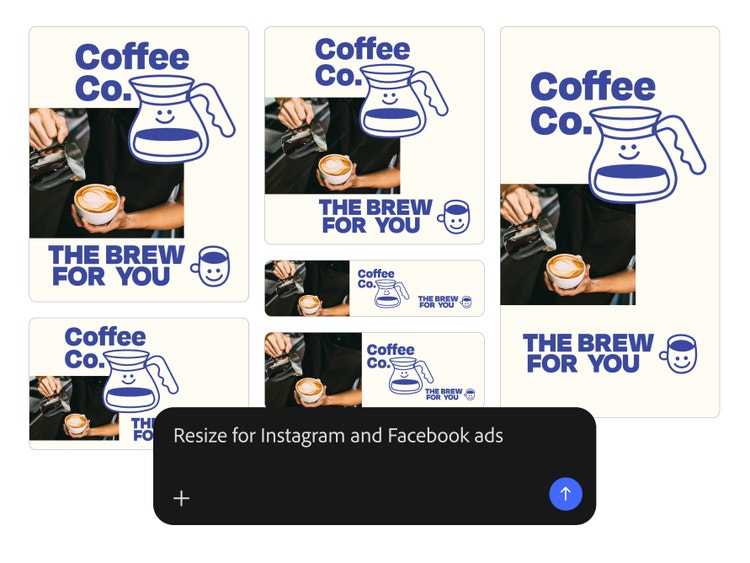

High-quality, production-ready results.
Firefly AI Assistant produces polished designs you can use right away. Download your files and apply them to projects as-is, or open them in Creative Cloud apps to refine every detail. The creative vision is yours — realize it faster with Firefly AI Assistant.
Get more done with Creative Skills.
Jump-start projects quickly with the Creative Skills library, a set of prebuilt workflows available in your Firefly AI Assistant home page. Quickly retouch portraits, spin up social campaigns, and more.

Portrait Retouch
Drag and drop a photo set into Firefly AI Assistant for a quick batch edit. The assistant seamlessly brings together tools from Photoshop and Lightroom to adjust exposure and highlights, add background blur, crop, and more — applying them to the whole set so you only edit once.
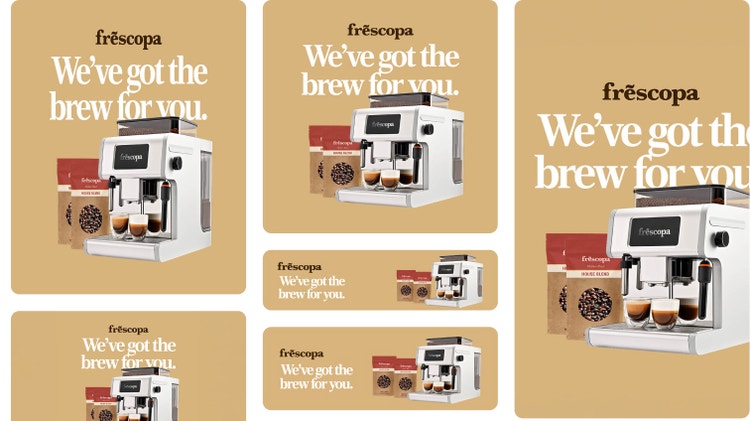
Social Media Assets
Upload a single hero asset and Firefly AI Assistant can generate smart crops for every platform, automatically resizing and reframing your content. Using Generative Expand, the assistant will carefully reformat your content so your images and text look natural everywhere you post.

Mockup Studio
Upload your logo and a blank product image, then quickly combine them with natural-looking results. Firefly AI Assistant will scale and align your logo to the product, matching details like texture and lighting, so it looks printed on, not pasted. Fine-tune your designs with a simple prompt.
How to use Firefly AI Assistant.
Learn how to go from idea to production-ready with Firefly AI Assistant.
Step 1
Open Firefly.
Step 2
Describe your outcome.
Step 3
Send your project to Firefly AI Assistant.
Step 4
Refine and redirect.
Step 5
Download your results.
- How to use Firefly AI Assistant.
- Steps on how to use Firefly AI Assistant.
- PT5M
- firefly