
Tap to upload an image.
File must be JPEG, JPG or PNG or WEBP and up to 40MB
https://main--cc--adobecom.aem.live/cc-shared/assets/img/upload-white.svg Upload your photo

By uploading your image or video, you agree to the Adobe
Terms of Use and Privacy Policy
Tap to upload an image.
File must be JPEG, JPG or PNG and up to 40MB
https://main--cc--adobecom.aem.live/cc-shared/assets/img/upload-white.svg Upload your photo
By uploading your image or video, you agree to the Adobe
Terms of Use and Privacy Policy
Drag and drop an image
to try it today.
File must be JPG or PNG
and up to 40MB
https://main--cc--adobecom.aem.live/cc-shared/assets/img/upload-white.svg Upload your photo
By uploading your image or video, you agree to the Adobe
Terms of Use and Privacy Policy
- File size larger than 40MB
- Unable to process the request
- We are unable to process this file type. Please try again.
- Only one file can be uploaded at a time.
- Image is smaller than the minimum dimensions (512 x 512 pixels). Please resize and try again.
- promoid=4X3B8PFS&mv=other
https://www.adobe.com/cc-shared/assets/img/product-icons/svg/firefly-appicon-64-new.svg

Adobe Firefly
https://www.adobe.com/cc-shared/assets/img/product-icons/svg/firefly-appicon-64-new.svg
Adobe Firefly
https://www.adobe.com/cc-shared/assets/img/product-icons/svg/firefly-appicon-64-new.svg
Adobe Firefly
Use everyday language to create extraordinary results with generative AI.
Repair photographs for yourself or your business.
Use AI photo repair tools to quickly restore cherished family pictures or improve the quality of old photos for ad campaigns and other marketing projects.
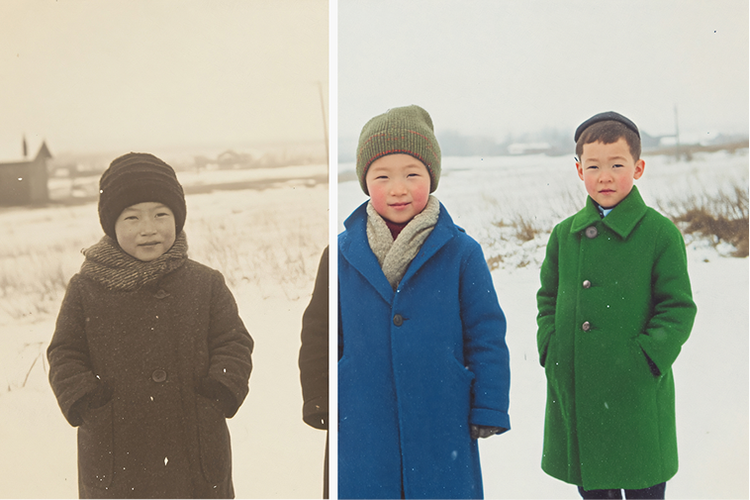
Restore photos with AI.
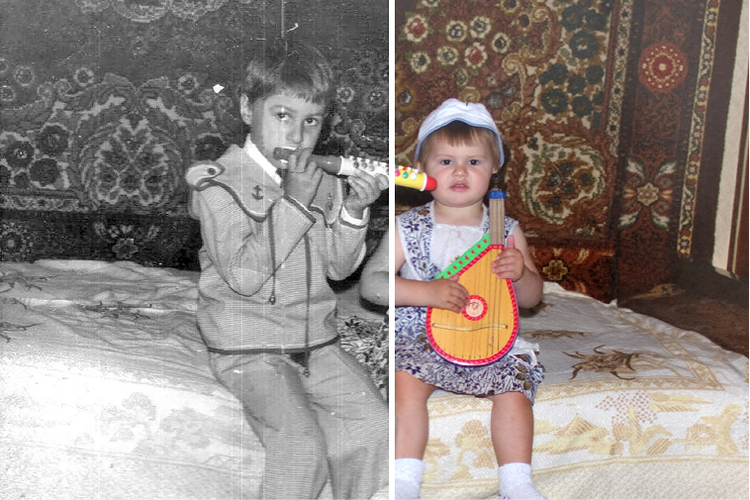
Colorize old black-and-whites.
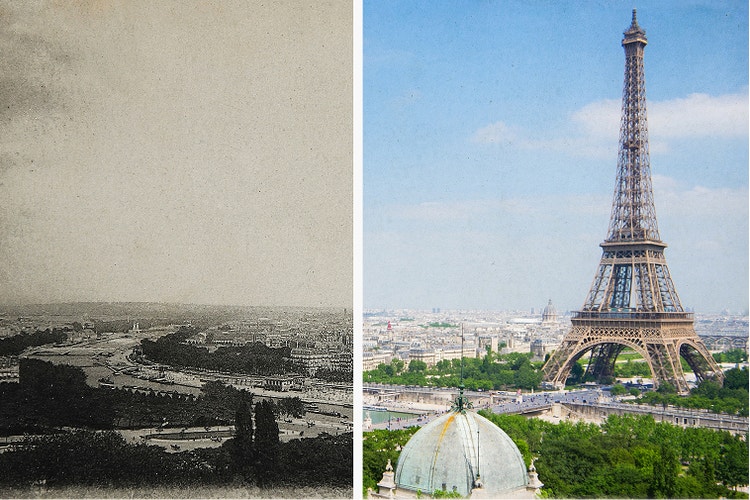
Sharpen faded photos for marketing campaigns.
AI photo restoration has never been easier.
You don’t need advanced editing skills to quickly fix old or damaged images using Firefly generative AI. Firefly analyzes texture, lighting, and patterns from historical photographs to restore details, repair damage, and enhance image quality automatically.
Repair photographs to remove years of wear and tear.
If you’ve got old pictures, restoration takes just a few steps with Firefly. Use photo editing features like Generate Image and Generative Fill to fix everything from tears and scratches to spots and color fading, performing complex edits in no time.
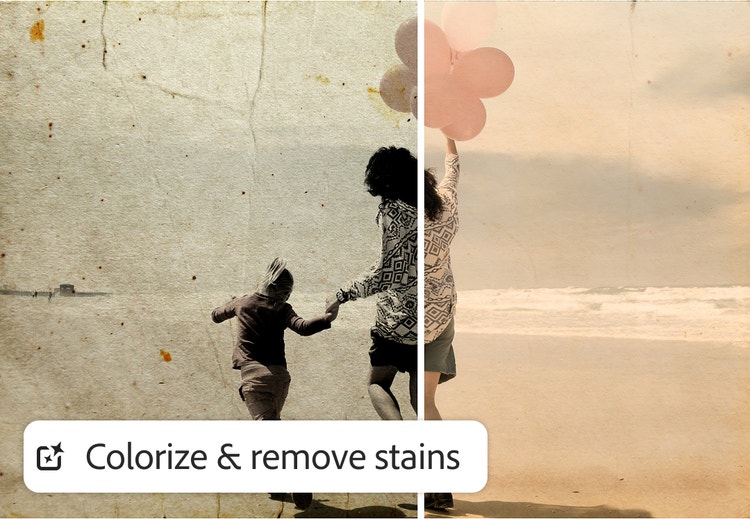
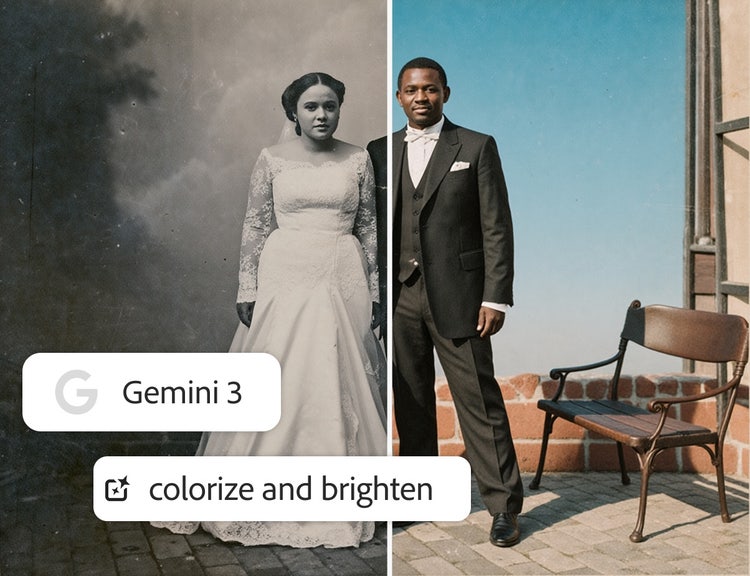
Perform AI photo restoration without losing the original feel.
When you use Firefly to repair photographs, you can count on it to help you maintain the integrity of scenes, facial features, and object details. And you can access partner models like Gemini 3 right inside Firefly to ensure high character accuracy in signage and other text elements.
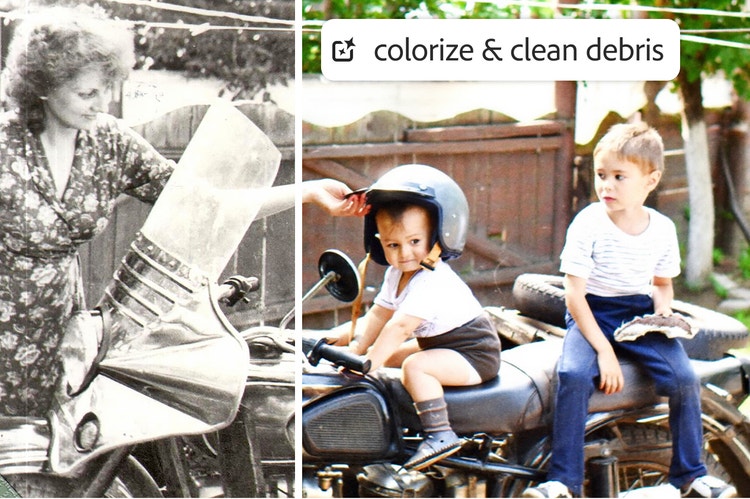
Bring faded colors and black-and-whites to life.
Restore vibrancy and detail to dull or monochrome images. Simply upload your images and use simple text prompts to request old picture restoration with natural color — no overprocessing.
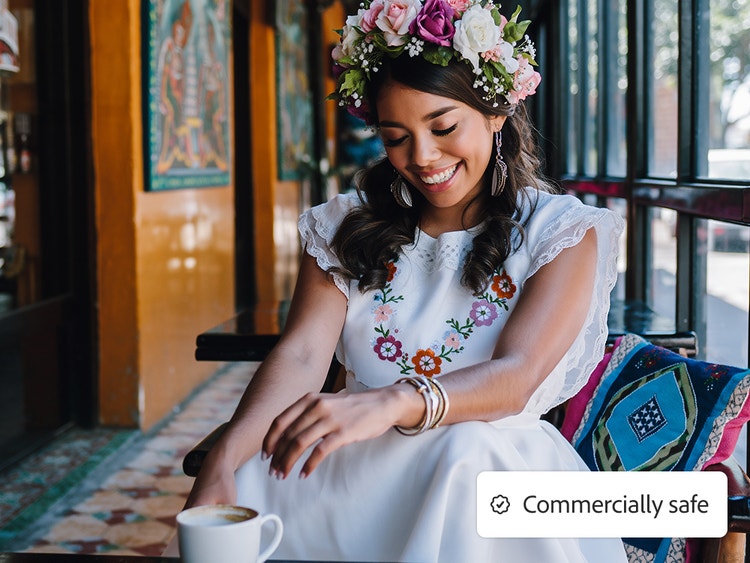
Count on commercially safe AI photo repair.
Firefly models are built for commercial use, so you can repair photographs for marketing or advertising projects without worrying about copyright issues or usage rights. Learn more about the ethical principles that guide Adobe’s AI development.
How to repair photographs with Firefly.
In just a few steps, you can easily breathe new life into old or damaged photos using simple text prompts and Firefly image generation tools.
- Open the AI image generator in Firefly.
To get started, log in to Adobe Firefly with your Adobe ID or create a free account if you don’t have one. Then choose the Generate Image feature to perform old picture restoration. - Upload an image and write a text prompt to start AI photo repair.
In the prompt field, type a clear description of how you’d like your old photo enhanced. Start with at least five words for the best results, such as “erase the scratches and spots in this photo” or “bring the color back to this faded picture.” - Generate your AI image.
Click Generate and wait a few seconds for the AI photo restoration to happen. - Refine, edit, and regenerate.
Firefly is a powerful old photo enhancer, but even if you’re happy with your results you may want to see more variations. You can refine your image by tweaking your prompt or adjusting the Firefly settings for a fresh result. - Download and share your restored photo.
Once you’re happy with the result, you can download it, copy it to your clipboard, share it on social media, or create a high-quality print suitable for framing.
Why choose Firefly for AI photo restoration?
AI photo restoration uses machine learning models trained on millions of images to repair damage, restore faded colors, and reconstruct missing details in old or deteriorated photographs. Adobe Firefly applies this technology to enhance photos while preserving the original structure, lighting, and artistic intent. You’ll get the following benefits:
- Realistic restoration: Whether you want to enjoy personal memories or turn vintage shots into marketing campaign images, Firefly generative AI models offer reliable, high-quality restoration of old pictures.
- Seamless Adobe Photoshop integration: Quickly bring your restored photos into the industry-standard image editor to add finishing touches and get pixel-perfect output.
- Trusted technology: When you choose Firefly as your old photo enhancer, you can achieve archival quality. You can also rest assured that results from Firefly models are safe for commercial use.
Discover even more features.
Generate graphic design Generate portrait Generate cartoon Generate art Generate anime Generate graffiti Generate drawing Nano Banana image editing
Questions? We have answers.
What’s the best AI photo restoration tool?
What specific types of damage, image formats, and image types can Firefly process?
Does Firefly support both color and black-and-white photos for AI photo restoration?
What is the quality and resolution of the final restored output?
What happens to my AI photo restorations, and is my data secure?
Can I restore my photos for free using Adobe Firefly?
Learn more about generative AI.
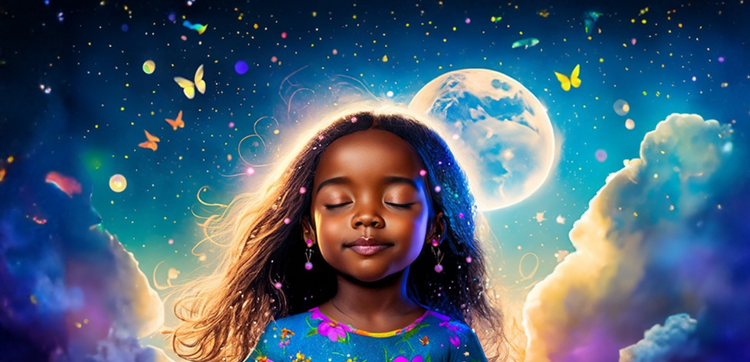
What is AI art and how is it made?
Generative AI is quickly becoming a vital tool for artists. Read on to learn about what generative AI art is, how to create it, and how you can use it in your practice.
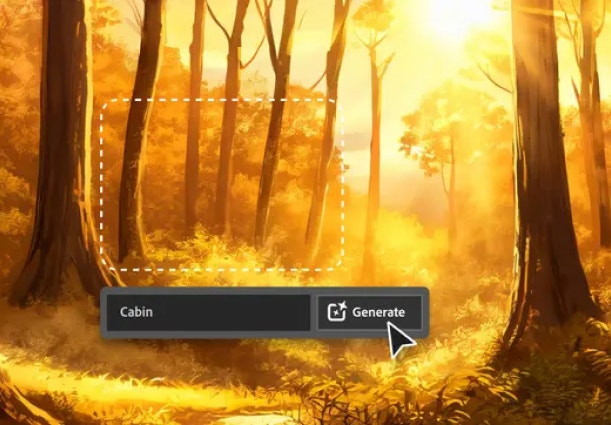
AI for graphic designers.
Learn about the AI tools available to graphic designers and how they can help you be more productive and take your work in surprising directions.
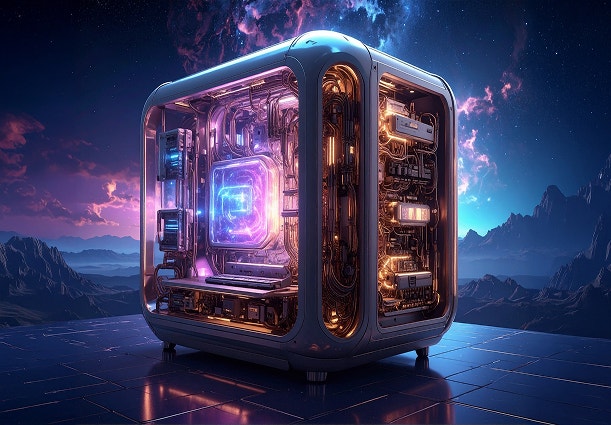
How generative AI works: From training to output.
Generative AI is all over the headlines, and that’s not empty hype. This new technology is likely to be part of your life soon — if it’s not already. Learn how generative AI works and start streamlining your workflow.
Learn how | Learn how - How generative AI works: From training to output
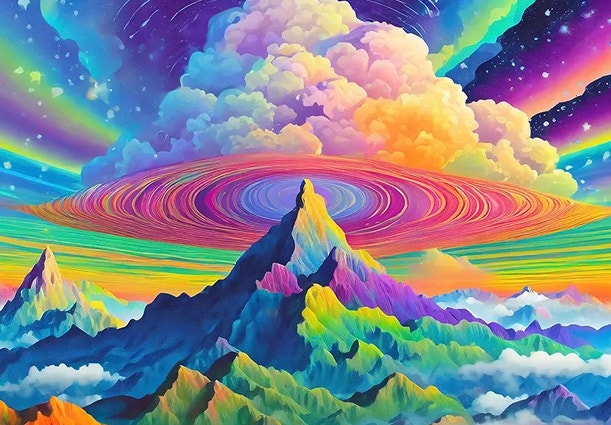
A creative revolution: The top three use cases for AI art.
Discover the many applications of AI art and how it’s transforming the creative landscape.
Learn more | Learn more - A creative revolution: The top three use cases for AI art