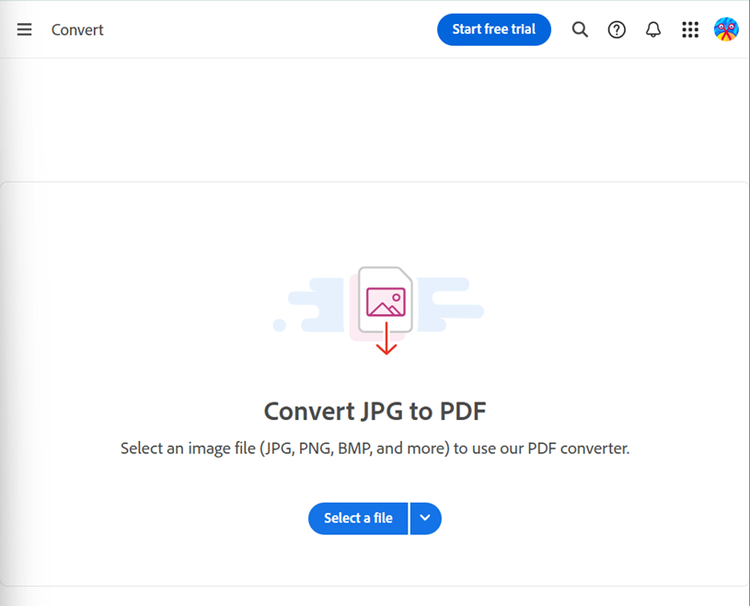
Yes, you can download specific images from WhatsApp and use an image-to-PDF converter to combine only those selected images into a PDF file.
Yes, WhatsApp allows you to export both individual and group chats. Just follow the same export chat steps and include media if needed.
When exporting chats, text content such as emojis and captions is preserved. Images will be included as media files that can be compiled into a PDF.
In most cases, the quality remains the same. If the original photo is clear, the PDF will preserve its sharpness, colours, and details.
You can use Adobe Acrobat’s Compress PDF tool to shrink the file size while maintaining image clarity. This makes it easier to send via email, WhatsApp, or upload to cloud storage.
Yes. Adobe Acrobat allows you to convert PDFs into images, so you can extract specific pages or pictures for use in presentations, reports, or social media posts.
Adobe offers both free and
paid plans. With the free version, users can enjoy basic PDF editing. Premium features like advanced AI tools and extensive editing capabilities require a subscription. You can also try these features with a
free 7-day trial before deciding on a plan.