DOCUMENT CLOUD
Form 16 password: how to open and remove it.
Need to open a password-protected Form 16 PDF? Learn the most common password formats, how to access these tax documents, and what to do if your password doesn't work.
DOCUMENT CLOUD
Need to open a password-protected Form 16 PDF? Learn the most common password formats, how to access these tax documents, and what to do if your password doesn't work.
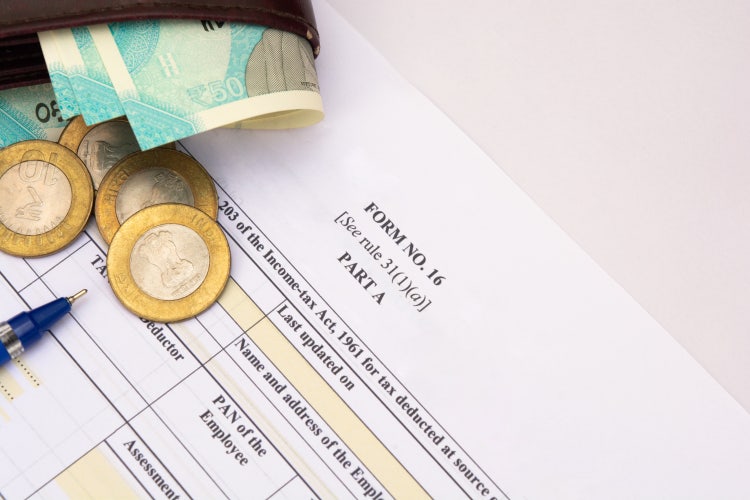
The Form 16 password is commonly the first 5 characters of the PAN in uppercase followed by your date of birth in DDMMYYYY format. For example, if your PAN is ABCDE1234F and your date of birth is 15 August 1990, your password may be ABCDE15081990.
Here are some more examples:
While many Form 16 PDFs use a standard password format, some employers apply their own security rules when distributing tax documents. If the commonly used password combination does not work, check the payroll email that accompanied the file or contact your HR or payroll team for the correct password.
Form 16 PDFs are typically protected with a password to help secure personal and financial information. If you have the correct password, follow these steps to open the document.
The password for a Form 26AS PDF is typically your date of birth in DDMMYYYY format. For example, if your date of birth is 1 September 1993, the password would be 01091993. Additional examples:
Before filing your ITR, it can be helpful to review your tax credits and TDS details in Form 26AS. You can download the statement through the Income Tax Department's e-Filing portal by following these steps:
If you need help with unlocking your ITR PDF, you can check out our guide about ITR documents passwords and how to open them.
If your Form 16 or Form 26AS password does not work, a formatting error is often the cause rather than an incorrect password.
If you regularly access your Form 16 or Form 26AS during tax filing, removing the password after authentication can make future access more convenient. Here's how to do it:
Form 16 and Form 26AS files are often uploaded while filing an income tax return, submitting documents to a tax consultant, or sharing records for financial verification. If your PDF exceeds a portal's file-size limit, compressing it can help reduce the file size while keeping the document readable. Here's how to do it:

Content as a Service v3 - Form 16 and Form 26AS resources
