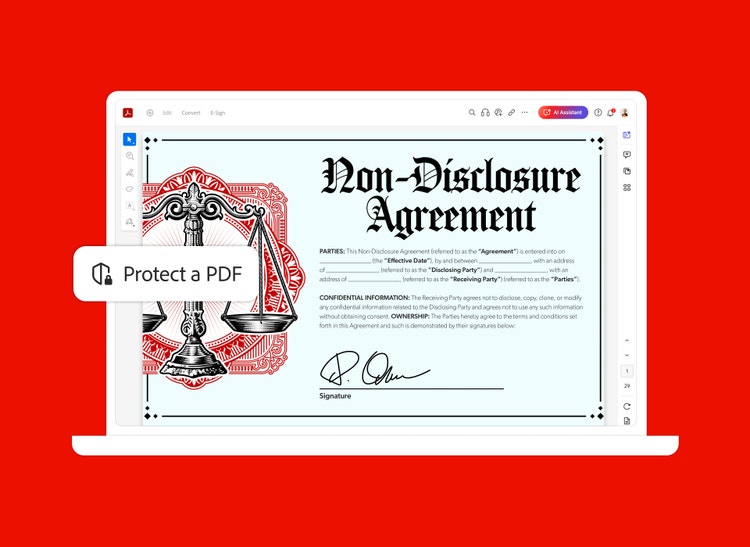


Have a protected PDF file with password protection that is no longer needed? With Adobe Acrobat on your desktop, unlocking your file is as easy as removing the password.


Have a protected PDF file with password protection that is no longer needed? With Adobe Acrobat on your desktop, unlocking your file is as easy as removing the password.

Quickly remove PDF password security from a PDF document you created if you no longer need the protection. Just type in the owner password, then opt to remove the PDF security. Now you have an unlocked PDF.

Not just anyone can unlock your PDF. Only people with permission can remove restrictions. If the PDF is secured with a server-based security policy, only the policy author or a server administrator can change it.
Get more out of Adobe Acrobat with these tips:
₹477.90/mo
incl. GSTFee applies of half your remaining annual commitment if you cancel after 14 days.The simple PDF tool for editing and converting documents.
Fee applies of half your remaining annual commitment if you cancel after 14 days.
₹638.38/mo
incl. GSTOur most comprehensive PDF solution with full convert and edit capabilities, advanced protection, and powerful e-signature features.
Filters
Sort
Popularity
Alphabetically
coll-no-results-text
Categories
REFINE YOUR RESULTS
Close
Special Offers – opens in a new window
filter by category
RESOURCES
1 result in
results in
coll-result-mobile-text
results in
1 result in
results for
1 result in
results in
Your search for returned no results
Your search for returned no results
View more
coll-all-filters-text
coll-filters-category-text
coll-filters-applied-text
coll-filters-results-text
coll-filters-reset-text
countdown-timer-text
License|Licenses

At Adobe, we’re serious about protecting your personal information. To ensure your account details are safe, we use Secure Sockets Layer (SSL), an industry standard for encrypting private data over the internet.


