Acrobat
How to summarise a PDF file using AI.
Learn how to effortlessly summarise lengthy documents with AI and convert complex PDFs into concise, clear summaries within seconds.


Acrobat
Learn how to effortlessly summarise lengthy documents with AI and convert complex PDFs into concise, clear summaries within seconds.
Published by Adobe Acrobat India on 26 March 2025
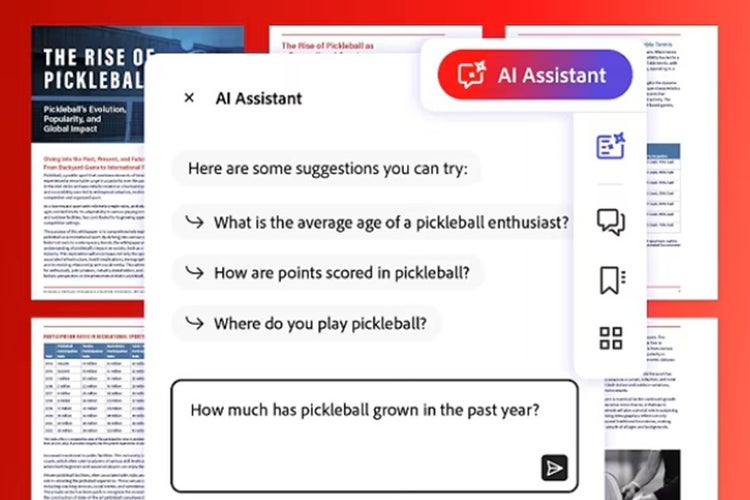
Our AI Assistant and generative summary feature is a great way to go through long documents. You can get an overview of any article, reducing your reading time significantly.
Whether you are working on extensive reports, academic documents, or searching for specific information, reading every word in a document can be exhausting.
By importing your documents into an Al Assistant, you can generate a summary of the key points instantly.
Acrobat PDF summariser with AI capabilities utilises artificial intelligence to thoroughly read any document before summarising it. Here's how you can use it:

An AI Assistant comes in handy for generating summaries of case studies, especially when going through large volumes of data to extract meaningful insights. Here's how different users can benefit from this feature:
By quickly turning large document content into brief summaries, the Acrobat AI PDF tool can compile information and build comprehensive, data-driven case studies.
An AI Assistant to generate summaries can be applied across industries and prove to be incredibly useful:
Follow these tips to make the most of your AI Assistant:
This way, you can leverage an AI Assistant to its full potential and improve document management efficiency by generating a summary of it.