https://main--cc--adobecom.aem.live/cc-shared/assets/img/firefly.svg Adobe Firefly

Generate perspective drawings with Adobe Firefly for free.
Describe the perspective drawing you want and Adobe Firefly will generate it in moments. Get clean vanishing points, converging lines and accurate depth sketches for illustrators and creators of all skill levels.
- image
- Describe a subject, an action, a place, a mood or a style.
- Adobe Generative AI Terms
- https://main--cc--adobecom.aem.live/creativecloud/animation/testdoc/unity/generate.svg Generate
- Describe the perspective drawing you want to generate
- Prompt
- Tip
- Unable to process the request
- Please describe what you want to generate.
- Prompt exceeds the max length of 750 characters
- drawingGenerator


https://main--cc--adobecom.aem.live/cc-shared/assets/img/product-icons/svg/firefly-80.svg
Adobe Firefly
https://main--cc--adobecom.aem.live/cc-shared/assets/img/product-icons/svg/firefly-80.svg
Adobe Firefly
The next evolution of creative AI is here for all your ideas, with image, video, audio and vector tools.
Generate perspective drawings with a simple prompt in moments.
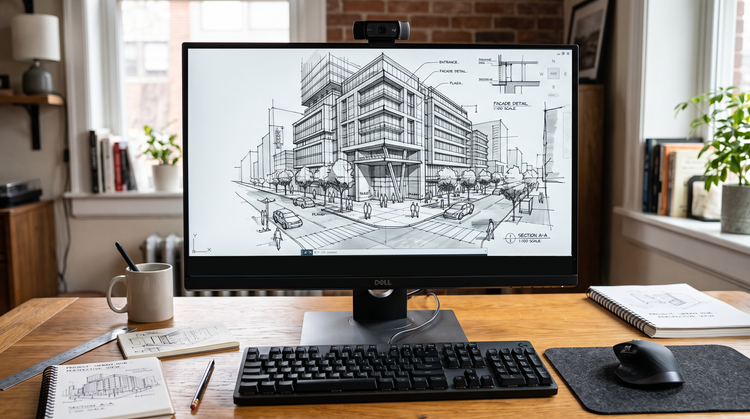
The AI perspective drawing generator applies accurate vanishing points, converging lines and proportional depth to sketches from your prompt, making them as technically sound as they are expressive. With Adobe Firefly, you can generate perspective drawing art for free in moments.
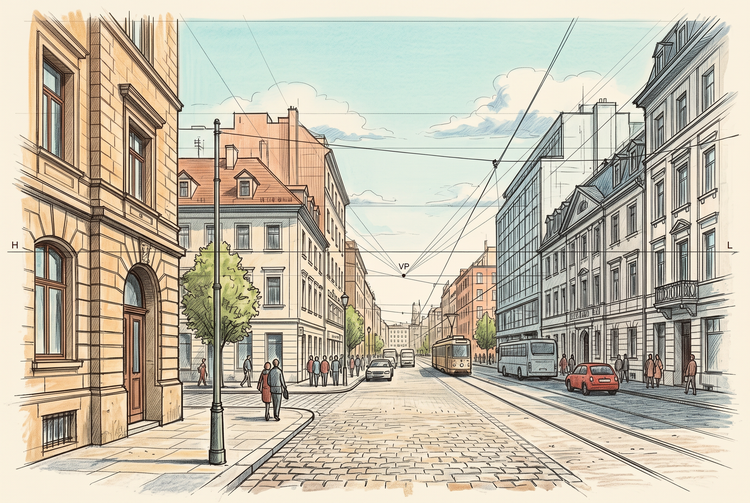
Explore one-point, two-point and three-point perspective with AI.
Using Firefly as a perspective drawing generator, you can experiment with vanishing points, horizon lines and depth across architectural, product and interior scenes. Adjust the viewing angle and the number of vanishing points to refine the geometry or find more inspiration on the Firefly community gallery.
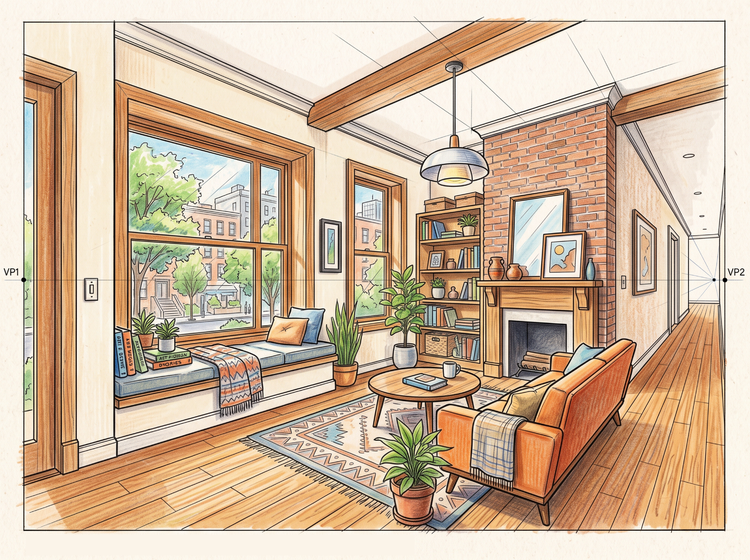
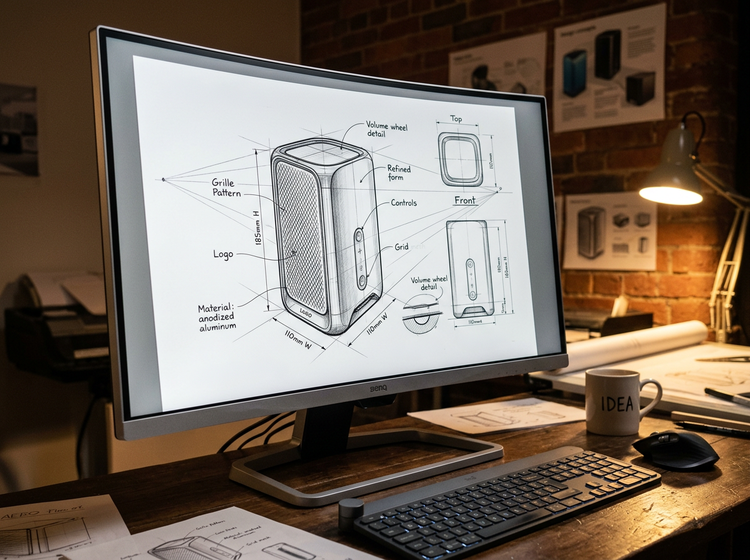
Create AI perspective drawings for any project.
Whether you’re designing architectural concepts, product mockups, comic panels or a personal sketch, the Firefly AI image generator makes it easy to generate perspective drawings for any project.
Easily refine your perspective drawing.
Take your sketch further with editing tools built into Firefly. Adjust line weight, shading and vanishing point placement or generate new variations to evolve your composition. Firefly helps you experiment with new styles first, then polish the result.
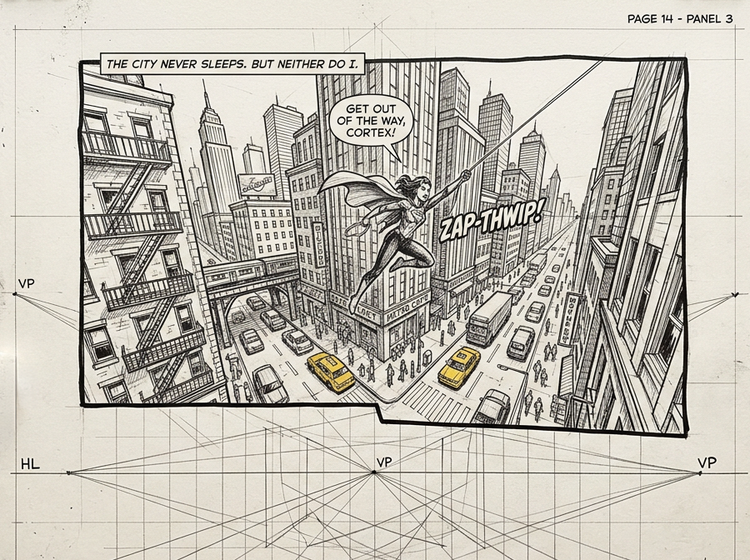
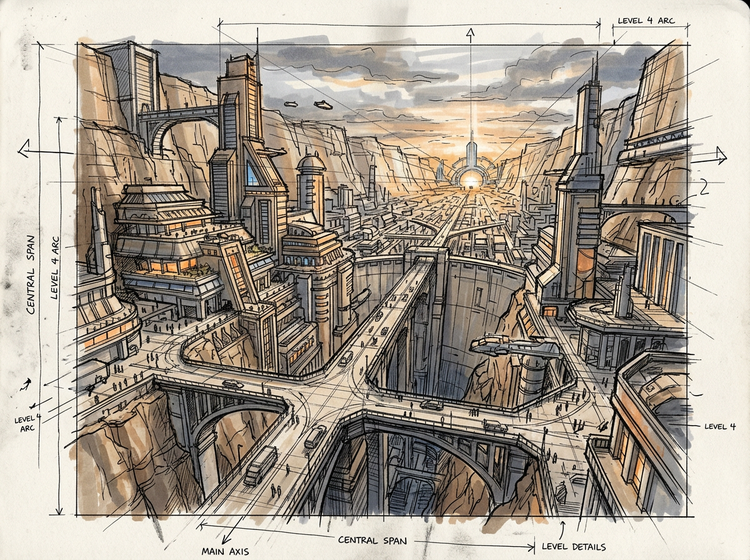
Create striking perspective drawings from any idea.
Perspective drawing works well for architectural renderings, concept art, comic panels and editorial illustrations, letting you generate accurate, gallery-worthy sketches quickly.
How to generate perspective drawing art.
Step 1
Open Adobe Firefly.
Step 2
Describe your perspective drawing.
Step 3
Generate your perspective drawing artwork.
Step 4
Refine in the Edit tab.
Step 5
Download or share.
Steps on how to generate perspective drawing art with Adobe Firefly.
PT5M
firefly
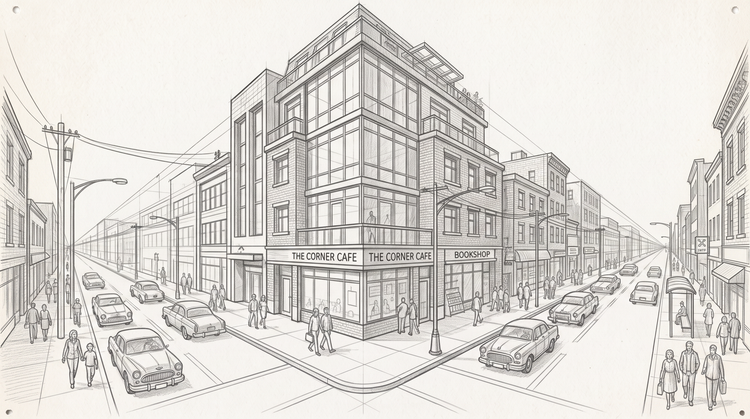
Accurate linear perspective
Adobe Firefly will render one-point, two-point and three-point perspective with consistent vanishing points and proportional depth, so your drawing holds together at every angle.
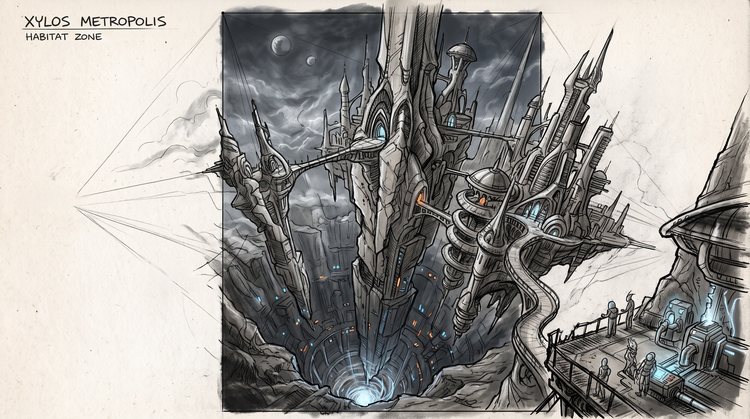
Full creative control
Adjust line weight, shading and composition after you generate. Fine-tune your perspective drawing until the geometry and mood match what you pictured by adjusting your prompts and settings.
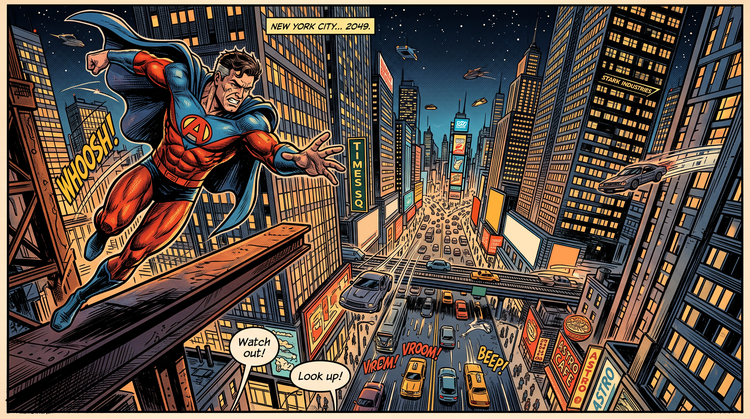
Top AI models, all in one place
Adobe Firefly pairs its own models with top partner models from FLUX, Google, OpenAI and more. Try a few, then select the one that best fits for your perspective drawing.
Seamless integration
Once you generate a perspective drawing, open it in Photoshop on the web for further retouching or bring it into Adobe Express to build a finished design.