https://main--cc--adobecom.aem.live/cc-shared/assets/img/firefly.svg | Adobe Firefly logohttps://main--cc--adobecom.aem.live/cc-shared/assets/img/ff-lockup-f4.svg | Adobe Firefly
Create realistic images with an AI random face generator.
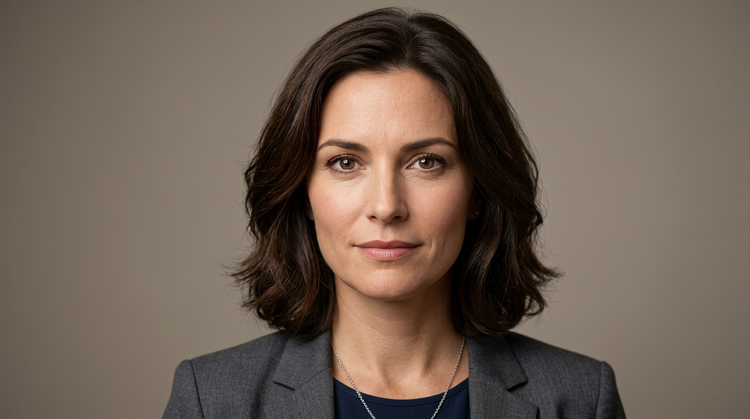
Generate realistic, diverse human faces from a text prompt with Adobe Firefly. Describe details such as age, expression, hair and eye colour and more to get detailed results quickly.
- image
- Describe a subject, an action, a place, a mood or a style.
- Adobe Generative AI Terms
- https://main--cc--adobecom.aem.live/creativecloud/animation/testdoc/unity/generate.svg Generate
- Describe the face you want to generate
- Prompt
- Tip
- A confident woman in her 30s with warm studio lighting
- promoid=6DWQ773W&mv=other
- Unable to process the request
- Please describe what you want to generate.
- Prompt exceeds the max length of 750 characters
https://main--cc--adobecom.aem.live/cc-shared/assets/img/product-icons/svg/firefly-80.svg
{{nbsp}}
Generate faces | Create realistic images with an AI random face generator.
https://main--cc--adobecom.aem.live/cc-shared/assets/img/product-icons/svg/firefly-80.svg
Adobe Firefly
Generate faces | Create realistic images with an AI random face generator.
https://main--cc--adobecom.aem.live/cc-shared/assets/img/product-icons/svg/firefly-80.svg
Adobe Firefly
The next evolution of creative AI is here for all your ideas, with image, video, audio and vector tools.
Generate faces | Create realistic images with an AI random face generator.
Realistic random faces you can actually use.
Create high-quality, photorealistic faces with the Adobe Firefly AI random face generator. Simply describe the face that will suit your project, then apply it to marketing campaigns, mock-ups for clients, brand kits and beyond.
Describe a face and generate it instantly.
All you need is a simple text prompt, such as "a confident woman in her 30s with warm studio lighting", to generate a realistic face. Adjust your description to explore different ages, expressions, hair styles and more.
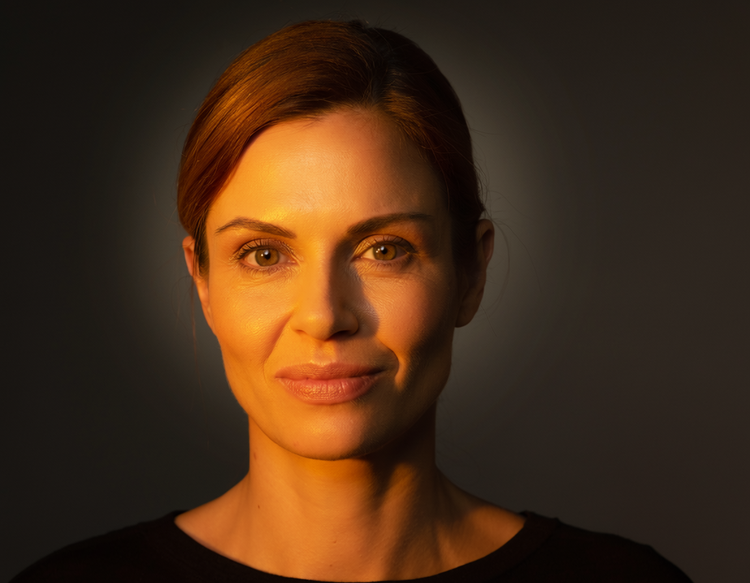
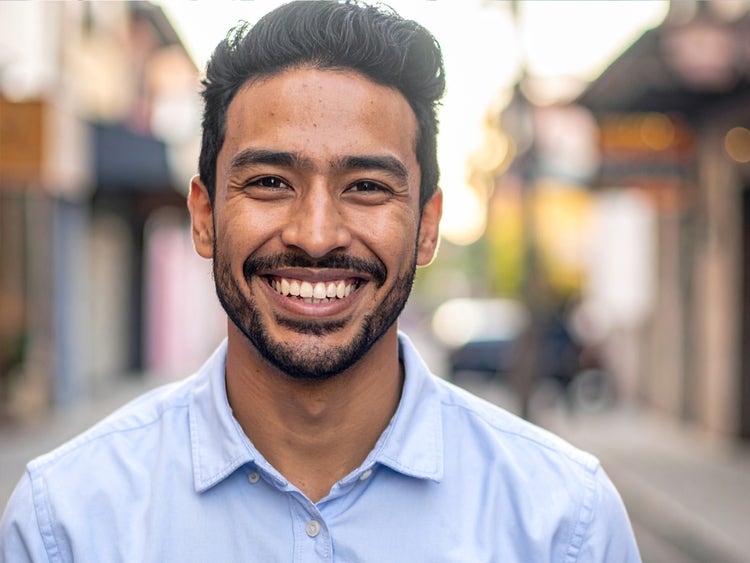
Customise every detail with precision.
Use detailed prompts to guide the lighting, facial attributes, mood, background and more. Upload a reference image to guide the look of your results and use the settings in Firefly to fine-tune style, composition, camera angle and more.
Apply your generated faces with confidence.
Firefly models are trained on Adobe Stock, licensed content and public domain material, so every face generated with a Firefly model is safe for commercial use in ads, product demos, social media, e-learning content and more.
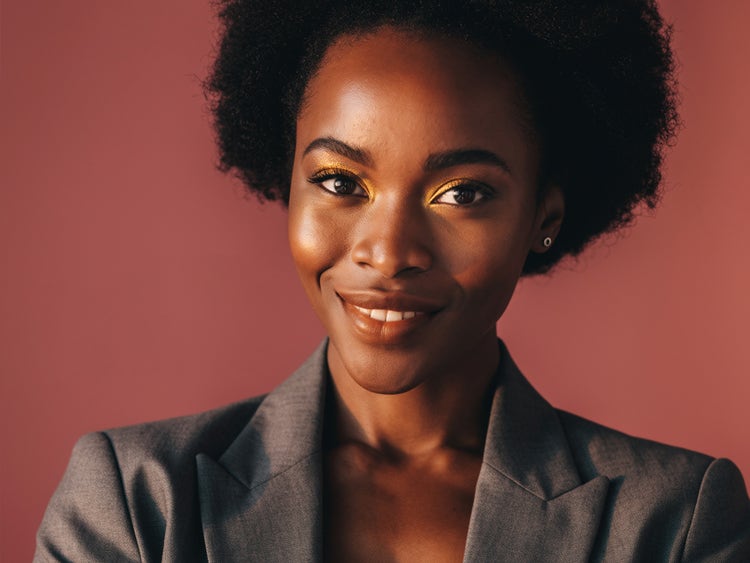
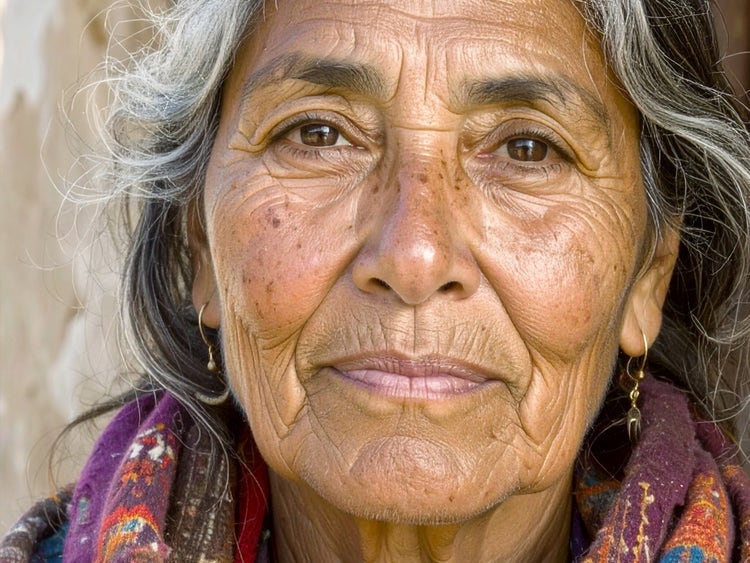
Refine in Photoshop on the web and Adobe Express.
Open your images in Photoshop on the web and Adobe Express directly from Firefly. Send your generated face images directly to Photoshop on the web for down-to-the-pixel retouching. Or export them to Adobe Express to apply design elements or use them in templates and videos.
How to generate random AI faces with Firefly.
Step 1
Open Adobe Firefly and select Generate Image.
Step 2
Describe the face you want.
Step 3
Adjust your settings.
Step 4
Click Generate and browse your results.
Step 5
Download and share.
Steps on how to generate random AI faces using Adobe Firefly Generate Image.
PT3M
firefly

Commercial safety
Create with Firefly models trained on Adobe Stock, licensed content and public domain content, so you can confidently use your generated graphics in professional and client work.
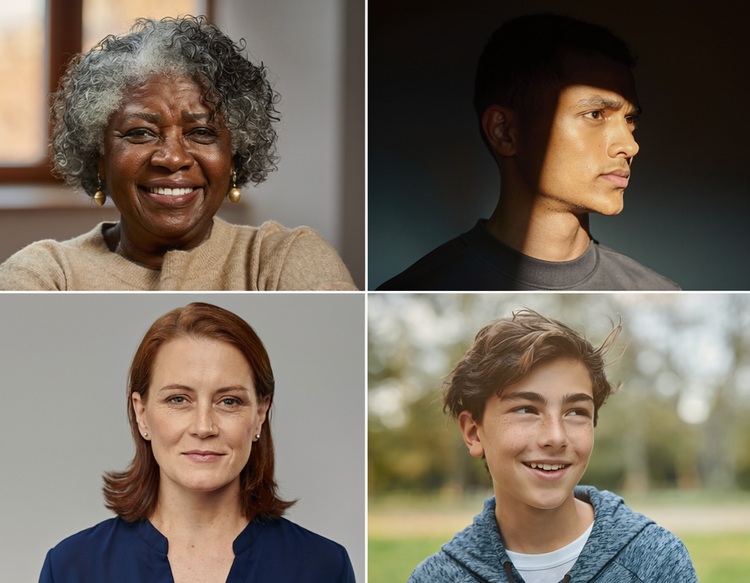
Precise creative control
Fine-tune every detail of your generated face. Use detailed prompts to describe everything from eye colour to expression and adjust settings to get the perfect camera angle, colour and tone and more.
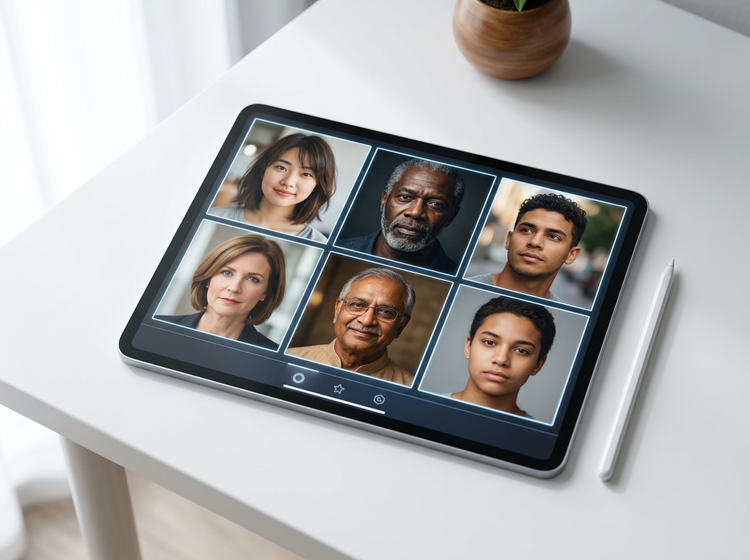
Lightning-fast results
Quickly generate realistic results, then fine-tune by adjusting your prompt or uploading a reference image to get just the look you want.
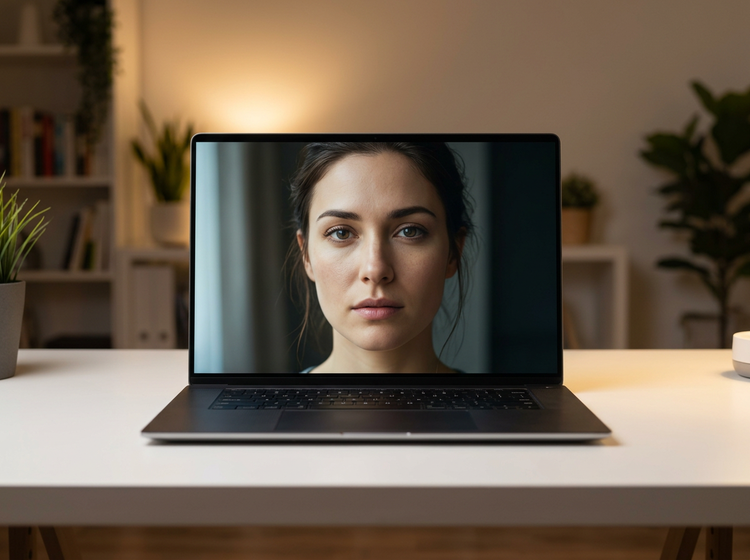
Seamless integration
Easily open Firefly creations in Photoshop on the web and Adobe Express for a seamless creative workflow, all in one place.
See what you can create with Firefly.
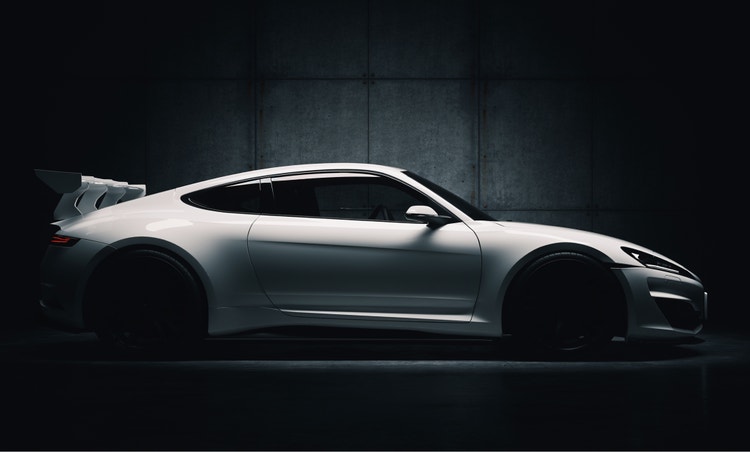


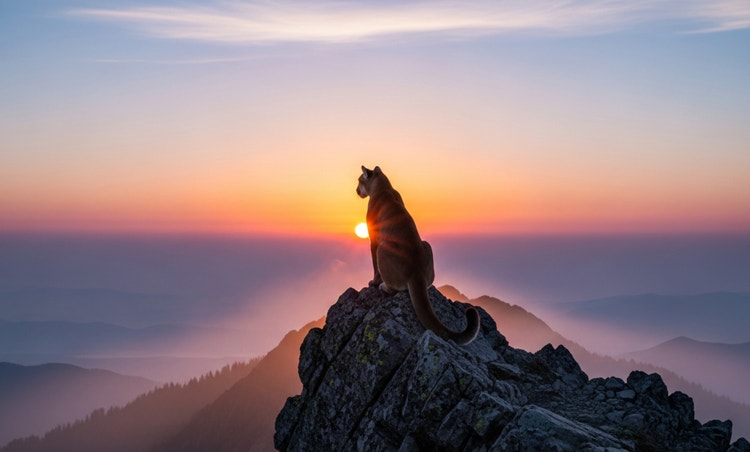
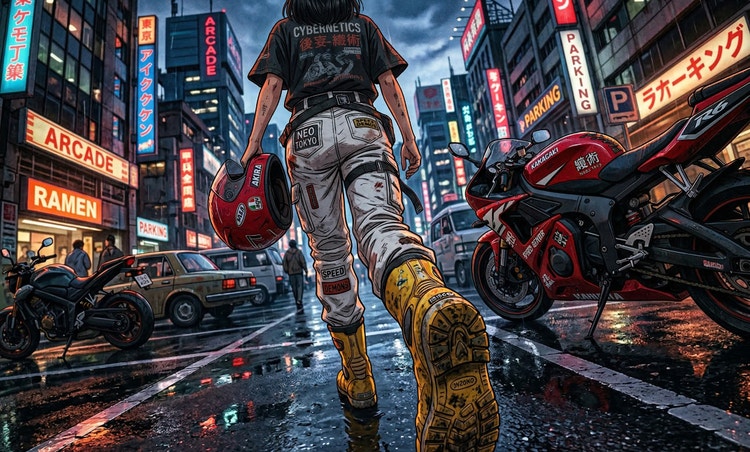
Discover even more features.
Questions? We have answers.
Are AI-generated faces safe for commercial use?
How do I control details such as age, expression and eye colour in a generated face?
What is the difference between a random face generator and the Firefly AI face generator?
What is the best AI random face generator?
Is the Adobe Firefly random face generator free to use?
Can I generate faces that look like real people?
Do I need design skills to use the random face generator?
Share this page.
Explore more Firefly tools.
The benefits of generative AI for creatives
Learn how to use generative AI to boost productivity and discover new possibilities while maintaining creative control.
Learn more | Learn more - The benefits of generative AI for creatives
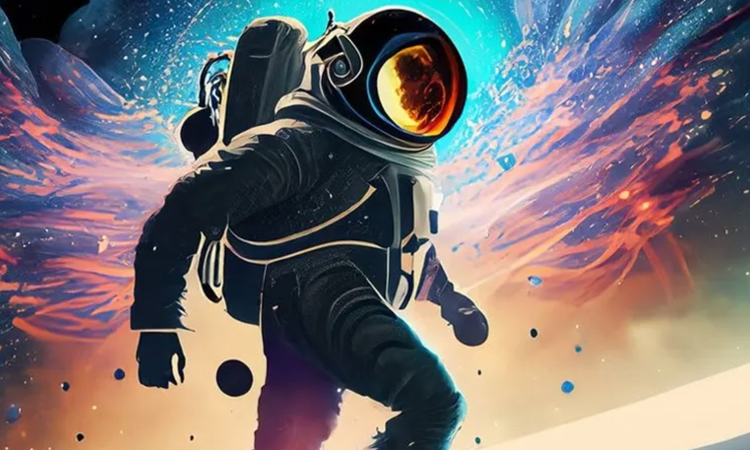
Generative AI is changing creative work
Generative AI can mimic but not replace human intelligence. Learn how it can help you to take your creativity to new places.
Learn more | Learn more - Generative AI is changing creative work
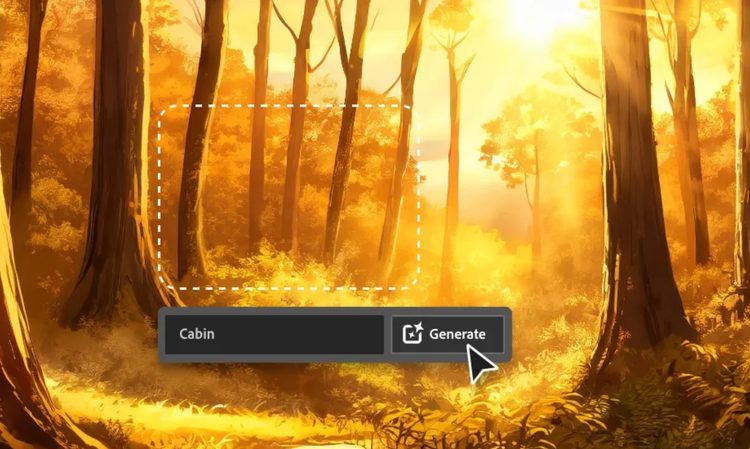
AI for graphic designers
Learn about the AI tools available to graphic designers and how they can help you be more productive and take your work in surprising directions.

AI art prompts for graphic designers
Learn how to write effective prompts for generative AI to get amazing results for graphic design.
Learn more | Learn more - AI art prompts for graphic designers