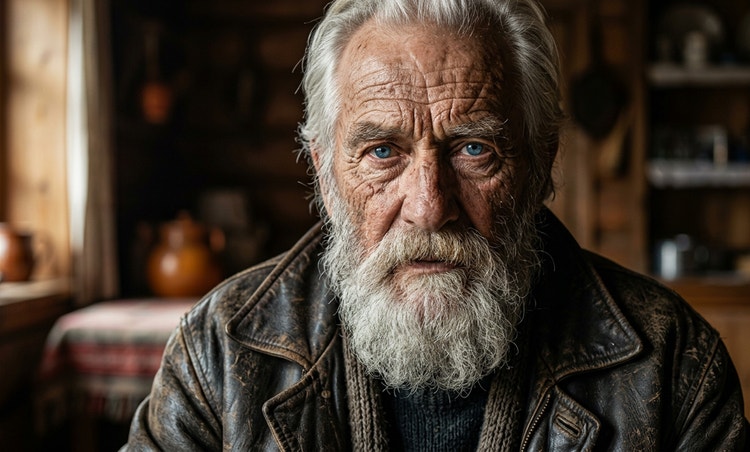
Explore endless creative possibilities.
Try different looks, outfits, styles, hairstyles, and moods. Prompt to edit in Firefly to change pose, clothing, lighting, expression, and more.



Generate high-quality images of all kinds of people with simple text prompts or reference images.

Alert Text
 Close error toast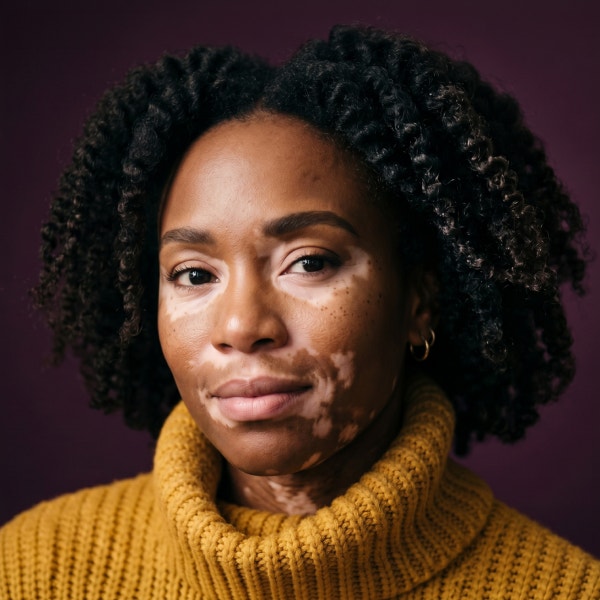
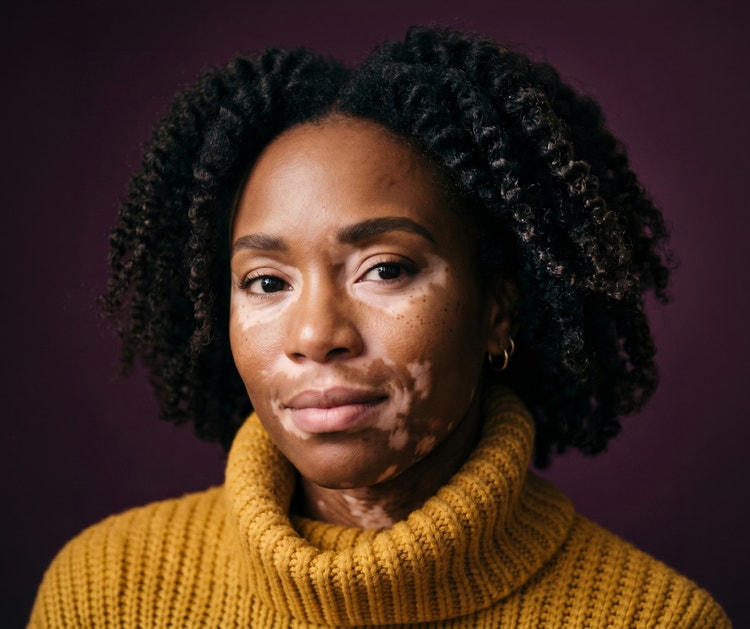
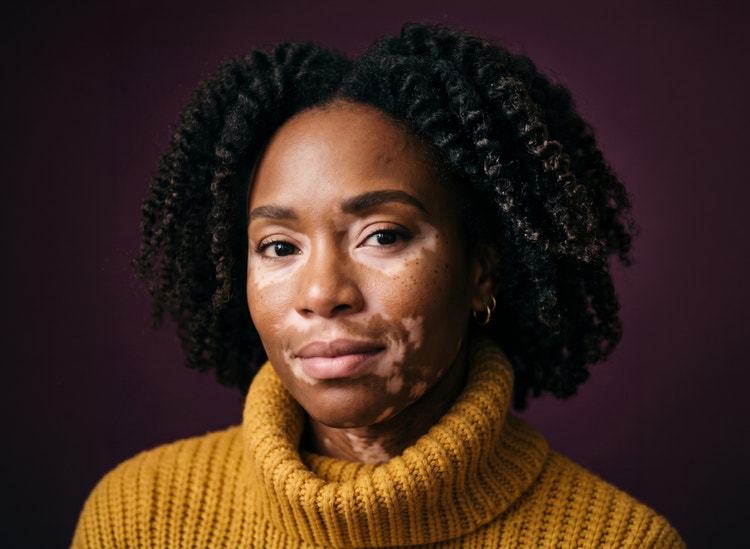
Start with a photo, sketch, or text prompt. Whether you need an image for a portrait, character concept, marketing visual, or product campaign, you can quickly bring your very own AI human to life and change the scene, pose, and expression for free in Adobe Firefly.
Try different looks, outfits, styles, hairstyles, and moods. Prompt to edit in Firefly to change pose, clothing, lighting, expression, and more.
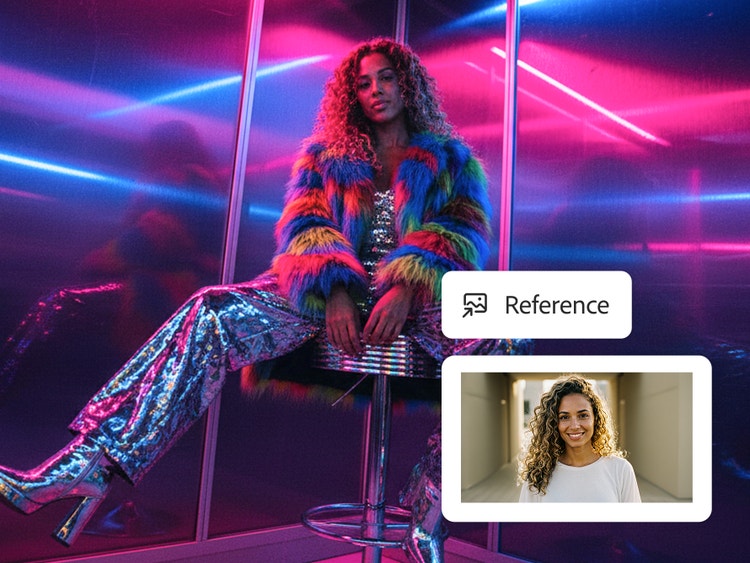
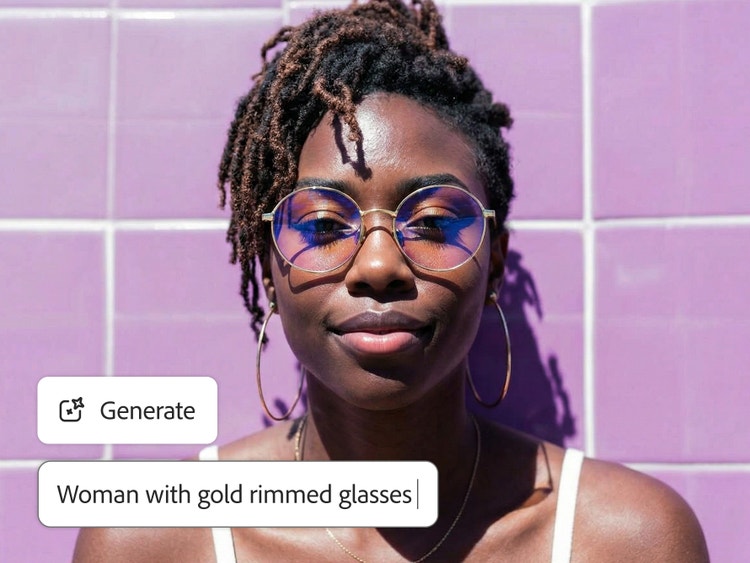
Generate realistic AI images of people to advertise your brand, develop character concepts for films or video games, and create AI presenters for client meetings. From AI avatars to headshots to illustrated characters, you can customize your images so they fit into any project.
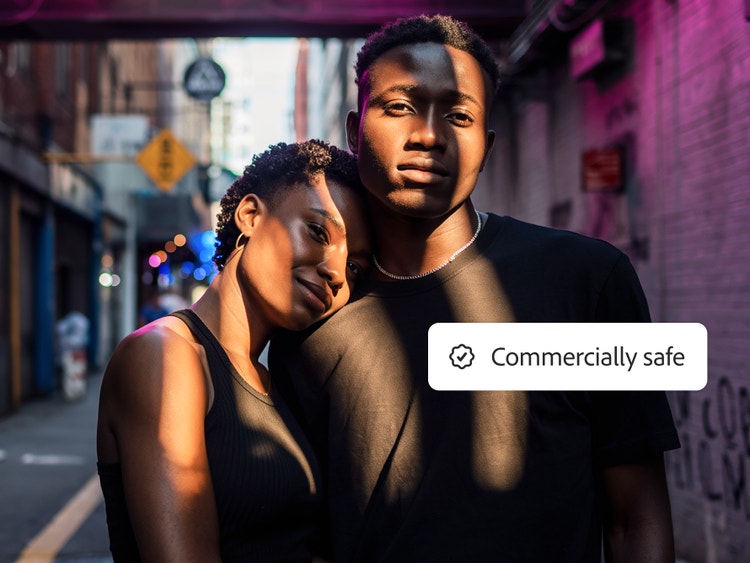
Use Firefly generative AI models, which are trained on licensed and public domain content, to reduce risks around copyright and identity. (If you use a reference image, make sure you have the rights to that image for your generations.)
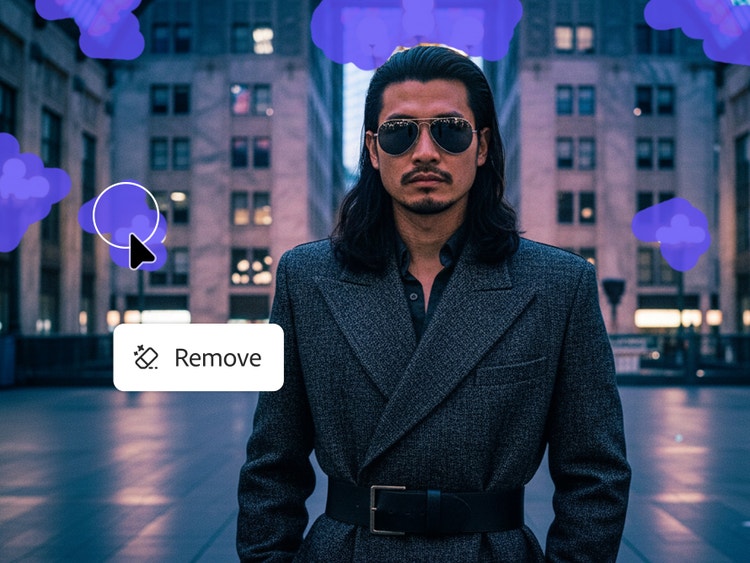
It’s easy to refine your images in Firefly. Write new prompts to adjust specific features, regenerate portions of the image, or apply finishing touches without switching applications. And you can export your realistic AI person into Photoshop for detailed retouching or bring characters into Illustrator for graphic treatments.
Easily create lifelike images of people following these quick steps in the online AI human generator.
To get started, log in to Adobe Firefly with your Adobe ID or create a free account if you don’t have one.
If you already have a sketch or your own licensed photo, upload it in the prompt bar. If you don’t have an image, just write a prompt. Describe the person you want to create, including details like age, ethnicity, clothing style, lighting, mood, background setting, and any specific features. More detailed prompts produce more accurate results.
Click Generate and watch Firefly create variations based on your inputs. Review the options and select the version closest to your vision.
Adjust your prompt to refine your image. Once you’re happy with the person you created, download your image.
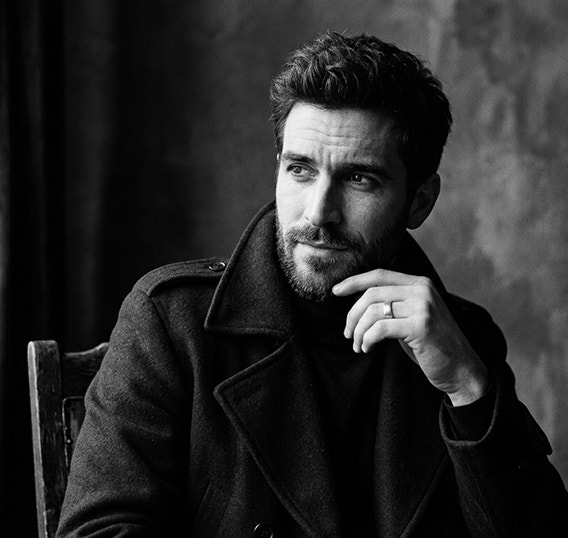
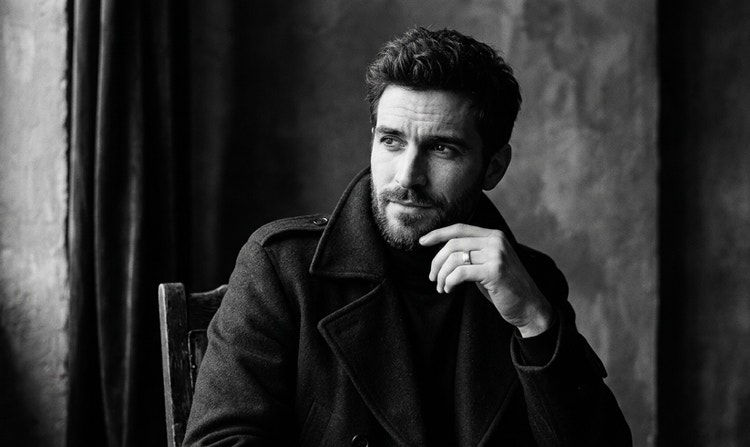
Firefly generative AI models deliver high-quality images you can trust for personal and commercial projects.
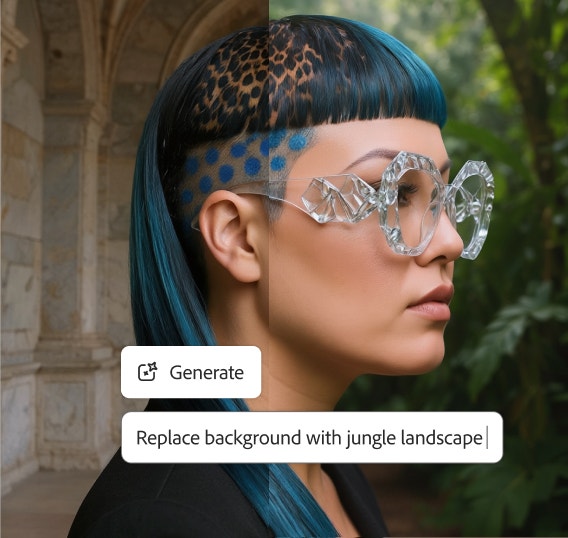
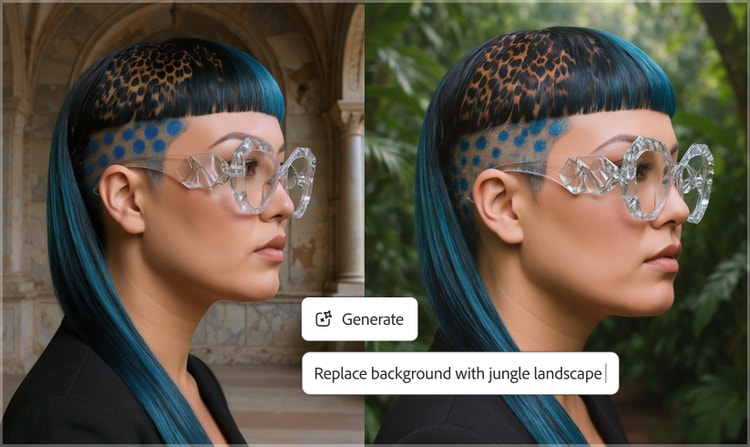
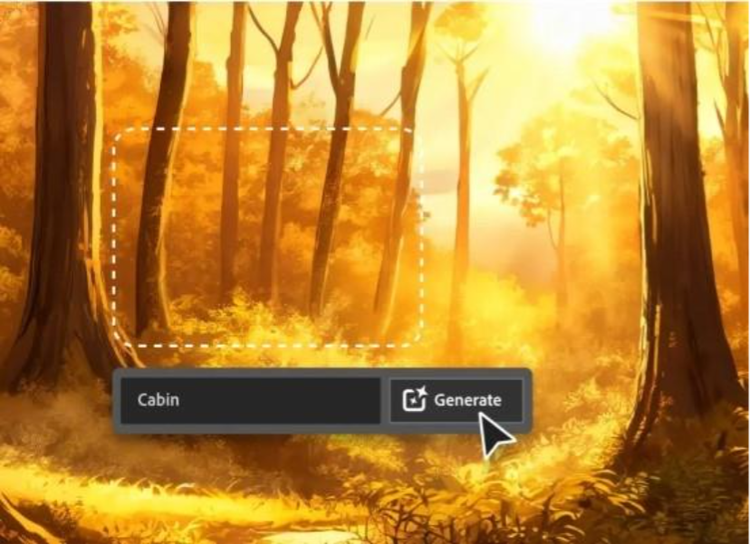
With easy-to-use tools like Prompt to Edit and Generative Fill, you can fine-tune your AI-generated human images until they look perfect.
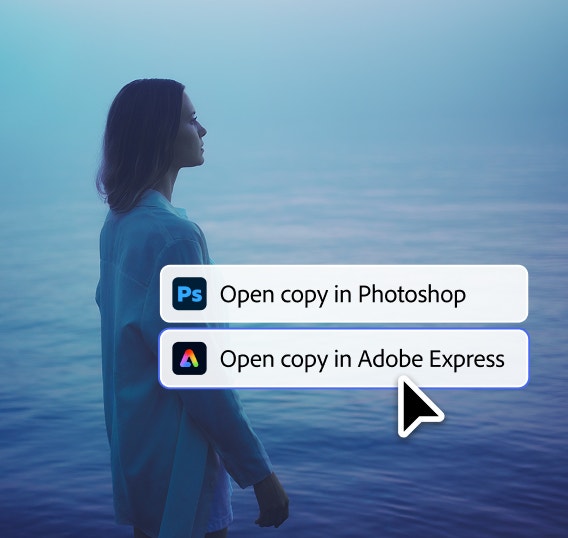
Firefly is seamlessly integrated with other Adobe Creative Cloud apps, so you can quickly add your newly created AI person to your larger projects. Take your AI person directly into Firefly Image to Video, Photoshop, or Adobe Express, or download the image to import to other Adobe apps.
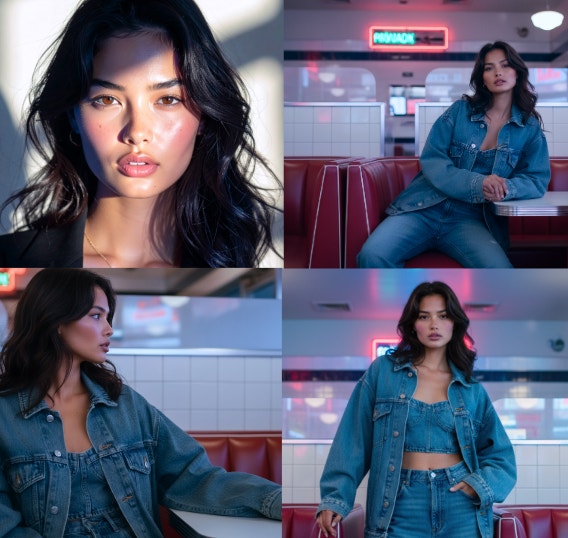
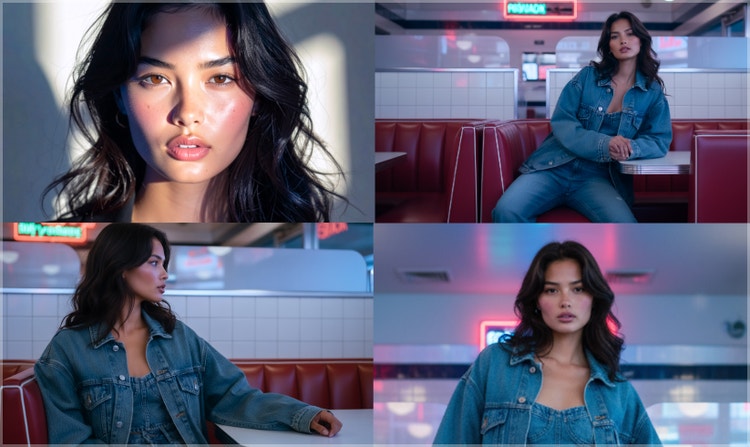
Generate multiple variations of the same image to maintain visual consistency of character assets Ideal for marketers, content creators, and teams running cohesive campaigns.
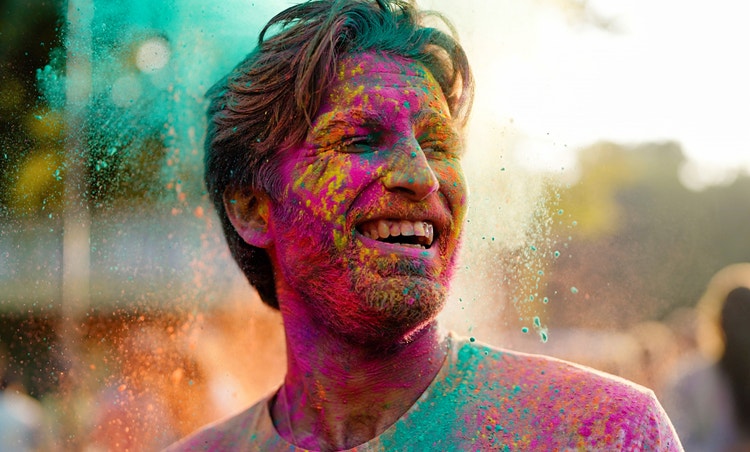
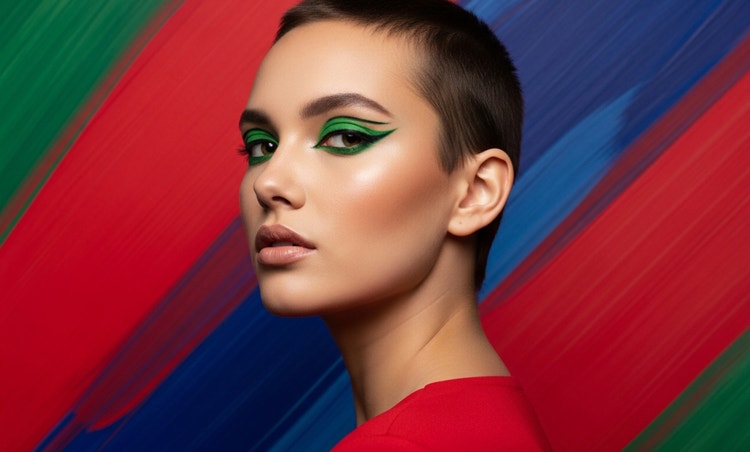

Generative AI is quickly becoming a vital tool for artists. Read on to learn about what generative AI art is, how to create it, and how you can use it in your practice.
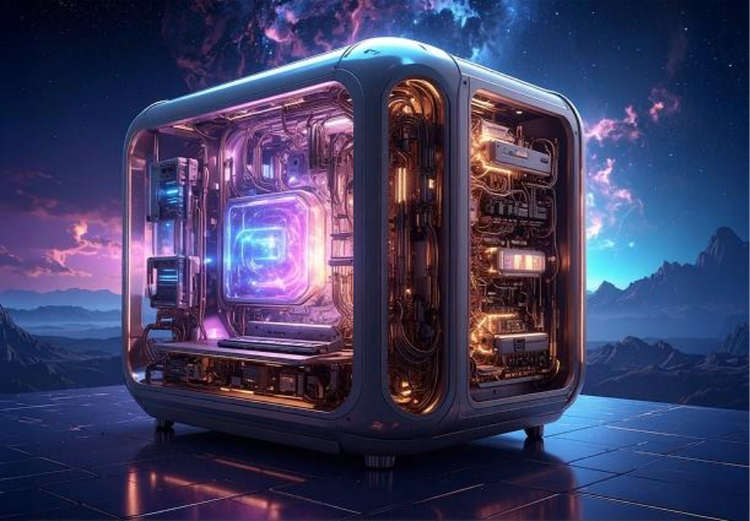
Generative AI is all over the headlines, and that’s not empty hype. This new technology is likely to be part of your life soon — if it’s not already. Learn how generative AI works and start streamlining your workflow.
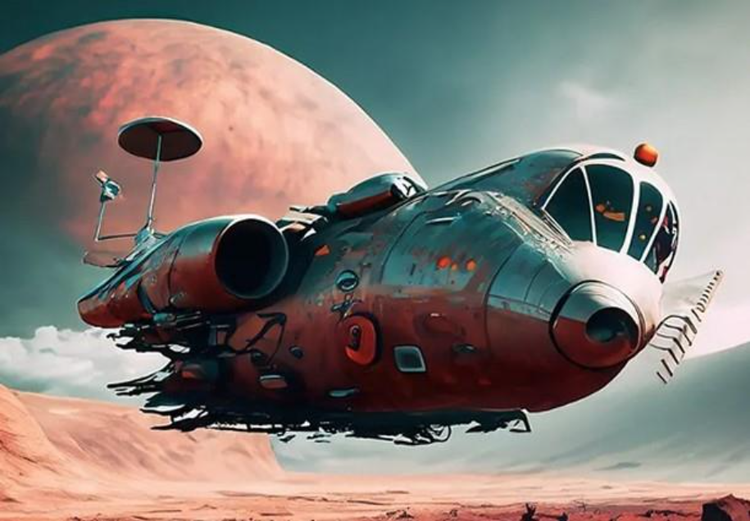
The best prompts for AI aren't always obvious. These tips get you to your destination in record time.
Learn about the AI tools available to graphic designers and how they can help you be more productive and take your work in surprising directions.


