https://main--da-cc--adobecom.aem.page/cc-shared/assets/img/firefly.svg Adobe Firefly

Bring your products to life with free product animation in Adobe Firefly.
Upload a product clip and describe the motion you want. Adobe Firefly will animate your footage with camera moves, lighting, and style.


Or tap here
File must be MP4, less than 200MB, and 5–20 seconds.
By uploading your image or video, you agree to the Adobe Terms of Use and Privacy Policy.
Or tap here
File must be MP4, less than 200MB, and 5–20 seconds.
By uploading your image or video, you agree to the Adobe Terms of Use and Privacy Policy.
Or drag and drop here
File must be MP4, less than 200MB, and 5–20 seconds.
By uploading your image or video, you agree to the Adobe Terms of Use and Privacy Policy.


{{nbsp}}
Animate your product in a few steps.
Animating a product clip helps you showcase features and usage scenarios, improves understanding, engages your customers, and increases conversions. Firefly lets you try ideas without learning complex animation software, all for free.
Describe the motion you want.
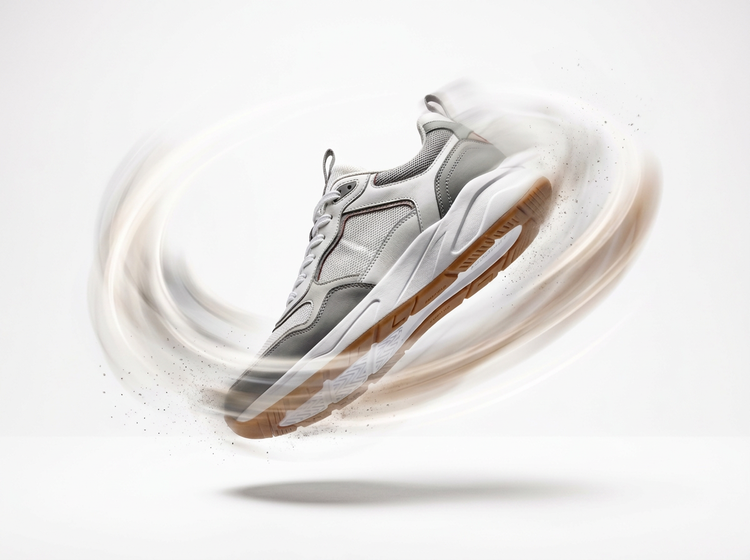
Write your prompt, then use the prompt enhancer on the right side of the prompt field to refine it and get a higher-quality first generation.

Choose the right model for your clip.
AI models interpret motion prompts differently. Pick one from the model dropdown menu, then try another on the same clip to see which handles the shape, material, and lighting of your product best.
Pair animation with the rest of your edit.
Once you've animated your product image clip, try using the music generator or the sound effects generator to add a soundtrack. Every step stays in one studio.

How to make product animation with Adobe Firefly.
Step 1
Open Adobe Firefly and select the video editor.
Step 2
Upload your product video. (Optional)
Step 3
Describe the animation you want.
Step 4
Choose a model and review your settings.
Step 5
Generate and download.
Steps on how to make product animation from a video using Adobe Firefly.
PT4M
firefly

Prompt-based control
Describe a motion in your own words, like “floating through space with a few water droplets” or “camera angle turning slowly around the product.”
Top AI models, all in one place
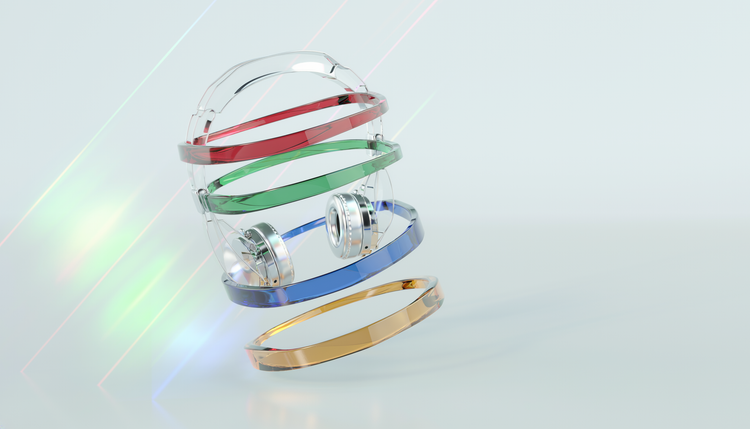
Adobe Firefly pairs its own models with partner models from Google and Runway, plus other partners, all in one creative studio. Use the model dropdown menu to try a different one on the same clip.

Your complete creative studio
Use your product photo as a reference in image-to-video to bring it to life, then trim a clip, generate new scenes, and animate your product without leaving the studio. Every stage, from first upload to final download, stays in one place.

Built for creators
Add visual interest to your product with ease, or refine every detail when precision matters. Firefly gives you the quality, speed, and flexibility to innovatively display your product, without the complexity.