https://main--da-cc--adobecom.aem.live/cc-shared/assets/img/firefly.svg Adobe Firefly

Make a free animated cartoon in Adobe Firefly.
Describe a character and a scene, or upload a first frame, and Adobe Firefly will generate a short animated cartoon clip. Compare versions side by side and download the one you like.



{{nbsp}}
Generate an animated cartoon in moments.
Whether you want a bouncing mascot for your channel, a short story for a classroom, or a looping character for a presentation, describe the scene you have in mind. Firefly will generate an animated cartoon clip for free that you can download and share.
Explore animated cartoon styles without starting from scratch.
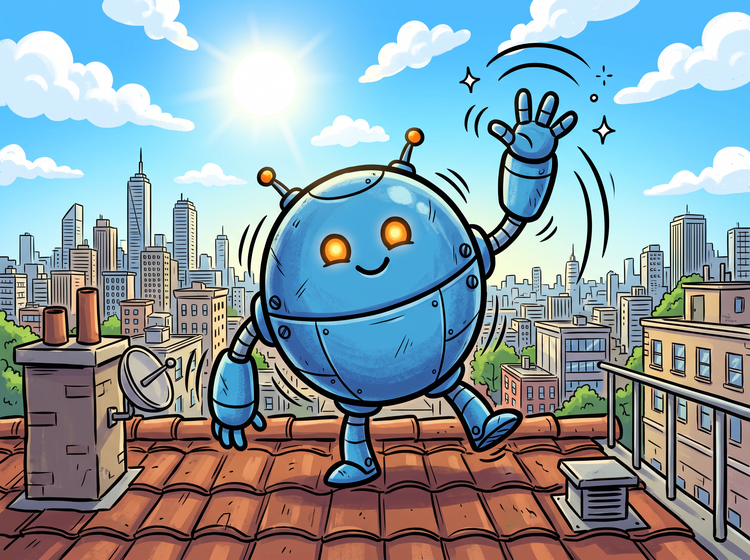
Describe a character, a setting, and a motion, like "a round blue robot waving hello on a sunny rooftop, bold outlines, bouncy movement." Luma and Runway models give you different takes to compare. Pick a look, refine it, and build from there.
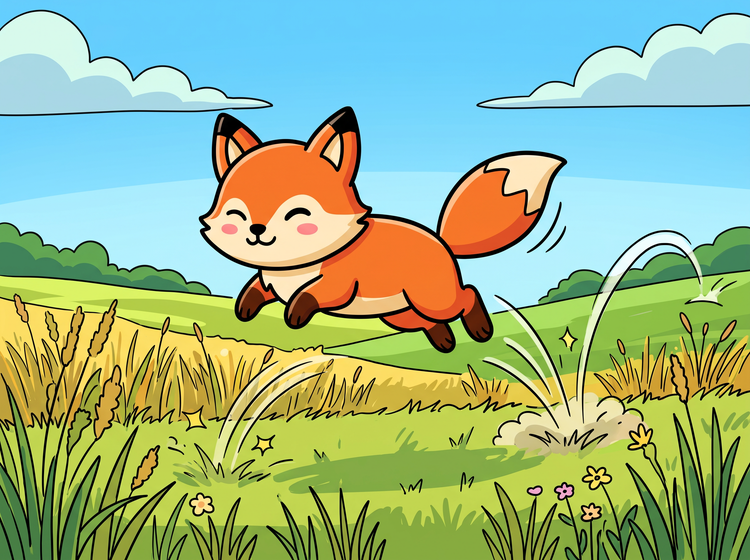
Start from your own character drawing.
If you are looking to turn an image to video, upload a sketch or illustration as the first frame, then describe how it should move. Use Image to Video to bring your finished character to life, and add a prompt to set the motion, camera, and pace. Your character keeps its look from the first frame to the last.
Fine-tune your animated cartoon with precision edits.
Once you've generated your first clip, adjust your prompt to change the motion, timing, or camera angle. Open the AI video editor to trim and arrange clips on one timeline, all within the same studio.
How to make an animated cartoon with Adobe Firefly.
Step 1
Open Adobe Firefly.
Step 2
Describe your animated cartoon.
Step 3
Add a first frame and choose a model.
Step 4
Generate and refine your clip.
Step 5
Download your animated cartoon.
- How to make an animated cartoon with Adobe Firefly.
- Steps on how to make an animated cartoon using Adobe Firefly Generate Video.
- PT5M
- firefly
Precise creative control
Every animated cartoon starts with the details in your prompt. Name the character, the motion, and the art style, then adjust your prompt to refine the result.
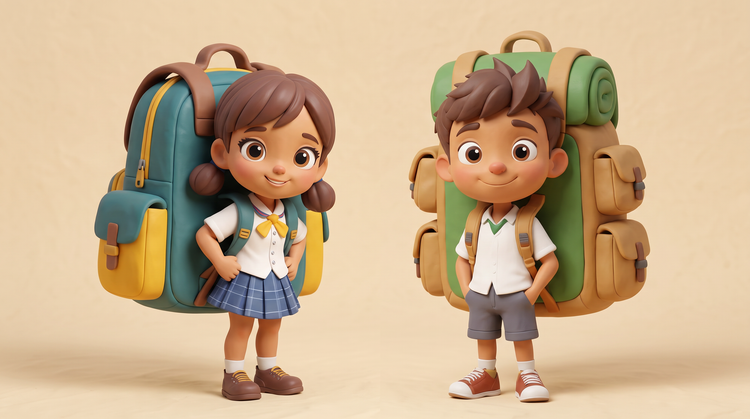
Top AI models, all in one place
Firefly pairs its own models with top partner models, including Luma, Runway, and others in a single creative studio. Compare results across models, then refine your favorite.
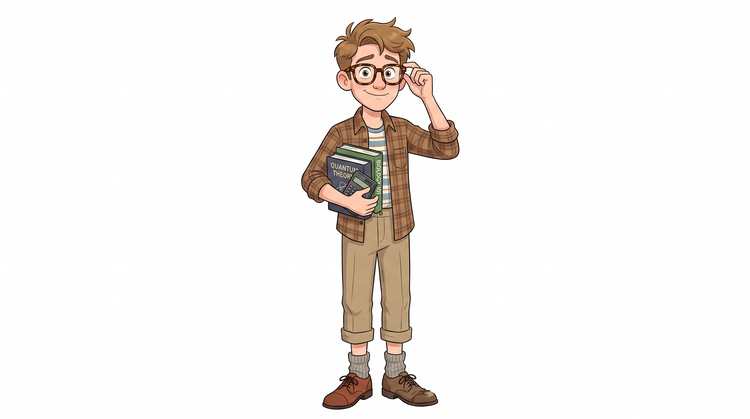
Your complete creative studio
One studio carries you from a first prompt to a finished clip. Pick a model, generate options, and refine the details with further prompting, all in Firefly.
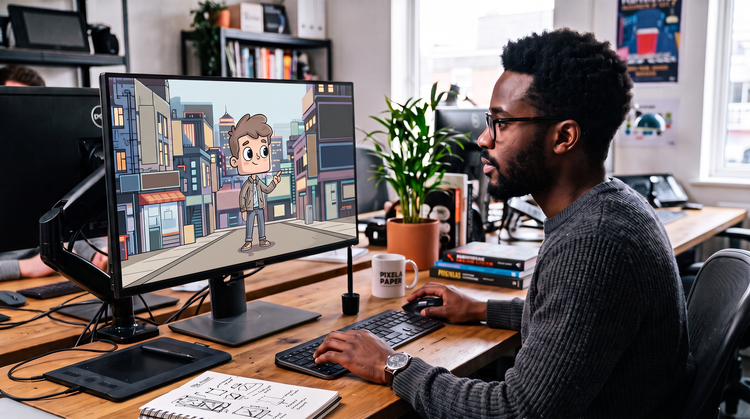
Built for creators
Tools built for real workflows keep you moving, with no animation software experience needed. Firefly adapts to how you like to work, from quick tweaks to precise adjustments.