https://main--da-cc--adobecom.aem.live/cc-shared/assets/img/firefly.svg Adobe Firefly

Free cartoon video generator with Adobe Firefly.
Prompt your characters and scene, or upload a first frame, and Adobe Firefly will generate a short animated cartoon video. Try different models, compare the results, and download your favorite.



{{nbsp}}
Turn your idea into an animated cartoon video.
From a looping mascot for your channel to a short scene for a lesson or a pitch, an animated cartoon video starts with a description. Tell Adobe Firefly who is in the scene and what they are doing, then review the clip and download it.
See your cartoon idea in motion.
Describe the character, the setting, and the action, like “a sleepy cartoon owl flapping through a starry night sky, soft outlines, gentle motion.” Firefly models and video partner models from Luma, Runway, and more interpret your prompt differently, so you can compare styles and pick your favorite.
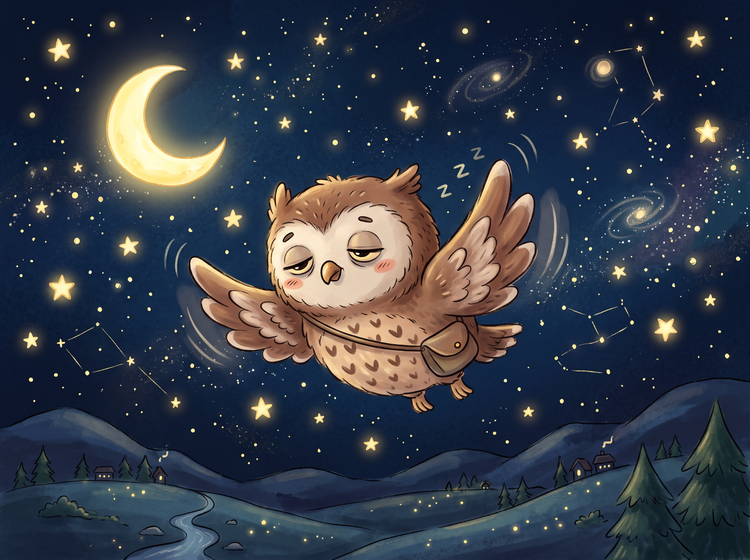

Bring your own character to life.
Upload a drawing or illustration as the first frame, then use your prompt to guide the motion, camera, and pace of your animation.
Adjust motion, timing, and camera with each pass.
After your first clip, rewrite the prompt to speed up the action, change the camera angle, or switch the art style. Open the AI video editor to trim and sequence clips on one timeline in the same studio.
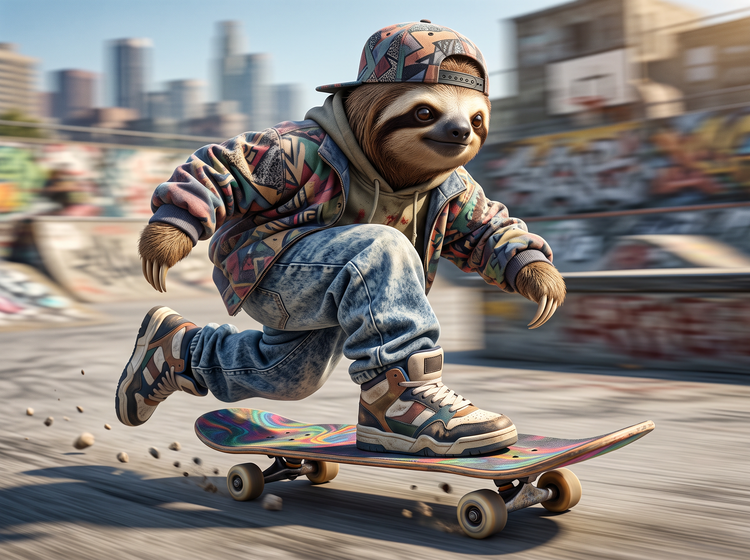
How to make an animated cartoon video with Adobe Firefly.
Step 1
Open Adobe Firefly.
Step 2
Write your cartoon prompt.
Step 3
Choose a model and add a first frame.
Step 4
Generate and compare versions.
Step 5
Download your animated cartoon video.
- How to make an animated cartoon video with Adobe Firefly.
- Steps on how to make an animated cartoon video using Adobe Firefly Generate Video.
- PT5M
- firefly

Control over every detail
Your prompt shapes the character, the motion, and the art style. Change a word, change the movement, and generate again to see the difference.

Top AI models, all in one place
Firefly brings together its own models and partner models from Google, OpenAI, FLUX models, and more in one creative studio. Compare results across models, then build on the one you like best.
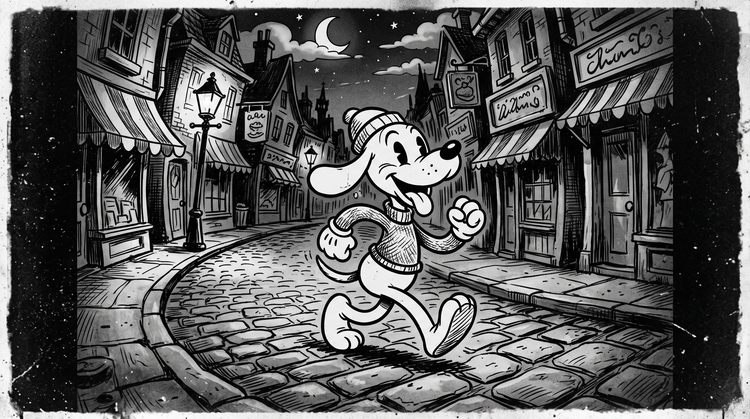
A complete creative studio
Go from a first prompt to a finished clip in a single studio. Choose a model, generate versions, and polish the details with more prompting, all in Firefly.
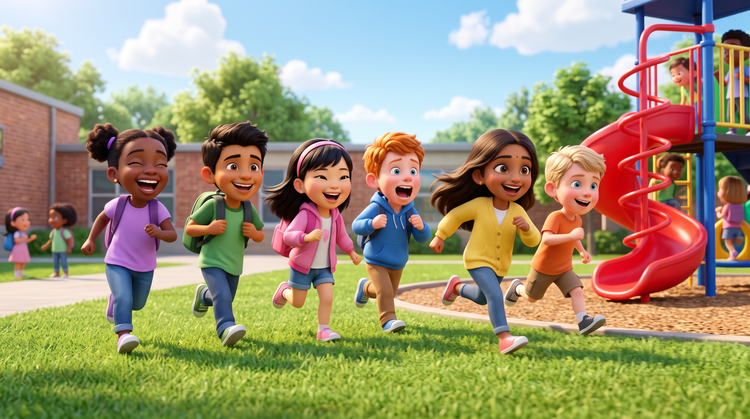
Made for creators
Add a first frame, adjust the camera, and trim clips as you go. Firefly fits how you work, whether you need a quick draft or a carefully tuned scene.